Kap: Feature Request: Mouse Spotlight on Hover - Customization option
Thank you for this tool, it's truly a work of art, and I love the plugins and ecosystem you've built around it.
It would be really cool if we could do a few things (see the video below for an example)
https://hey.com/assets/features/screener-8cfc9693247934c9b50329f57c01327a2145960476a2d5a51c576c6e71eb33d0.mp4
Mouse hover: Have a mouse spotlight feature (where the mouse cursor looks like a spotlight, and the rest of the screen gets greyed out, exactly like the video shown). This "spotlight" mode could be triggered on a keypress, like "S" (or make it configurable), so that we can use it for some parts of the Kapture and not others.
Make configurable:
- trigger key for starting / ending spotlight mode
- spotlight size (radius) on hover, with current (or reasonable) defaults.
- spotlight color
- color / darkness of background
macOS version: MacOS Catalina 10.15.5
Kap version: 3.2.2
 connecteev
All 14 comments
I really like this as well, again for a plugin idea. What would the key be though? Something that wouldn't trigger accidentally while recording.
I think something as plain as "S" might be tough, since you might type during the recording. Also, if you wanted to just spotlight but you have an app that is focused, you might be typing by accident.
I think a meta key might be better in this case, but still configurable, since it'd depend on the recording you're making
 karaggeorge
on 17 Jun 2020
karaggeorge
on 17 Jun 2020
@karaggeorge even more excited about this feature / plugin when it becomes available
Here's an idea, please feel free to reject this if you think of someting better:
Trigger key: command + S to enable / disable spotlight (and equivalent on windows, say Ctrl + S). It could even be a weird combination like command + option + S, or command + ctrl + S, but I think command+S is simple and wont be triggered by accident.
Of course, you could still configure the trigger key for starting / ending spotlight mode in your settings, like the other config options mentioned above.
connecteev
on 17 Jun 2020
Yeah making it configurable I think is best. I'm also thinking about two different cases. One where your keybind is basically a toggle, so you have to hit it to enable and hit it again to disable, and one where the effect goes on while you're holding it down
karaggeorge
on 18 Jun 2020
Agreed! Though I personally wouldn't use the latter where you have to hold it down because it's not hands-free :)
connecteev
on 18 Jun 2020
Hi! No pressure but it would be great to know when we can use this feature :)
connecteev
on 17 Jul 2020
This isn't planned yet @connecteev, as of now this request doesn't have enough traction for us to consider it as part of the core app, it does however sound like at least a partial implementation of this feature could be done via a plugin. We'll continue to gauge the interest and see if anyone wants to work on this!
 skllcrn
on 19 Jul 2020
skllcrn
on 19 Jul 2020
Thats a bummer was waiting for this
connecteev
on 20 Jul 2020
Hey @connecteev
I like this feature idea too. I was working on this a while ago, but I've been pretty busy with work, and we've had other more pressing issues for the Kap core application, so this has been pushed down in my list of things.
The use case might seem simple, but the implementation is not that easy as you need to be listening for a keyboard input (to trigger) while not having focus, since Kap doesn't have focus while you're recording. Trying to do that without asking for Accessibility permissions (making it pretty much a keylogger, which many people might not like) is tricky. If I have some more time in the future, I'll work some more on it, but I can't give a concrete estimate.
Also, would you mind re-sharing the recording in the main issue body. The link is no longer available
karaggeorge
on 20 Jul 2020
@connecteev Also, just a note, if you (or your company) really need an issue or a bug fixed, you always fund it through IssueHunt: https://issuehunt.io/r/wulkano/kap
That might help it get addressed faster or give incentive for outside contributors to work on it 😄
karaggeorge
on 20 Jul 2020
Thanks for the update @karaggeorge, I understand that you are busy and this is not an easy one to solve.
connecteev
on 20 Jul 2020
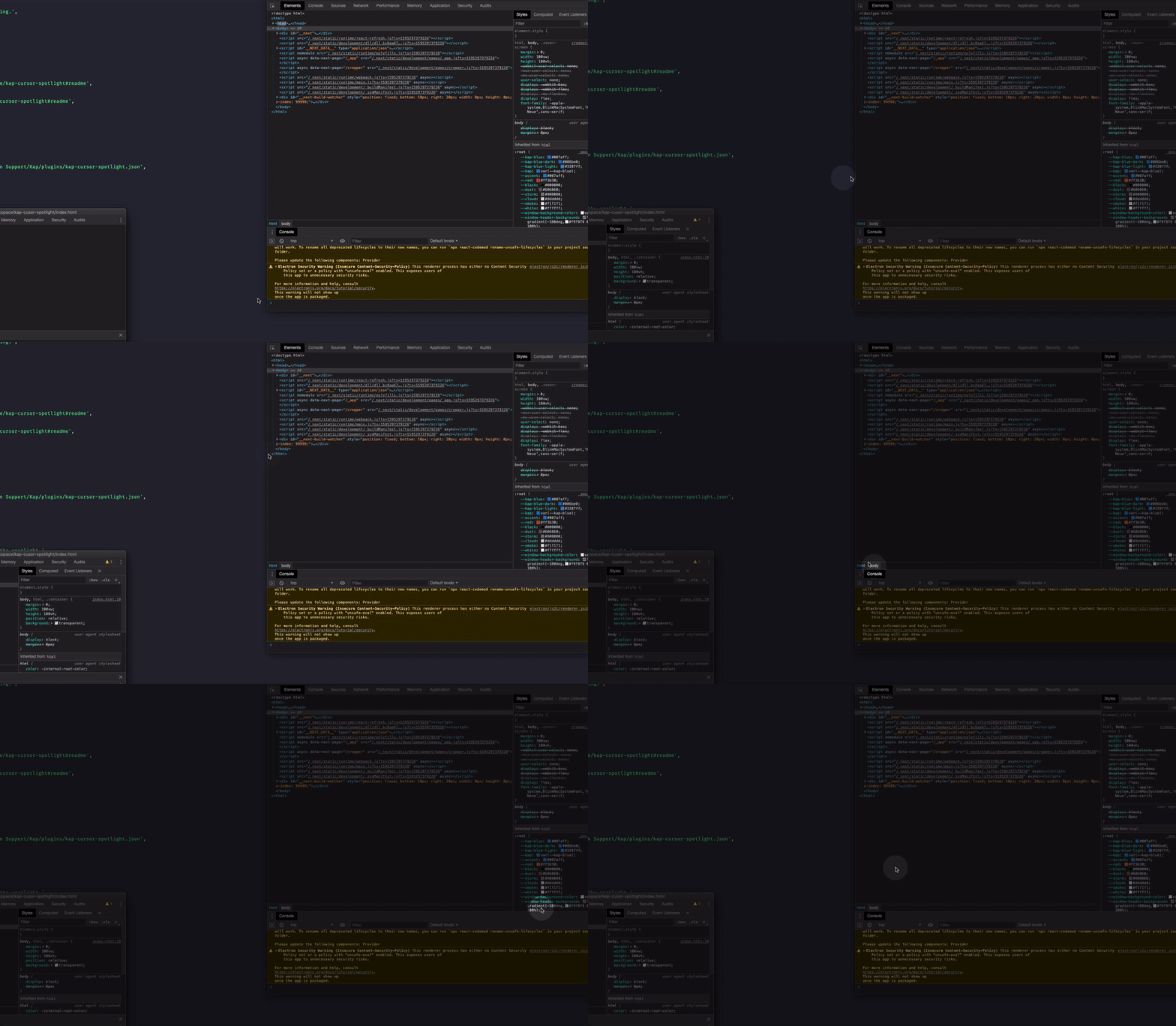
@connecteev would something like this work?
The circle lags a bit behind the cursor movement, but there's not much I can do about that, since I have to subscribe basically to the cursor position and draw after.
Radius, fade-in duration, opacity and keyboard shortcut are customizable.
Also it'll have to wait until #897 is merged and released until it can be installed
karaggeorge
on 21 Jul 2020
@karaggeorge that's a pleasant surprise, yes, would love to try this out.
Btw it sounds like these configuration options have been added: spotlight size (radius) on hover, fade-in duration, opacity, keyboard shortcut (trigger key) for starting / ending spotlight mode
Would these also be configurable? spotlight color, color / darkness of background.
Thanks for the quick turnaround on this.
connecteev
on 21 Jul 2020
I'm not sure I follow. Wouldn't the spotlight be the transparent circle in the middle? Would the color have opacity over the cursor? Or would it be a border?
For the background, it's just black, with the given opacity which is the other option already there. Do you think the color itself needs to be configurable?
karaggeorge
on 21 Jul 2020
@karaggeorge yes, so:
spotlight color is the semi-transparent circle in the middle, i would be nice to specify the base color (like yellow, as shown), change it to green, or any other color of our choosing to match our product's theme / style.
Color / darkness of background would be the background color (Default black) and background opacity (lets say, default 50%) when the spotlight is on. The background color doesnt have to be configurable...but more options are always good! I can see changing it to dark blue to match my theme, for example.
connecteev
on 21 Jul 2020
Related issues
 rgbkrk
·
4Comments
rgbkrk
·
4Comments
 tyler-reitz
·
4Comments
tyler-reitz
·
4Comments
 timothyis
·
3Comments
timothyis
·
3Comments
 benlumia007
·
3Comments
benlumia007
·
3Comments
 pedromassango
·
3Comments
pedromassango
·
3Comments