Kap: Can not save recording on macOS 10.15 Beta
macOS version: 10.15 Beta
Kap version: 2.2.0
Steps to reproduce
Click to record, start recording, stop recording
Current behaviour
Errors right after clicking stop
Expected behaviour
Video preview window should show
Workaround
No workaround
Attached Error
Unhandled Promise Rejection
Error: Command failed: /Applications/Kap.app/Contents/Resources/app.asar.unpacked/node_modules/aperture/aperture {"destination":"file:///private/var/folders/dk/09cf0qrx77q6rwxq6hlb0nmr0000gn/T/a2feb666f7c405c49ed2550c3e7a19a1.mp4","fps":60,"showCursor":true,"highlightClicks":true,"displayId":"69733382","cropRect":[[62,337],[411,753]]}
Error Domain=AVFoundationErrorDomain Code=-11800 "The operation could not be completed" UserInfo={AVErrorRecordingSuccessfullyFinishedKey=false, NSLocalizedDescription=The operation could not be completed, NSLocalizedFailureReason=An unknown error occurred (-16345), NSURL=file:///private/var/folders/dk/09cf0qrx77q6rwxq6hlb0nmr0000gn/T/a2feb666f7c405c49ed2550c3e7a19a1.mp4, NSUnderlyingError=0x7ff7ded2b320 {Error Domain=NSOSStatusErrorDomain Code=-16345 "(null)"}}
FigMovieFormatFileWriter::PostProcessMovie: WriteMovie() errored!!! -16345
    at Promise.all.then.arr (/Applications/Kap.app/Contents/Resources/app.asar/node_modules/aperture/node_modules/execa/index.js:236:11)
    at <anonymous>
 iRoachie
All 8 comments
This looks like an issue with config and/or permissions to me, what do you think @sindresorhus?
 skllcrn
on 9 Jun 2019
skllcrn
on 9 Jun 2019
Seeing exactly the same error after upgrading to 10.15 beta, please let me know if I can help debugging this somehow.
Note: I don't have experience with mac, but I'm happy to run debugging commands that might help to dig deeper into the issue.
 franciscop-sc
on 14 Jun 2019
franciscop-sc
on 14 Jun 2019
I don't have time to debug Kap v2 stuff. I will look into it further if you can reproduce with the v3 beta: https://github.com/wulkano/kap/releases/tag/v3.0.0-beta.5
 sindresorhus
on 14 Jun 2019
sindresorhus
on 14 Jun 2019
I tried the new beta. A popup stating something along the lines of "couldn't start recording within 5 seconds" showed up. Then the real issue came, since it seems like it crashed and locked the screen in the "recording" state and didn't allow to quit it anyhow. Clicking the bar icon did not show or do anything, the screen remained like this until I rebooted:
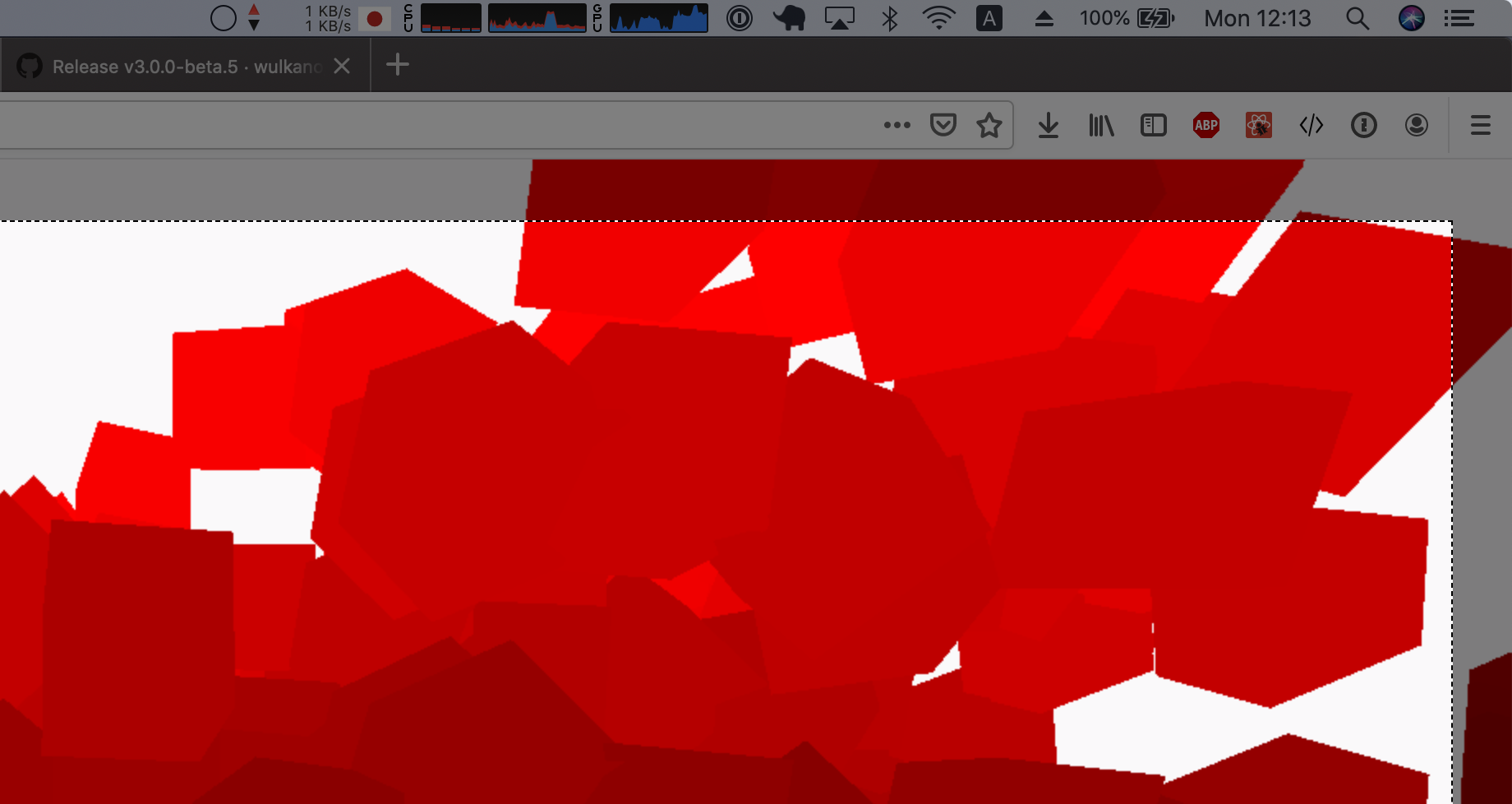
After the restart it doesn't crash anymore. When clicking it the new menu appears, it seems to start recording with the bar button changing. But after pressing the "Stop" the whole thing just disappears and no file is generated, there's no popup and the specified saving folder does not contain any new file.
franciscop-sc
on 17 Jun 2019
@sindresorhus I get a dialog that says "The application Kap Beta can't be opened" using beta 5 on Catalina B2.
 NSExceptional
on 21 Jun 2019
NSExceptional
on 21 Jun 2019
Same as above using Catalina B2 with Kap 3 beta 5, also seems like the dark screen overlay get stuck after the error pops up, had to force close the app to get rid of it.
 kalkih
on 1 Jul 2019
kalkih
on 1 Jul 2019
I was able to fix this by doing
System Preferences > Security & Privacy > Screen Recording > Re-select Kap in list of Apps

 mrmos
on 24 Jul 2019
mrmos
on 24 Jul 2019
In the latest Catalina it was fixed for me as well. I _believe_ I might have done what @mrmos is suggesting accidentally (+a couple of restart cycles), deselected all the "screen recordings" and selected them again, and now both Kap and Kap Beta works.
franciscop-sc
on 24 Jul 2019
Related issues
 Qix-
·
3Comments
Qix-
·
3Comments
 deadcoder0904
·
3Comments
deadcoder0904
·
3Comments
 freeassange
·
3Comments
freeassange
·
3Comments
 benlumia007
·
3Comments
benlumia007
·
3Comments
 tyler-reitz
·
4Comments
tyler-reitz
·
4Comments
Most helpful comment
I was able to fix this by doing
System Preferences > Security & Privacy > Screen Recording > Re-select Kap in list of Apps