Jtapplecalendar: Wrong Week day
Hi!
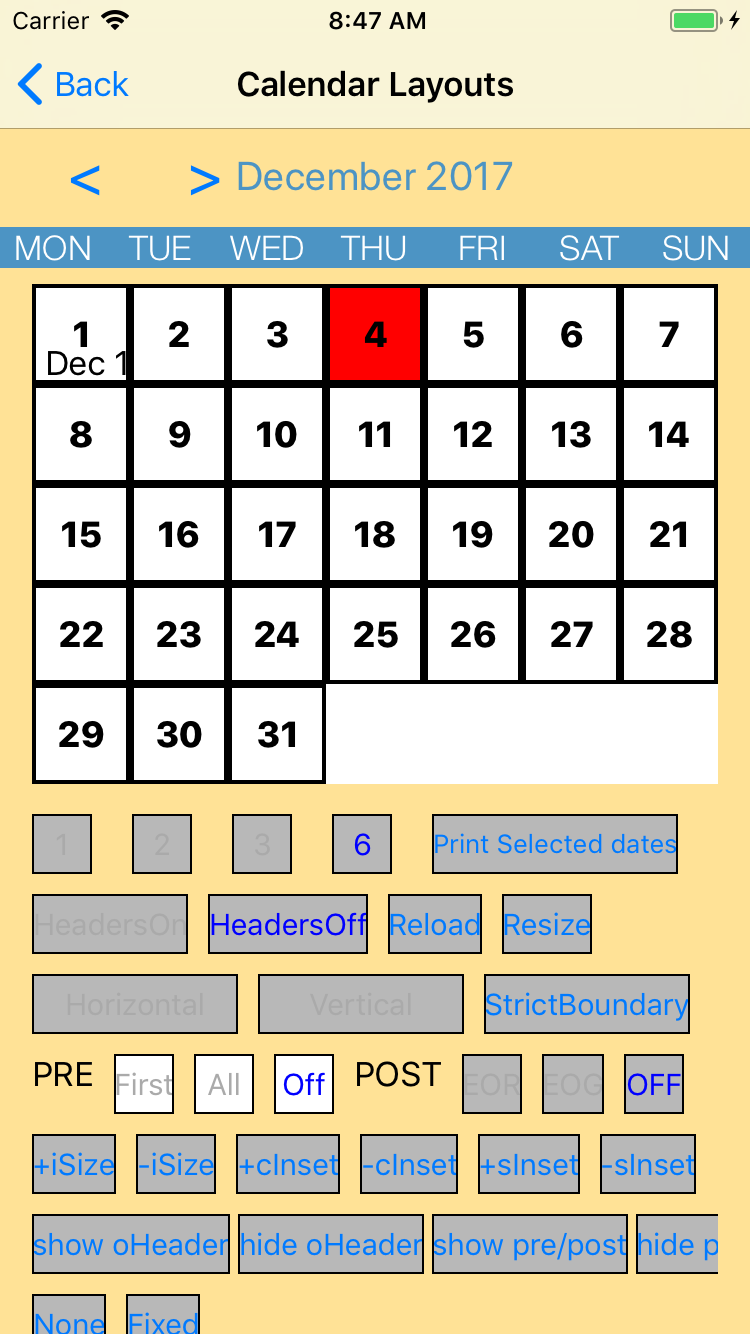
I'm using latest version and latest example app to recreate a problem. Please download example app and set next settings an in image below. You might notice that current date (December 4 2017 is in wrong place depending on week day). It should be placed below Monday. Please help.
 dastanbb
All 6 comments
setting it to off means it will not be generated. In which case you will need to change the label for the header because the header you see in the example app was manually created by my self (it is not managed by the library).
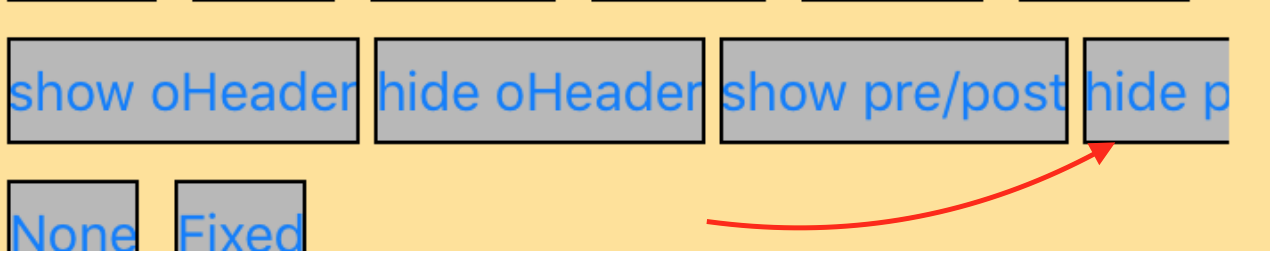
It looks like you DO want the dates to be generated, but you just want them to be invisible. In which case you click on this button ->
With this library you can design any grid style standard calendar. A better idea would be to show me a picture of the calendar you are trying to build and i will tell you the configuration.
 patchthecode
on 4 Dec 2017
patchthecode
on 4 Dec 2017
Also, the video list will help you greatly -> Here
Closing this issue. But if youre still stuck, then let me know
patchthecode
on 4 Dec 2017
Thank you for the quick response! I want to implement one-row calendar to scroll horizontally week by week (paging collection view). So we have 7 weekday labels on top and navigate a user to current date. Hope this is clear. I'm setting firstDayOfWeek: .monday in configuration and think that segment will start from monday date.
dastanbb
on 4 Dec 2017
Does this help -> https://github.com/patchthecode/JTAppleCalendar/issues/581
patchthecode
on 4 Dec 2017
Yeah, It did. I was using incorrect generateInDates. Thank you, man! I really apreciate your work!
dastanbb
on 4 Dec 2017
cool. 🍻
patchthecode
on 4 Dec 2017
Related issues
 gotamafandy
·
3Comments
gotamafandy
·
3Comments
 dbmrq
·
5Comments
dbmrq
·
5Comments
 carlosper88
·
4Comments
carlosper88
·
4Comments
 blinkmeoff
·
3Comments
blinkmeoff
·
3Comments
 leo150
·
3Comments
leo150
·
3Comments