Jfoenix: Changing the color of the JFXList rippler
Hello guys,
thanks for this great framework, im currently struggling with changing the JFXList Item background color. Can someone give me a tip how to change the background-color / rippler effect color?
Actually im using the jfoenix-demo.css from the demo-application, but i somehow cant find this css class.
That the component im trying to modify:
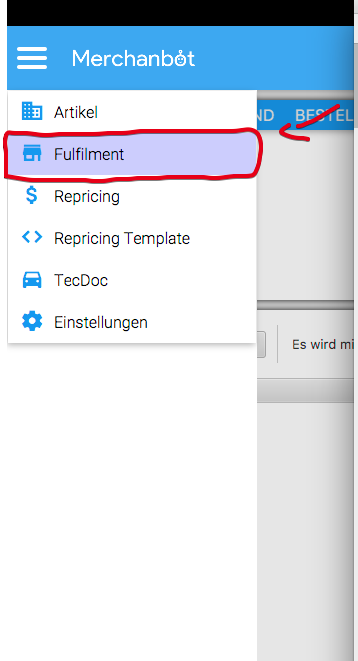
My try:

Thanks
 riftshadow
All 4 comments
Did You try it with "-jfx-rippler-fill"?
I think you missed out the prefix "j" in your css-file.
See Demo-JFoenix-CSS:
https://github.com/jfoenixadmin/JFoenix/blob/791eebc0b698b0dad7a589ba8470eff1014225ab/demo/src/main/resources/css/jfoenix-main-demo.css#L200
 wglanzer
on 16 Jan 2018
wglanzer
on 16 Jan 2018
Thanks, that may be the reason.
I gonna test it
riftshadow
on 17 Jan 2018
Sorry for the late answer, but it doesnt change the rippler background color
with-jfx-rippler-fill
Any other idea?
riftshadow
on 18 Jan 2018
Didn't notice the css selectors, those are outdated. You can change the color using the following css:
.jfx-list-cell .jfx-rippler {
    -jfx-rippler-fill: #5264AE;
}
and for the background
.jfx-list-cell {
    -fx-background-color: WHITE;
}
I noticed that some styling in the main demo css are outdated, will fix it as soon as possible to prevent misleading. Thanks for pointing out the issue 👍
Regards,
 jfoenixadmin
on 18 Jan 2018
jfoenixadmin
on 18 Jan 2018
Related issues
 salwyn
·
3Comments
salwyn
·
3Comments
 rfenters95
·
4Comments
rfenters95
·
4Comments
 TurekBot
·
5Comments
TurekBot
·
5Comments
 evillatoro
·
3Comments
evillatoro
·
3Comments
 swftvsn
·
3Comments
swftvsn
·
3Comments
Most helpful comment
Did You try it with "-jfx-rippler-fill"?
I think you missed out the prefix "j" in your css-file.
See Demo-JFoenix-CSS:
https://github.com/jfoenixadmin/JFoenix/blob/791eebc0b698b0dad7a589ba8470eff1014225ab/demo/src/main/resources/css/jfoenix-main-demo.css#L200