Jetpack: Revue: required label is not aligned properly
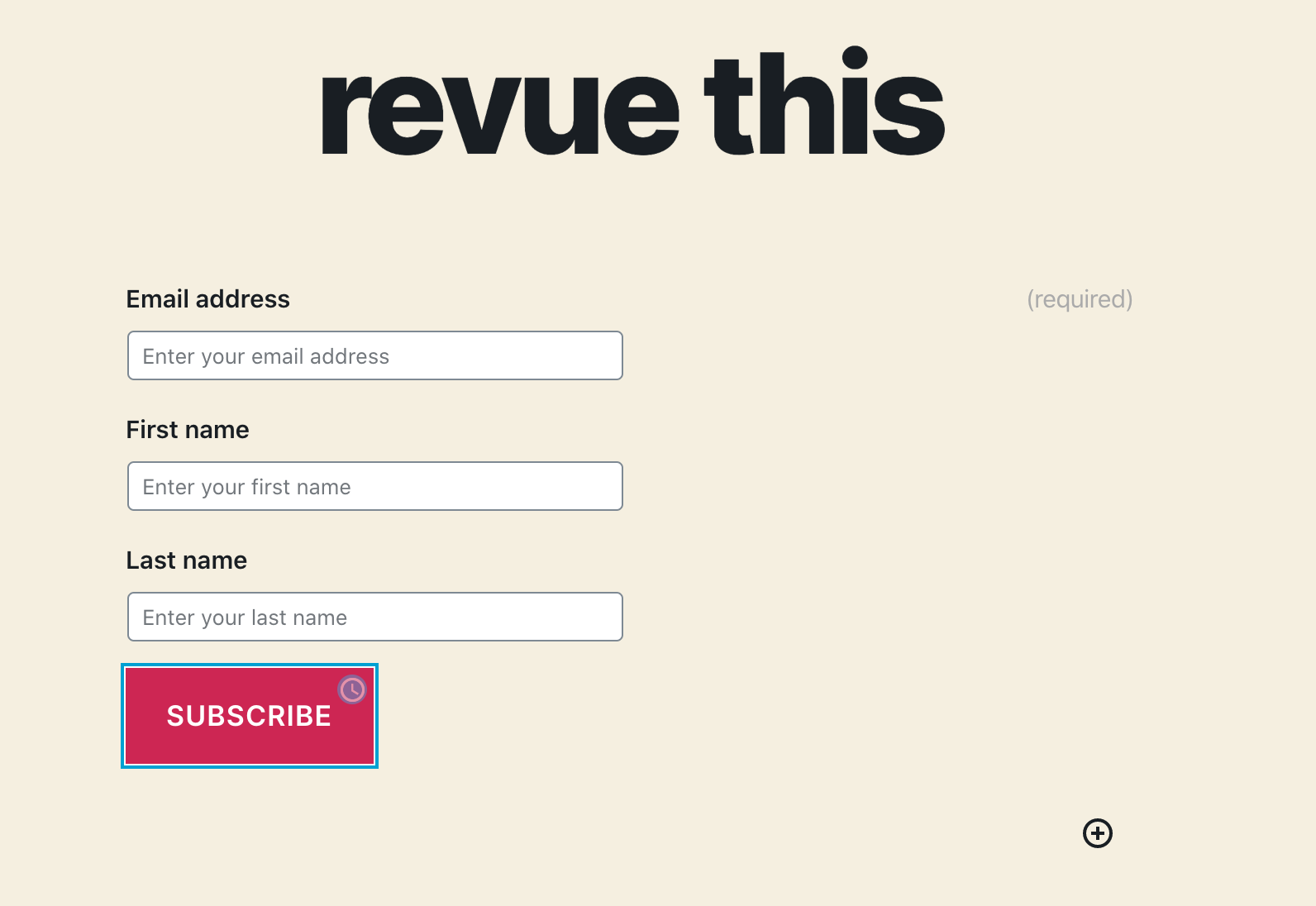
When adding a new Revue block to a post, you'll notice that the Required labels aren't aligned properly in the editor:
On the frontend, everything looks good:
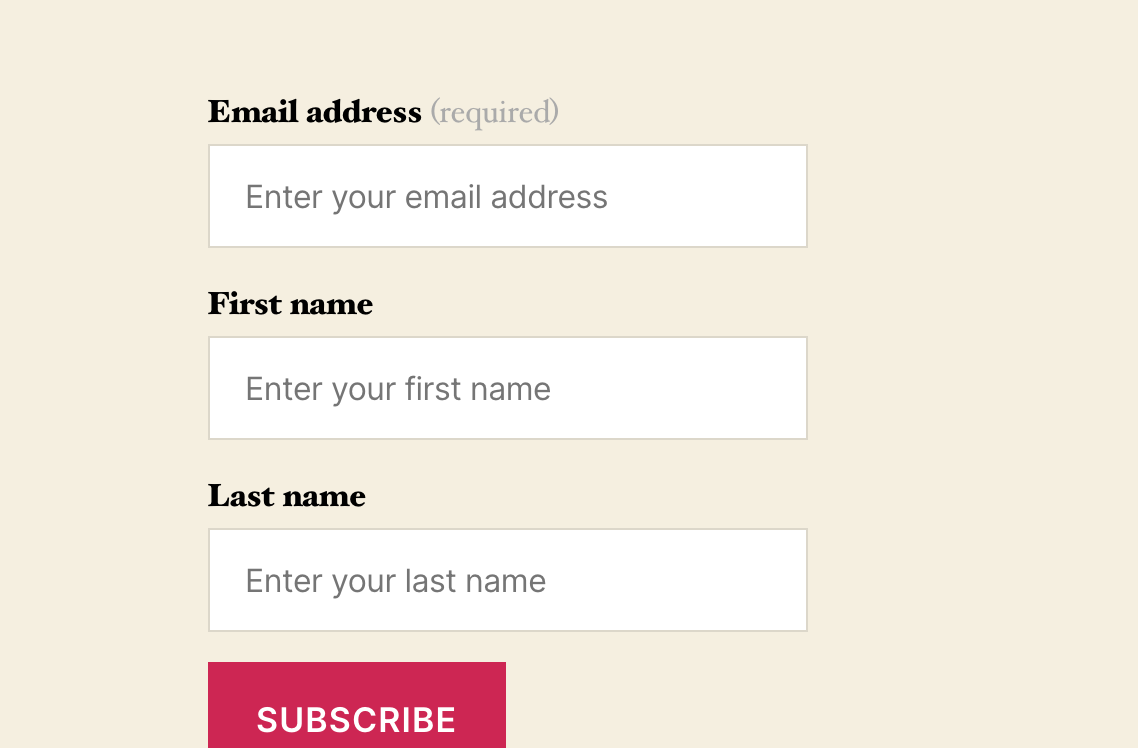
This can be reproduced with different themes, including Twenty Twenty and Twenty Seventeen.
 jeherve
All 4 comments
Hi @jeherve,
I would like to contribute to this issue. I hope it does not conflict with others' work.
My solution is using <span contenteditable> instead of <textarea> for the label edit. The label edit will be like this:
<span contenteditable>Email address</span> <span>(required)</span>
With this markup, the (require) text is always at the end of the label, like on the frontend.
How do you think?
 truongwp
on 5 May 2020
truongwp
on 5 May 2020
This issue should be automatically sorted with https://github.com/Automattic/jetpack/pull/15362.
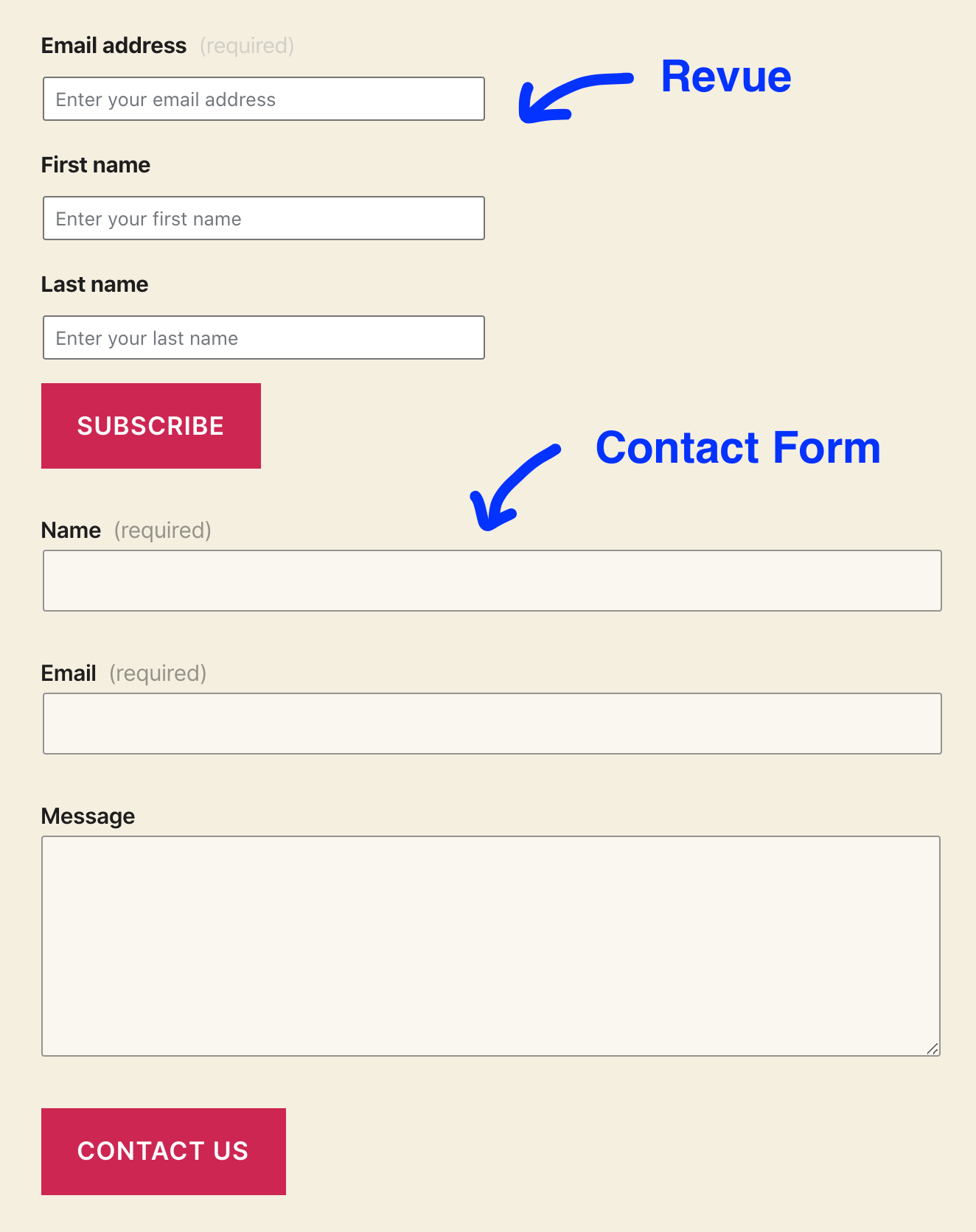
To give more context: the Revue block reuses the JetpackFieldLabel component from the Contact Form block.
Currently, JetpackFieldLabel uses the Gutenberg's PlainText component, which renders a <textarea>.
With the Contact Form v2 update, JetpackFieldLabel will use the RichText component instead.
RichText renders a contenteditable element (in this case an actual <label>) which, exactly as proposed by @truongwp, will fix the "required" position. 🙂
 Copons
on 5 May 2020
Copons
on 5 May 2020
That's good. I will try the above PR. Thanks.
truongwp
on 11 May 2020
This should be fixed now that #15362 has merged. Closing this issue.
 davemart-in
on 25 May 2020
davemart-in
on 25 May 2020
Related issues
 beaulebens
·
3Comments
jeherve
·
3Comments
beaulebens
·
3Comments
jeherve
·
3Comments
 Viper007Bond
·
3Comments
Viper007Bond
·
3Comments
 ockham
·
3Comments
ockham
·
3Comments
 htdat
·
3Comments
htdat
·
3Comments
Most helpful comment
This issue should be automatically sorted with https://github.com/Automattic/jetpack/pull/15362.
To give more context: the Revue block reuses the
JetpackFieldLabelcomponent from the Contact Form block.Currently,
JetpackFieldLabeluses the Gutenberg'sPlainTextcomponent, which renders a<textarea>.With the Contact Form v2 update,
JetpackFieldLabelwill use theRichTextcomponent instead.RichTextrenders acontenteditableelement (in this case an actual<label>) which, exactly as proposed by @truongwp, will fix the "required" position. 🙂