Jellyfin-web: jellyfin 500 photo amount limitation?
Describe the bug
Hello everybody,
This is my first online bug report, I hope this isn't a RTFM issue and I haven't screwed it up completely.
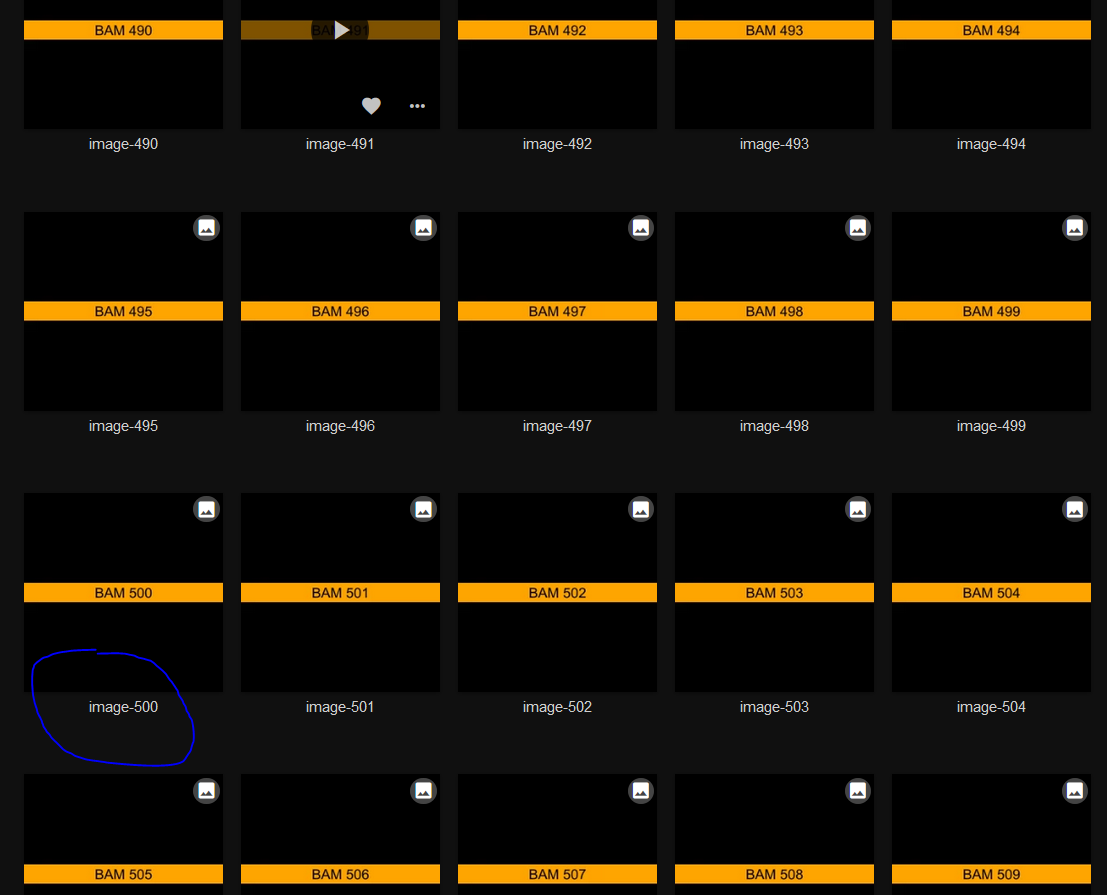
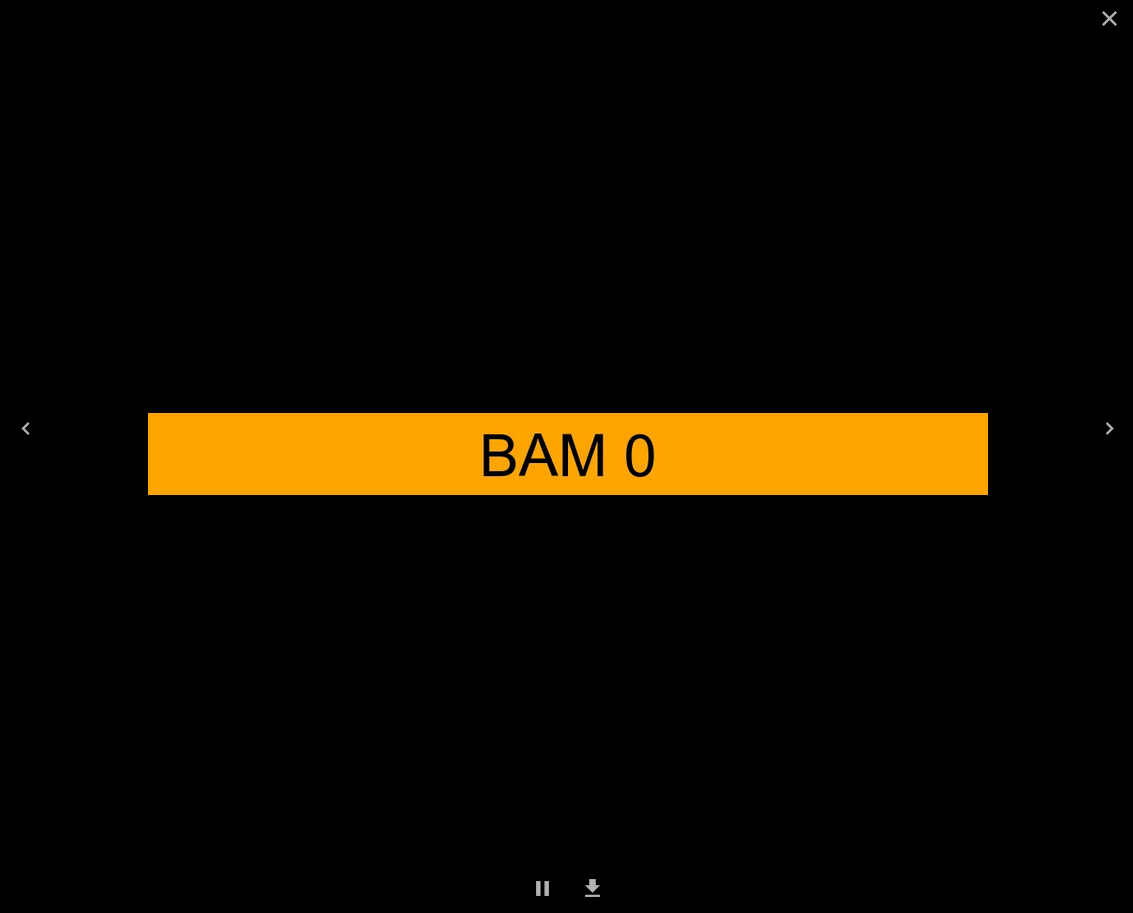
jellyfin only seems to show/browse excatly 500 (0-499) photos. More then 500 photos will show photo 0. To clarify, The thumbnail preview in the browser shows all photos, If you scroll a while and click on photo > 499 then the first photo (0) is displayed.
To Reproduce
- Use a fresh empty clean jellyfin with no other libraries etc.
- Take more then 500 photos and put them in "the" only photo library. You can also quickly generate the images with ImageMagick like so:
#!/bin/bash
for i in {0..1023}; do
   echo generating $i...
   convert -size 1024x1024 -pointsize 72 xc:black -gravity center  -background orange -splice 0x100 -annotate +0+2 "BAM $i" image-$i.jpg
done
- Use the folder that contains the images in jellyfin as a photo library.
- Let jellyfin process the library.
- Go to the photo library to view the images.
- Click on the thumbnail for picture 499 and picture 499 should show up.
- Click on the thumbnail for picture 500 and you will find that picture 0 is displayed.
Expected behavior
I kind of expect to be able to see all photos. Not just 500.
Logs
The logs are filled with the following, but the timestamp is not correlated to my clicking on the images.
[2019-11-21 22:14:35.368 +01:00] [ERR] Error creating http port map
MediaBrowser.Model.Net.HttpException: Internal Server Error
   at Emby.Server.Implementations.HttpClientManager.HttpClientManager.EnsureSuccessStatusCode(HttpResponseMessage response, HttpRequestOptions options) in /home/xyz/build/jellyfin/src/jellyfin-10.4.1/Emby.Server.Implementations/HttpClientManager/HttpClientManager.cs:line 332
   at Emby.Server.Implementations.HttpClientManager.HttpClientManager.SendAsyncInternal(HttpRequestOptions options, HttpMethod httpMethod) in /home/xyz/build/jellyfin/src/jellyfin-10.4.1/Emby.Server.Implementations/HttpClientManager/HttpClientManager.cs:line 272
   at Emby.Server.Implementations.HttpClientManager.HttpClientManager.SendAsync(HttpRequestOptions options, HttpMethod httpMethod) in /home/xyz/build/jellyfin/src/jellyfin-10.4.1/Emby.Server.Implementations/HttpClientManager/HttpClientManager.cs:line 171
   at Mono.Nat.Upnp.UpnpNatDevice.CreatePortMap(Mapping mapping) in /home/xyz/build/jellyfin/src/jellyfin-10.4.1/Mono.Nat/Upnp/UpnpNatDevice.cs:line 230
   at Emby.Server.Implementations.EntryPoints.ExternalPortForwarding.CreateRules(INatDevice device) in /home/xyz/build/jellyfin/src/jellyfin-10.4.1/Emby.Server.Implementations/EntryPoints/ExternalPortForwarding.cs:line 248
Screenshots
System (please complete the following information):
- OS: [Server is Arch Linux, https://aur.archlinux.org/packages/jellyfin/]
- Browser: [Windows 10 Firefox, Samsung Galaxytab]
- Jellyfin Version: [e.g. 10.4.1-1]
- Reverse proxy: [no reverse proxy or ssl or anything just plain http]
Additional context
 theoldnewb
All 11 comments
@theoldnewb First off - this is a spectacular write up. Thank you.
Second - I don't think we've had anyone report this yet, and we certainly weren't aware of it. We'll look into it!
 anthonylavado
on 22 Nov 2019
anthonylavado
on 22 Nov 2019
Thank you very much @anthonylavado.
I wish I could be of more help. But my C# knowledge is almost non existent.
However, grepping through the source code for the magic "500" revealed:
jellyfin-web-10.4.1/src/components/playback/playbackmanager.js: Limit: 500
Increasing that number to 5000 made the other images show up as well :-)
This kind of works for me. It would be nice to have it neatly configurable.
Sadly, I wouldn't even know where to begin hacking that in.
However, I am very pleased with my tweaked jellyfin.
As far as I am concerned, this issue could be closed.
theoldnewb
on 22 Nov 2019
Seems like this is a jellyfin-web issue
 Bond-009
on 22 Nov 2019
Bond-009
on 22 Nov 2019
I ran into this issue as well while playing with Jellyfin.
For convenience: https://github.com/jellyfin/jellyfin-web/blob/909156711c4e9f72b3079e194451414924424787/src/components/playback/playbackmanager.js#L1889
Can we make this configurable in the admin?
 danbo
on 8 Dec 2019
danbo
on 8 Dec 2019
I don't think this should be configurable, rather it's unclear _why_ there is a limit in the first place. Needs investigation.
 JustAMan
on 10 Jan 2020
JustAMan
on 10 Jan 2020
Thank you JustAMan, removing the need for the limit completely would of course be very nice.
I only suggested the configurability as a last resort. In case there might be a hard technical reason or performance tradeoffs.
theoldnewb
on 10 Jan 2020
I'm guessing that if someone has a large music library and shuffles their songs, they don't want ten thousand songs getting passed to the queue on a slow connection or something.
 dkanada
on 10 Jan 2020
dkanada
on 10 Jan 2020
Those things should be lazy-loaded anyway, as having 500 songs passed to a queue on slow connection would already be a pain :)
JustAMan
on 13 Jan 2020
Appears to still be an issue in 10.6.4, only now there is a 300 item limit. Unless I'm missing something, but behavior on my system is same as OP minus 200.
 alphatangoxray
on 4 Sep 2020
alphatangoxray
on 4 Sep 2020
Experiencing same issue as @alphatangoxray, using 10.6.4 also. To be honest I'm surprised this issue even exists, as I would've thought having more than 300 items in a folder is relatively common. Should this issue be re-opened?
 Ruben9922
on 16 Dec 2020
Ruben9922
on 16 Dec 2020
Same thing. Just in case anyone else uses an Nginx reverse proxy, you can fix it with the following for the time being:
if ($args ~ ^(.*)\bLimit=300\b(.*)$) {
        return 301 $uri?$1Limit=WHATEVER_NUMBER_YOU_WANT_HERE$2;
}
Someone could probably write a better one, but it does the job.
 alastair1616
on 20 Dec 2020
alastair1616
on 20 Dec 2020
Related issues
 peioe
·
4Comments
peioe
·
4Comments
 AndreCarvalho
·
6Comments
AndreCarvalho
·
6Comments
 therhenals
·
5Comments
therhenals
·
5Comments
 nyanloutre
·
7Comments
nyanloutre
·
7Comments
 97carmine
·
5Comments
97carmine
·
5Comments
Most helpful comment
Appears to still be an issue in 10.6.4, only now there is a 300 item limit. Unless I'm missing something, but behavior on my system is same as OP minus 200.
https://github.com/jellyfin/jellyfin-web/blob/fc461a830dc82241fe1a837c6c40de07c382972f/src/components/playback/playbackmanager.js#L123