Ipfs-desktop: The app doesn't close nor it remains in the system tray
- OS: Ubuntu 16.04
- Version: 1b58b62
Describe the bug
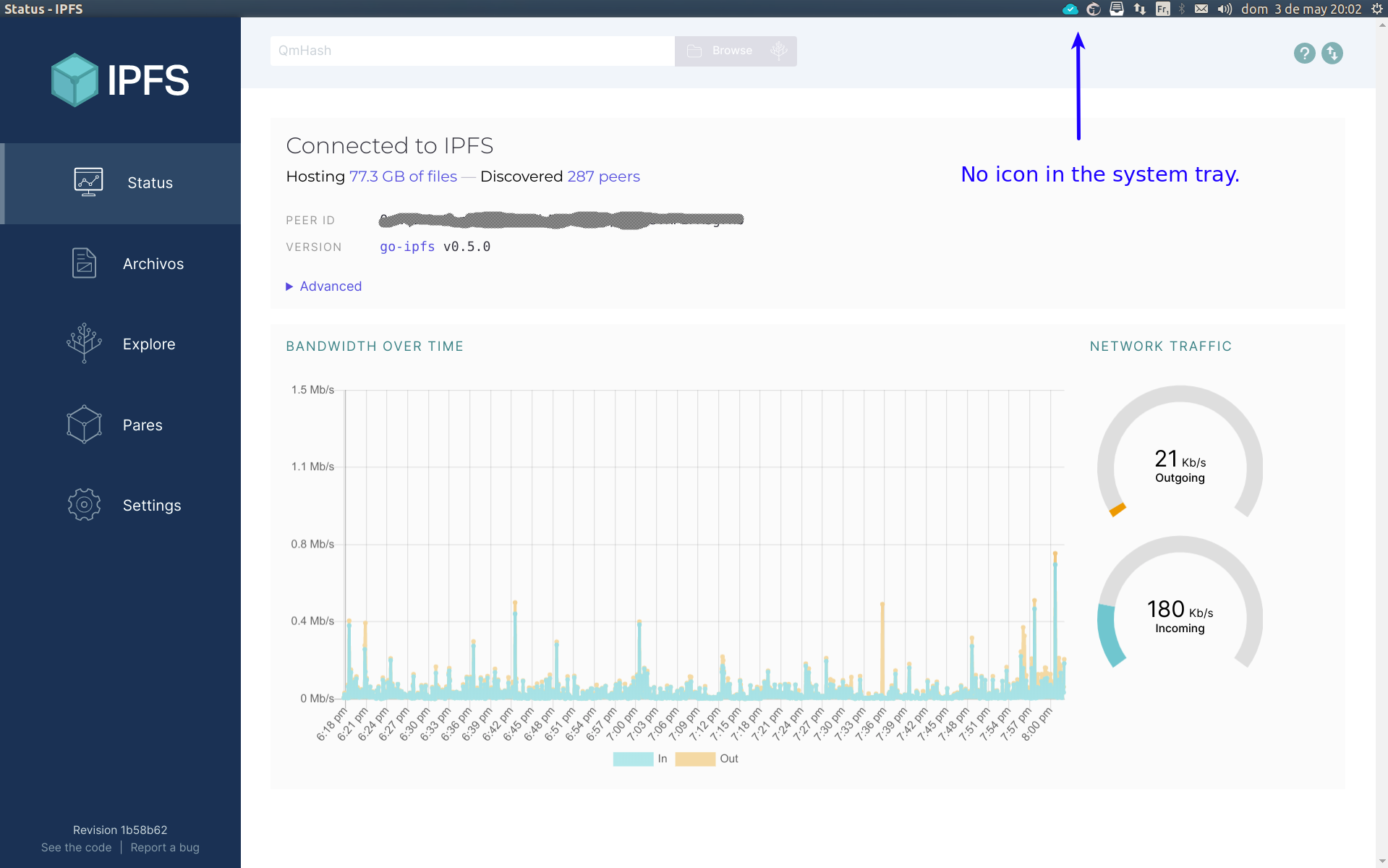
With the previous version it was possible to reduce the app to the system tray and from there : quit, start, stop, restart the daemon. The latest version of the app doesn't have any icon in the system tray. When I close the app, the app disappears but remains in the background. I have to kill it manually.
Expected behavior
Provide a real way to exit the app or consider restoring the system tray like before.
Screenshots
 nlko
nlko
All 3 comments
Hi @nlko, have you taken a look at this section of the troubleshooting?
https://github.com/ipfs-shipyard/ipfs-desktop#no-tray-icon-on-linux
See if it's related to your problem, please.
 rafaelramalho19
on 4 May 2020
rafaelramalho19
on 4 May 2020
Thanks @rafaelramalho19, It looks like the problem. I'm not an electron developer but I was unable to create a app with tray icon (using the latest electron). You might be right since i'm using the old unity desktop environment.
nlko
on 8 May 2020
Will close this issue since it seems to be unrelated with ipfs-desktop.
If there's anything related with this again please open a new issue 🙇
rafaelramalho19
on 21 May 2020
Related issues
 olizilla
·
5Comments
olizilla
·
5Comments
 alanshaw
·
6Comments
alanshaw
·
6Comments
 machawk1
·
5Comments
olizilla
·
3Comments
machawk1
·
5Comments
olizilla
·
3Comments
 MicahZoltu
·
5Comments
MicahZoltu
·
5Comments
Most helpful comment
Hi @nlko, have you taken a look at this section of the troubleshooting?
https://github.com/ipfs-shipyard/ipfs-desktop#no-tray-icon-on-linux
See if it's related to your problem, please.