Ios: Nextcloud iOS V 3.0 - Code name: Coherence
The new "big" next version of Nextcloud iOS will have all internal viewers totally rewritten and coherent with each other.
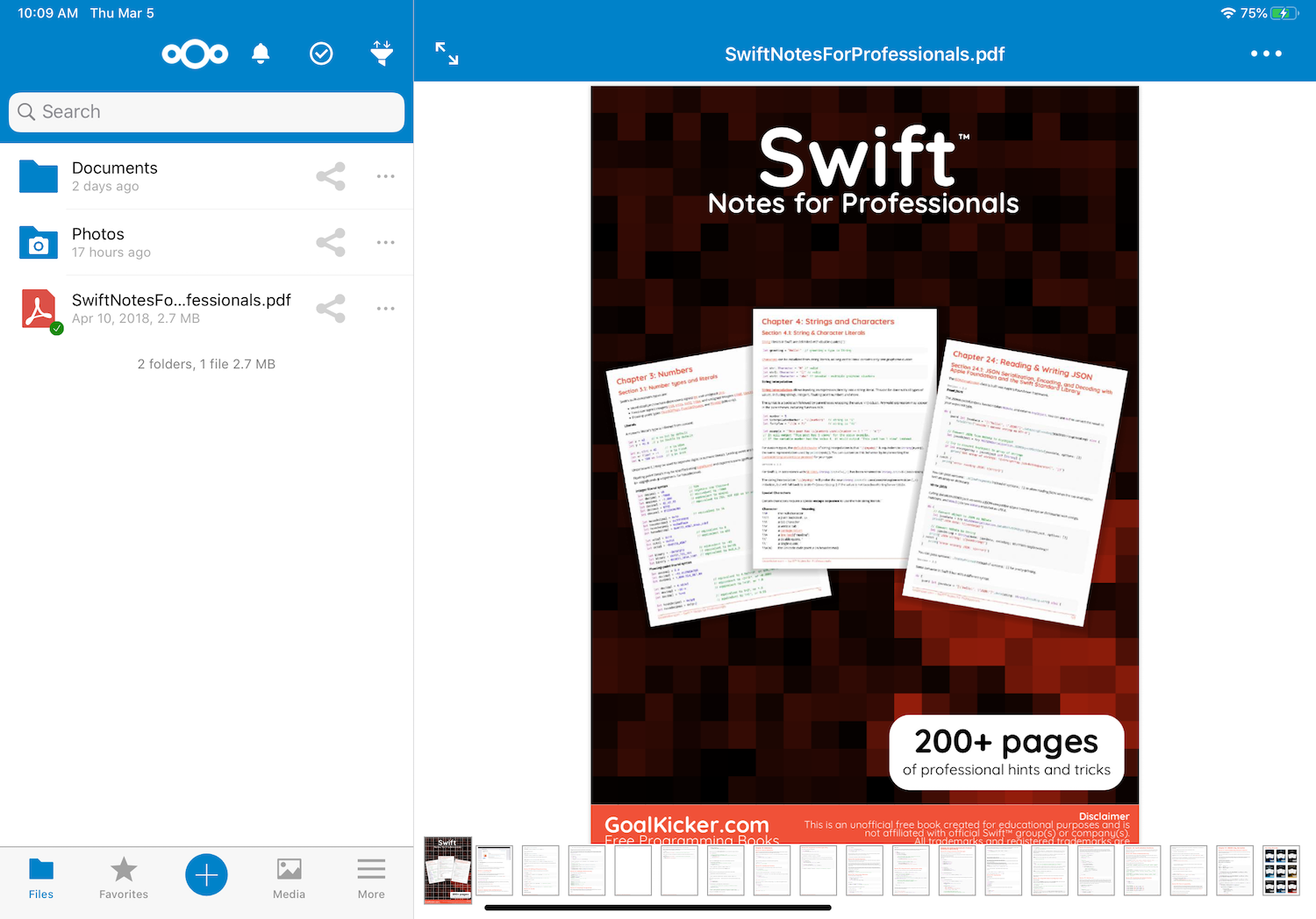
Each viewer will always have the menu with the available options and always at touch:

The use with ipad has been totally revised
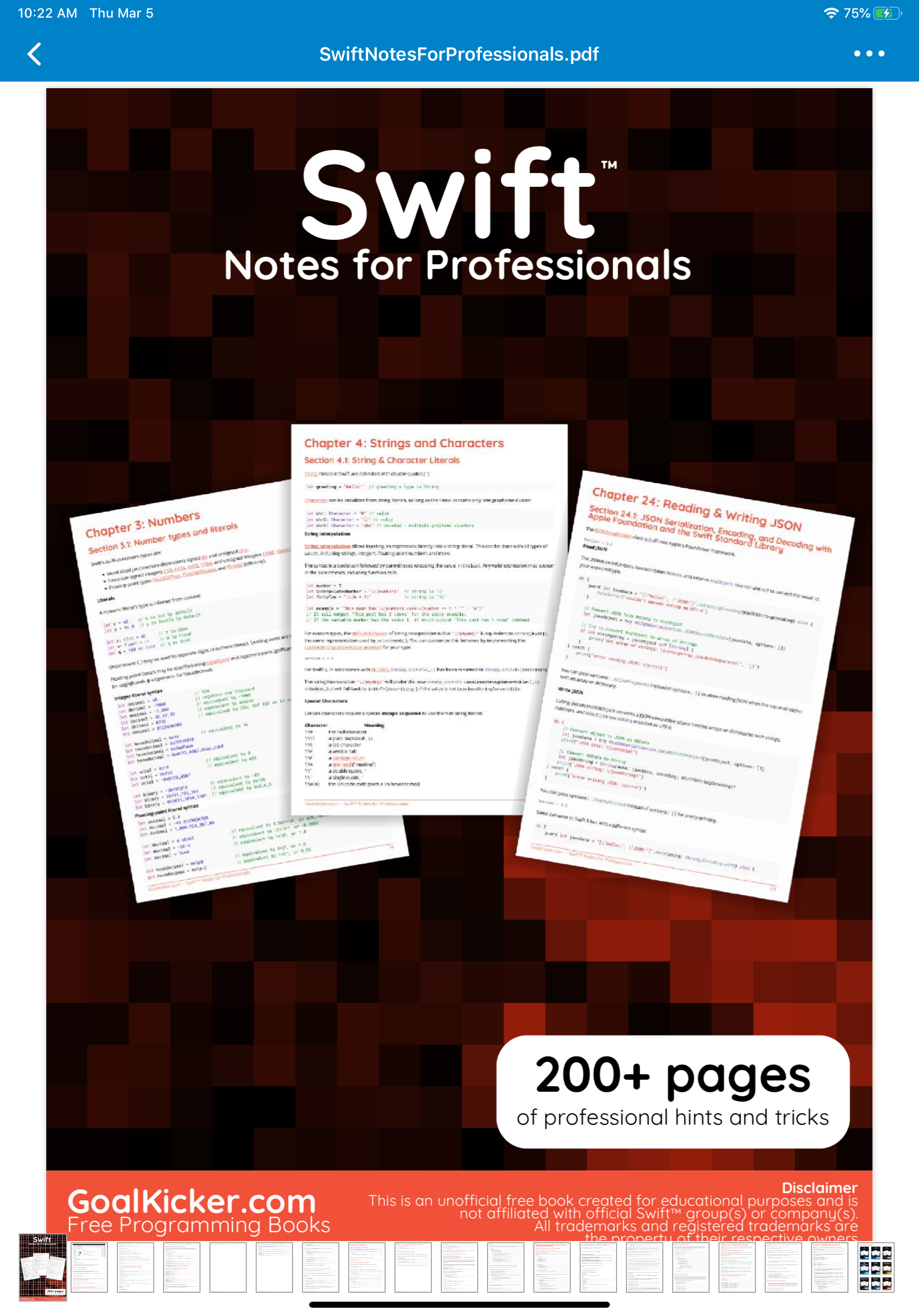
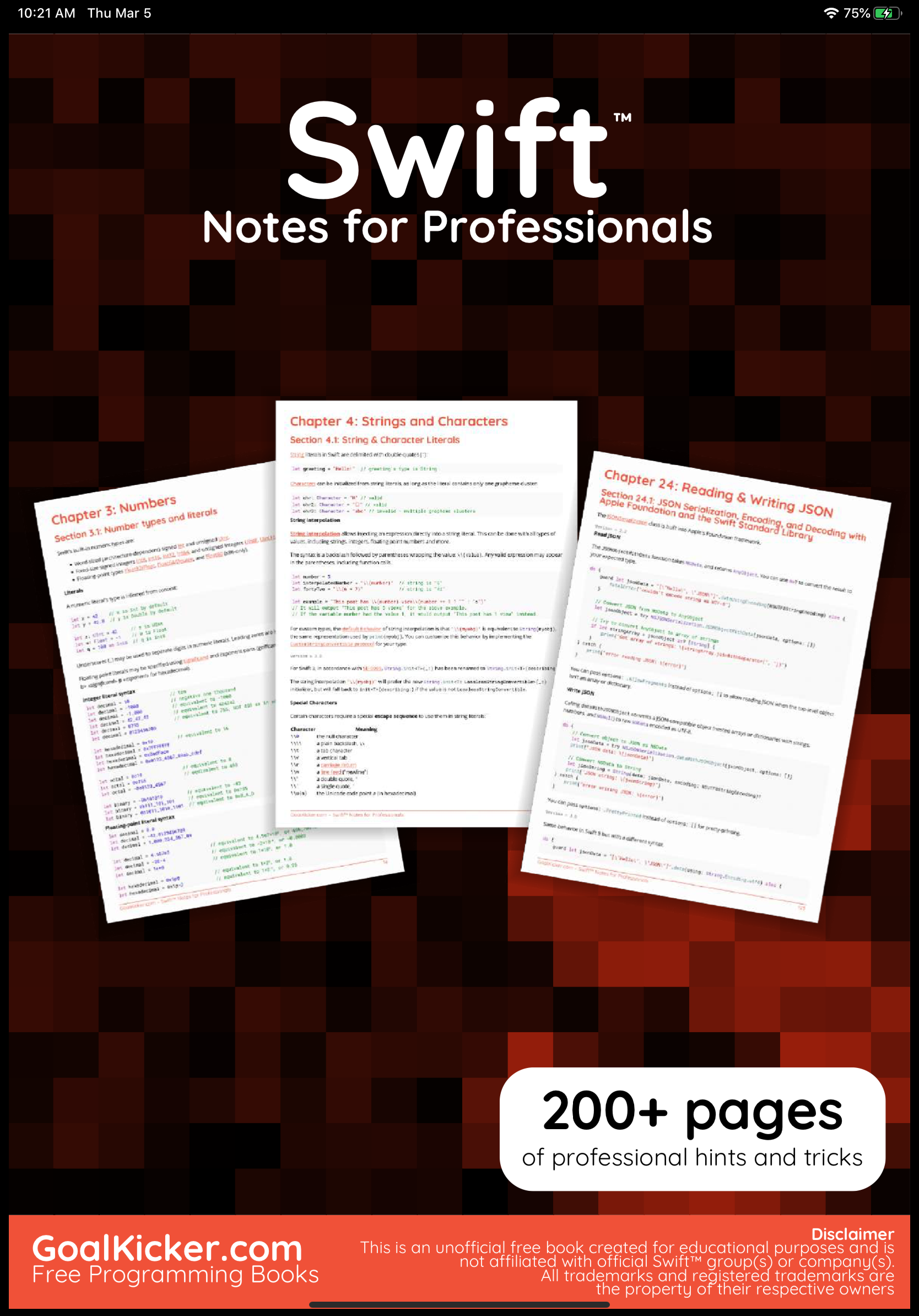
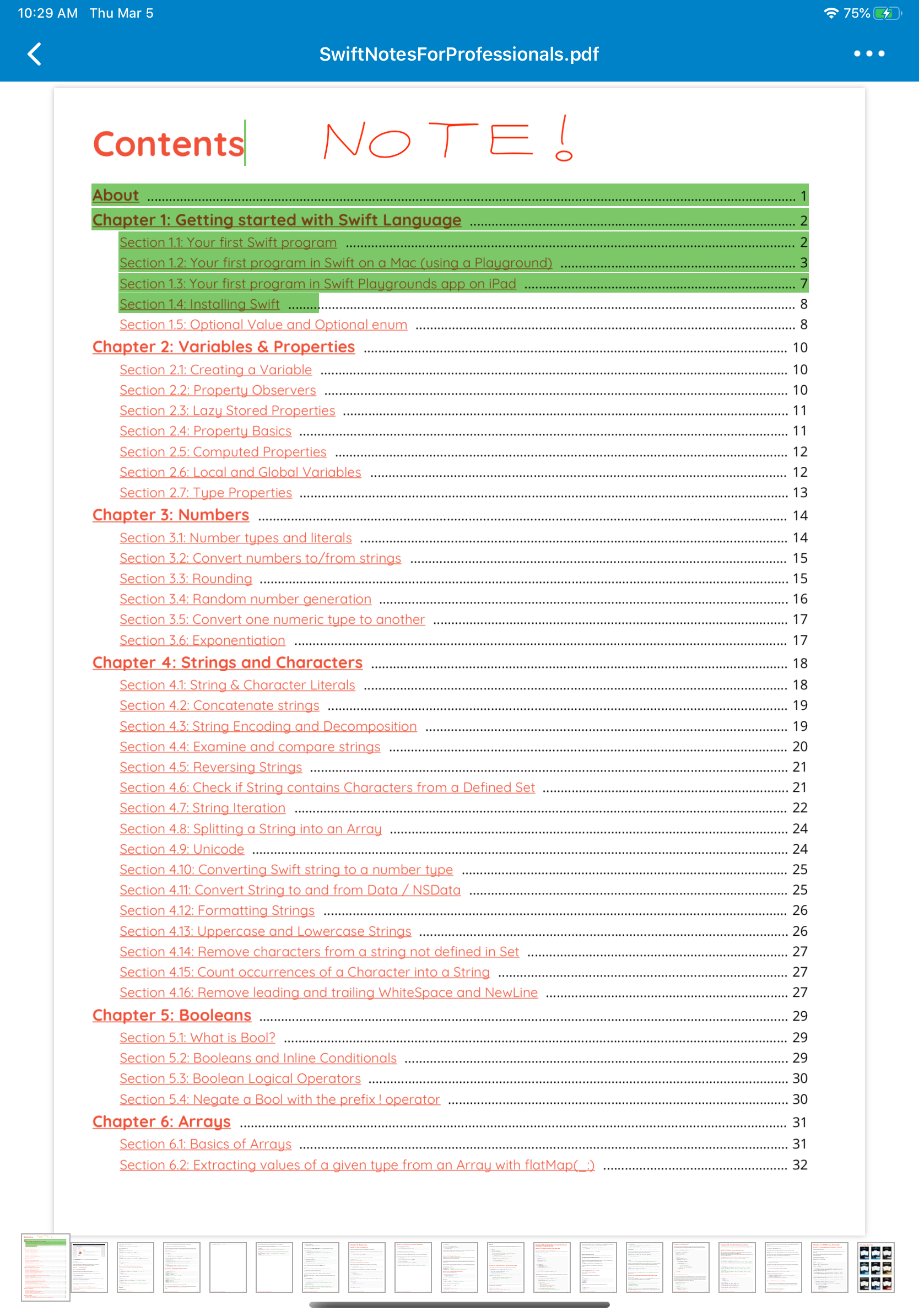
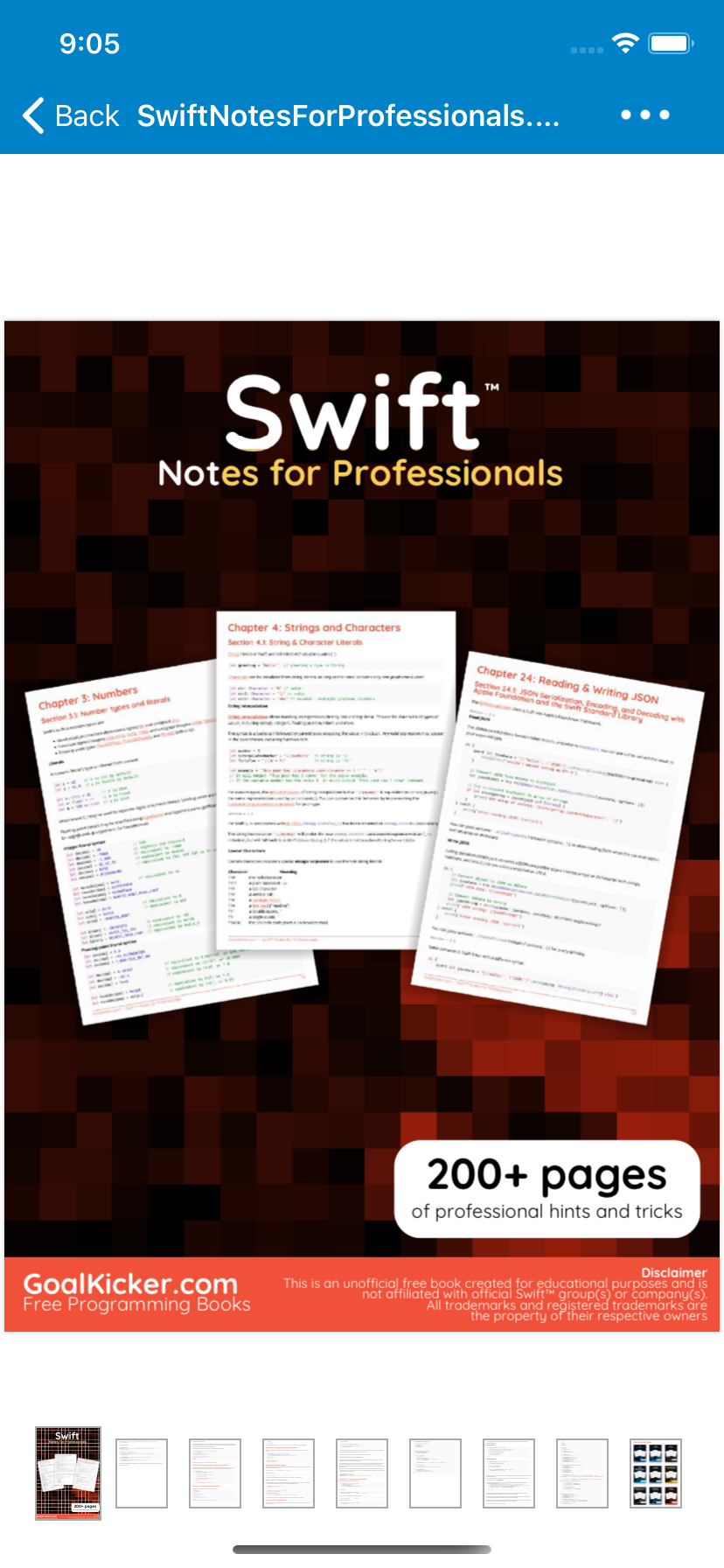
The new PDF (Apple PDFKit) viewer will now be able to view the notes you have inserted in your PDFs
Browsing your images is now easier

With a improved zoom

And more convenient to edit your texts with iPad & Only Office
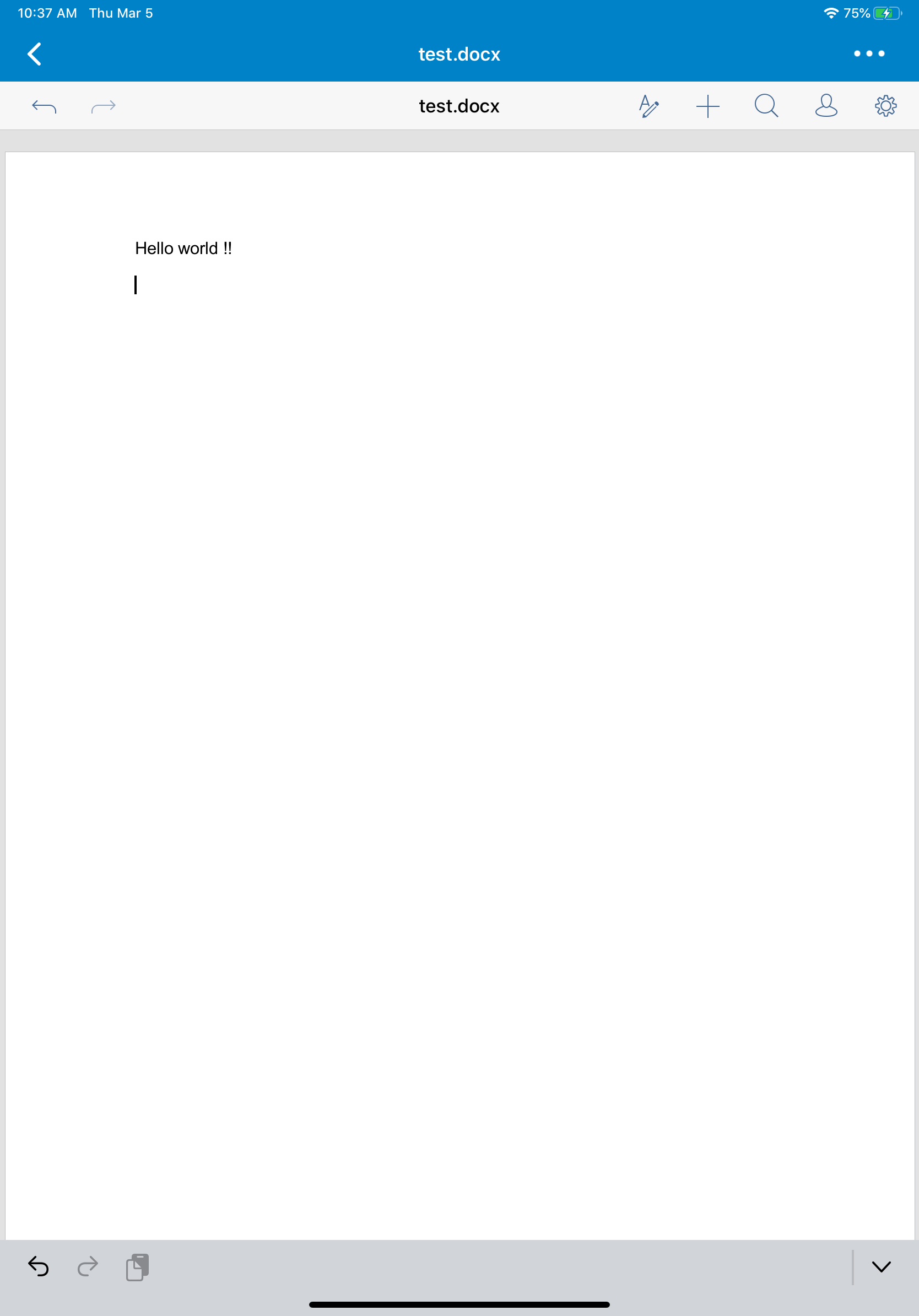
... and much more in development.
Available an Alpha version in TestFlight, today !
 marinofaggiana
All 19 comments
Good good stuff! :) Some design review points, not only about the viewers but generally while we’re at it:
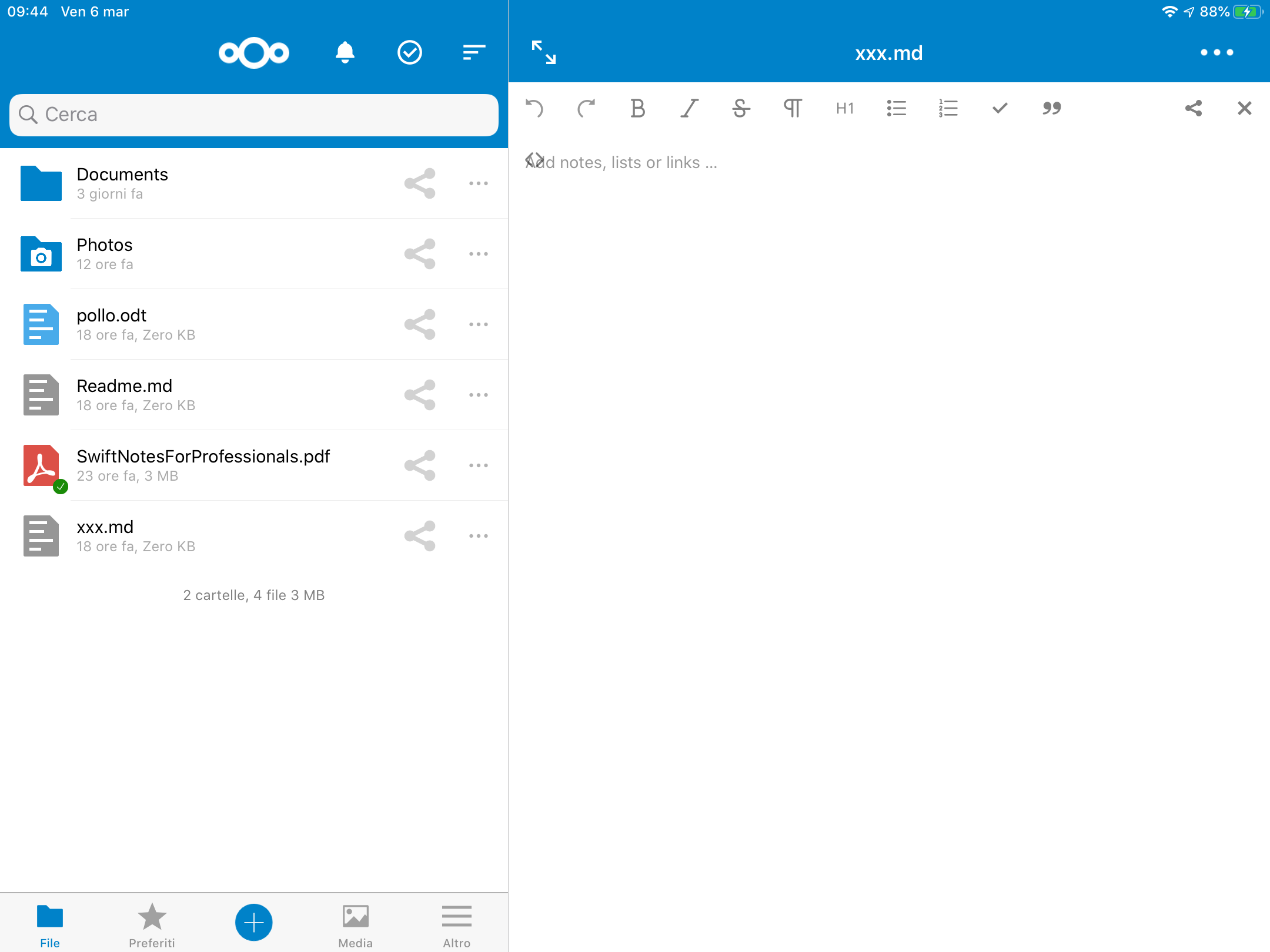
- [ ] The filter/funnel icon for sorting is a bit strange. Better would be a "Sort" icon like this: https://material.io/resources/icons/?search=sort&icon=sort&style=baseline
- [ ] The "Select" action next to it can also be moved into that "Sort" menu. Otherwise there’s too many icons up top there.
- [ ] The Share icon in the list seems rather large, and the 3-dot icon rather small, that should be adjusted
- [ ] "Close" should be in the top left instead of the 3-dot menu
- [ ] The "Share" action should be left of the 3-dot menu, to mimic how it is in the file list
- [ ] Same for the actions, they should be the same as in the file list:
- Add to favorites ("o", not "ou" spelling)
- Details
- Open in …
- Rename
- Move
- Delete
cc @juliushaertl and @tobiasKaminsky on these for Android & iOS cross-platform coordination
- [ ] We are duplicating the document title there in our header bar, this doesn’t seem necessary?
- [ ] Same for undo/redo, it’s duplicated from the OnlyOffice bar
 jancborchardt
on 6 Mar 2020
jancborchardt
on 6 Mar 2020
Hi @jancborchardt can you explain this ? Remember the use with iPhone:
"Close" should be in the top left instead of the 3-dot menu
The "Share" action should be left of the 3-dot menu, to mimic how it is in the file list
Same for the actions, they should be the same as in the file list:
Add to favorites ("o", not "ou" spelling)
Details
Open in …
Rename
Move
Delete
cc @juliushaertl and @tobiasKaminsky on these for Android & iOS cross-platform coordination
We are duplicating the document title there in our header bar, this doesn’t seem necessary?
Same for undo/redo, it’s duplicated from the OnlyOffice bar
the header bar is necessary because I want always the "menu ..." available, and the redo/undo in bottom is the automatic bar of webview
marinofaggiana
on 6 Mar 2020
Header bar is on ios needed as long as thgere is no back button in OnlyOffice.
On Android I show OO in fullscreen, as there is always a back button/gesture.
@juliushaertl do you know if/when they implement this?
 tobiasKaminsky
on 6 Mar 2020
tobiasKaminsky
on 6 Mar 2020
Header bar is on ios needed as long as thgere is no back button in OnlyOffice.
On Android I show OO in fullscreen, as there is always a back button/gesture.
@juliushaertl do you know if/when they implement this?
I think this should be there with their next document server release 5.5.0 but I've no idea if that fix has made it in.
 juliushaertl
on 6 Mar 2020
juliushaertl
on 6 Mar 2020
"Close" should be in the top left instead of the 3-dot menu
Why would there be a close action anyway, isn't that what the back button in the top left is for on iOS?
juliushaertl
on 6 Mar 2020
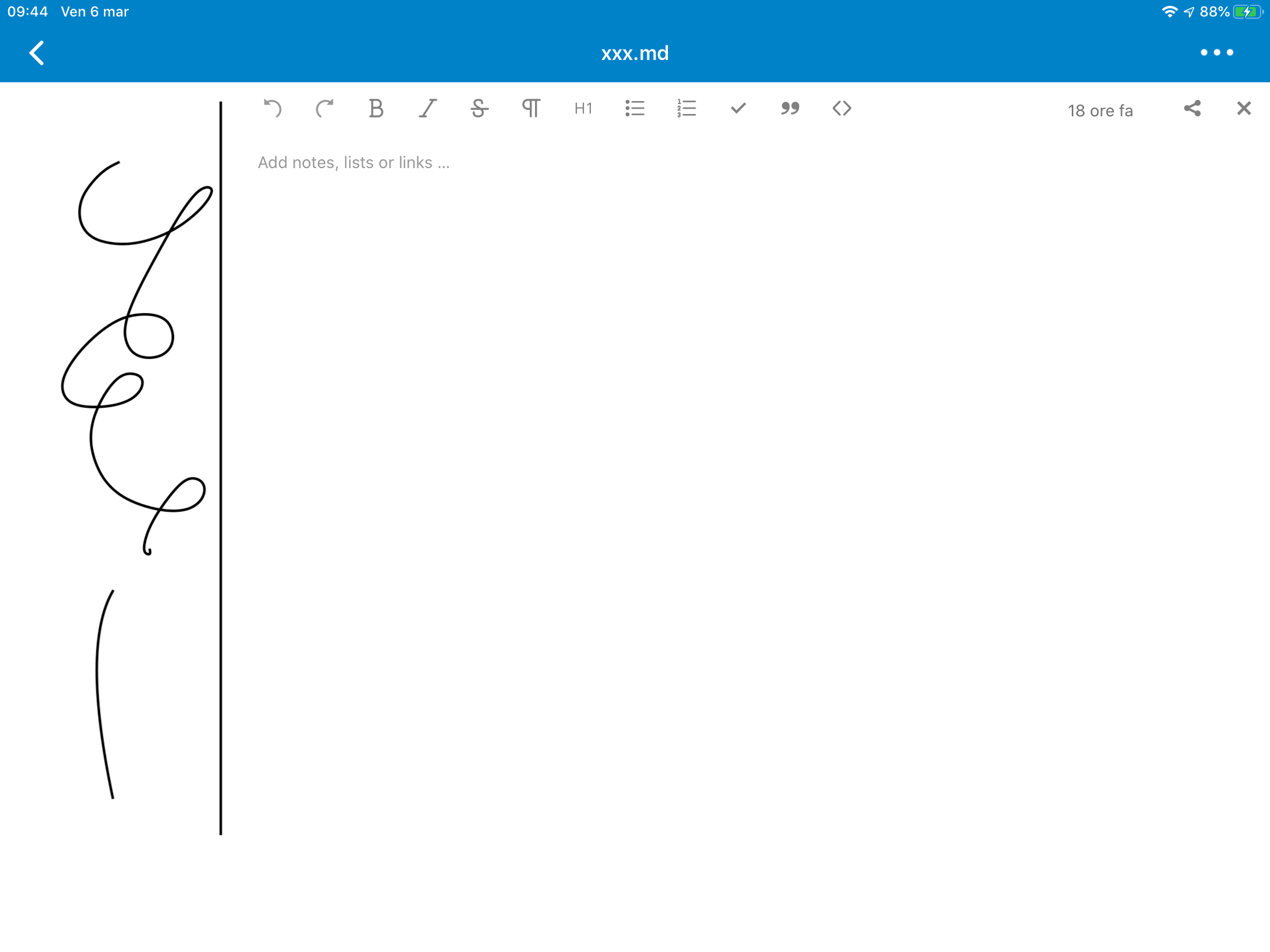
@juliushaertl some issue with iOS
marinofaggiana
on 6 Mar 2020
P.S. remember all iOS is not Android and do not exists a button hardware for back and exists iPhone and iPad with different view (split mode o single view mode), so every detail view (Nextcloud text, Only Office, collabora, PDF, images, video ...) must have a Navigation Bar + back button "<", or magnification button "two arrow" for iPad, + title + menu button "..."
marinofaggiana
on 6 Mar 2020
@marinofaggiana Second one is expected as we center the editor. For the first one please open an issue in https://github.com/nextcloud/text with details on which version this happens.
juliushaertl
on 6 Mar 2020
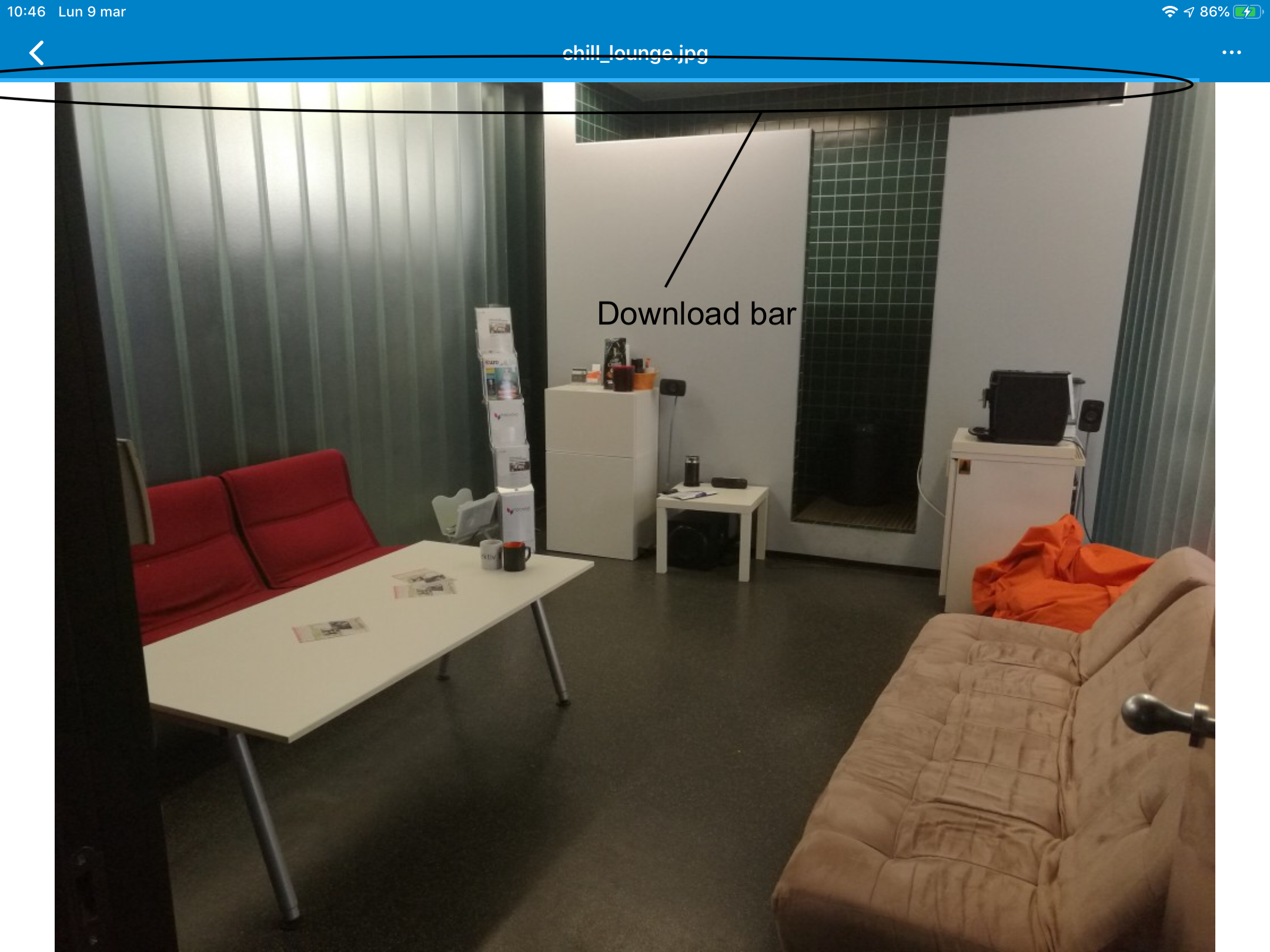
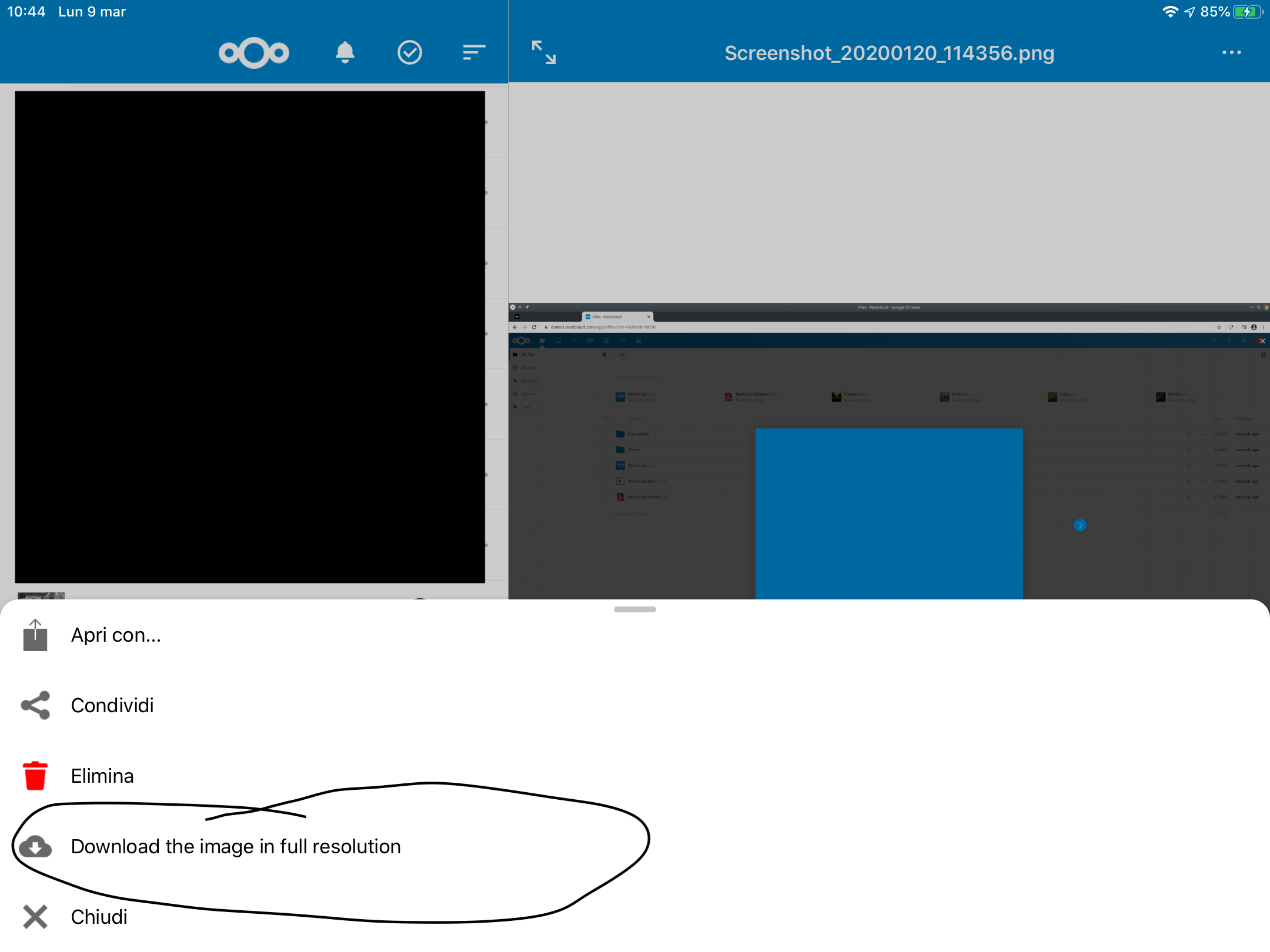
Build 4
marinofaggiana
on 9 Mar 2020
Hello,
We are duplicating the document title there in our header bar, this doesn’t seem necessary?
Maybe display "Only Office" in the Navigation Bar to avoid this duplication?
Or maybe customize the display of the Onlyoffice bar, not to display a title?
The "Select" action next to it can also be moved into that "Sort" menu. Otherwise there’s too many icons up top there.
I think the "Select" should not be displayed in the "sort" modal. It's an inconsistency.
The sort button could be on the right side of the search bar. This would prevent too many buttons on the navigation bar.
 JorisBodin
on 9 Mar 2020
JorisBodin
on 9 Mar 2020
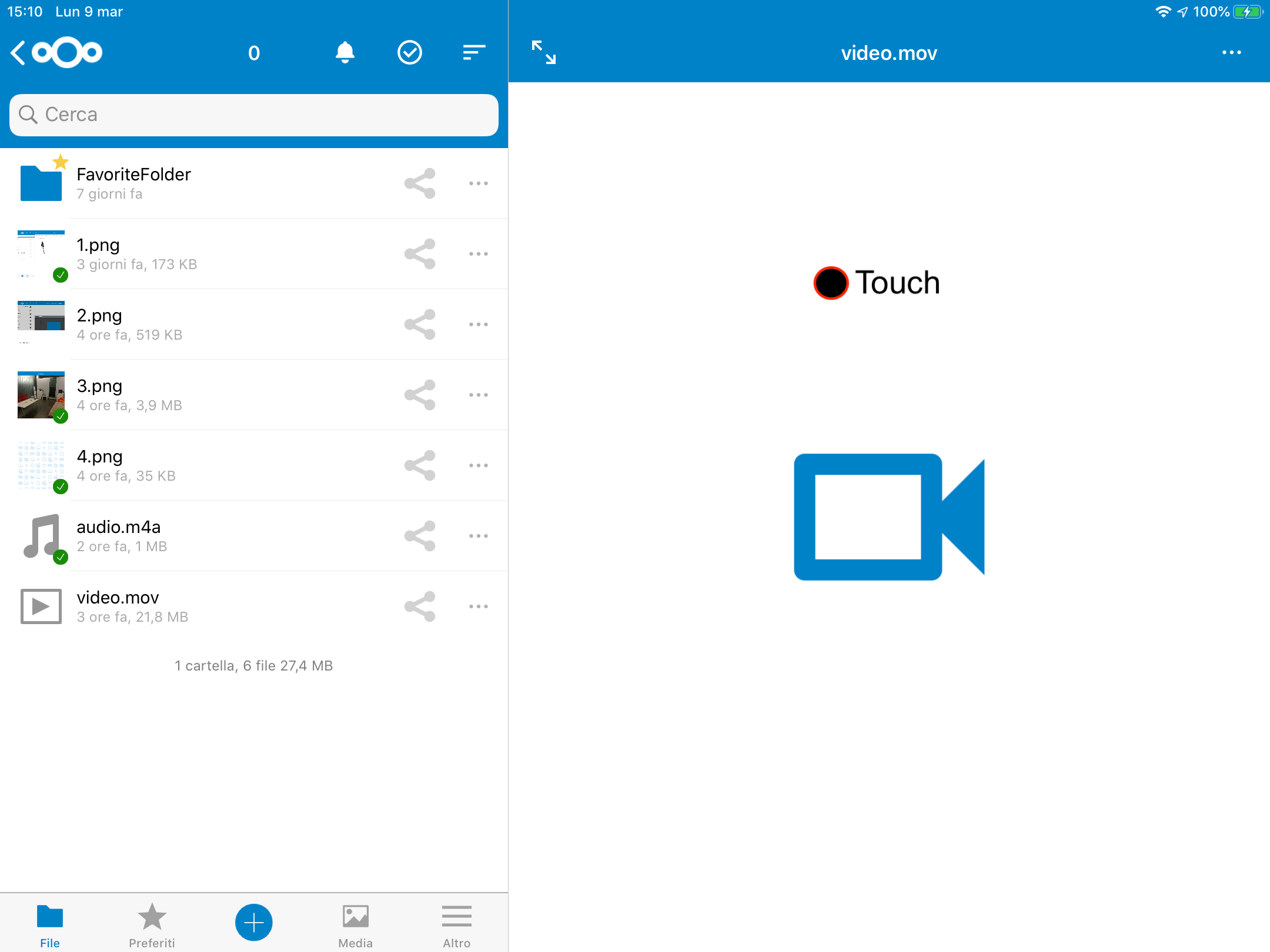
Build 5
View video & audio when viewing images. [ touch for view ]
marinofaggiana
on 9 Mar 2020
Hello,
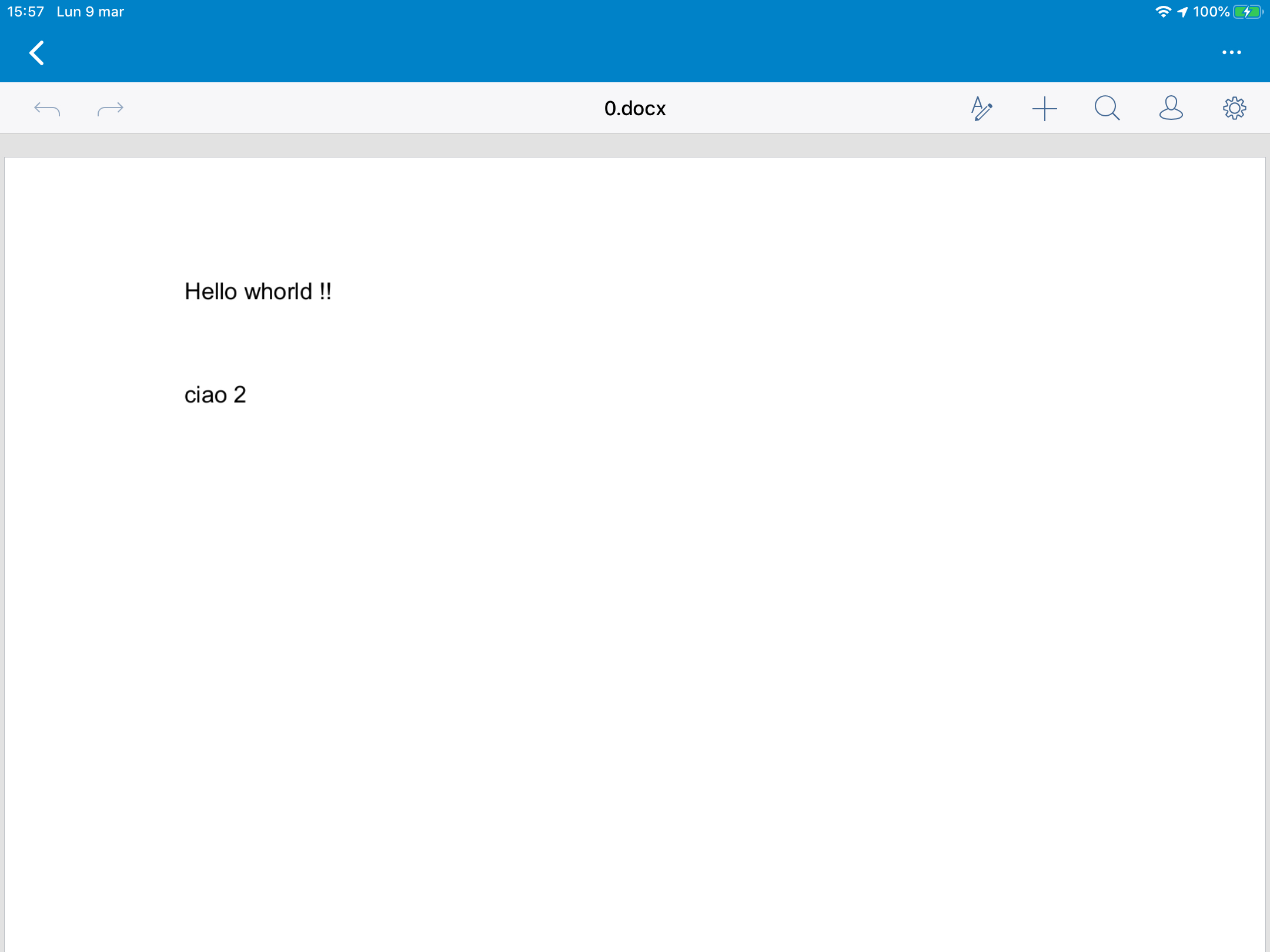
We are duplicating the document title there in our header bar, this doesn’t seem necessary?
Maybe display "Only Office" in the Navigation Bar to avoid this duplication?
Or maybe customize the display of the Onlyoffice bar, not to display a title?
For now I have only removed the title: ( @jancborchardt )
marinofaggiana
on 9 Mar 2020
Internal viewers are bull. Just make the sync actually work (right now you need to wait with the app on screen for an hour for offline downloads to even start) and make the iOS Files integration work. There are a zillion much better apps then than shoddy internal nonsense.
Completely misplaced priorities in this completely dysfunctional piece of shit project that kills the whole NextCloud ecosystem.
Not that any other iOS cloud files service besides the exorbitantly priced Dropbox is any better.
Dropbox: works, but cannot afford it. OneDrive: No Unicode in Files.app integration in 2020, prone to failed saves generating phantom files that cannot be deleted or moved, constant 100% CPU in the macOS client. NextCloud: the iOS app is super slow, I guess it always checks the server when opening a directory, frequently does not give access to (offline) files through the iOS Files.app integration, does not sync offline files automatically in the background (OneDrive very much appears to, so it's possible), takes days even when not in background to start sync, every update introduces new bugs and unrealiability especially in the Files app integration, randomly deletes/forgets entire accounts and gigabytes of offline files, author refuses to even consider E2E through Files.app (I'm sure there are ways at least with offline directories). Not that E2E would be any more functional in the desktop app either https://github.com/nextcloud/desktop/issues/774. iCloud Drive: Reasonably priced, but no offline files, so forget about it. Not particularly reliable sync; can sometimes take days. Google Drive: Google is spyware, forget about it. SeaFile: Seems to work but requires server and database root access so not a low cost option / not an option for me.
I'm almost considering hacking a reliable encrypted no-nonsense syncing system based on Borg backup… but I refuse to pay Apple $90/year for the basic right of being able to run my own apps on my own device, and distribute them to others. Even more so I refuse to use Google's spyware (Android).
Software is shit. Period.
 yadayadaydadaa
on 16 May 2020
yadayadaydadaa
on 16 May 2020
If I wanted to be locked into just a single app having access to my files I’d be using PDFExpert. Its WebDAV-based sync from the nextCloud server is much more reliable and faster than the shoddy pile of garbage that this official iOS app is. Instead I’m using PDFViewer which is much better as a PDF app but I’m suffering daily from the garbage that this formerly sync app but now apparently a closed micro-ecosystem is. Surely to include a total pile of crap for a PDF annotator..
yadayadaydadaa
on 16 May 2020
@yadayadaydadaa this tone is not welcome here, and it won’t help to motivate anyone improving the app. If you want to participate, read and respect our community code of conduct: https://nextcloud.com/contribute/code-of-conduct/ – and at the very least, don’t be counter-productive with inflammatory comments. Thank you.
jancborchardt
on 19 May 2020
Deleting my comments describing the true “quality” this app. Flash-closing my bug reports. Says a lot about the priorities, just like this present “issue” that should not even be listed, at the very least not until the plentiful problems are fixed.
yadayadaydadaa
on 19 May 2020
There's pretty much no point in even trying to contribute to this project, because based on my experience the next update will undo any fixes done in the previous one.
yadayadaydadaa
on 19 May 2020
@yadayadaydadaa your comments were merely hidden, which is what we do with any comments which contribute nothing. It’s also unnecessary to still comment if you use iCloud instead of Nextcloud now as said in the other issue. Bye
jancborchardt
on 19 May 2020
Again. No discussion allowed. No critique allowed. Just pushing fingers into the ears and singing. To avoid hearing about the impending doom, to avoid hearing the truth about the quality of this project. Bye.
yadayadaydadaa
on 19 May 2020
Related issues
jancborchardt
·
5Comments
 MorrisJobke
·
5Comments
marinofaggiana
·
5Comments
MorrisJobke
·
5Comments
marinofaggiana
·
5Comments
 rakekniven
·
4Comments
rakekniven
·
4Comments
 khlschrnk
·
5Comments
khlschrnk
·
5Comments
Most helpful comment
@yadayadaydadaa this tone is not welcome here, and it won’t help to motivate anyone improving the app. If you want to participate, read and respect our community code of conduct: https://nextcloud.com/contribute/code-of-conduct/ – and at the very least, don’t be counter-productive with inflammatory comments. Thank you.