Invoiceninja: Custom Image URL / Path in Invoice Design
Hello InvoiceNinja Team,
Is there a way to set a custom Image into my invoice design which you can see the picture below?
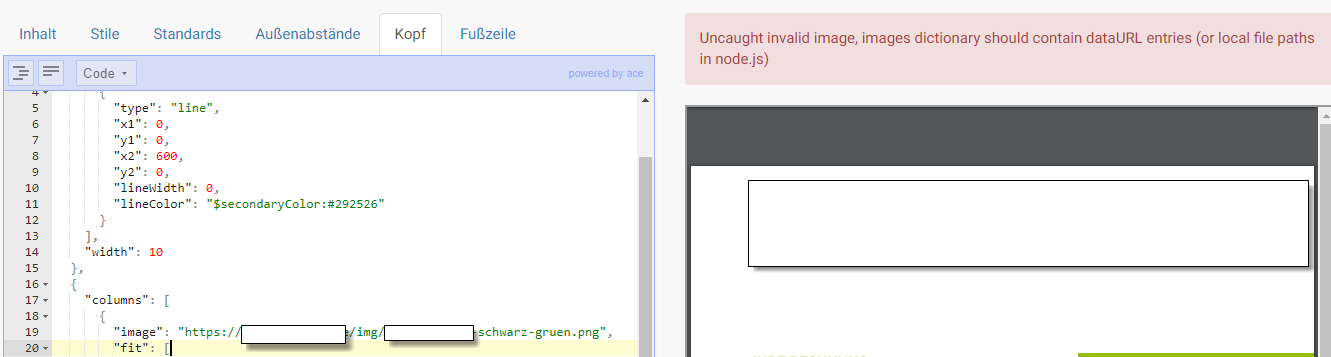
question
 pthoelken
All 4 comments
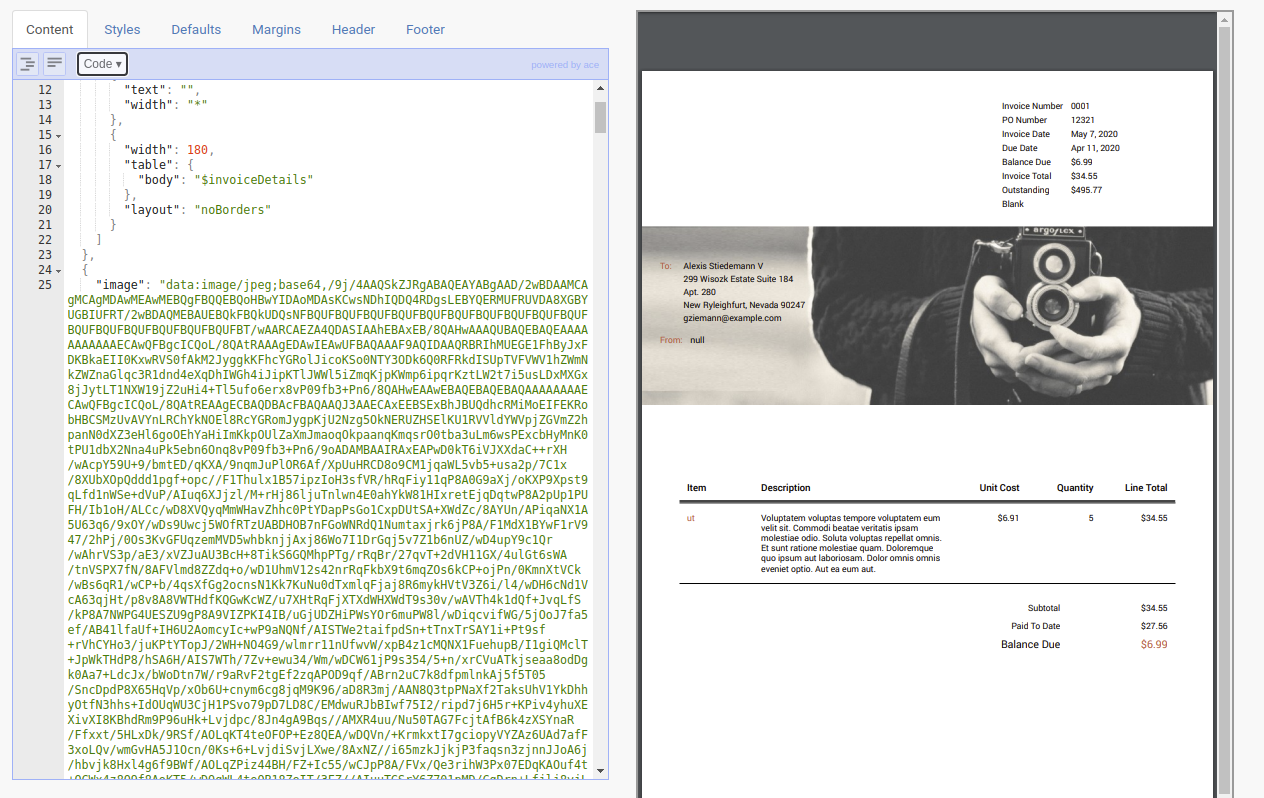
you may need to use a base64 encoded string, if you inspect the Photo design you can see an example of using an image in the design.
 turbo124
on 22 Aug 2020
turbo124
on 22 Aug 2020
Hi @turbo124 - Thanks for your quick reply. May you have an example for me with this picture (https://image.shutterstock.com/image-vector/example-stamp-vector-template-illustration-260nw-1362869099.jpg) ? Which code should I paste it?
"image": "?!",
Thanks a lot.
pthoelken
on 22 Aug 2020
You'll need to use a service like this to convert your image to base64
then paste that content into your design as below
turbo124
on 22 Aug 2020
👍1
As always = very nice support! Thanks - have a nice weekend.
pthoelken
on 22 Aug 2020
👍1
Was this page helpful?
0 / 5 - 0 ratings
Related issues
 SemoTech
·
5Comments
SemoTech
·
5Comments
 popindavibe
·
5Comments
popindavibe
·
5Comments
 alex-stout
·
4Comments
alex-stout
·
4Comments
 m-byte
·
3Comments
m-byte
·
3Comments
 Braunson
·
4Comments
Braunson
·
4Comments