Imageglass: Automatically Use Windows Color Profile
From Google+:
Actually, I thought the color management in ImageGlass was borken, but it works and here's how: In the settings, image, and color management section, go to the select and choose "custom" (not sRGBB unless you've calibrated your monitor to be exactly sRGB) then browse for your custom monitor profile. In Windows 10, it's in Window/system32/spool/drivers/color. Restart ImageGlass, then it should properly convert from the image profile to your display. It should really do that automatically like other apps.
 fire-eggs
All 4 comments
As an additional request it would be good if ImageGlass can automatically switch to correct profile when moving from monitor to monitor(in a multimonitor setup).
 NothingWeAre
on 1 Mar 2020
NothingWeAre
on 1 Mar 2020
i just got a color calibratior and would love this, i also have multi-monitor setup and imageglass seem to have issues when you have a multi-display setup as it wont change the color profile, its just stuck to whatever is default, on my non-multi-monitor laptop it works fine
 nwgat
on 8 Mar 2020
nwgat
on 8 Mar 2020
left windows, right imageglass, nef file
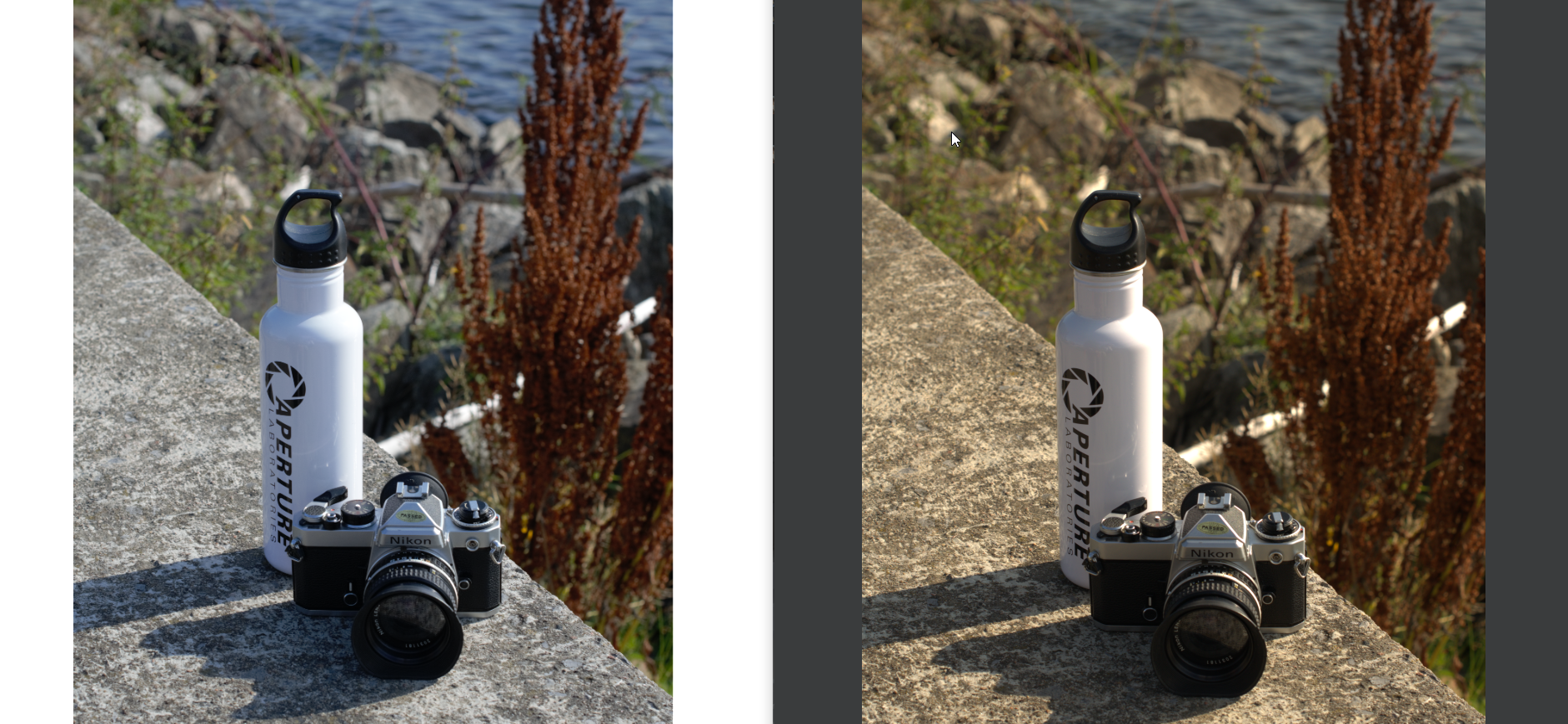
nwgat
on 9 Mar 2020
kinda looks like a raw issue as this is how it looks on a jpeg
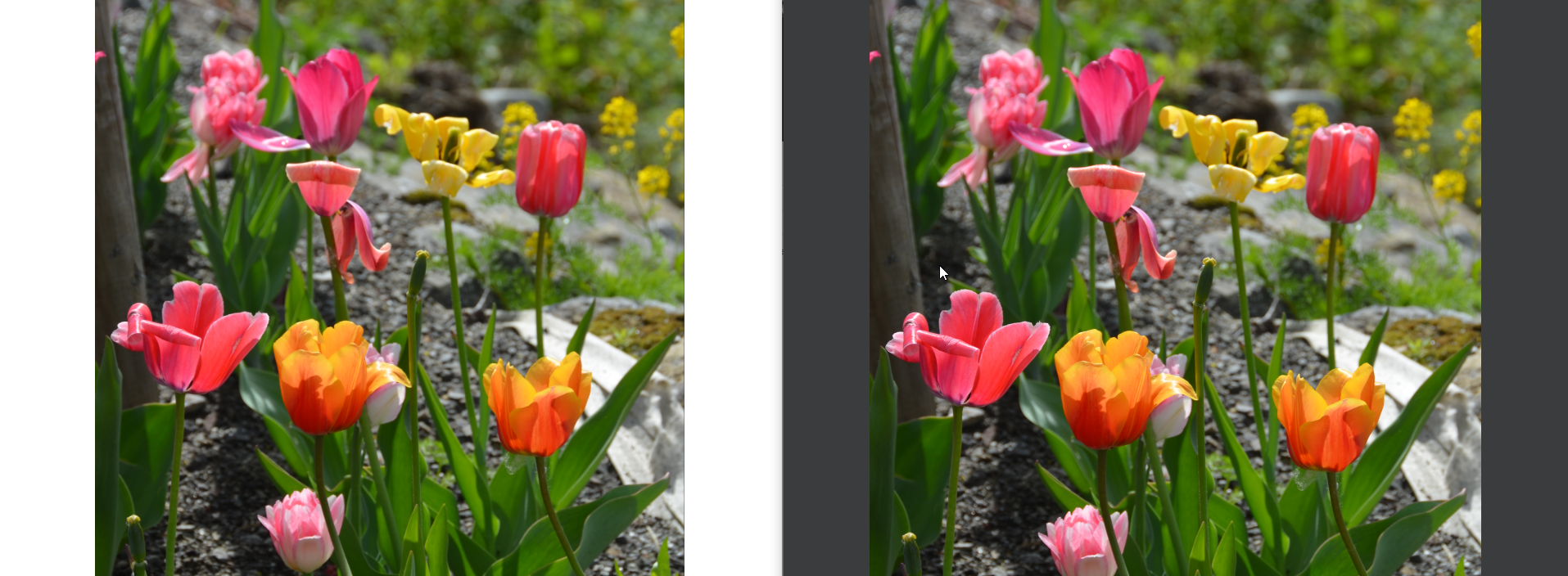
nwgat
on 9 Mar 2020
Related issues
 motazalnuweiri
·
5Comments
motazalnuweiri
·
5Comments
 Matix-Media
·
5Comments
Matix-Media
·
5Comments
 BowChow
·
6Comments
BowChow
·
6Comments
 xmha97
·
4Comments
xmha97
·
4Comments
 mikkolukas
·
3Comments
mikkolukas
·
3Comments
Most helpful comment
As an additional request it would be good if ImageGlass can automatically switch to correct profile when moving from monitor to monitor(in a multimonitor setup).