Is your feature request related to a problem? Please describe.
Looking something to replace the Windows photo viewer (not stable, don't question, believe me),
for a large number of users (easy to learn and use). Currently using IrfanView (what does not look very nice, and a bit unfamiliar for some).
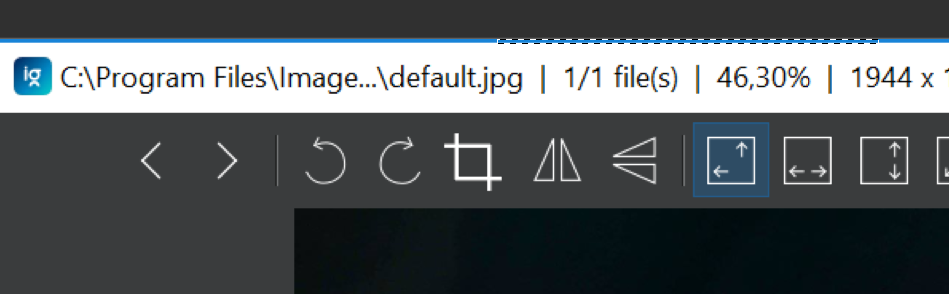
ImageGlass would be great, only crop is missing. Crop is a must have for any quick viewer.
Describe the solution you'd like
A crop button next to mirror & rotate image buttons. When pressed, makes a same aspect ratio rectangle, what is around 80% the size, making the cropped part darker. Big selectors or large hitboxes for the sides and corners would be nice, as some users struggle to precisely click.
TL;DR:
Add this button
When the button is pressed do this:

- Make it look nicer than a quick paint.net edit
- Make it easy to use, minimalistic.
- Accessibility: Crop borders and corners grab range must be quite large, allowing everyone to crop.
Additional context
Yes, this is a duplicate of #39, directing people away from the project for a (relatively) simple feature is not a solution.
 jtagcat
All 5 comments
oh yes! looking forward for this to be in 7.5.x
 Qsefawd
on 24 Mar 2020
Qsefawd
on 24 Mar 2020
oh yes! looking forward for this to be in 7.5.x
@Qsefawd Welcome to GitHub issues, GitLab issues, and other issue trackers!
Did you know there's a button for +1 (thumbs up)? Instead of commenting without any relevant information and sending out notifications to everyone involved, click the +1 on the original post. This also helps the maintainers (who would add this feature) have a better overview.
Here's a photo by Tim van Cleef. Have a nice {time of day}!

jtagcat
on 24 Mar 2020
As I already added this to the timeline, so it will be in the next release :)

 d2phap
on 24 Mar 2020
d2phap
on 24 Mar 2020
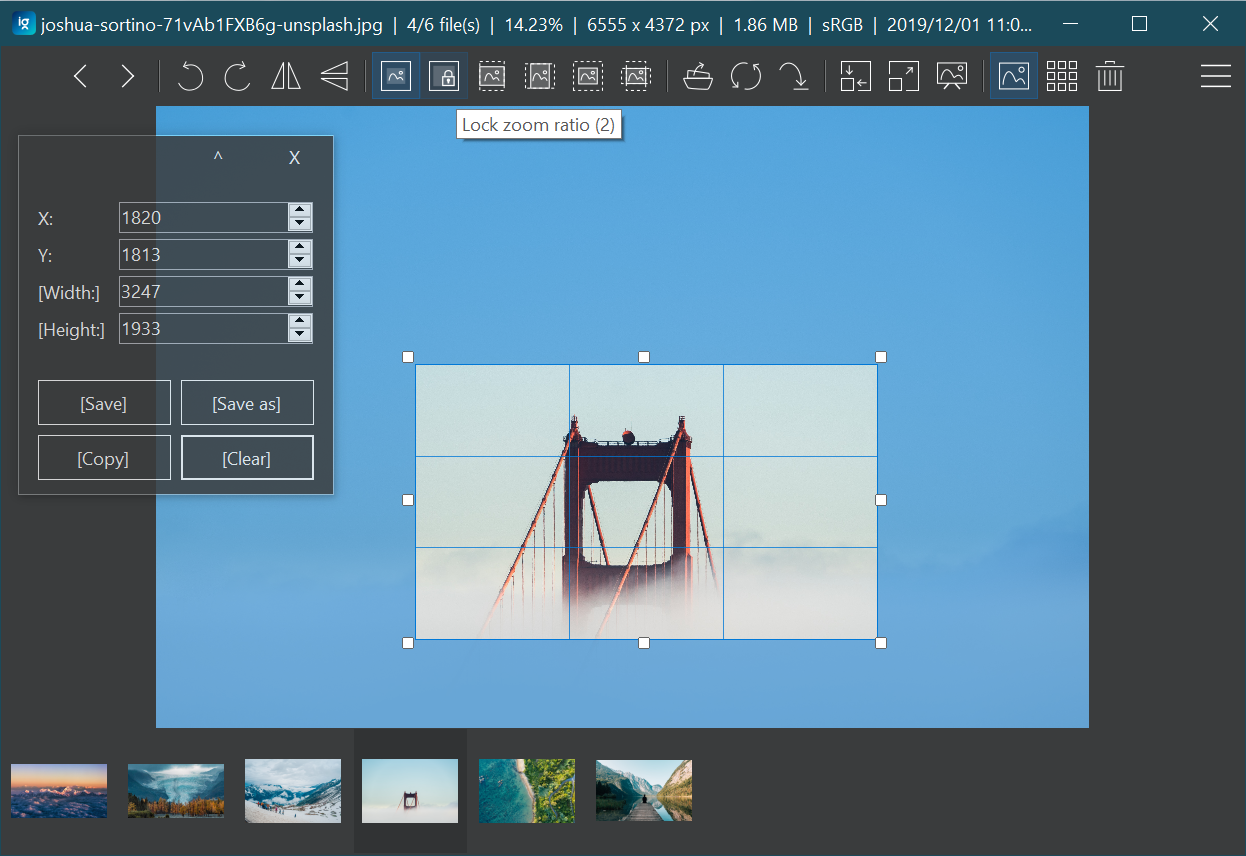
The first preview version of Cropping tool is now available in the latest build of ImageGlass Moon: https://imageglass.org/moon
Features
- [x] Copy selected image region to clipboard (Ctrl+Shift+C)
- [x] Crop and Save on the current viewing image
- [x] Crop and Save as a new image file (Ctrl+S)
- [x] Able to crop the image from clipboard (take screenshot -> Ctrl+V to IG -> C to crop)
- [x] Able to crop the image with transparent background (PNG, ...)
- [x] Manually change the crop factors: X, Y, Width, Height
- [x] Draggable / Resizable selection region with 3x3 grid
- [x] Localization for Cropping tool
- [x] Cropping tool position
- [x] Tool bar button
Notes
- Any modification on image may cause loosing meta data and quality
- For multi-page formats, only the viewing page cropping supported
- It's not fully tested and may contain unknown bugs
d2phap
on 29 Mar 2020
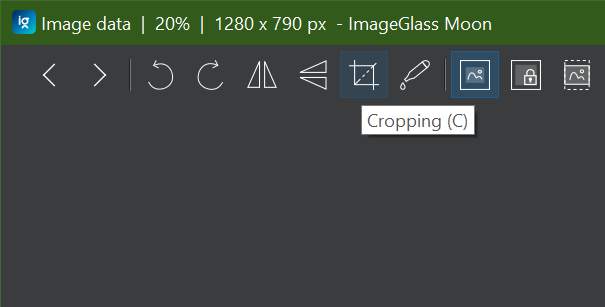
Added Crop button on toolbar, shipped in https://imageglass.org/moon
d2phap
on 21 Apr 2020
Related issues
 OLEGSHA
·
5Comments
OLEGSHA
·
5Comments
 xmha97
·
4Comments
xmha97
·
4Comments
 BowChow
·
6Comments
BowChow
·
6Comments
 mikkolukas
·
3Comments
mikkolukas
·
3Comments
 smaragdus
·
3Comments
smaragdus
·
3Comments
Most helpful comment
Added Crop button on toolbar, shipped in https://imageglass.org/moon