Id: Shortcut for "Toggle location panel" isn't working
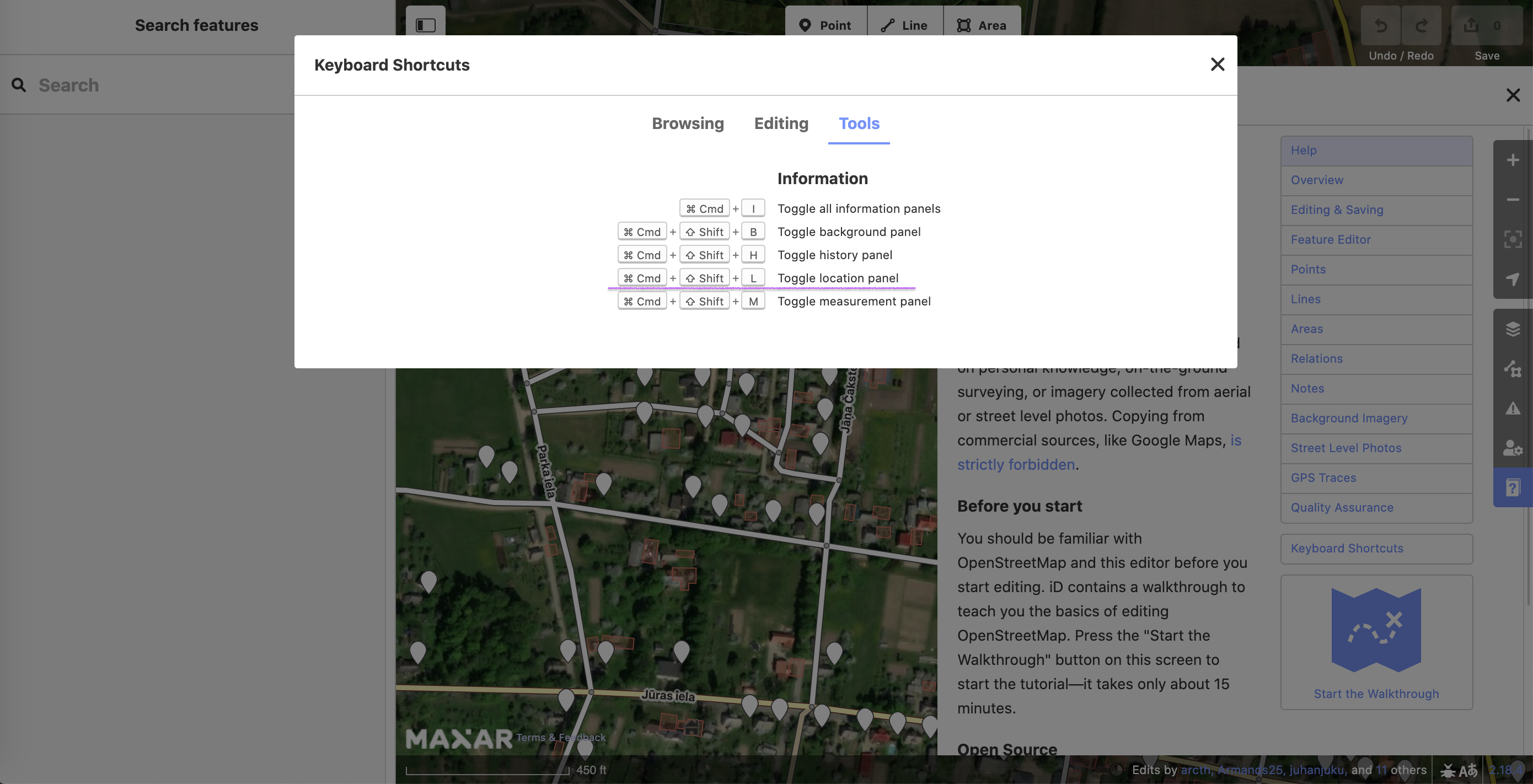
We have a lot of hotkeys that make editing easier, but one of them is out of order. Now we do not see the panel with the location of the area when using Cmd+shift+L.
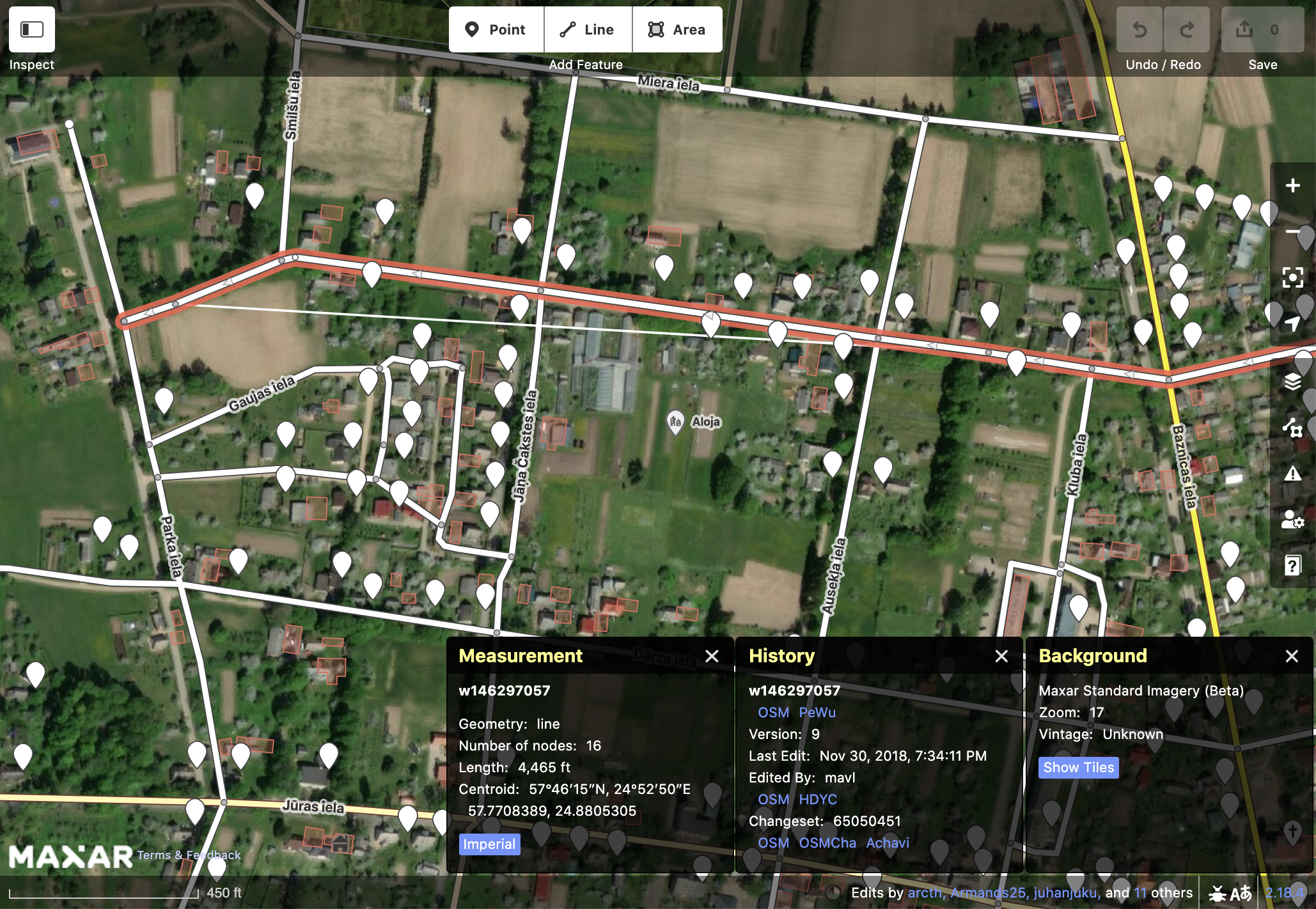
Only Measurement, History and Background shortcuts are working correctly
 korolenok
All 4 comments
Hi! It will be great if you can quickly fix this problem. Without this hotkey, data processing speed by our folks has decreased. Thanks!
cc: @shvrm @abrohood
 Zetkun
on 1 Sep 2020
Zetkun
on 1 Sep 2020
Welcome, @korolenok. What browser/system are you using? I don't see a problem with this shortcut on Firefox, Safari, nor Chrome on macOS.
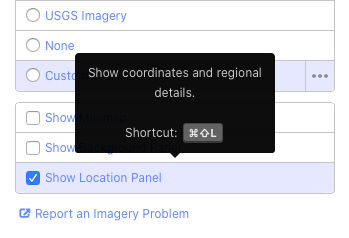
You can also open the Location Panel in the Background Settings menu.
 quincylvania
on 1 Sep 2020
quincylvania
on 1 Sep 2020
@quincylvania I've checked the shortcut on Firefox and Safari - this works correctly for them.
But chrome for some reason doesn't allow using the shortcut (Version 84.0.4147.135 (Official Build) (64-bit)), so it looks like the problem is not on your side. Am I right?
Thank's for advising the Location Panel in the Background Settings menu 👍
korolenok
on 1 Sep 2020
Hmm I'm running Chrome 85.0.4183.83 (Official Build) (64-bit) and it's working okay—must be a bug in 84! Closing this unless it reappears…
quincylvania
on 1 Sep 2020
Related issues
 bhousel
·
3Comments
bhousel
·
3Comments
 jidanni
·
3Comments
jidanni
·
3Comments
 tordans
·
3Comments
jidanni
·
3Comments
tordans
·
3Comments
tordans
·
3Comments
jidanni
·
3Comments
tordans
·
3Comments
Most helpful comment
Hmm I'm running Chrome
85.0.4183.83 (Official Build) (64-bit)and it's working okay—must be a bug in 84! Closing this unless it reappears…