Hugo-coder: 404 Display when click About/Blog/Contact/Projects
When I deploy and publish the site on Netlify, it went alive and looks great. However, when I click About, Blog, Contact, Project in the menu bar the first time it shows the linked page but when click it again it shows up 404. Please check the testing website I published on Netlify: https://5eacfdb6fe9df1c7a468e928--sad-feynman-f8df17.netlify.app
and here is the website I created with your theme:
https://5eac2e27faafa30006aaa6da--dazzling-snyder-517935.netlify.app
 DanyangDai
All 20 comments
Hi @DanyangDai, I tried to look at your website code but there is too much repository on your profile, what's the good one ?
 clement-pannetier
on 2 May 2020
clement-pannetier
on 2 May 2020
First click on about: https://5eac2e27faafa30006aaa6da--dazzling-snyder-517935.netlify.app/about/
Second click: https://5eac2e27faafa30006aaa6da--dazzling-snyder-517935.netlify.app/about/about/
If this is the website then I think it is caused by a combination of missing beginning slash and an empty basename: https://github.com/DanyangDai/Club-Website---ERA/blob/master/config.toml#L83
 fbartels
on 2 May 2020
fbartels
on 2 May 2020
Hi @clement-pannetier and @fbartels thank you so much for getting back to me.
The website I created is called Club-website-ERA and the one I tested with your code is called test-web.
After I added the beginning slash it works! Thank you so much!
DanyangDai
on 2 May 2020
@DanyangDai, why you didn't set the baseURL config parameter ? If it's for relative URL's, I think you also need this relativeurls = true but not sure.
clement-pannetier
on 2 May 2020
@clement-pannetier I want my website to be https://eraunimelb.netlify.app but at the moment it only publish it to https://5ead57742ab12e0006569cd1--eraunimelb.netlify.app. I am not sure what baseURL I should set it to.
DanyangDai
on 2 May 2020
@DanyangDai, if your site name on netlify is set to eraunimelb, your site should be published to https://eraunimelb.netlify.app ?
clement-pannetier
on 2 May 2020
@clement-pannetier I did set the site name to be eraunimelb but it still publish one https://5ead57742ab12e0006569cd1--eraunimelb.netlify.app.
DanyangDai
on 2 May 2020
@DanyangDai, for each deploy, netlify add a string before the URL so that you can view the different versions of your site. This URL https://eraunimelb.netlify.app is always the most recent one, so use it for you baseURL config parameter. If you set it, remove this relativeurls = true
clement-pannetier
on 2 May 2020
Regarding your repo, you don't need to commit your public folder.
Also, you don't need to change the content of this folder, it's generated by hugo, so don't modify the URL's.
clement-pannetier
on 2 May 2020
@clement-pannetier I've tried to set https://eraunimelb.netlify.app as my baseURL config parameter but it mess up with the home page of the website and https://eraunimelb.netlify.app is still page not found. Here is the website with baseURL
https://5ead61e945336c00064e48f1--eraunimelb.netlify.app
DanyangDai
on 2 May 2020
@DanyangDai, https://eraunimelb.netlify.app/ works well 🤨
It's "normal" that the deploy preview don't load the css because as you can see in the console, the site tries to import css from another site (https://eraunimelb.netlify.app/) which causes CORS error.
Ignores the deploy previews when the build works.
clement-pannetier
on 2 May 2020
@clement-pannetier Thanks! This https://eraunimelb.netlify.app is still not found but https://eraunimelb.netlify.app/about/
https://eraunimelb.netlify.app/blog/
https://eraunimelb.netlify.app/contact/
all work now. I am not sure why the homepage is not found.
DanyangDai
on 2 May 2020
This https://eraunimelb.netlify.app is still not found
What do you mean ? It works !?
clement-pannetier
on 2 May 2020
Ok... I am not sure why this is the case but when I try to open https://eraunimelb.netlify.app in Mac OS with Safari and Google Chorme and on my phone, it shows page not found. Do you think it might be the operating system problem? Could you try it on your phone to see if it works?
DanyangDai
on 2 May 2020
It also works on my phone, try to delete web browser cache files.
clement-pannetier
on 2 May 2020
No. Still page not found for https://eraunimelb.netlify.app.
DanyangDai
on 2 May 2020
It's a hugo not found or web browser not found ?
clement-pannetier
on 2 May 2020
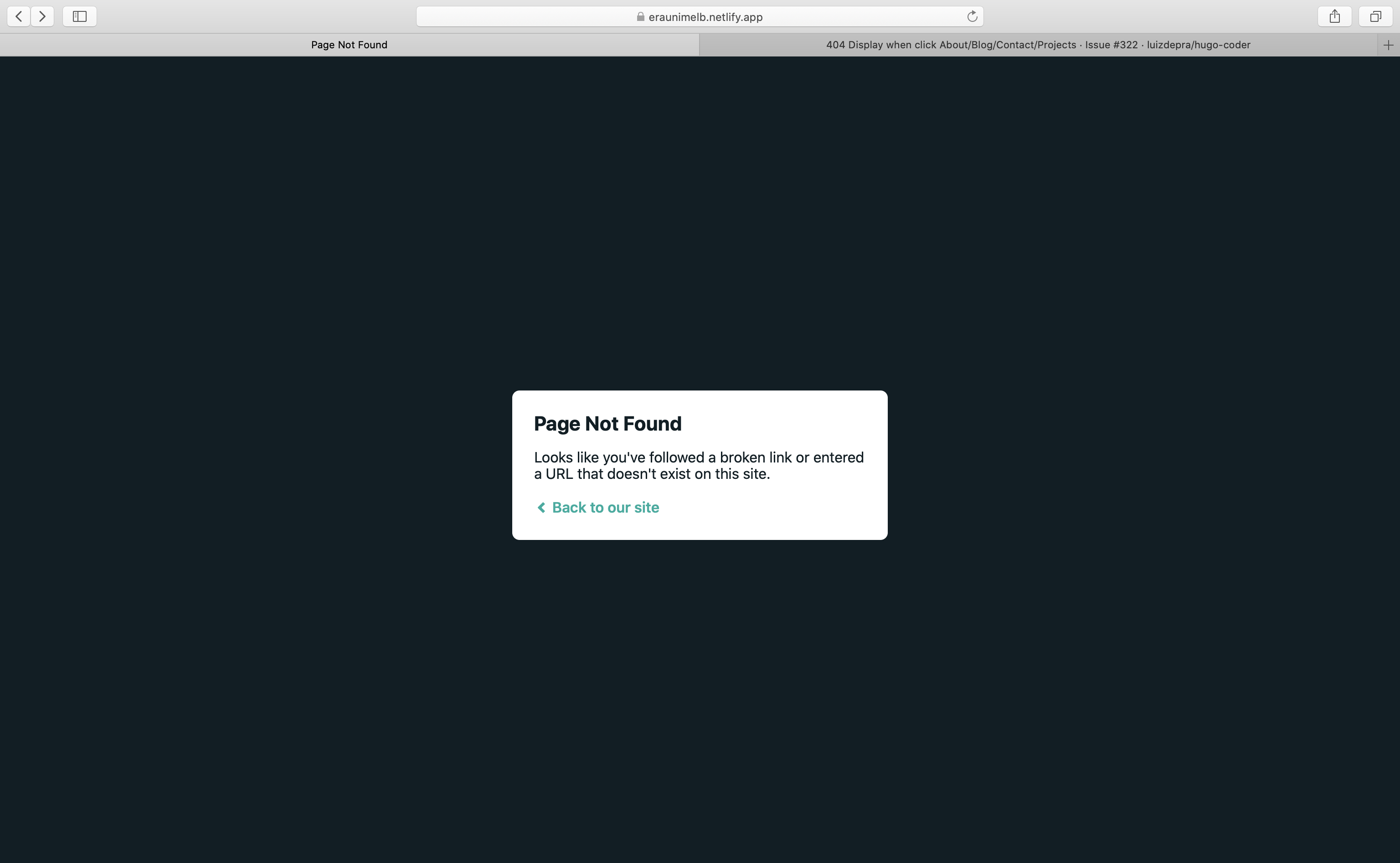
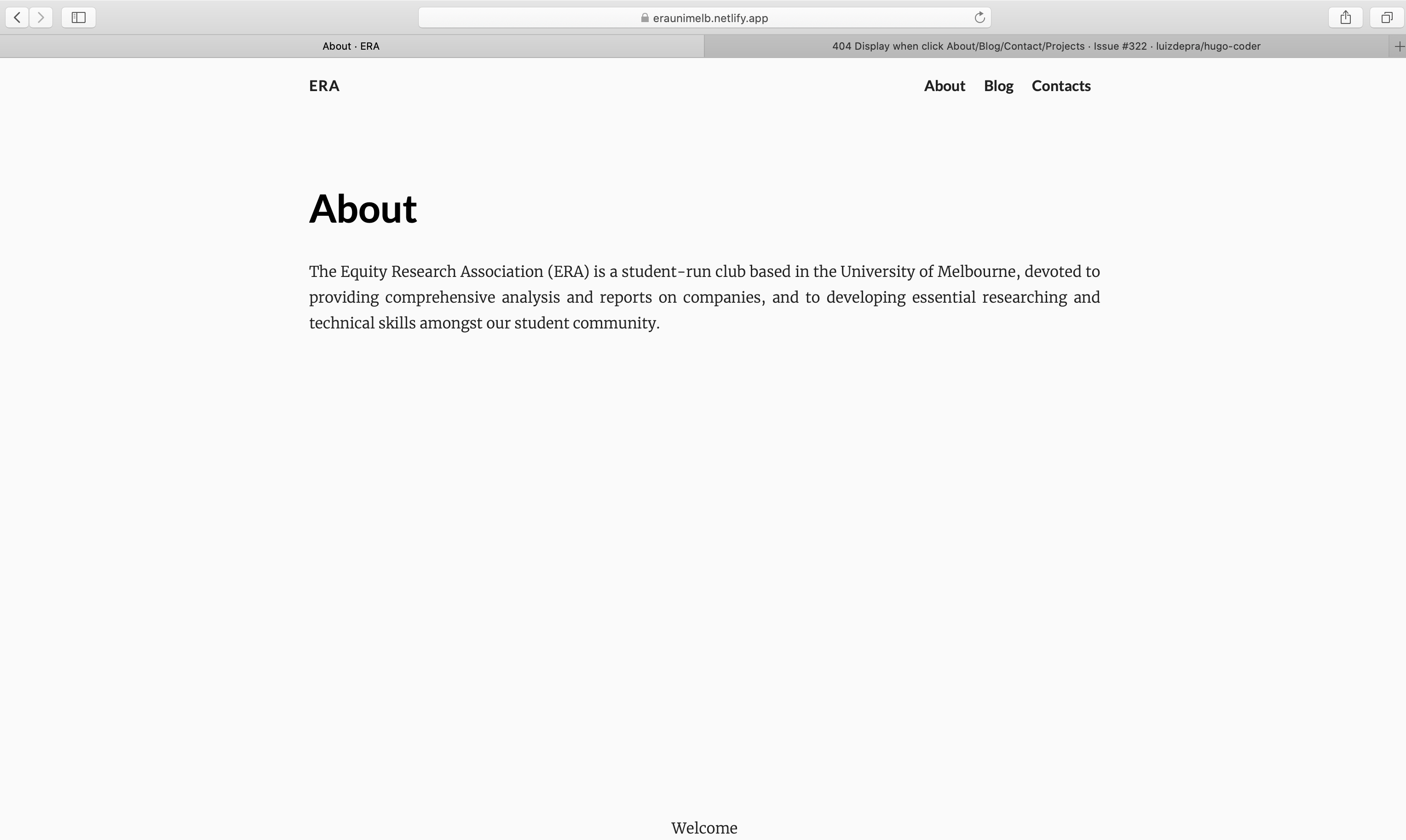
It shows page not found first and when I click on back to our site it goes to the https://eraunimelb.netlify.app/about/
DanyangDai
on 2 May 2020
Try to download a copy of your deploy and make sure there is an index.html file.
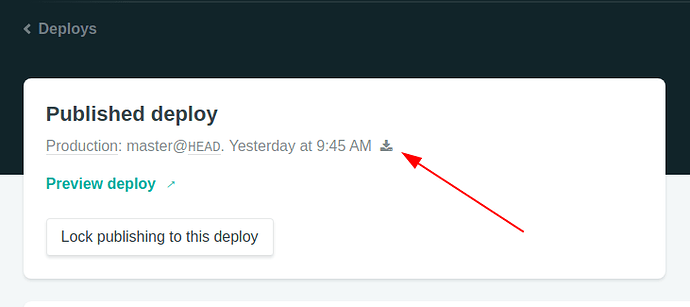
Also, it seems like your netlify config is wrong, copy this file https://github.com/luizdepra/hugo-coder/blob/master/netlify.toml
clement-pannetier
on 2 May 2020
Thank you so much for your help! It finally works now! I've changed my domain name and it all works! https://equityresearch.netlify.app
It's might be a CDN cache issue.
DanyangDai
on 4 May 2020
Related issues
 vvug
·
4Comments
vvug
·
4Comments
 mauricioabreu
·
5Comments
clement-pannetier
·
3Comments
mauricioabreu
·
5Comments
clement-pannetier
·
3Comments
 sunxichen
·
3Comments
sunxichen
·
3Comments
 paskal
·
6Comments
paskal
·
6Comments