Gym: Fail to render gym environment in Pyenv installed python
As context, I'm running all code locally on my Macbook Pro under MacOS Mojave 10.14.
Homebrew recently updated python to 3.7 which is currently not compatible with tensorflow. I reinstalled pyenv so I can manage my active python version and installed tensorflow + ai gym on 3.6.6. When I try to render an environment:
import gym
env = gym.make('CartPole-v0')
env.reset()

for i in range(1000):
    env.step(env.action_space.sample())
    env.render()
I get a blank rendering window when using the pyenv installed interpreter (3.6.6 and 3.7). When I use the hombrew installed intepreter (3.7) the rendering works fine.
Anyone else have this issue? I posted here as any suggestions as to what the majority of the community is using for their development environment (I've used conda, docker, and singularity before) would be welcome.
 mjlbach
All 17 comments
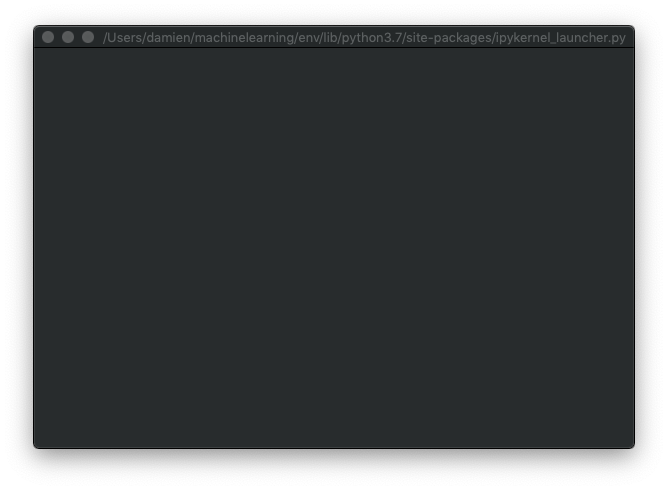
I can confirm the same issue, in a similar environment (Python 3.7.0 and macOS 10.14). I have tried in a standalone script, called by the python and ipython interpreters, as well as a jupyter session.
In my case, the same problem occurs in both the homebrew-installed Python as well as in a venv module virtual environment. I do not use Anaconda.
venv:
system (via homebrew):
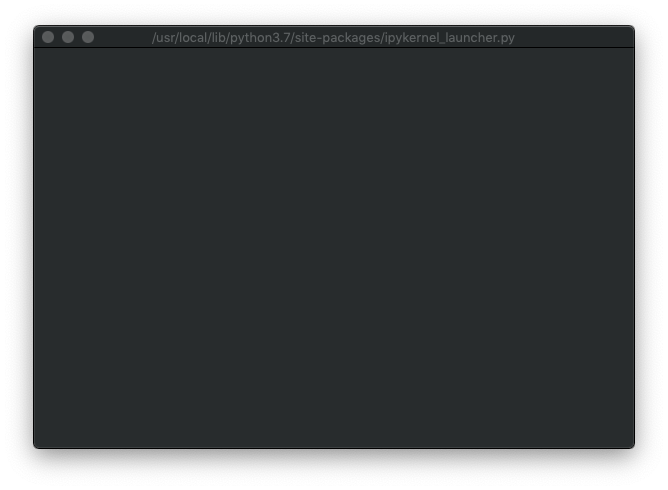
It is not pictured, but in both cases the mouse is in an infinite "beach ball" loop. I have to kill the kernel/interpreter in all cases.
 damienstanton
on 15 Oct 2018
damienstanton
on 15 Oct 2018
@mjlbach @damienstanton your issues actually look different to me.
From what I understand, in @mjlbach 's case, rendering works with python 3.7, but does not with 3.6.6 in pyenv; whereas in @damienstanton 's case rendering does not work with with python 3.7.
Unfortunately, I have no good timeline for the fix (we don't have CI set up for osx - blame travis for lack of python support there, and I don't think anyone working on the gym has switched to Mojave just yet). However, @mjlbach , if you are open to use docker, you should have no problems - we have dockerfiles detailing installation on ubuntu 18.04 and 16.04. Also, if you don't want to deal with X forwarding from docker, but still would like to see what agents are going, it is possible to record and save the videos using VideoRecorder (https://github.com/openai/gym/blob/master/gym/wrappers/monitoring/video_recorder.py)
Sorry I cannot be more helpful here, as soon as I have a way to reproduce this, I'll get back to it.
 pzhokhov
on 23 Oct 2018
pzhokhov
on 23 Oct 2018
No worries! I just wanted to document the issue. I've been using gym in a docker environment with X forwarding. Thanks for the suggestion about recording videos!
mjlbach
on 23 Oct 2018
@mjlbach sounds like a great workaround in the meantime. Could you share how you use x forwarding in this case for gym?
damienstanton
on 24 Oct 2018
Same problem here after upgrading the OSX to Mojave, any fix for this blank screen issue?
 imanesh
on 4 Nov 2018
imanesh
on 4 Nov 2018
+1
 TeaPearce
on 13 Nov 2018
TeaPearce
on 13 Nov 2018
Same issue, using Mojave w/ Python 3.7.1
 Abdisalan
on 15 Nov 2018
Abdisalan
on 15 Nov 2018
Same issue using Mojave w/ Python 3.7.1
 gauthiermartin
on 29 Nov 2018
gauthiermartin
on 29 Nov 2018
@mjlbach
Can you share how you use
I've been using gym in a docker environment with X forwarding.
damienstanton
on 29 Nov 2018
Simple pyenv in my local environment
gauthiermartin
on 30 Nov 2018
same issue here running python 3.6.4 via pyenv
 Journerist
on 7 Dec 2018
Journerist
on 7 Dec 2018
Same issue. Mojave 10.14.1 with Python 3.7.1.
Edit: Updating to 10.14.2 solved it for me.
 al-jshen
on 26 Dec 2018
al-jshen
on 26 Dec 2018
Does anyone other than @AL-JShen confirm that after updating to 10.14.2 the issue is fixed ?
gauthiermartin
on 27 Dec 2018
@gauthiermartin
https://github.com/openai/gym/issues/1236
Check out this thread, a few others in there have also fixed their problems by updating.
al-jshen
on 27 Dec 2018
This is great news. Not to be too negative, but I'm very glad that my current Mac laptop is the last Mac I will be using professionally 🙂
damienstanton
on 28 Dec 2018
I confirm after updating to 10.14.2 it does work perfectly
gauthiermartin
on 28 Dec 2018
Closed because 10.14.2 fixes the issue, and alternative solutions (Docker, rendering to video) were available.
mjlbach
on 28 Dec 2018
Related issues
 Gawne
·
4Comments
Gawne
·
4Comments
 tornadomeet
·
4Comments
tornadomeet
·
4Comments
 david8373
·
4Comments
david8373
·
4Comments
 Ettrig
·
3Comments
Ettrig
·
3Comments
 pdoongarwal
·
4Comments
pdoongarwal
·
4Comments
Most helpful comment
Same problem here after upgrading the OSX to Mojave, any fix for this blank screen issue?