Gutenberg: Posts not saving or updating on Laravel Valet
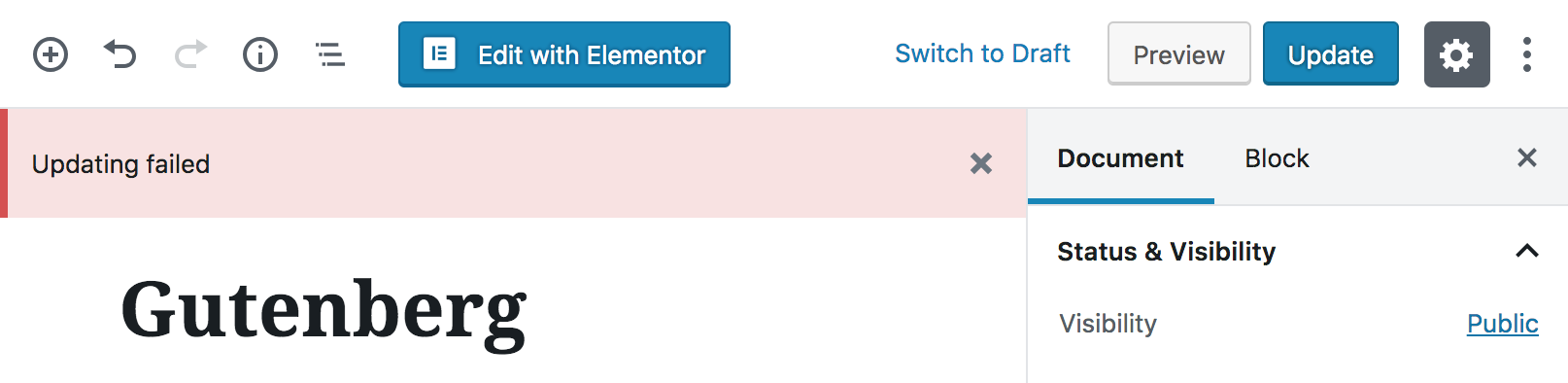
Posts fail to update and display updating failed error message. Running Gutenberg version 4.1.1, Twenty Seventeen theme with no plugins.
This has happened from the beginning, not just the current version of Gutenberg. The same issue occurs across all local sites, however updating posts works perfectly fine on the production/staging sites (on ServerPilot, which uses Apache as well as Nginx).
Updating also fails when the post is trying to autosave.
There are no errors in the console.
Steps to reproduce the behavior:
- Go to edit post page
- Click update
Screenshots
Desktop
- OS: Sierra 10.12.6
- Laravel Valet
- Nginx 1.12.1
- PHP 5.6
- Browser: Chrome (also tested Safari, Firefox)
- Browser Version: 70.0.3538.77
 seothemes
All 7 comments
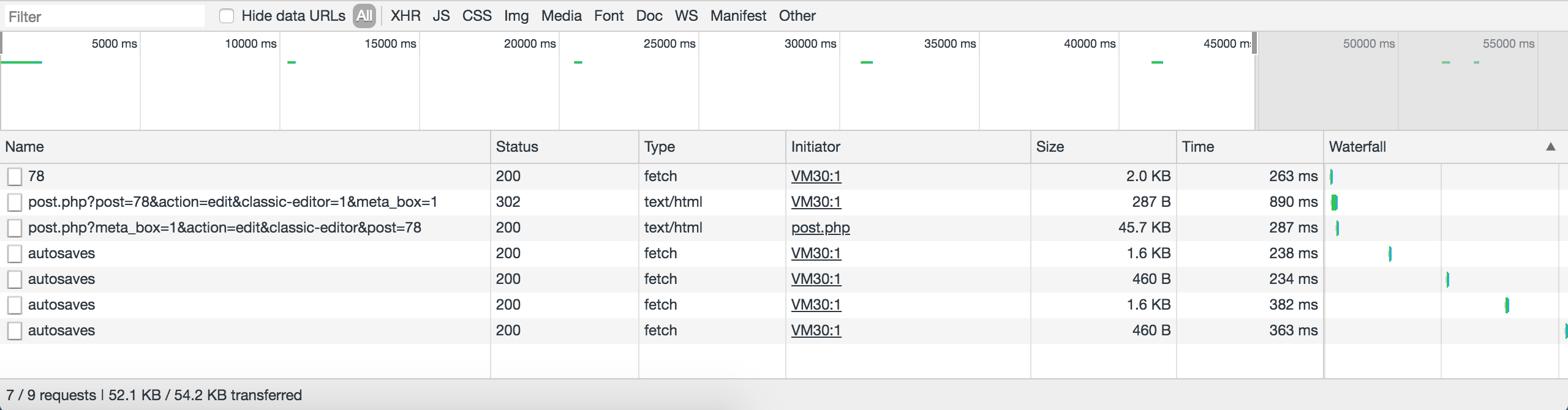
What do you see in the network tab in your browser dev tools? There should be requests to the REST API when saving. What are the requests and responses there?
 swissspidy
on 27 Oct 2018
swissspidy
on 27 Oct 2018
seothemes
on 27 Oct 2018
@swissspidy Clicking update doesn't generate any new requests.
seothemes
on 27 Oct 2018
@seothemes What is the response for the autosaves request then?
swissspidy
on 27 Oct 2018
Deprecated: Automatically populating $HTTP_RAW_POST_DATA is deprecated and will be removed in a future version. To avoid this warning set 'always_populate_raw_post_data' to '-1' in php.ini and use the php://input stream instead. in Unknown on line 0
Warning: Cannot modify header information - headers already sent in Unknown on line 0
seothemes
on 28 Oct 2018
There you go :-) You need to get rid of that error message by disabling that option as described in the error message.
swissspidy
on 28 Oct 2018
That fixed it, thanks for the help!
For anyone else who comes across this, the php.ini file is usually located under:
/usr/local/etc/php/7.0/php.ini
Search for the ;always_populate_raw_post_data = -1 string around line 700 and uncomment it by deleting the semicolon.
seothemes
on 28 Oct 2018
Related issues
 ellatrix
·
3Comments
ellatrix
·
3Comments
 aduth
·
3Comments
aduth
·
3Comments
 maddisondesigns
·
3Comments
maddisondesigns
·
3Comments
 spocke
·
3Comments
spocke
·
3Comments
 BE-Webdesign
·
3Comments
BE-Webdesign
·
3Comments
Most helpful comment
That fixed it, thanks for the help!
For anyone else who comes across this, the
php.inifile is usually located under:Search for the
;always_populate_raw_post_data = -1string around line 700 and uncomment it by deleting the semicolon.