Gutenberg: Twitter blocks don't align to center.
Hello,
I have some issues to the alignment of twitter and some embedded blocks. For example, in the Twitter block, changing from no alignment to center alignment has no effect on the editor and in the preview.

 MasterRedz
All 6 comments
My understanding is that by default the block is aligned to the center. When you try to align the block to the left/right, you would notice that the editor and preview show the respective behaviour.
Although the center and no alignment views show that the block is aligned to the center by default.
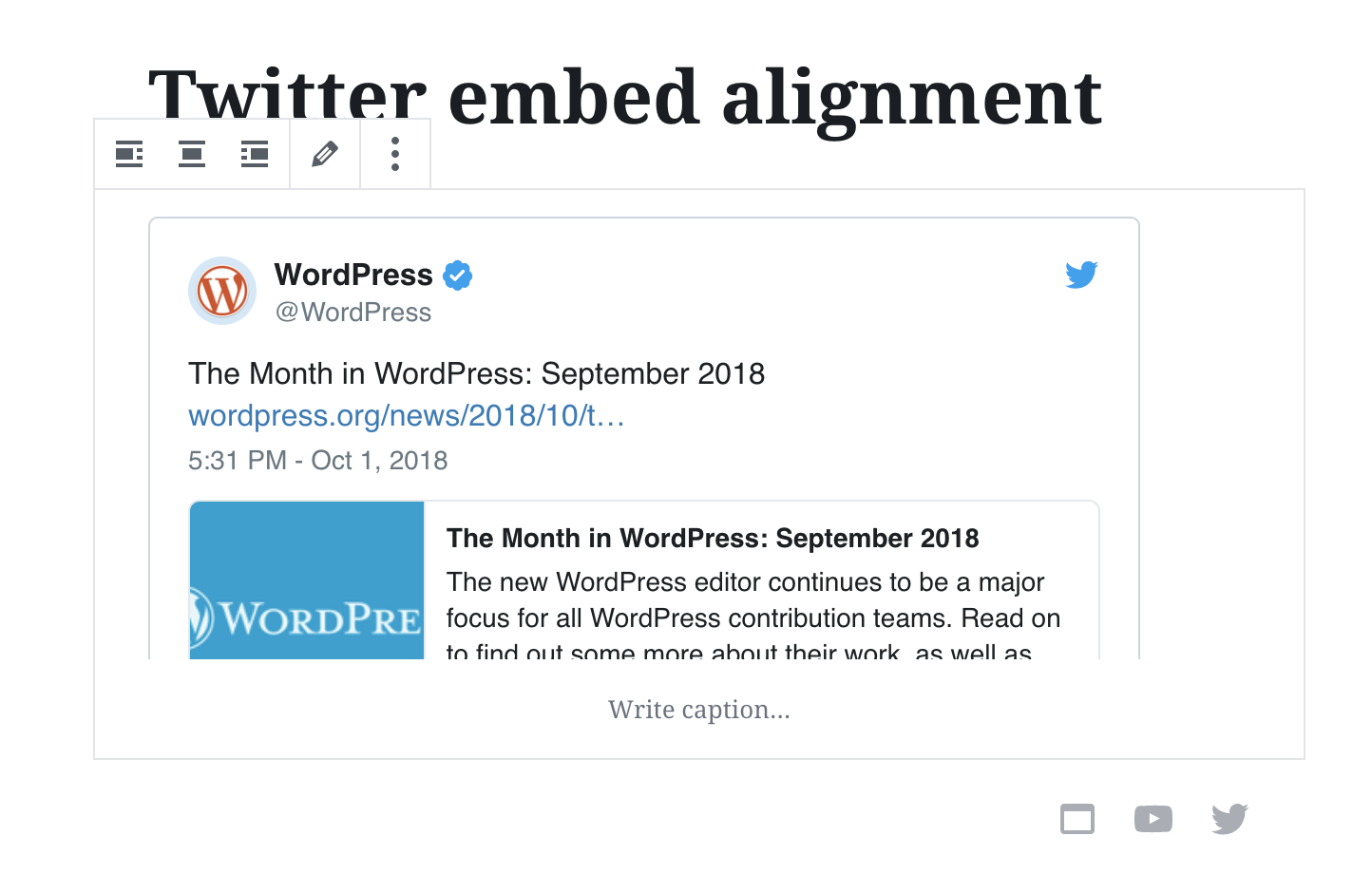
Without the center alignment:
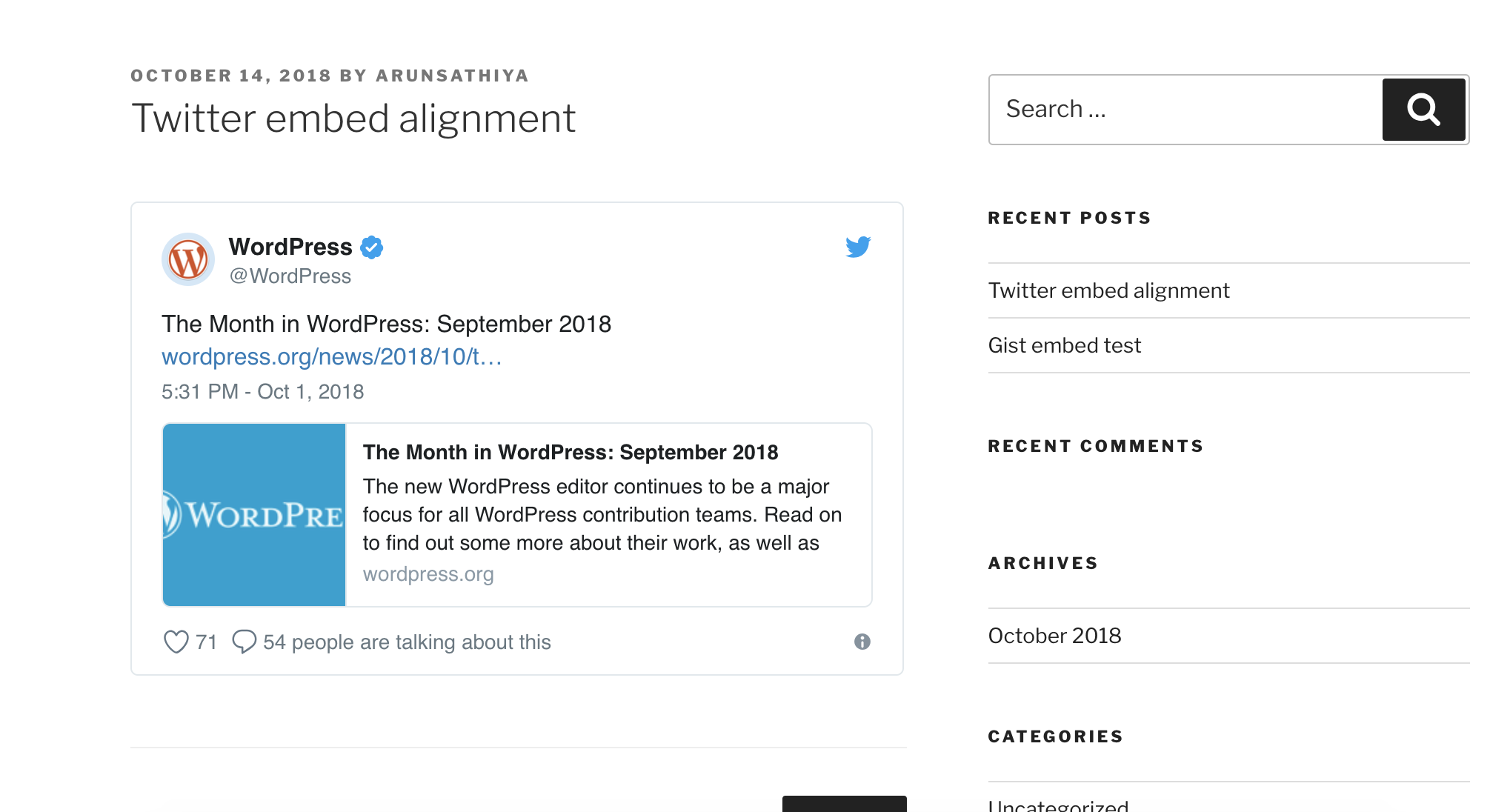
With the center alignment:
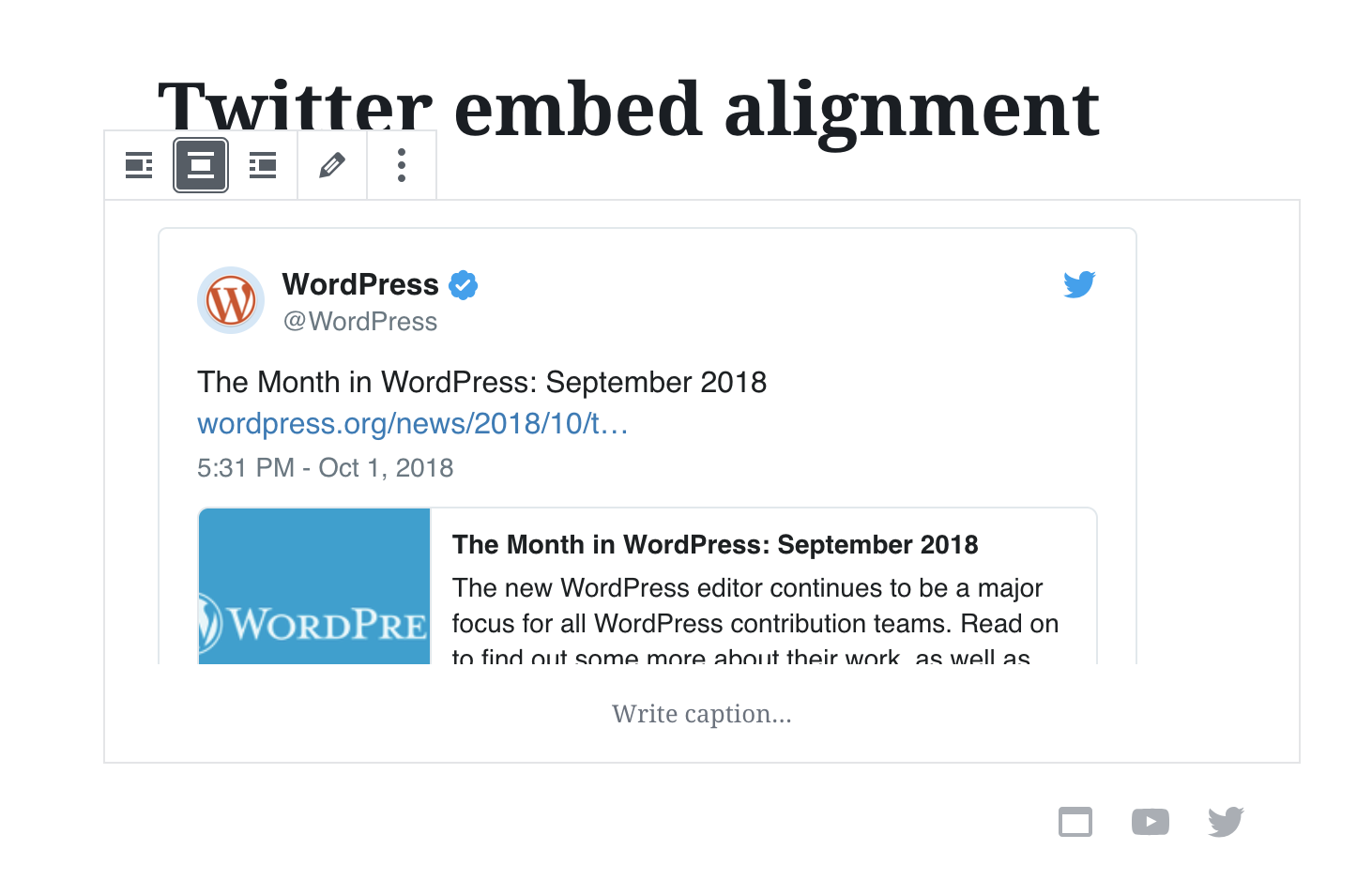
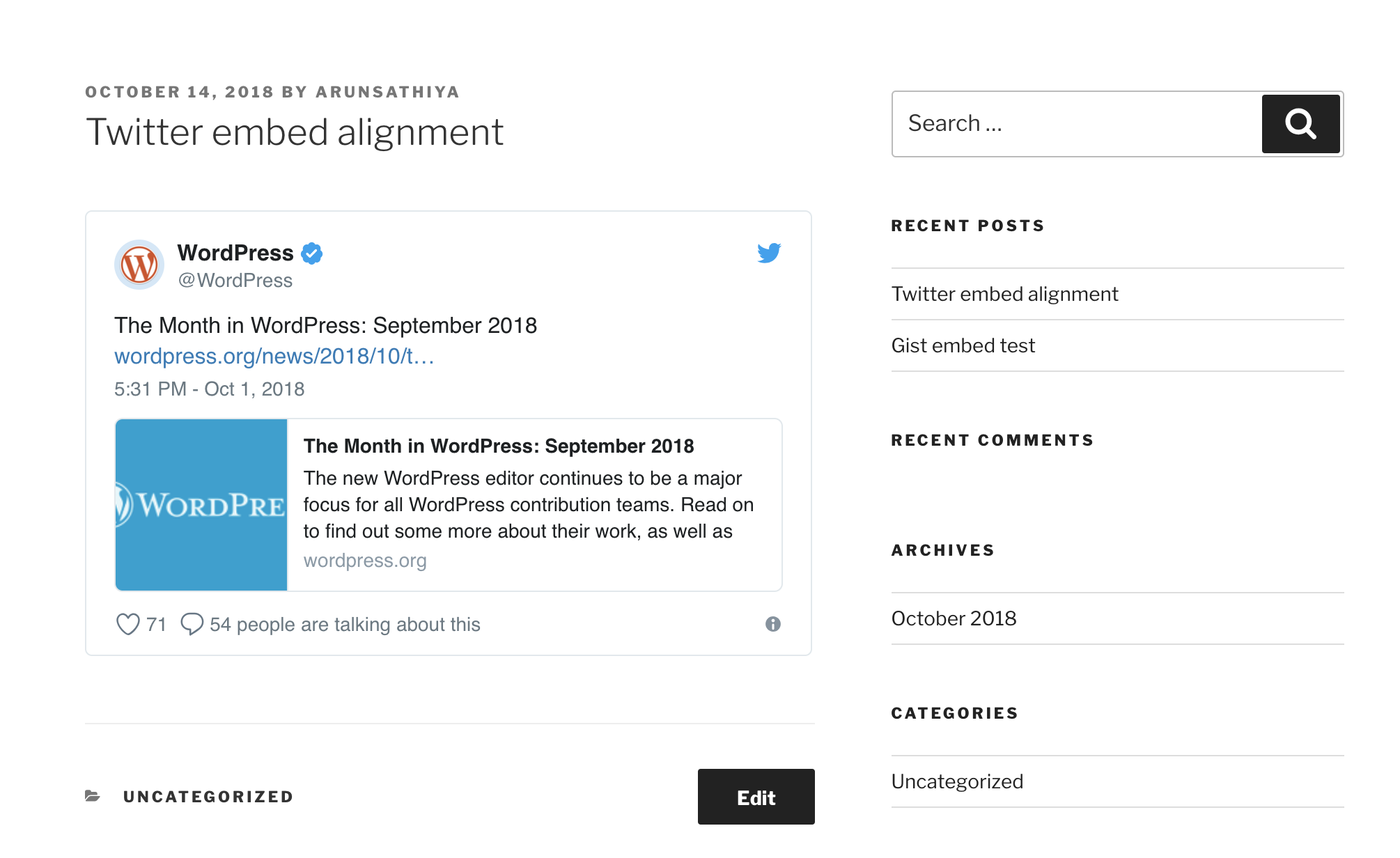
With left alignment:
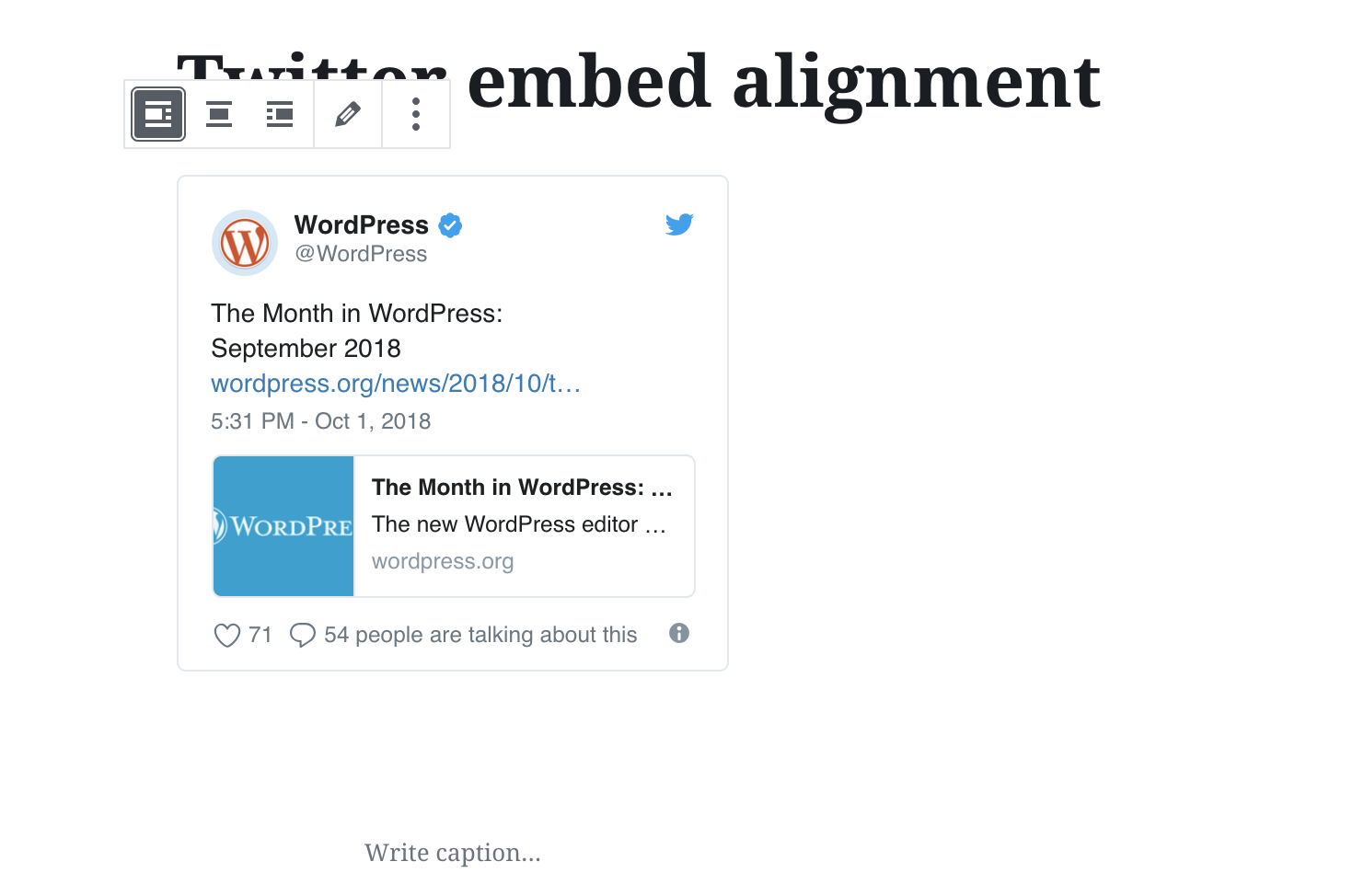
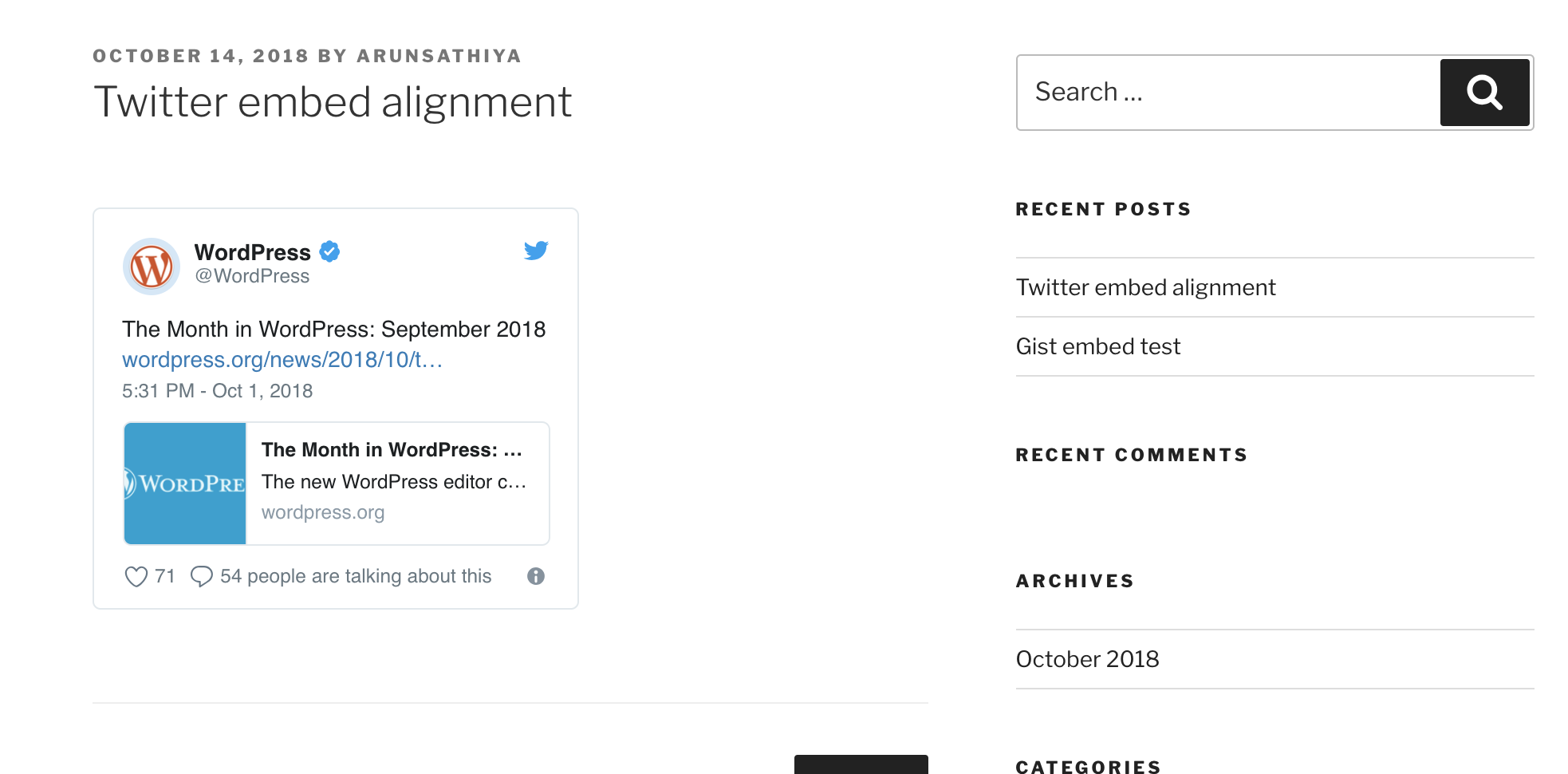
With right alignment:
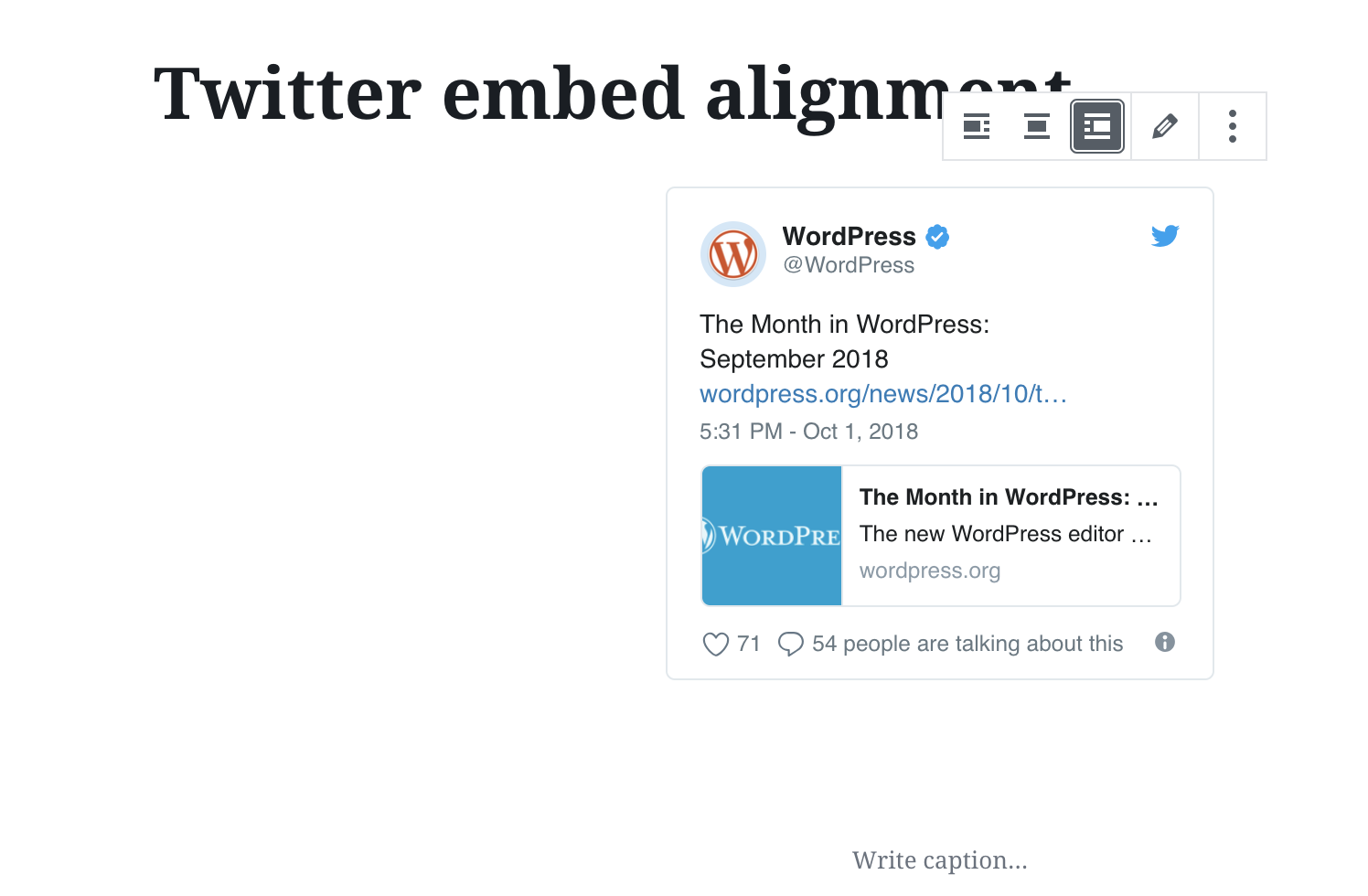
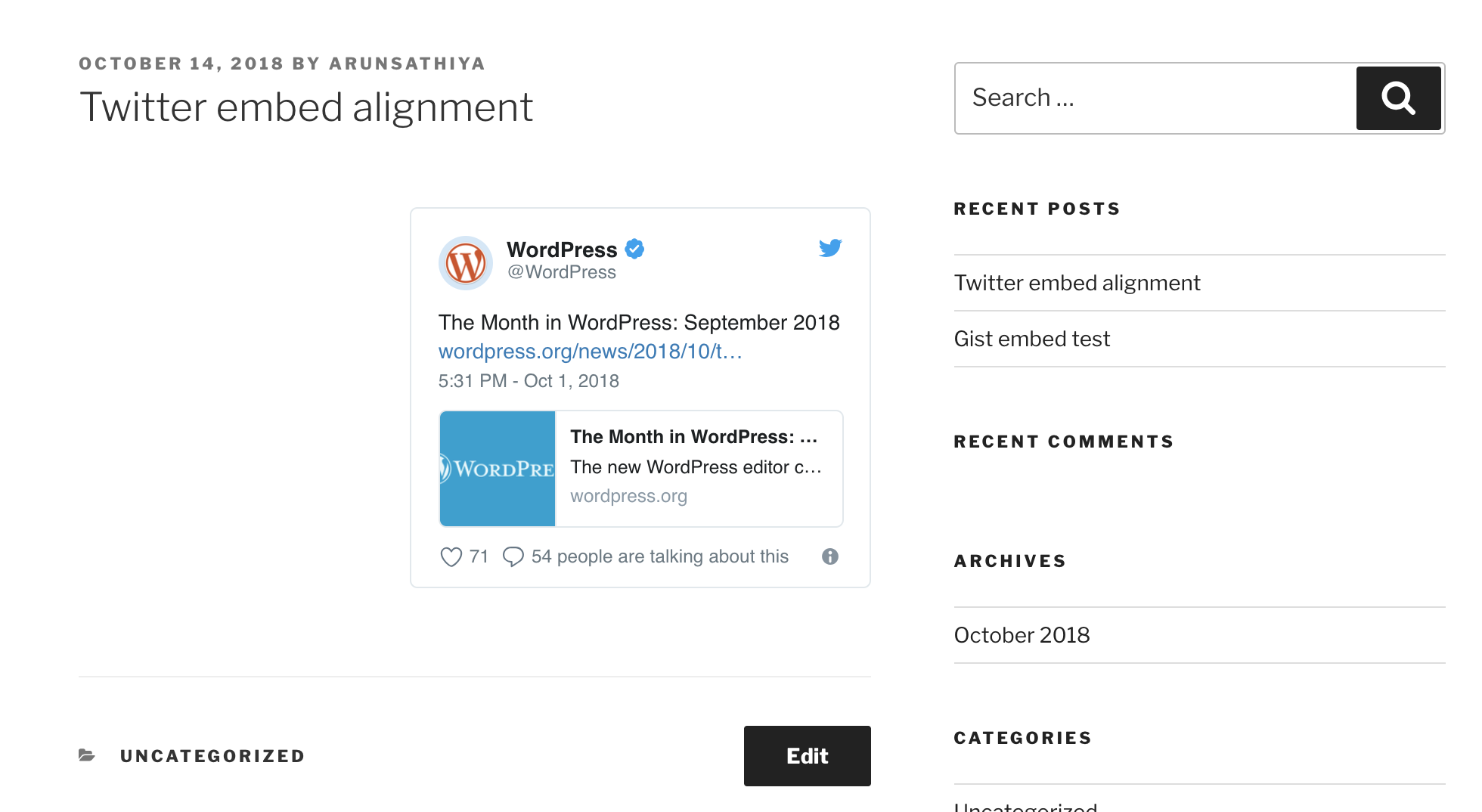
Video indicating this behaviour in the editor and the preview.
 arunsathiya
on 14 Oct 2018
arunsathiya
on 14 Oct 2018
Closing since it appears the question has been answered. Thanks @arunsathiya!
 designsimply
on 16 Oct 2018
designsimply
on 16 Oct 2018
I wanted to respond to this, as I don't believe this was ever resolved. The answer given doesn't address the content of the block. The block is centered, yes. That's not the issue. The content INSIDE the block is not. So when you have a Tweet embedded, it's left aligned, while the caption text is centered. See below:
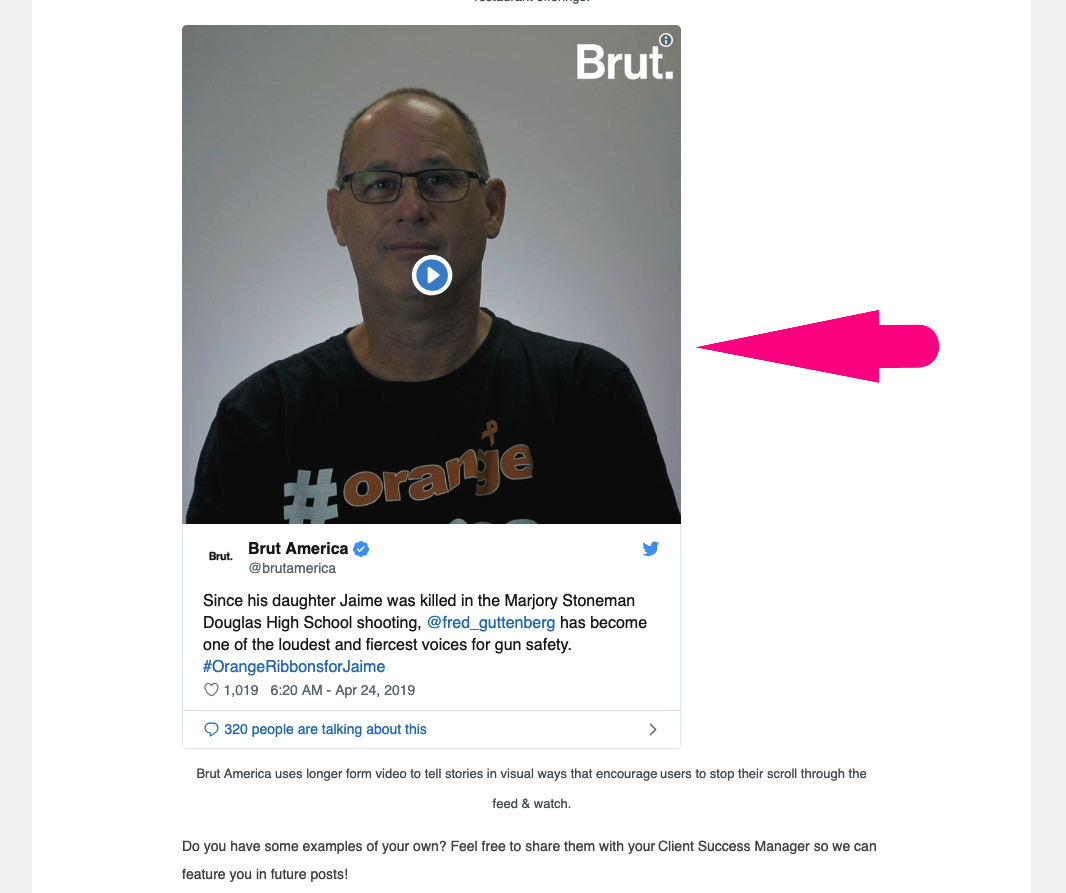
When using Twitter's basic blockquote embed code, you can add "tw-align-center" to the
seen below:Since his daughter Jaime was killed in the Marjory Stoneman Douglas High School shooting, @fred_guttenberg has become one of the loudest and fiercest voices for gun safety. #OrangeRibbonsforJaime pic.twitter.com/syI9Zaeso3
— Brut America (@brutamerica) April 24, 2019This does the intended centering of the Twitter embedded content. However, this can't be accomplished in the Gutenberg blocks.
 dadrake
on 29 Apr 2019
dadrake
on 29 Apr 2019
I can confirm that centering of most media embeds does not work.
Left and right alignment work but it then cause content to wrap around the media in an undesirable ( for me ) way.
Here is some SCSS that mostly worked for me. There is some spacing on the right that I haven't tracked down yet so the Tweet is not 100% centered.
This works for Twitter, Instagram, and Tumblr, if there is something else let me know.
Facebook Posts have some funky static widths applied in a few places so I haven't been able to adjust that one yet.
Facebook Video I treated as a responsive embed (100% width)
.wp-block-embed.aligncenter.is-type-rich {
        > .wp-block-embed__wrapper iframe,
        > .wp-block-embed__wrapper twitter-widget {
            margin-left: auto !important;
            margin-right: auto !important;
        }
    }
 adampatterson
on 6 May 2019
adampatterson
on 6 May 2019
The issue is still there, adding the "tw-align-center" class to the twitter embed blockquote seems to fix the issue as mentioned by @dadrake .
 CodingNagger
on 3 Oct 2019
CodingNagger
on 3 Oct 2019
@dadrake
The block is centered, yes. That's not the issue. The content INSIDE the block is not.
I believe this is expected. In general, we affect the container of the embed but not the content inside it.
So when you have a Tweet embedded, it's left aligned, while the caption text is centered. See below:
This looks more like a problem with the width of the caption not matching up with the width of the embed. It looks theme-related to me.
I looked a bit deeper and found the centering of the Twitter embed seems to be a overridden by some CSS in the Twenty Nineteen theme: https://cloudup.com/cWEHAH0_jce It would be good to ask about this at https://core.trac.wordpress.org/newticket with the Summary starting with "Twenty Nineteen:".
@CodingNagger
The issue is still there, adding the "tw-align-center" class to the twitter embed blockquote seems to fix the issue as mentioned by @dadrake .
I couldn't see how to add the "tw-align-center" class to the twitter embed blockquote: https://cloudup.com/cIlySPsMv1q
But even if that worked, we probably wouldn't try to inject CSS in to an external stylesheet like that.
@adampatterson
Using !important may be a good workaround for individuals, but it's not a good practice to add !important to CSS used by a project such as WordPress as a general practice. We should try to fix the issue in another way.
I think the next step here would be to ask about why the aligncenter styles don't work for Twitter embeds in a core Trac ticket and then go from there. Thanks so much for the discussion and for posting workarounds and including screenshots!
designsimply
on 3 Oct 2019
Related issues
 mhenrylucero
·
3Comments
mhenrylucero
·
3Comments
 davidsword
·
3Comments
davidsword
·
3Comments
 aduth
·
3Comments
aduth
·
3Comments
 cr101
·
3Comments
cr101
·
3Comments
 nylen
·
3Comments
nylen
·
3Comments
Most helpful comment
I wanted to respond to this, as I don't believe this was ever resolved. The answer given doesn't address the content of the block. The block is centered, yes. That's not the issue. The content INSIDE the block is not. So when you have a Tweet embedded, it's left aligned, while the caption text is centered. See below:
When using Twitter's basic blockquote embed code, you can add "tw-align-center" to the