Gutenberg: Sidebar should remain closed on resizing the screen
If I make my screen smaller I get this and lose content area:
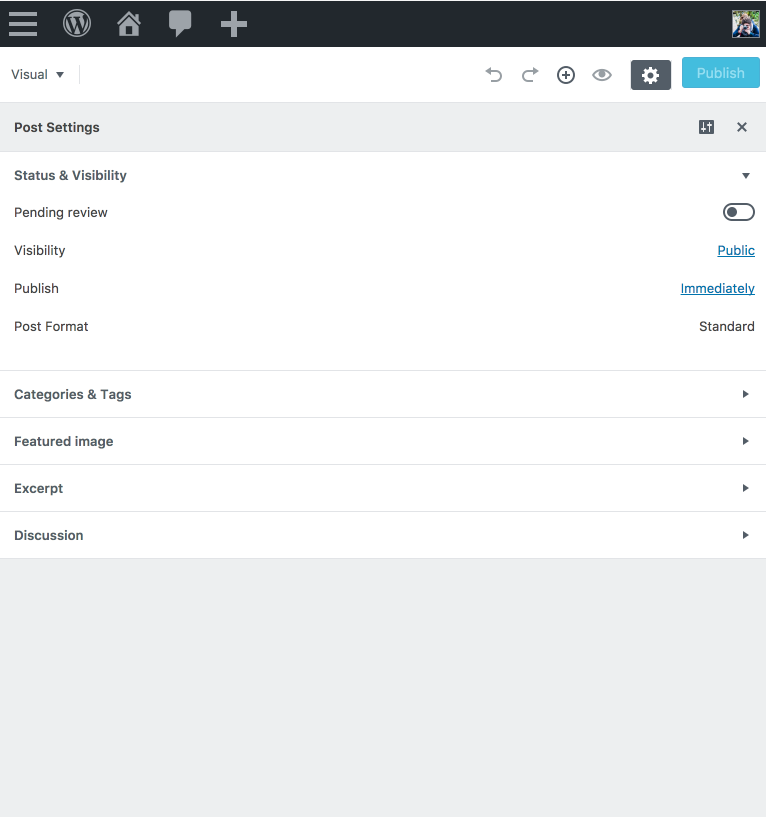
Version: plugin from directory.
 karmatosed
All 6 comments
Noticed the same. The post settings can be closed though and you can continue writing. Although the UX isn't ideal.
There are few more issues with the responsive design though, see #1514 for example. Perhaps we can fix some of them at once?
 swissspidy
on 28 Jun 2017
swissspidy
on 28 Jun 2017
If you refresh the page, the settings will be closed by default. Thus, I don't think this is a bug because regular users don't resize their browsers to check responsiveness.
 youknowriad
on 28 Jun 2017
youknowriad
on 28 Jun 2017
What if you switch your tablet from portrait to landscape mode, move the browser window from one screen to another (smaller) one, or just resize it because your 27-inch iMac screen is just too large to have fullscreen windows?
swissspidy
on 28 Jun 2017
We probably need to create the concept of layout-focus if we want to improve this (I added a tool like this to calypso early on)—layout focus keeps track of what part of the layout is the primary focus at any given point. If you don't open the sidebar manually, then focus should be set to content, which would mean on mobile breakpoints it can be hidden. On desktop, even if sidebar is not focused it can be opened (initial load).
 mtias
on 28 Jun 2017
mtias
on 28 Jun 2017
@youknowriad I actually disagree, mainly because I discovered this because I use a 13" macbook and the not having a full size window can easily create this issue.
karmatosed
on 28 Jun 2017
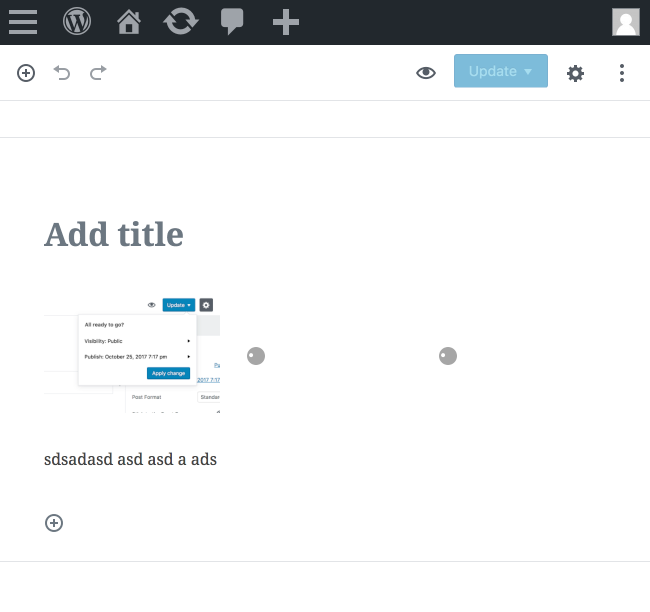
A simple step for this would be to avoid this:
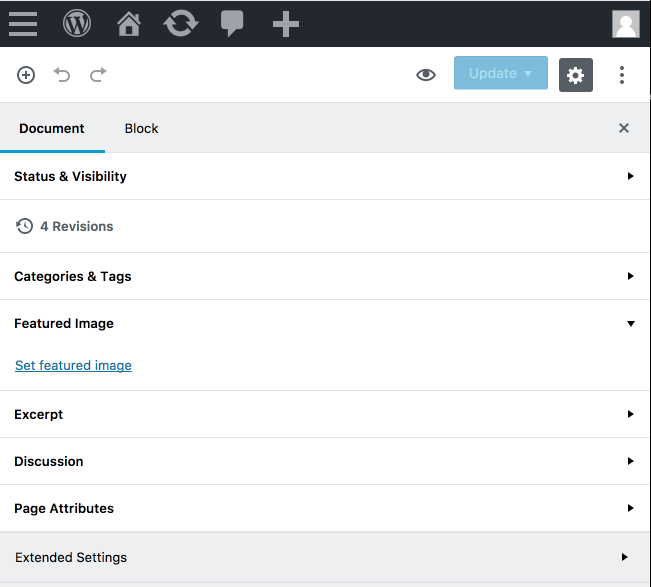
Having as default settings closed (on first load):
karmatosed
on 2 Nov 2017
Related issues
 aduth
·
3Comments
aduth
·
3Comments
 mhenrylucero
·
3Comments
mhenrylucero
·
3Comments
 franz-josef-kaiser
·
3Comments
franz-josef-kaiser
·
3Comments
 davidsword
·
3Comments
davidsword
·
3Comments
 jasmussen
·
3Comments
jasmussen
·
3Comments
Most helpful comment
We probably need to create the concept of layout-focus if we want to improve this (I added a tool like this to calypso early on)—layout focus keeps track of what part of the layout is the primary focus at any given point. If you don't open the sidebar manually, then focus should be set to
content, which would mean on mobile breakpoints it can be hidden. On desktop, even if sidebar is not focused it can be opened (initial load).