Godot version: 3.2.1.stable.official
OS/device including version: Manjaro Gnome, current @ 15 May 2020
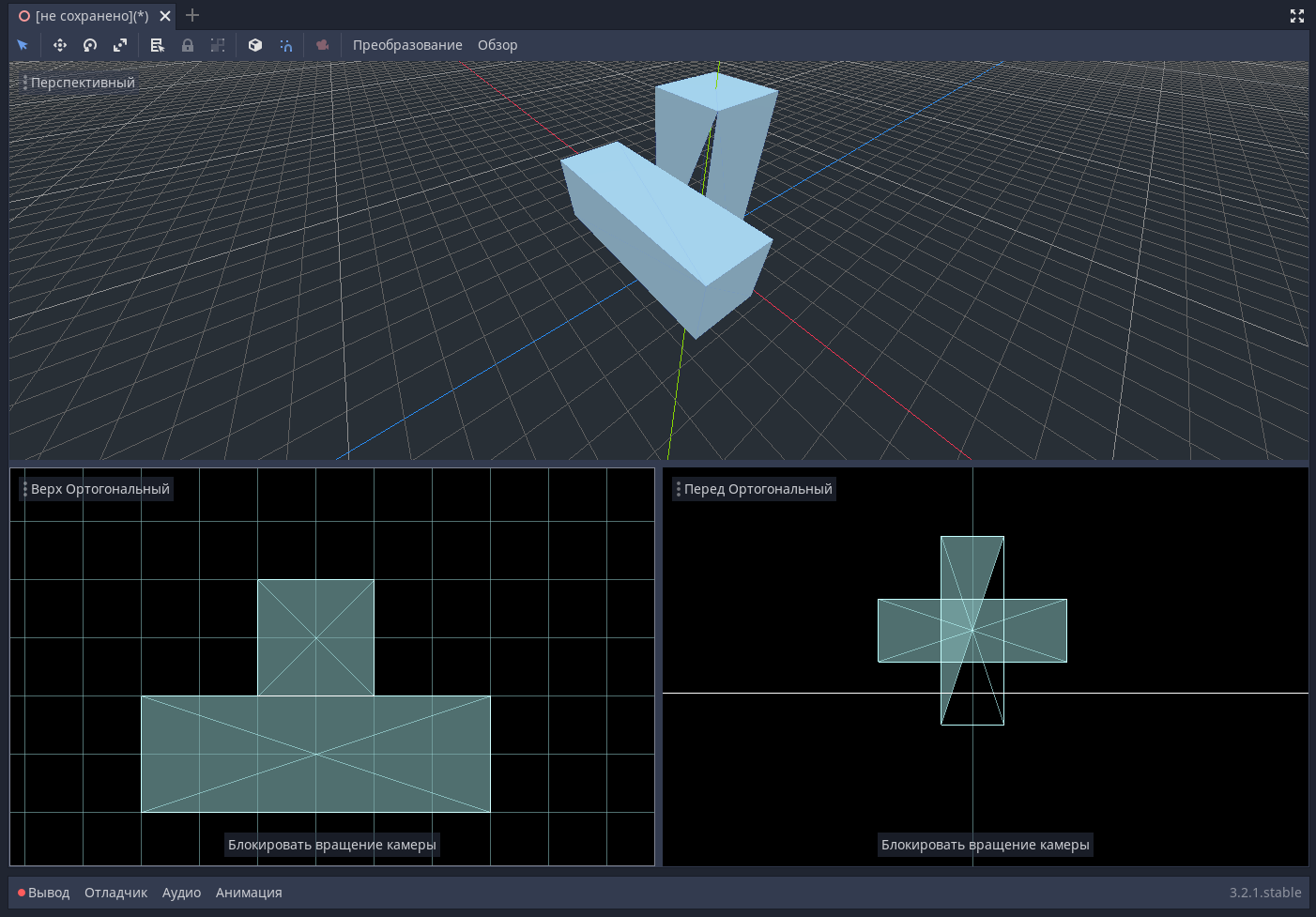
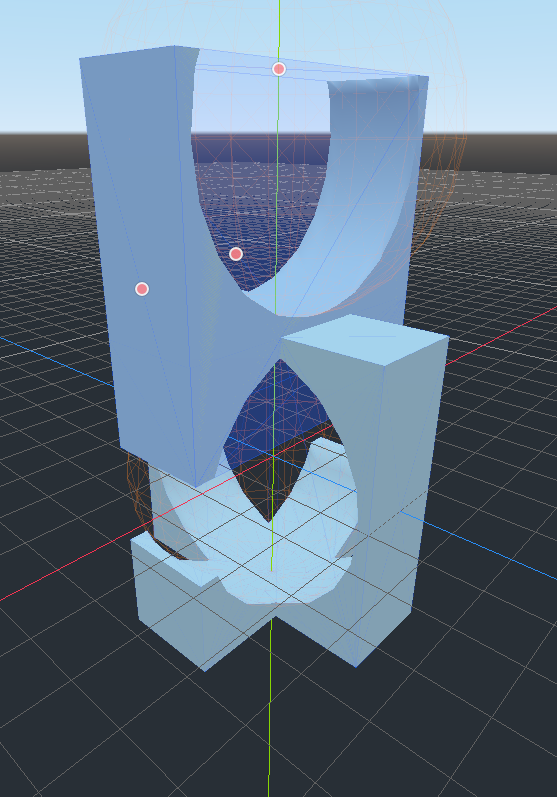
Issue description: Adjacent CSG Add brushes start losing triangles when under the same combiner
Steps to reproduce:
- Start a new scene
- Add a Spatial node
- Add a CSG combiner
- Add a CSG box under a CSG combiner
- Add a CSG box under a CSG combiner
- Make them adjacent
As seen in this video https://www.youtube.com/watch?v=KPlKCBz2s38&feature=youtu.be
Minimal reproduction project: Two CSG boxes and a combiner
 drequivalent
All 3 comments
Can you try 3.2.2 beta 2? It has CSG fixes.
 akien-mga
on 15 May 2020
akien-mga
on 15 May 2020
👍2
Duplicate of #21125 which was fixed in 3.2.2 with #38011.
 madmiraal
on 15 May 2020
madmiraal
on 15 May 2020
@akien-mga Cool. Fixed.
Perfect
drequivalent
on 16 May 2020
❤1
Was this page helpful?
0 / 5 - 0 ratings
Related issues
 mooseyfaith
·
3Comments
mooseyfaith
·
3Comments
 RayKoopa
·
3Comments
RayKoopa
·
3Comments
 gonzo191
·
3Comments
gonzo191
·
3Comments
 EdwardAngeles
·
3Comments
EdwardAngeles
·
3Comments
 RebelliousX
·
3Comments
RebelliousX
·
3Comments
Most helpful comment
Can you try 3.2.2 beta 2? It has CSG fixes.