Godot: GLES2 not working on some Android devices
Godot version:
3.1 -beta1
OS/device including version:
Xiaomi Redmi 6 - Android Oreo
Issue description:
When playing a GLES2 exported game on android there is nothing displayed. Just a grey screen, no render although if there is sound it plays it.
Steps to reproduce:
- Export the minimal repro project to android using the GLES2 renderer.
- Play it
Minimal reproduction project:
GLES2.zip
 Nolkaloid
All 22 comments
You need to import textures as ETC to export with GLES2 for Android, see #23650.
Not sure why the Label would not be visible though.
 akien-mga
on 13 Jan 2019
akien-mga
on 13 Jan 2019
if it's the case,
it would be better to have texture format option at export window like this.

 volzhs
on 13 Jan 2019
volzhs
on 13 Jan 2019
@akien-mga So I checked the etc import and re-imported the icon. Still nothing displayed...
Nolkaloid
on 13 Jan 2019
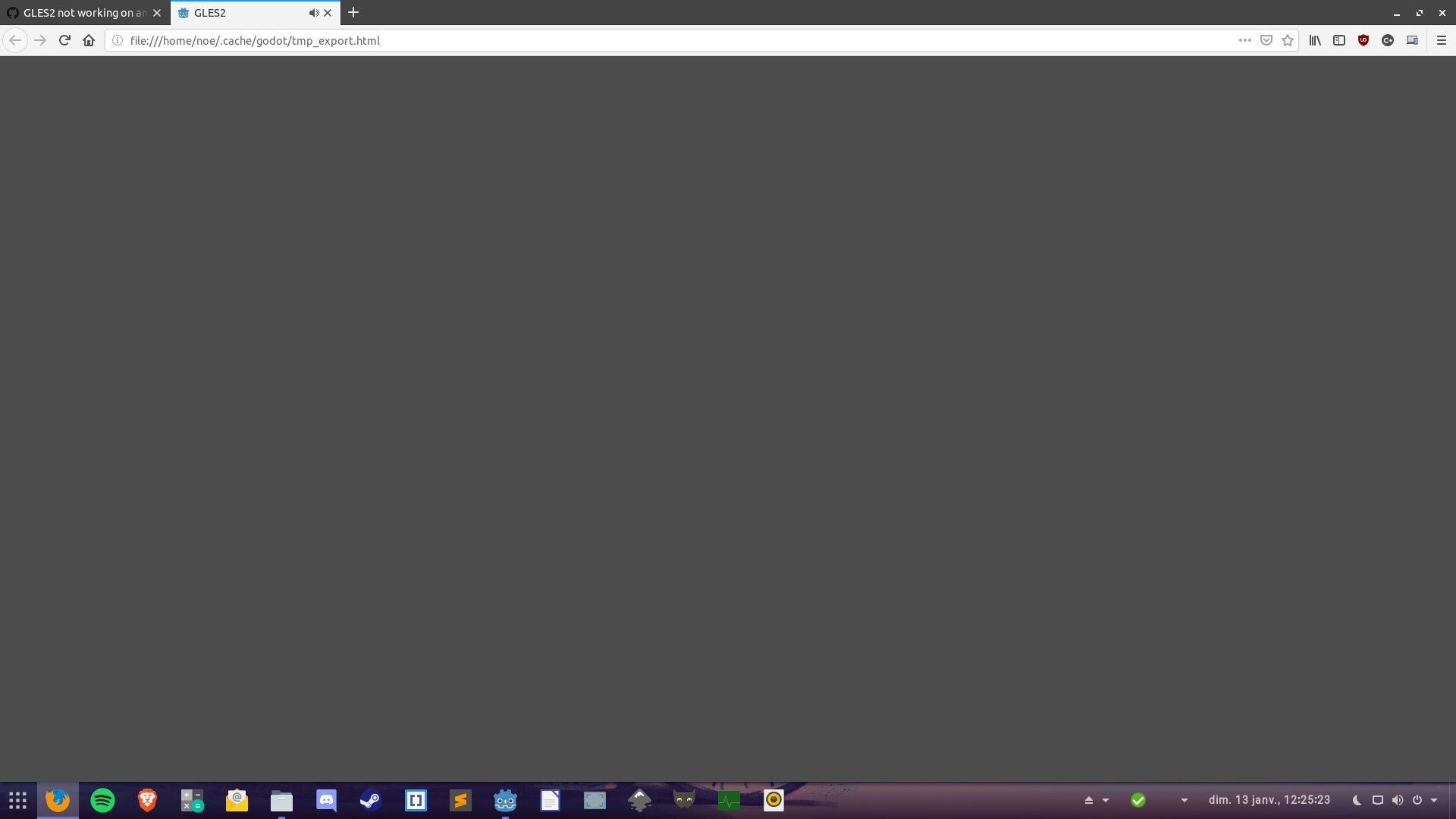
And btw I just tried exporting it to html5 it does the same thing.
Nolkaloid
on 13 Jan 2019
I've got a similar problem with 3.1 beta 2 with @Nobelix's project:
- Android:
- Nexus 7 2012 (official 5.1.1 "nakasi" image): does _not_ work with GLES2+ETC. Godot splash is ok, then the screen is completely black, no default clear color; GLES3 also does _not_ work. However, audio playback works. Current Godot 3.0 also does not work, but Godot 2 projects work on this device.
- Samsung S4 Mini: both GLES2 and GLES3 work.
- HTML5 (Arch/Intel HD): does _not_ work with GLES2/GLES3
 qonnop
on 19 Jan 2019
qonnop
on 19 Jan 2019
Same Android problem for beta 3...
qonnop
on 28 Jan 2019
I'm finding Godot 3.1 beta 4 working well on most Android devices I've tried but experienced exactly the same issue with a Nexus 7 2012 (CyanogenMod 12.1) as qonnop. Splash screen shows, then a blank screen. The scene was just a Node2D and a sprite with the Godot Logo.
 usbhell
on 13 Feb 2019
usbhell
on 13 Feb 2019
I tested on my two phones, and can confirm the issue on one of them.
- Not working: Samsung S3, GPU ARM Mali-400 MP4, running LineageOS 14.1
- Working: Xiaomi Pocophone F1, GPU Qualcomm Adreno 630, running MIUI 9.6.25.0 / Android 8.1.0
akien-mga
on 25 Feb 2019
Relevant adb logcat output when running above demo on my Samsung Galaxy S3 (note that I've removed the default environment and made sure to import ETC to rule out potential issues with those):
02-25 14:13:48.450 30239 30256 D libEGL  : loaded /system/lib/egl/libEGL_mali.so
02-25 14:13:48.485 30239 30256 D libEGL  : loaded /system/lib/egl/libGLESv1_CM_mali.so
02-25 14:13:48.845 30239 30256 D libEGL  : loaded /system/lib/egl/libGLESv2_mali.so
02-25 14:13:48.868 30239 30259 I godot   : Android modules: Nothing to load, aborting
02-25 14:13:48.933 30239 30260 E         : Device driver API match
02-25 14:13:48.933 30239 30260 E         : Device driver API version: 29
02-25 14:13:48.933 30239 30260 E         : User space API version: 29
02-25 14:13:48.933 30239 30260 E         : mali: REVISION=Linux-r3p2-01rel3 BUILD_DATE=Tue Jul 22 19:59:34 KST 2014
02-25 14:13:48.937 30239 30260 I OpenGLRenderer: Initialized EGL, version 1.4
02-25 14:13:48.937 30239 30260 D OpenGLRenderer: Swap behavior 1
02-25 14:13:48.940 30239 30259 W GodotView: creating OpenGL ES 2.0 context :
02-25 14:13:49.018 30239 30259 I godot   : OpenGL ES 2.0 Renderer: Mali-400 MP
02-25 14:13:49.903  2362  2396 W WindowManager: Window freeze timeout expired.
02-25 14:13:49.904  2362  2396 W WindowManager: Force clearing orientation change: Window{4a7fef5 u0 Starting test.com}
02-25 14:13:49.904  2362  2396 W WindowManager: Force clearing orientation change: Window{78be32e u0 test.com/org.godotengine.godot.Godot}
02-25 14:13:49.904  2362  2396 W WindowManager: Force clearing orientation change: Window{1196e03 u0 com.android.systemui.ImageWallpaper}
02-25 14:13:50.154  2362  2396 E WindowManager: Performed 6 layouts in a row. Skipping
02-25 14:13:50.263  2362  4431 E WindowManager: Performed 6 layouts in a row. Skipping
02-25 14:13:50.274  2362  2396 W WindowManager: App freeze timeout expired.
02-25 14:13:50.296  2362  2396 I WindowManager: Screen frozen for +2s393ms due to Window{4a7fef5 u0 Starting test.com}
02-25 14:13:50.438 30239 30259 E godot   : **WARNING**: Could not create framebuffer!!
02-25 14:13:50.439 30239 30259 E godot   :    At: drivers/gles2/rasterizer_storage_gles2.cpp:4259:_render_target_allocate() - Could not create framebuffer!!
Here's a report from the OpenGL ES Caps Viewer app with my phone's supported OpenGL ES 2.0 extensions: http://opengles.gpuinfo.org/displayreport.php?id=3407
akien-mga
on 25 Feb 2019
I guess the issue is that my phone doesn't support https://www.khronos.org/registry/OpenGL/extensions/OES/OES_depth24.txt, while we hardcode an enum value from this extension in https://github.com/godotengine/godot/blob/31656301b2cfe3710a1bfe8d636eb8206d31dd7b/drivers/gles2/rasterizer_storage_gles2.cpp#L57
For WebGL we use a different branch, so on Android we should likely check for the extension before trying to force its use. https://github.com/godotengine/godot/blob/31656301b2cfe3710a1bfe8d636eb8206d31dd7b/drivers/gles2/rasterizer_storage_gles2.cpp#L4521-L4525
I'll test locally to confirm this hypothesis.
akien-mga
on 25 Feb 2019
I'll test locally to confirm this hypothesis.
Confirmed, using GL_DEPTH_COMPONENT or GL_DEPTH_COMPONENT16 on Android fixes the issue for me.
@reduz is actually working on a big changeset around similar issues, so I'll wait for his changes to try again and maybe make a PR.
akien-mga
on 25 Feb 2019
I tested again with e47b4bdc, which includes a32b26df which removed the problematic _DEPTH_COMPONENT24_OES above.
It works fine on Xiaomi Pocophone F1, but still fails on Samsung Galaxy S3, so it didn't fix this bug.
I'll have to dig into it again and find how to fix it in the new code.
It now fails with:
02-26 10:09:14.166 17634 17651 E godot   : **WARNING**: Could not create framebuffer!!
02-26 10:09:14.166 17634 17651 E godot   :    At: drivers/gles2/rasterizer_storage_gles2.cpp:4338:_render_target_allocate() - Could not create framebuffer!!
Ah nevermind, a32b26d only removed one instance of _DEPTH_COMPONENT24_OES in https://github.com/godotengine/godot/commit/a32b26dfa26f2a039bf9c84b90d10666bcf785c9#diff-edd2de5c7988aafce34e98cc791e6274L526
There's still another one at framebuffer creation.
akien-mga
on 26 Feb 2019
Fixed by 01a3dd3.
akien-mga
on 27 Feb 2019
Google Nexus 7 is still not working with this fix. It seems to be a problem with the shadow buffer in this case ("Directional shadow framebuffer status invalid") for NVIDIA Tegra 3:
D/libEGL  (20580): loaded /system/lib/egl/libEGL_tegra.so
D/libEGL  (20580): loaded /system/lib/egl/libGLESv1_CM_tegra.so
D/libEGL  (20580): loaded /system/lib/egl/libGLESv2_tegra.so
I/OpenGLRenderer(20580): Initialized EGL, version 1.4
D/OpenGLRenderer(20580): Enabling debug mode 0
V/WindowManager(  510): Adding window Window{2c2d725f u0 SurfaceView} at 4 of 12 (before Window{31e53080 u0 com.example.gles2/org.godotengine.godot.Godot})
W/GodotView(20580): Trying ConfigChooser fallback
W/GodotView(20580): creating OpenGL ES 2.0 context :
I/godot   (20580): OpenGL ES 2.0 Renderer: NVIDIA Tegra 3
E/godot   (20580): **ERROR**: Directional shadow framebuffer status invalid
E/godot   (20580):    At: drivers\gles2\rasterizer_scene_gles2.cpp:3332:initialize() - Directional shadow framebuffer status invalid
I/ActivityManager(  510): Displayed com.example.gles2/org.godotengine.godot.Godot: +1s803ms
E/godot   (20580): **WARNING**: Could not create framebuffer!!
E/godot   (20580):    At: drivers\gles2\rasterizer_storage_gles2.cpp:4335:_render_target_allocate() - Could not create framebuffer!!
Seems to be related to #25568... Is it worth opening a new issue?
qonnop
on 27 Feb 2019
Nope, just note in the linked issue that you have this problem.
 Zireael07
on 27 Feb 2019
Zireael07
on 27 Feb 2019
@qonnop I would open a new issue, your issue and #25568 seem different. (In your case, it's on mobile and prevents the game from running, while on #25568 it's on desktop and the game runs fine even with that error.)
akien-mga
on 27 Feb 2019
Fixed by 01a3dd3.
For the reference, I've just tried it on my Samsung Galaxy S3 and I confirm that the MRP from this issue works fine now.
akien-mga
on 27 Feb 2019
Reopening, 057d3e8 broke it again.
akien-mga
on 28 Feb 2019
From adb logcat:
02-28 10:28:24.633 19422 19445 W GodotView: creating OpenGL ES 2.0 context :
02-28 10:28:24.750 19422 19445 I godot   : OpenGL ES 2.0 Renderer: Mali-400 MP
02-28 10:28:24.957 19422 19445 E godot   : **ERROR**: Directional shadow framebuffer status invalid
02-28 10:28:24.957 19422 19445 E godot   :    At: drivers/gles2/rasterizer_scene_gles2.cpp:3330:initialize() - Directional shadow framebuffer status invalid
02-28 10:28:26.755 19422 19445 E godot   : **WARNING**: Could not create framebuffer!!
02-28 10:28:26.757 19422 19445 E godot   :    At: drivers/gles2/rasterizer_storage_gles2.cpp:4335:_render_target_allocate() - Could not create framebuffer!!
Re-fixed by 8799f69.
akien-mga
on 1 Mar 2019
Related issues
 rgrams
·
3Comments
rgrams
·
3Comments
 SleepProgger
·
3Comments
SleepProgger
·
3Comments
 ndee85
·
3Comments
ndee85
·
3Comments
 kirilledelman
·
3Comments
kirilledelman
·
3Comments
 n-pigeon
·
3Comments
n-pigeon
·
3Comments