Godot: AnimatedSprite animation with .TRES files rockets memory usage!
Godot version:
3.0.6
OS/device including version:
Windows 10 64 bit, Intel(R) HD Graphics 4600
Issue description:
When adding .TRES files to an AnimatedSprite animation, memory usage jumps CONSIDERABLY!
Steps to reproduce:
*Note: These steps, and the zip file included may increase your memory usage an additional ~8GB, which can lock your computer up (as it did mine with many .tres files).
Add TexturePacker plugin to project, and import your .tpsheet and .png spritesheet (2048x2048) created by TexturePacker. This creates the .TRES resource files.
Add an AnimatedSprite to the scene, and then add ~192 .TRES files to an animation.
Observe memory usage for the Godot editor.
Minimal reproduction project:
Bug.zip
 vspin
vspin
All 19 comments
Any chance to get this fixed in 3.0.x?
 CodeAndWeb
on 25 Sep 2018
CodeAndWeb
on 25 Sep 2018
It needs to be fixed in 3.1 first before a backport can be considered.
 akien-mga
on 25 Sep 2018
akien-mga
on 25 Sep 2018
@vspin Nice job isolating it.
Using your project I confirmed this in: d064b8e0554954af675ca76481388fb4aca4ed0d
From a stopwatch it takes about 46 seconds to launch the scene, and there are editor hang up issues as well that may be related.
On my end at least, using Win10 64-bit, it took a long time to open the project, and at some point after running the main scene and closing it, _the editor got hung up for a few minutes and crashed_.
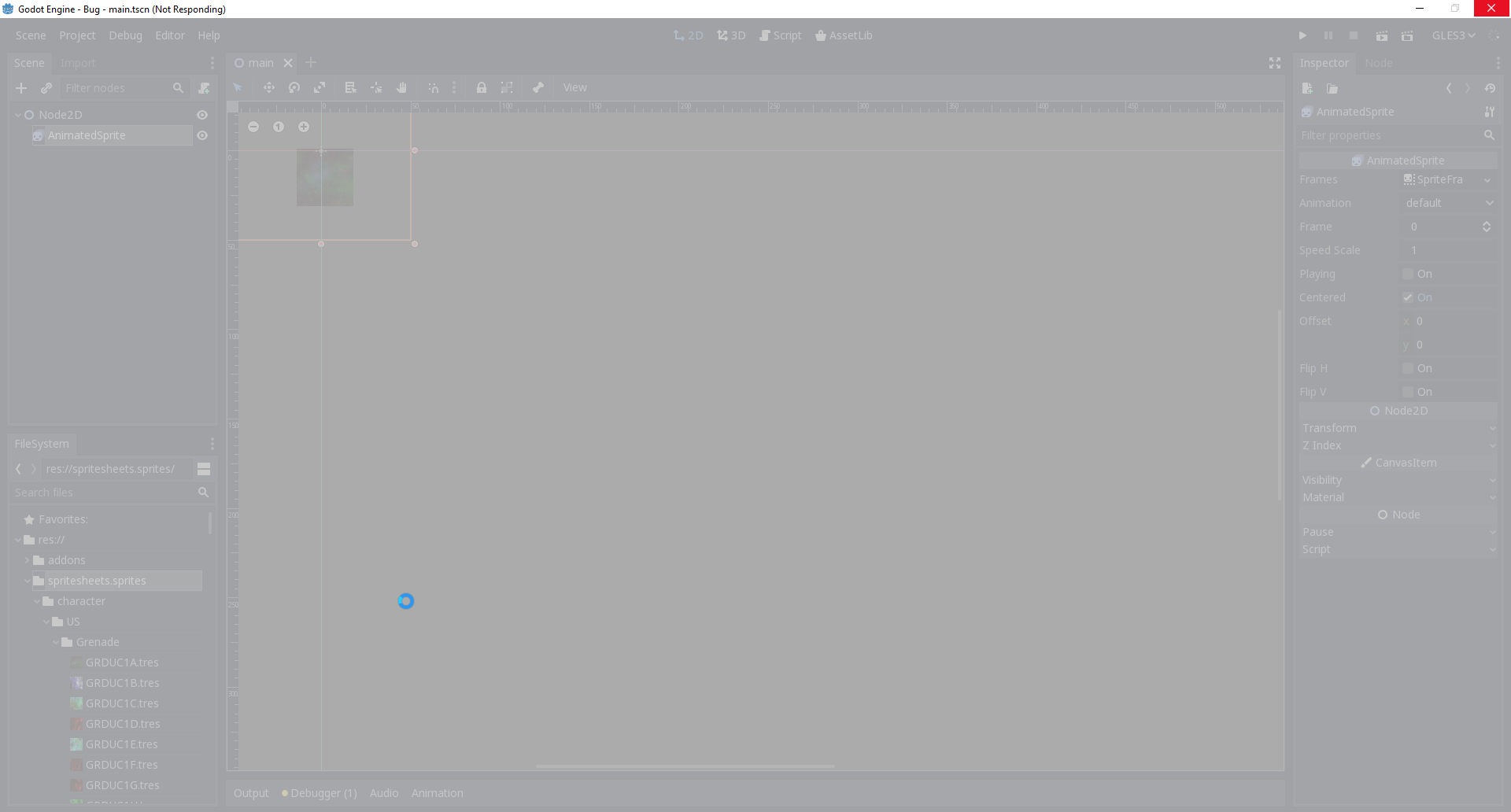
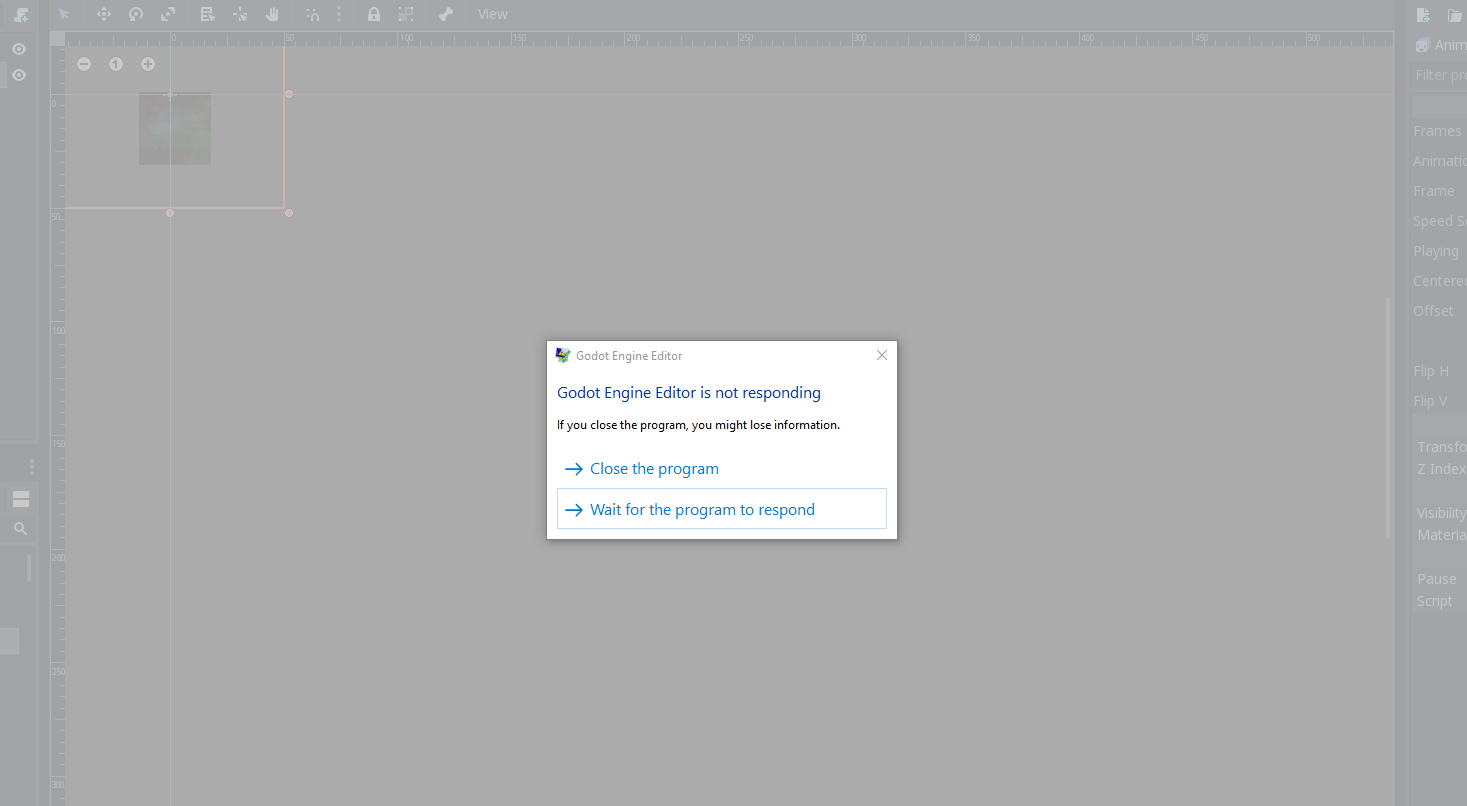
I hope this ends up being a trivial thing to fix. We're definitely going to run head first into this one pretty soon. In the end I can imagine ourselves having a few dozen atlases and thousands of .tres files.
We've also invested in using Texture Packer, and rely on the plugin to save a lot of time to organize and manage things into TextureAtlas .tres files. So I'm glad you caught it and it is officially on the 3.1 radar now. X)
 avencherus
on 26 Sep 2018
avencherus
on 26 Sep 2018
I hope this ends up being a trivial thing to fix.
Well it doesn't seem so easy to me... (but maybe it is for someone else, heh)
This seems to be the function that loads the texture referenced by the external tres files:
https://github.com/godotengine/godot/blob/a2b6be23ada5e7dc6f5815236d7d2b3bb41ab2db/scene/resources/texture.cpp#L463
Maybe it can be changed to load only the relevant rectangular fragment of the texture instead of the whole thing? or perhaps to cache the texture?
 piratesephiroth
on 26 Sep 2018
piratesephiroth
on 26 Sep 2018
Maybe it can be changed to load only the relevant rectangular fragment of the texture instead of the whole thing?
Sorry - that would not make any sense. The idea of sprite sheets is to have 1 texture with all the sprites in it to reduce the number of draw calls required for rendering the scene. What you propose is going back to a bunch of single sprites...
Godot has to make sure that the texture is loaded only once and shared across the .tres files.
CodeAndWeb
on 26 Sep 2018
@avencherus :) Thank you. I was also experiencing hang ups, and crashing as well.
Yeah, I'm really looking forward to 3.1. If your game is multiplayer, you should really have a look at this as well: #16452
vspin
on 27 Sep 2018
@vspin It is an option I will explore soon. I'm mainly interested in a simple 1 to 1 connection through Steam in the distant future of this project, but I re-designed the game recently to be focused around single player. If the multiplayer things aren't working out, it'll get cut.
It looks at least this disconnect option you're interested in appears to have been merged already: https://github.com/godotengine/godot/pull/18070
Apologies for going off topic. X)
avencherus
on 27 Sep 2018
So it is actually possible to achieve the expected result right now...
(I also renamed the addon folder to disable the plugin so it doesn't reimport everything broken again)
piratesephiroth
on 28 Sep 2018
@piratesephiroth Interesting, seems to load the project up in reasonable time. Maybe a tweak to the plugin will solve it for now.
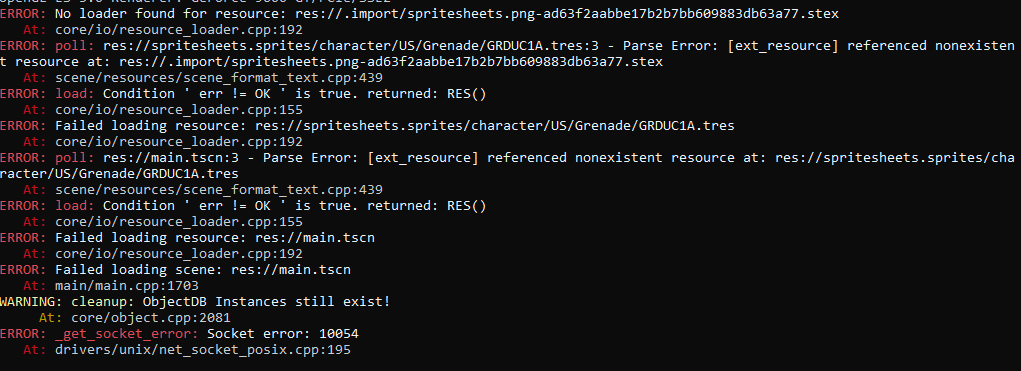
Though in the project provided there is a whole mess of other errors when trying to run it. Perhaps only caused by one texture dependency problem, but haven't had much time to go any further than testing it out.

At runtime on Win10 64-bit (1b63dd8) , it will throw these errors. Interesting, was that it had a previously resolved socket error. Maybe some regression has happened.
avencherus
on 28 Sep 2018
That's a weird error because all tres files load the exact same texture. Maybe some race condition?
piratesephiroth
on 28 Sep 2018
It would seem Internal Resources are the culprit based on @piratesephiroth workaround. Maybe someone more astute could have a look at #18801 to see if it shares related issues, beginning at:
It calls VariantWriter::write_to_string (line 1611) for the image property of the ImageTexture. This is where it should write image = SubResource( 1 ), but instead writes image = null and prints
This could explain why the png is loaded with every tres file.
vspin
on 28 Sep 2018
OK, you can close this issue.
Turns out it was a silly problem with the plugin indeed...
It was intentionally denying the caching of the texture by setting the p_no_cache argument of ResourceLoader.load.
piratesephiroth
on 29 Sep 2018
Nice, I hope that's all it was.
avencherus
on 29 Sep 2018
Nice, I hope that's all it was.
I suppose it is all.
The project loaded fine (took minutes to import all the assets but it did not display any errors)
piratesephiroth
on 30 Sep 2018
Thanks for finding this issue. I've updated the importer plugin in the asset library... it's now waiting for approval.
The new release is already available on Github: https://github.com/CodeAndWeb/texturepacker-godot-plugin
@akien-mga Can you please make the update available to the public? Thanks!
CodeAndWeb
on 5 Oct 2018
Done :)
akien-mga
on 5 Oct 2018
@akien-mga Thanks. You rock!
CodeAndWeb
on 5 Oct 2018
Is this issue fixed?
 bojidar-bg
on 4 Nov 2018
bojidar-bg
on 4 Nov 2018
Is this issue fixed?
yes, it was a tiny little mistake in the plugin
piratesephiroth
on 4 Nov 2018
Related issues
 EdwardAngeles
·
3Comments
EdwardAngeles
·
3Comments
 testman42
·
3Comments
testman42
·
3Comments
 Spooner
·
3Comments
Spooner
·
3Comments
 SleepProgger
·
3Comments
SleepProgger
·
3Comments
 Zylann
·
3Comments
Zylann
·
3Comments