Godot: Margins in Containers doesn't work
Godot version:
v3.0.2.stable.official
OS/device including version:
Ubuntu 16.04.3 LTS
Issue description:
When I change margin for any child node which is in some Container so after run
scene the changes doesn't show..:
margin-test-video.zip
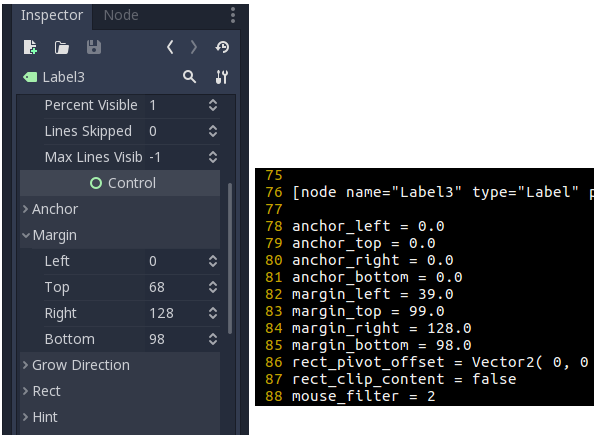
And after restart Godot are margins reseted in inspector although in main.tscn are different values for margin..:
Steps to reproduce:
Open Minimal reproduction project -> change some margin of any label -> run scene
Minimal reproduction project:
TestMargin.zip
 mjablecnik
All 6 comments
As far as I understood this is intended, you should set the margins in the container and not in the children inside it.
 legione
on 8 May 2018
legione
on 8 May 2018
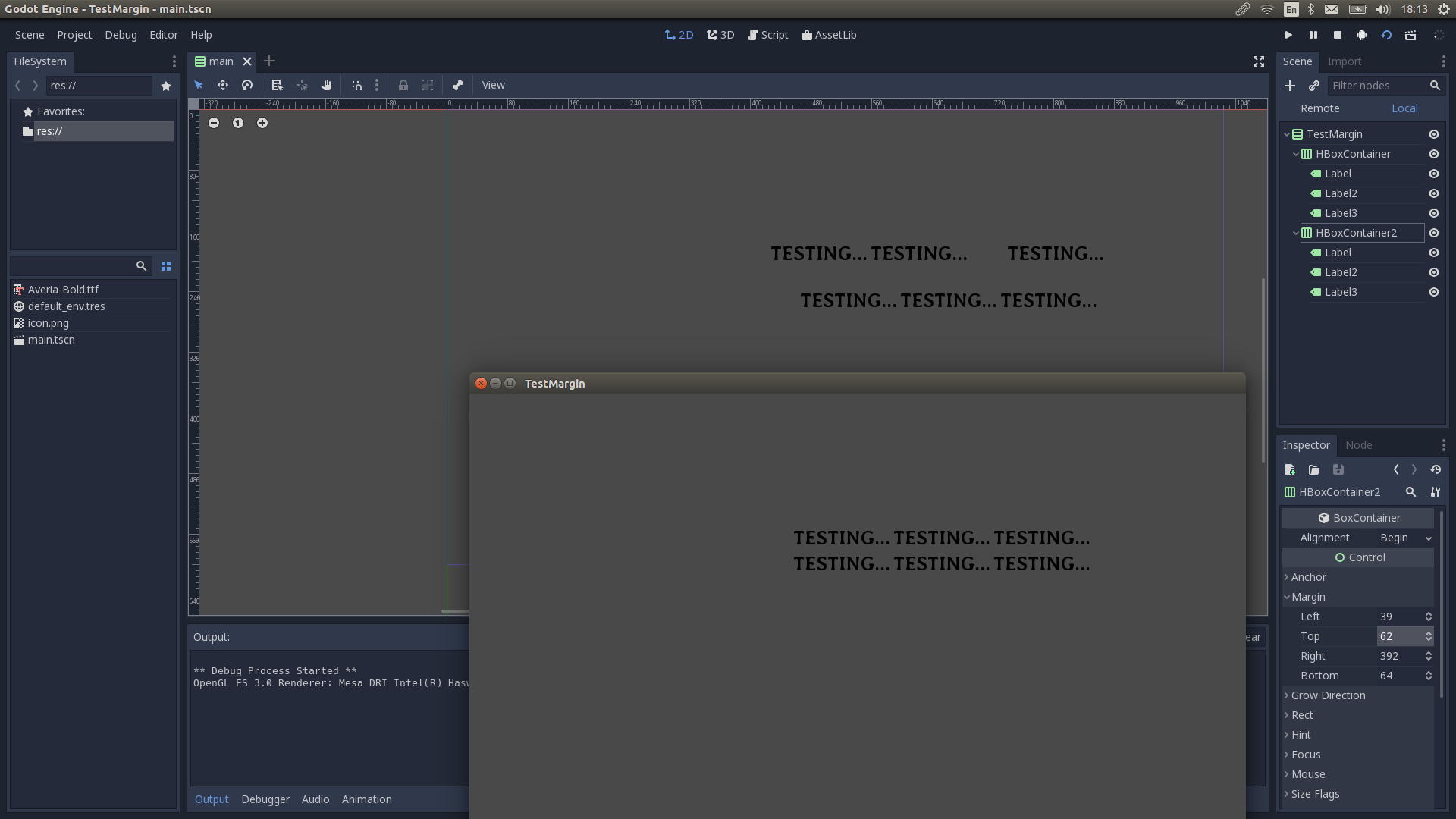
@legione Where in the container?? When I have more containers in one container as children it is same problem..
I want have to the result in game same as in the editor..:
mjablecnik
on 8 May 2018
This this expected behavior, the containers override their children margin and anchors values.
 groud
on 8 May 2018
groud
on 8 May 2018
And yeah, the editor should prevent you from modifying the position or size of children nodes. That will be implemented someday.
If you resize the container in the editor you will see that the content will adapt.
groud
on 8 May 2018
@groud OK and When it will be implemented that editor prevent modifying the position or size??
This is very confusing for beginner users...
I hope that exists somewhere ticket for this.. or not??
mjablecnik
on 8 May 2018
Reduz is reworking the inspector, this is the first step before such improvements.
groud
on 8 May 2018
Related issues
 Zylann
·
3Comments
Zylann
·
3Comments
 rgrams
·
3Comments
rgrams
·
3Comments
 bojidar-bg
·
3Comments
bojidar-bg
·
3Comments
 n-pigeon
·
3Comments
n-pigeon
·
3Comments
 SleepProgger
·
3Comments
SleepProgger
·
3Comments
Most helpful comment
Reduz is reworking the inspector, this is the first step before such improvements.