Godot: Shadow artifacts with multiple directional lights
In Godot latest, 098c7ba4f, on Windows 10 with GeForce GTX 970, I have significant shadow artifacts on a simple scene with multiple lights.
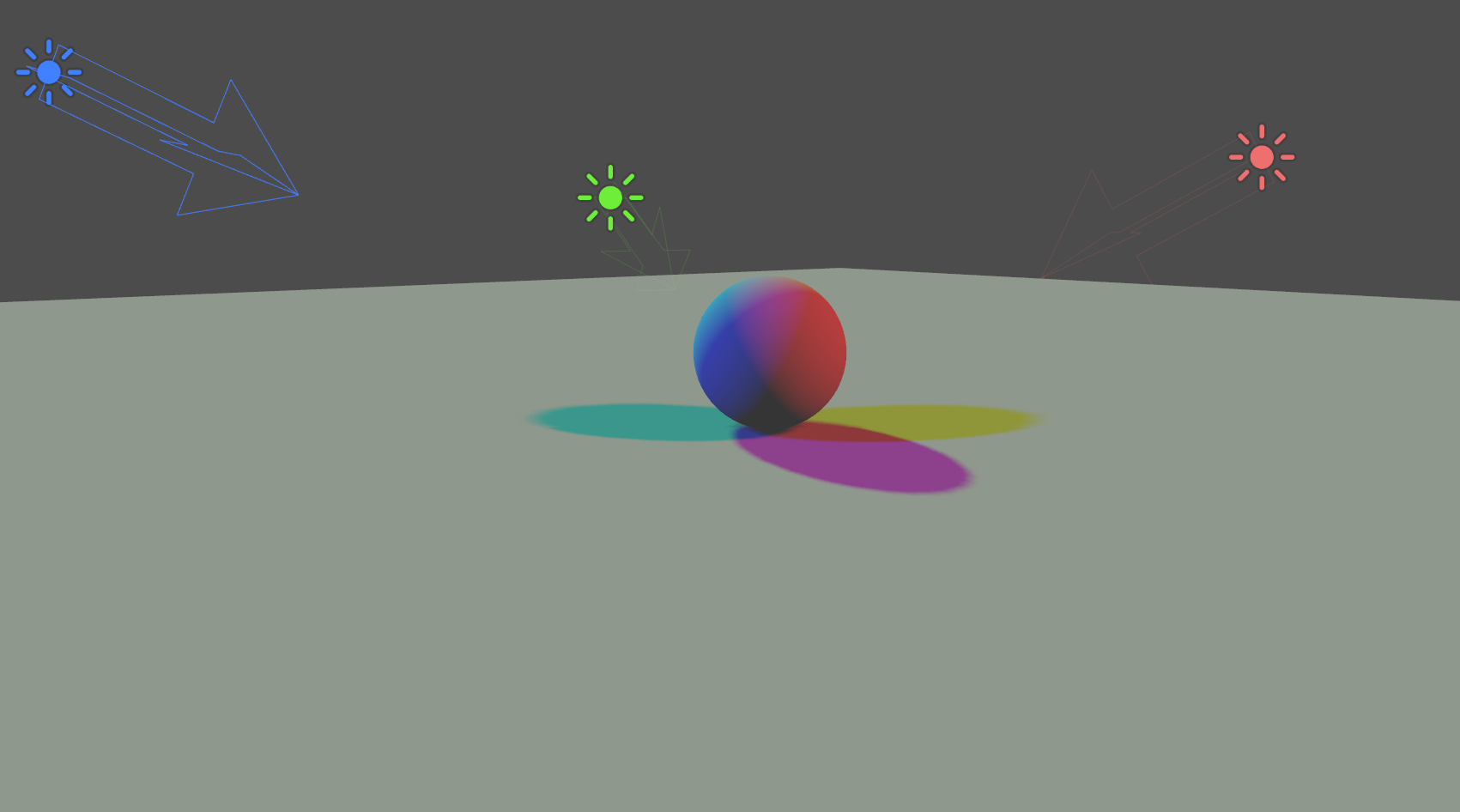
My scene has just a sphere, a floor, and three directional lights (Warm, Cool, and Key). If you open the attached project in the editor, you'll see big stripes on the floor even though there's nothing to cast such shadows:


Also if you turn off CoolLight and turn on the other two, there will only be one shadow: the KeyLight shadow has disappeared.

You can see various other false shadows and disappearing shadows with different combinations of lights turned on/off and moving around the scene.
Steps to reproduce:
Download the attached project
Run in the editor
Orbit around the central sphere
Observe the stripy shadows on the floor that move as you move the camera
Turn on and off various lights:
- whenever all 3 lights are on, the scene looks OK (you can see all three shadows)
- whenever there's only 1 light on, it looks OK
- with any combination of 2 lights, you get very visible artifacts
Minimal reproduction project:
shadow-test.zip
 garyo
garyo
All 2 comments
It appears that Godot only shadows for a single directional light. In fact, it almost appears that just about all the rendering assumes only a single directional light. I vote that at least up to 2 directional lights are supported, or at least two with shadows.
 DEF7
on 18 Apr 2018
DEF7
on 18 Apr 2018
This seems to have been fixed in the master branch (with the new Vulkan renderer), closing.
 Calinou
on 7 Jun 2020
Calinou
on 7 Jun 2020
Related issues
 n-pigeon
·
3Comments
n-pigeon
·
3Comments
 Spooner
·
3Comments
Spooner
·
3Comments
 ivanskodje
·
3Comments
ivanskodje
·
3Comments
 SleepProgger
·
3Comments
SleepProgger
·
3Comments
 mooseyfaith
·
3Comments
mooseyfaith
·
3Comments
Most helpful comment
It appears that Godot only shadows for a single directional light. In fact, it almost appears that just about all the rendering assumes only a single directional light. I vote that at least up to 2 directional lights are supported, or at least two with shadows.