Gmscore: Gmail, Google Duo, Google Play Games are not logging in with microG 0.2.4-107
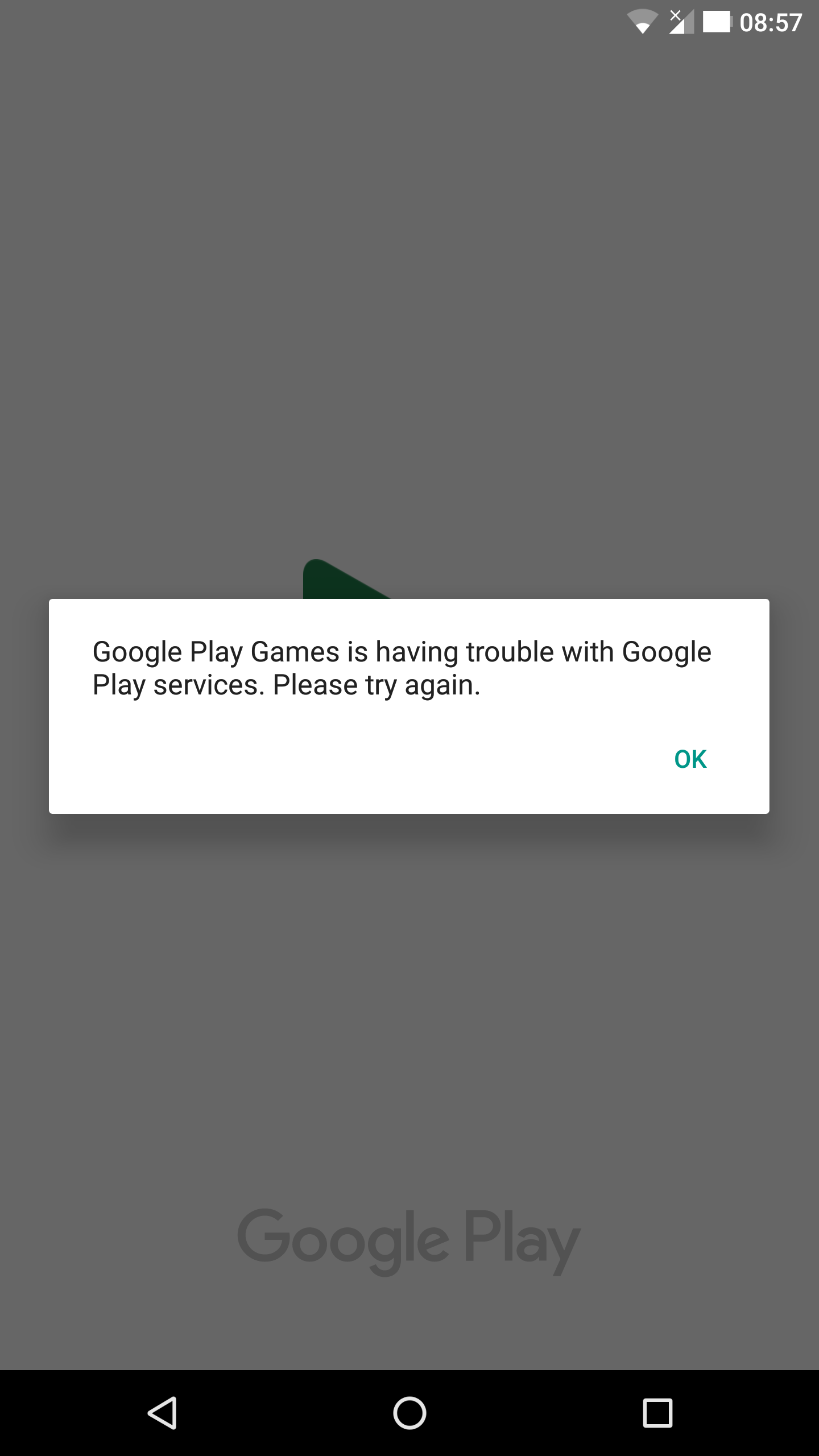
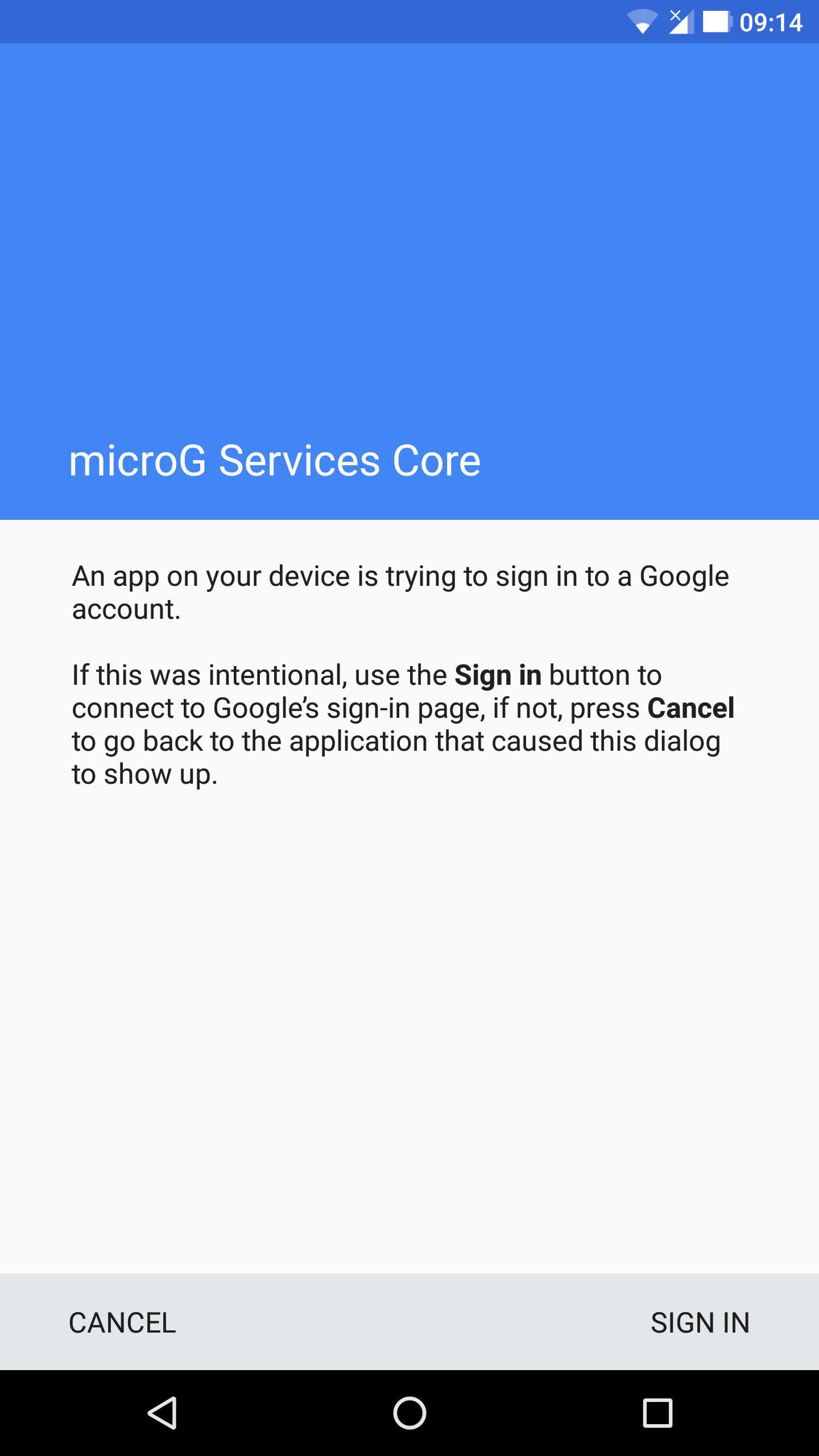
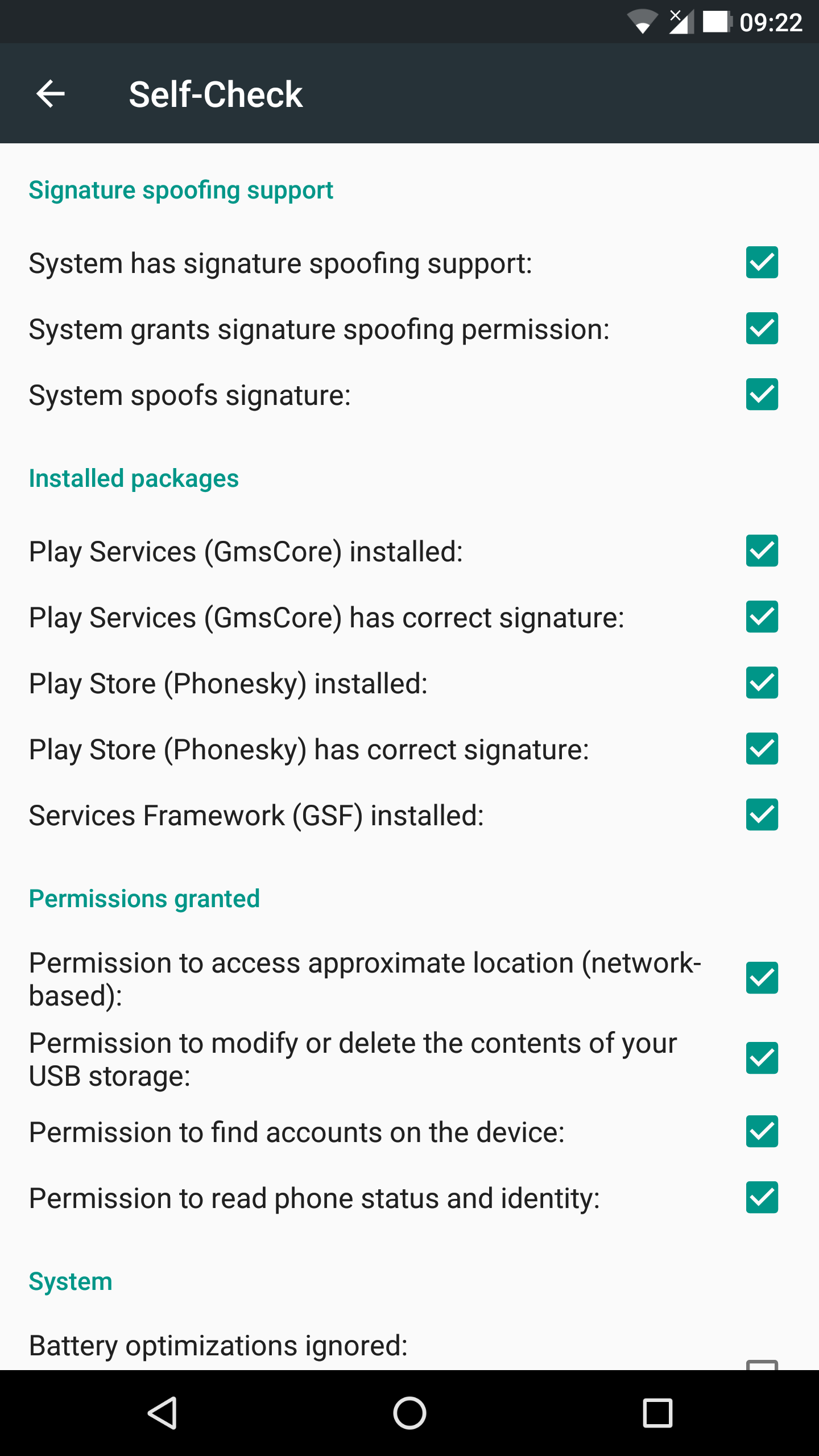
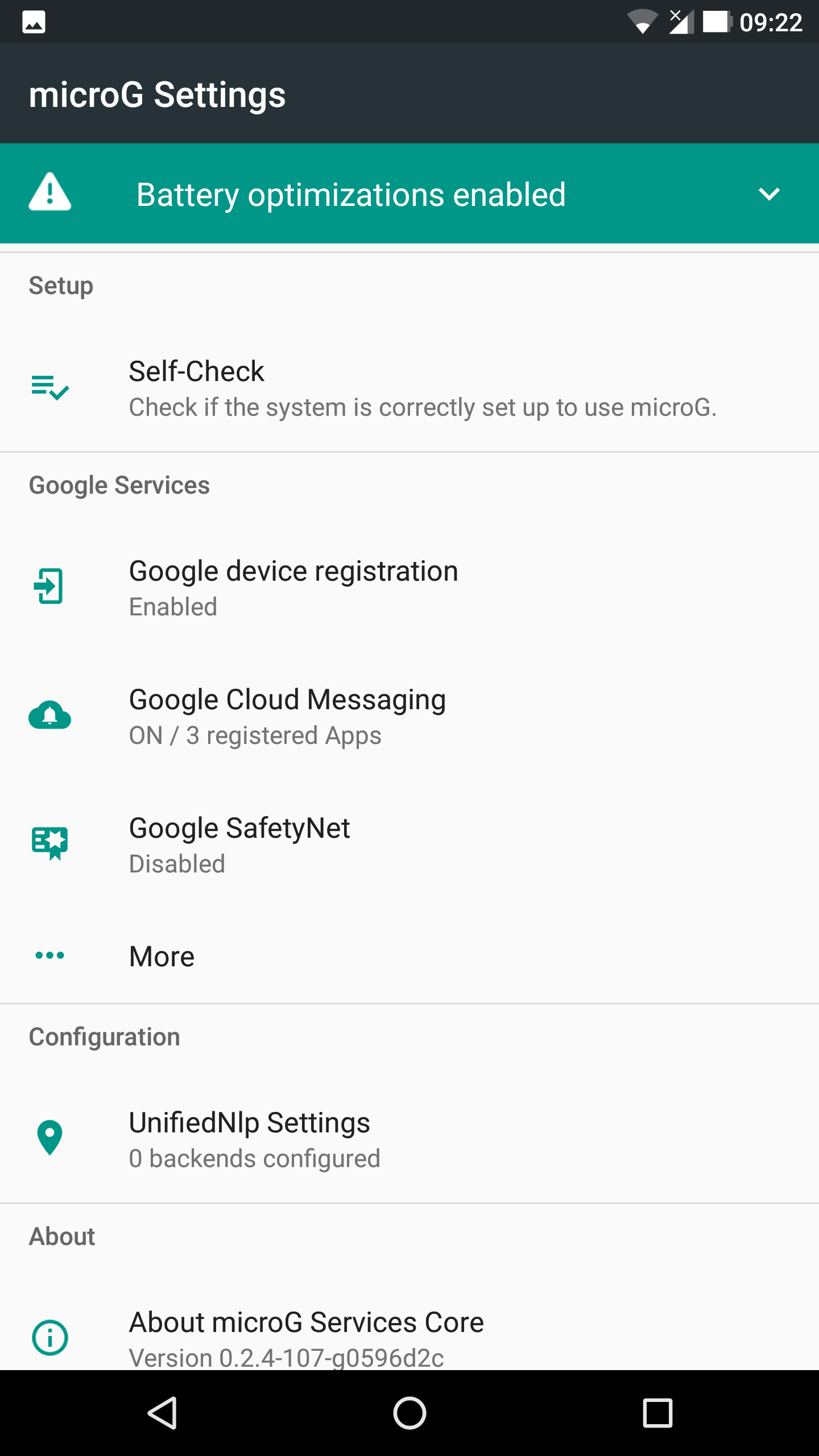
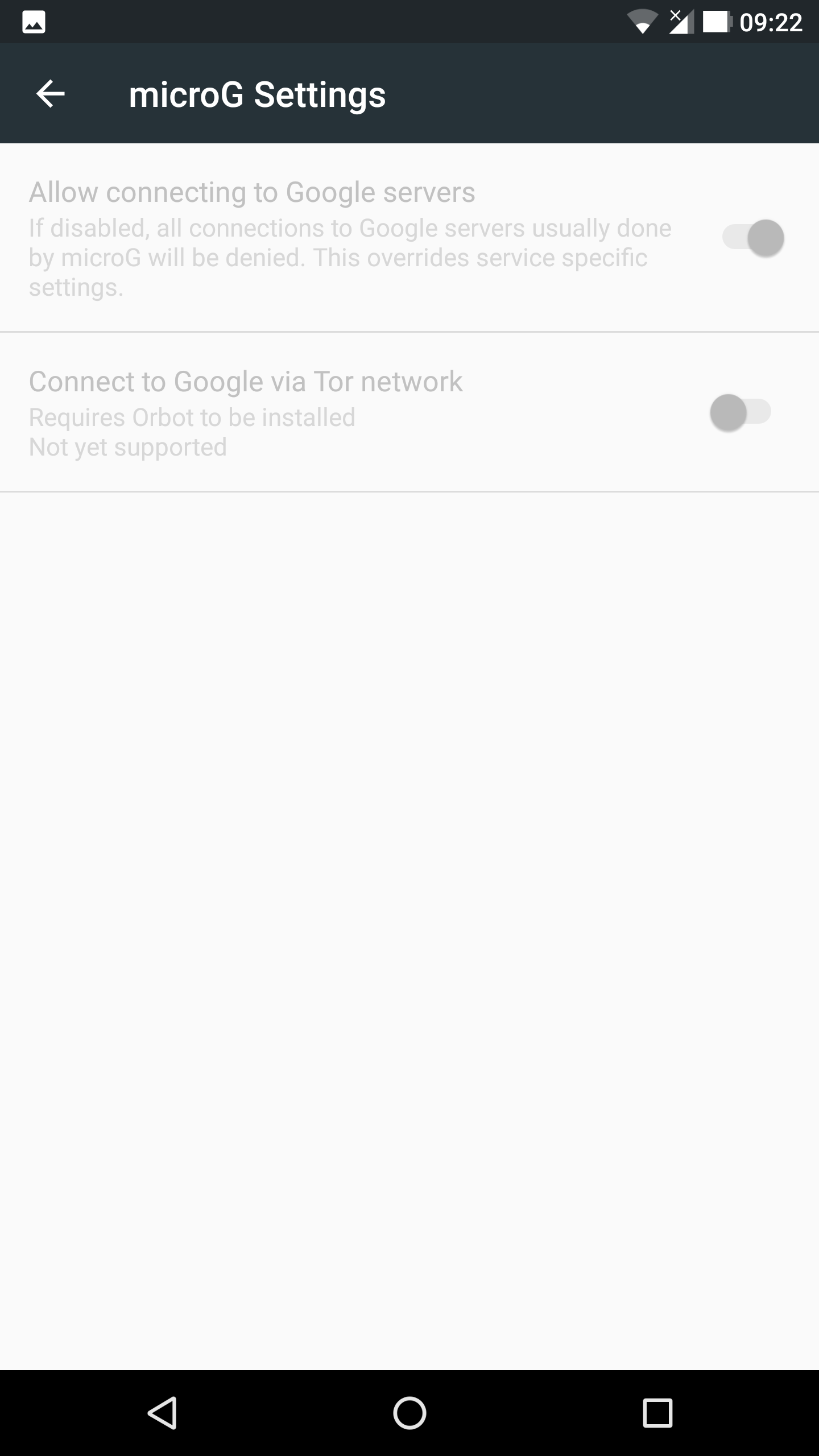
I'm running a LineageOS 14.1 ROM (Nexus 6) which has microG rolled in ( https://download.lineage.microg.org/shamu/lineage-14.1-20180102-microG-shamu.zip ) and the above apps don't let me sync correctly, Gmail gets stuck at adding an account (though when I have auto-sync enabled, I get notifications for new emails and can see the subject line in the notification popup), Duo doesn't let me send a SMS correctly to register the device, Play Games just won't recognize the fake-Play-Store/FakeStore whatever, I have tried connecting 2 different Google accounts. The versions of the above apps were the ones I grabbed from my device using a backup tool, so they are recent. (One of the screenshots attached shows that the device registration is disabled, whereas it is actually enabled.)


 gut5
gut5
All 13 comments
Another issue connected to this is that WhatsApp won't connect to Drive for backup purposes (local backup works fine however).
gut5
on 5 Jan 2018
Did you completely wipe the phone (system and data partitions) before flashing the ROM? There was a similar issue with another microg compiled image that was not cleaning system at installation.
 JonnyTech
on 5 Jan 2018
JonnyTech
on 5 Jan 2018
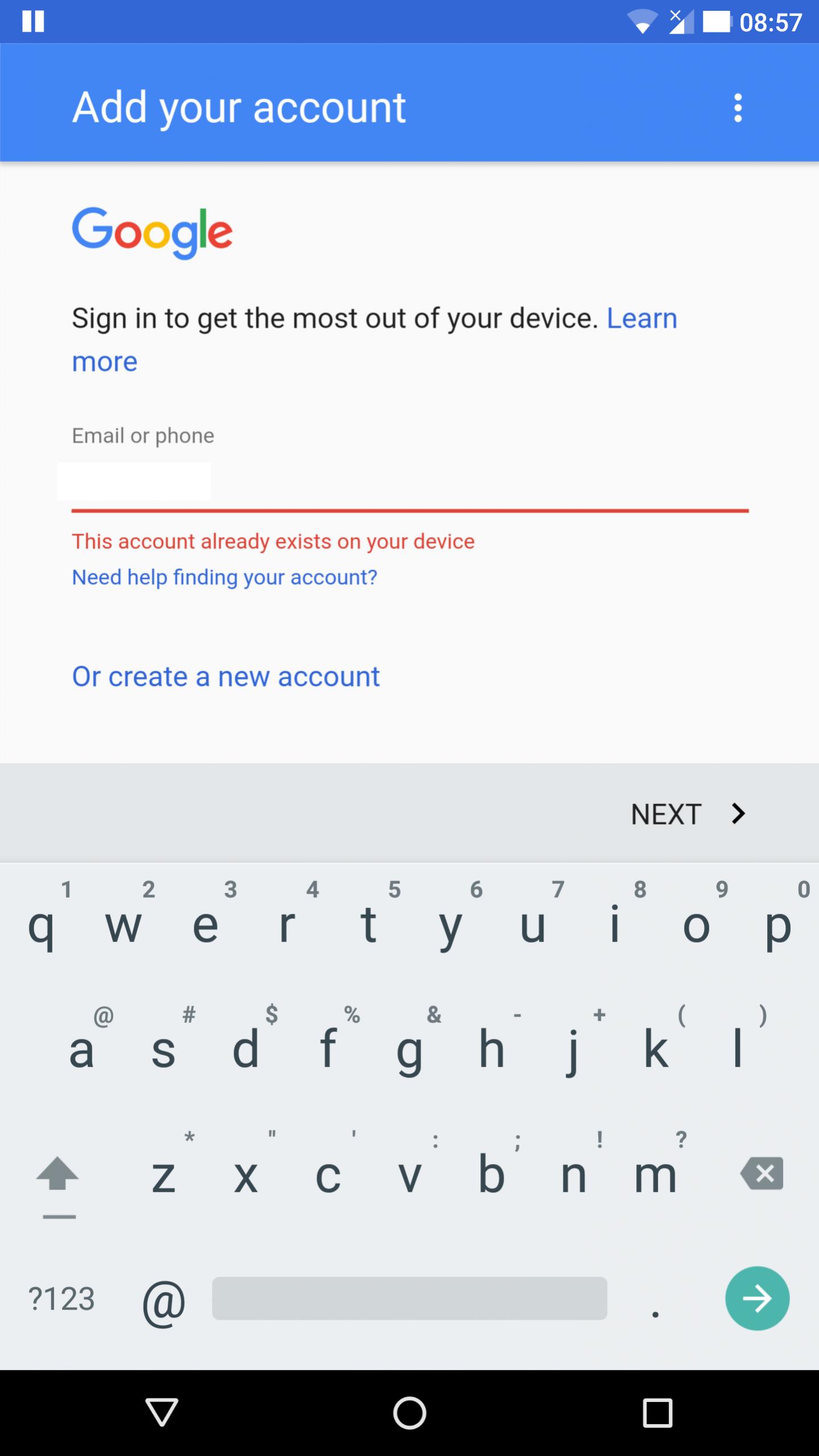
You can't add an account if there is already, for Gmail you just have to grant contact permission in Android settings and restart the app; it will now see the account.
 ale5000-git
on 5 Jan 2018
ale5000-git
on 5 Jan 2018
@JonnyTech yes I did
@ale5000-git thanks, that worked for Gmail. Is that something that will always work that way or will it be fixed in a later version? I'd prefer to keep using this ROM if possible. Is OmniROM better for microG, I'm not clear if there are just problems with LineageOS + microG because the 3rd party provider thing ( https://blogs.fsfe.org/larma/2016/microg-signature-spoofing-security/) ?
Duo/Play Games still won't let me register, even after granting full permissions.
gut5
on 5 Jan 2018
This isn't a bug (the one of Gmail), I think that even with GApps if the permission isn't granted it doesn't see the account.
Google Play Games isn't yet supported, see #163; it need time for this (probably a lot).
For Google Duo I don't know, I will try when I have time.
ale5000-git
on 5 Jan 2018
@ale5000-git that's cool, thanks for your work.
gut5
on 5 Jan 2018
Hi, I think I am having this issue with whatsapp. I want to download my google drive backup, so I add my account, and download the google drive app. But in whatsapp it only gives me the option to add a new google account, the one I added for google drive does not show up. When I try to add it by following the prompt whatsapp gave me, it just says "this account already exists on your device". I checked, whatsapp has contacts permission. Must have tried a dozen times now :D Sadly this would be a dealbreaker for me, I really need these chat logs.
 Sirtz
on 21 May 2018
Sirtz
on 21 May 2018
I have this issue too
 codingHahn
on 25 Aug 2018
codingHahn
on 25 Aug 2018
I am having the same Problem with Google duo (sms cannot be sent to Register my device). Do you still have this Problem?
 bigoulours
on 17 Jan 2019
bigoulours
on 17 Jan 2019
still does not work (added permissions). Gmail even asked me for access to my address (throuh notification). Still cannot login. No google accounts visible, just "add an email address" button. "TAKE ME TO GMAIL" creates "Please add at least one email address" dialog
 MichalLebeda
on 29 Mar 2019
MichalLebeda
on 29 Mar 2019
TAKE ME TO GMAIL" creates "Please add at least one email address" dialog
Absolutely the same issue. After adding permissions, it still persists.
 marslako
on 15 Sep 2019
marslako
on 15 Sep 2019
In my case I could work around this by going to Settings > Accounts > My Google Account > Account preferences > Allow apps to find accounts
 andir
on 6 Oct 2019
andir
on 6 Oct 2019
@andir That was it! Solved the issue with WhatsApp not seeing the accounts already present on the phone. Thank you so much!
 metroid2010
on 26 Nov 2019
metroid2010
on 26 Nov 2019
Related issues
 corneliusroemer
·
5Comments
corneliusroemer
·
5Comments
 Teyro
·
4Comments
Teyro
·
4Comments
 patrickdrd
·
5Comments
patrickdrd
·
5Comments
 n76
·
6Comments
n76
·
6Comments
 dos1
·
4Comments
dos1
·
4Comments
Most helpful comment
You can't add an account if there is already, for Gmail you just have to grant contact permission in Android settings and restart the app; it will now see the account.