Gltf-blender-io: Exported GLTF model looks different when imported in Three.js
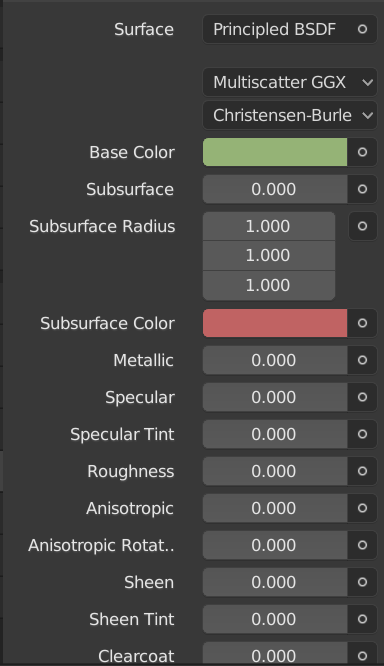
I have this terrain in Blender, with differents materials all setted as Principles BSDF, that looks like this.

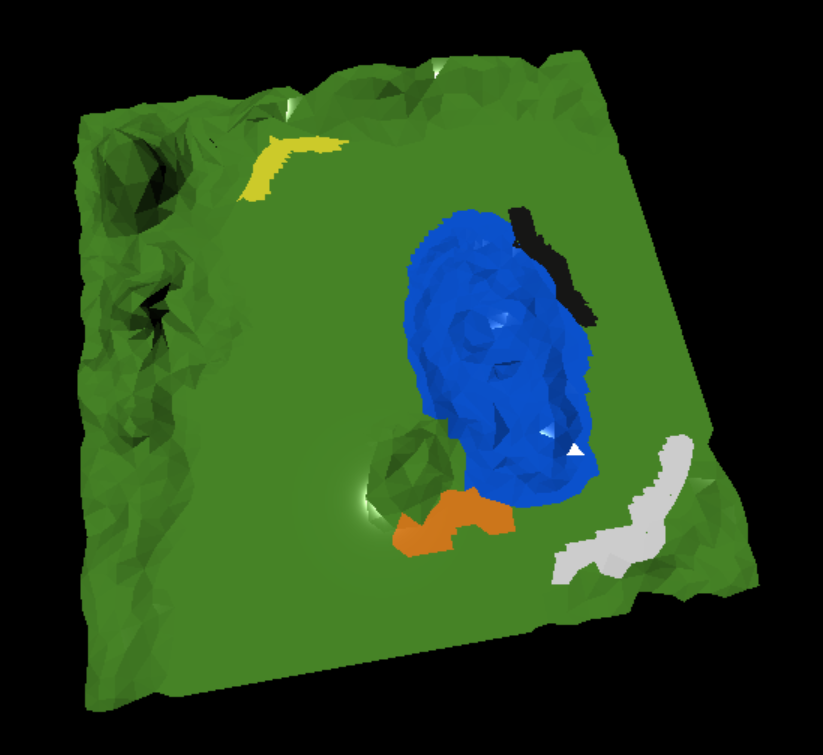
But when i import it into my three.js project looks polished and even the colors are distorted as you can see here (threejs material class is MeshStandardMaterial).
If i use diffuse BSDF material in the model then after the export i get all materials with rgb 111 color (a kind of black):
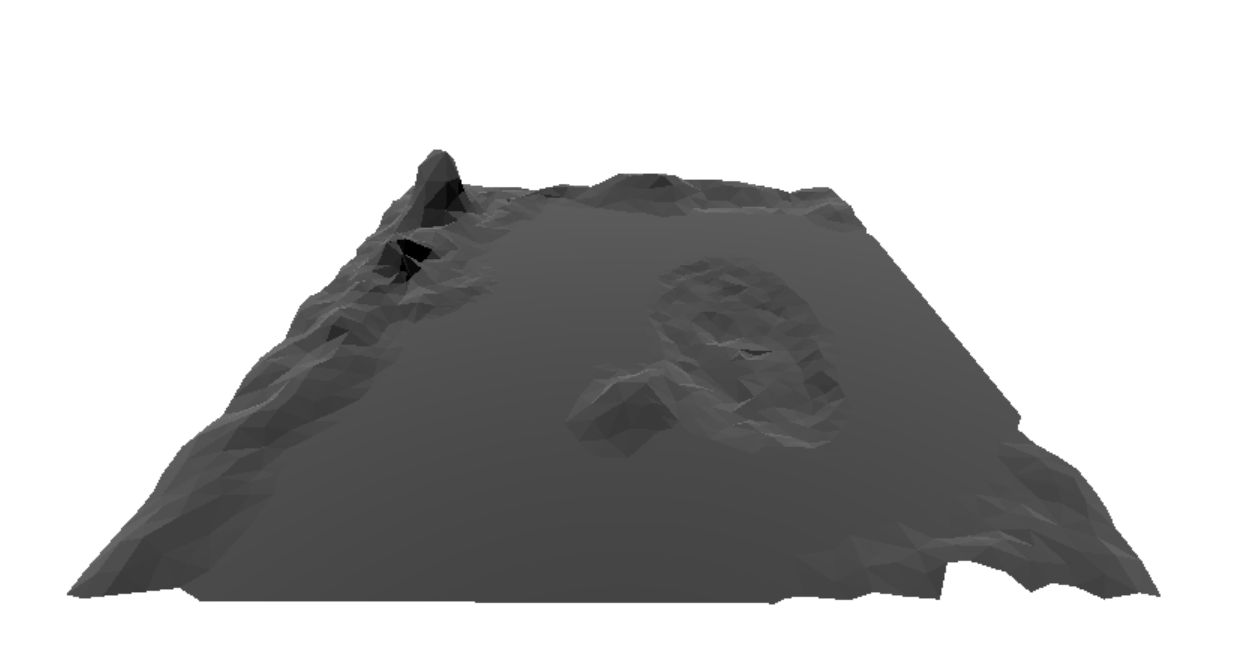
I am not very experienced in blender and i am asking myself if its a problem with the exporter or is me missing some settings. Every help will be very appreciated. Thank you.
 dodox87
All 6 comments
@dodox87 Please attach your blend file or another one with the same issue so I can investigate.
 ghost
on 30 Jan 2019
ghost
on 30 Jan 2019
Principled BSDF
firstterrain_principled.zip
Diffuse BSDF
firstterrain_diffuse.zip
dodox87
on 30 Jan 2019
Thanks @dodox87! Likely same issue as https://github.com/KhronosGroup/glTF-Blender-IO/issues/261 and https://github.com/KhronosGroup/glTF-Blender-IO/issues/127.
 donmccurdy
on 30 Jan 2019
donmccurdy
on 30 Jan 2019
This exporter supports Principled BSDF, but currently not Diffuse BSDF. We'll look into the coloration issue.
donmccurdy
on 30 Jan 2019
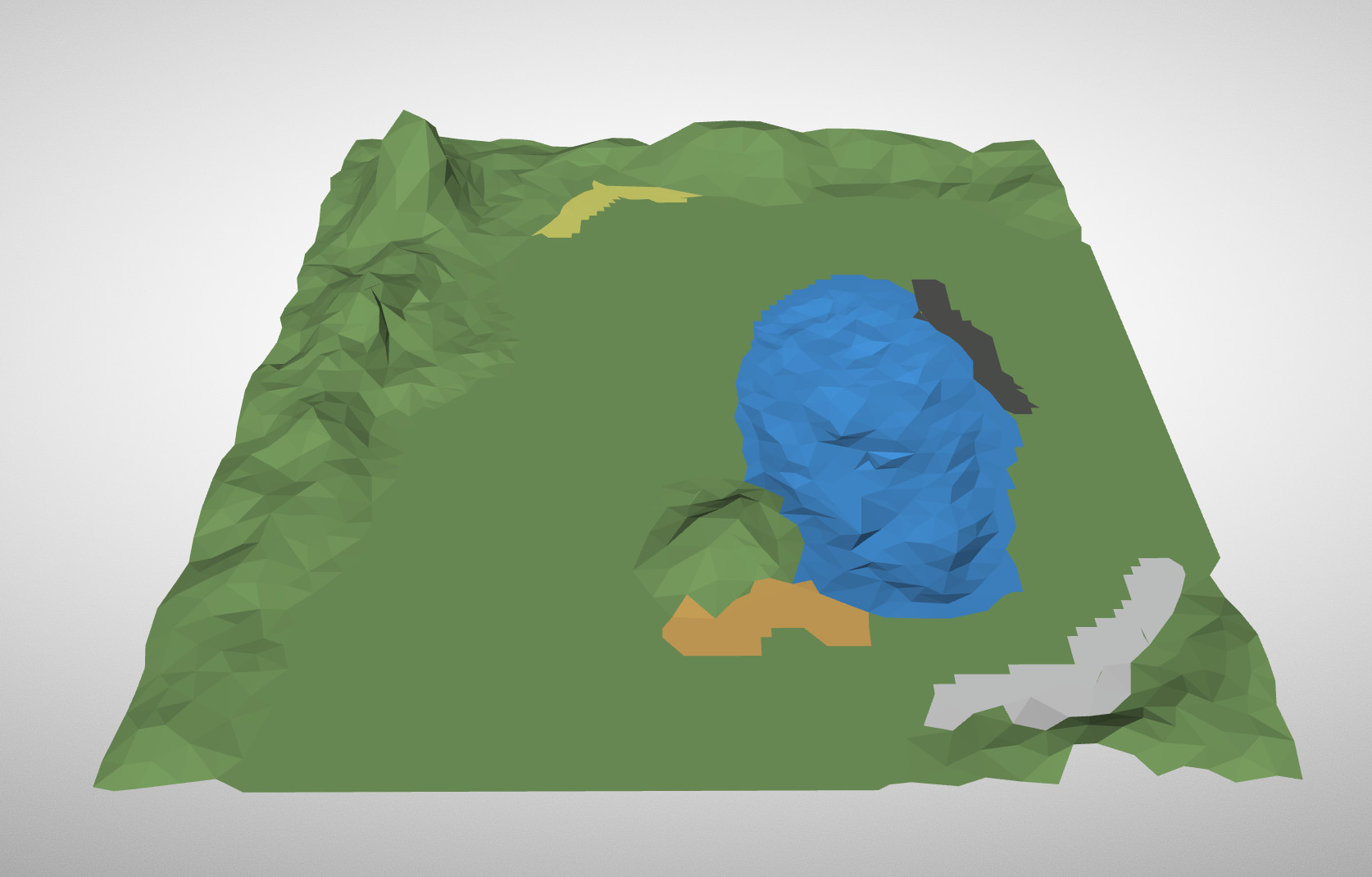
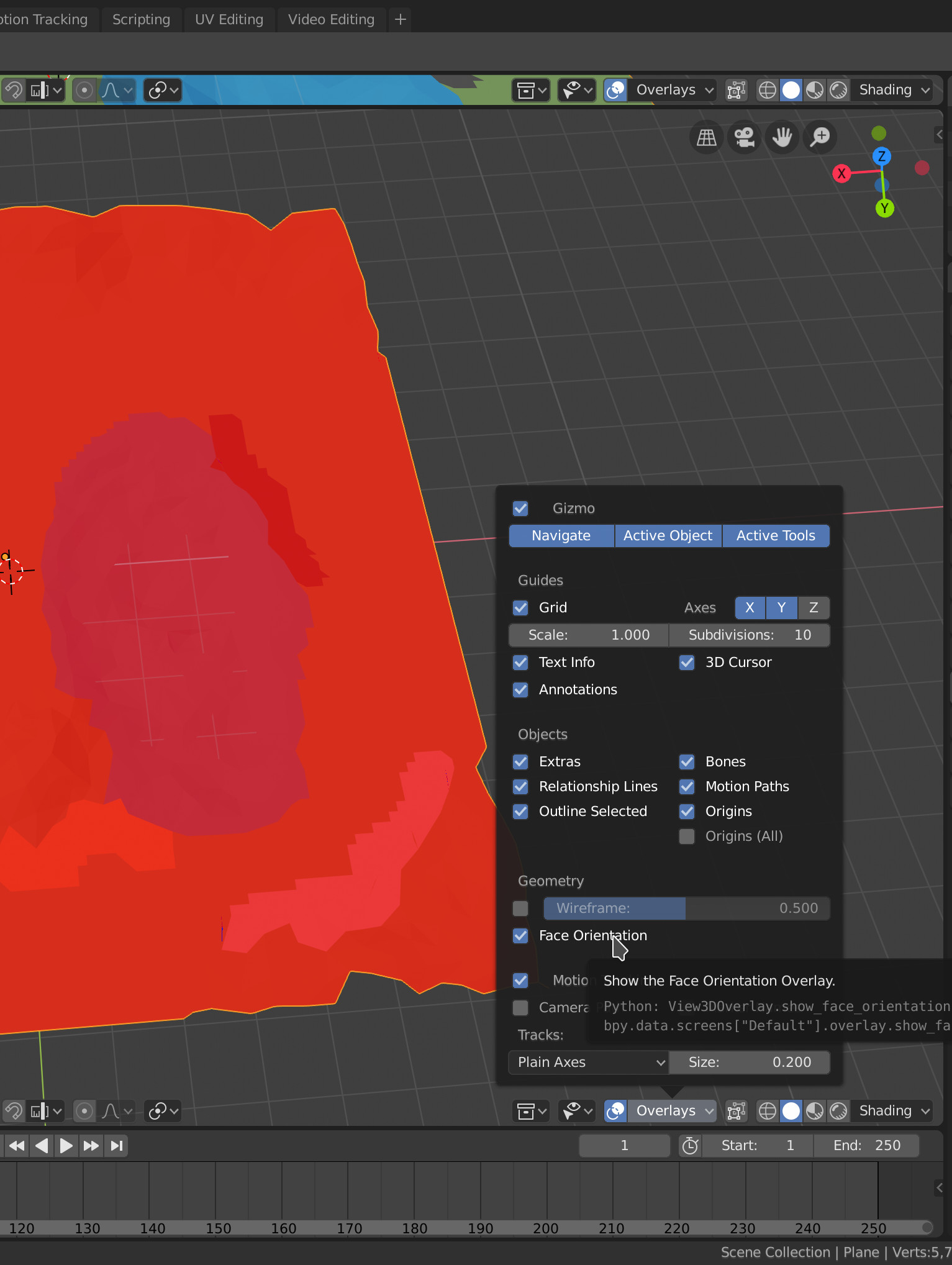
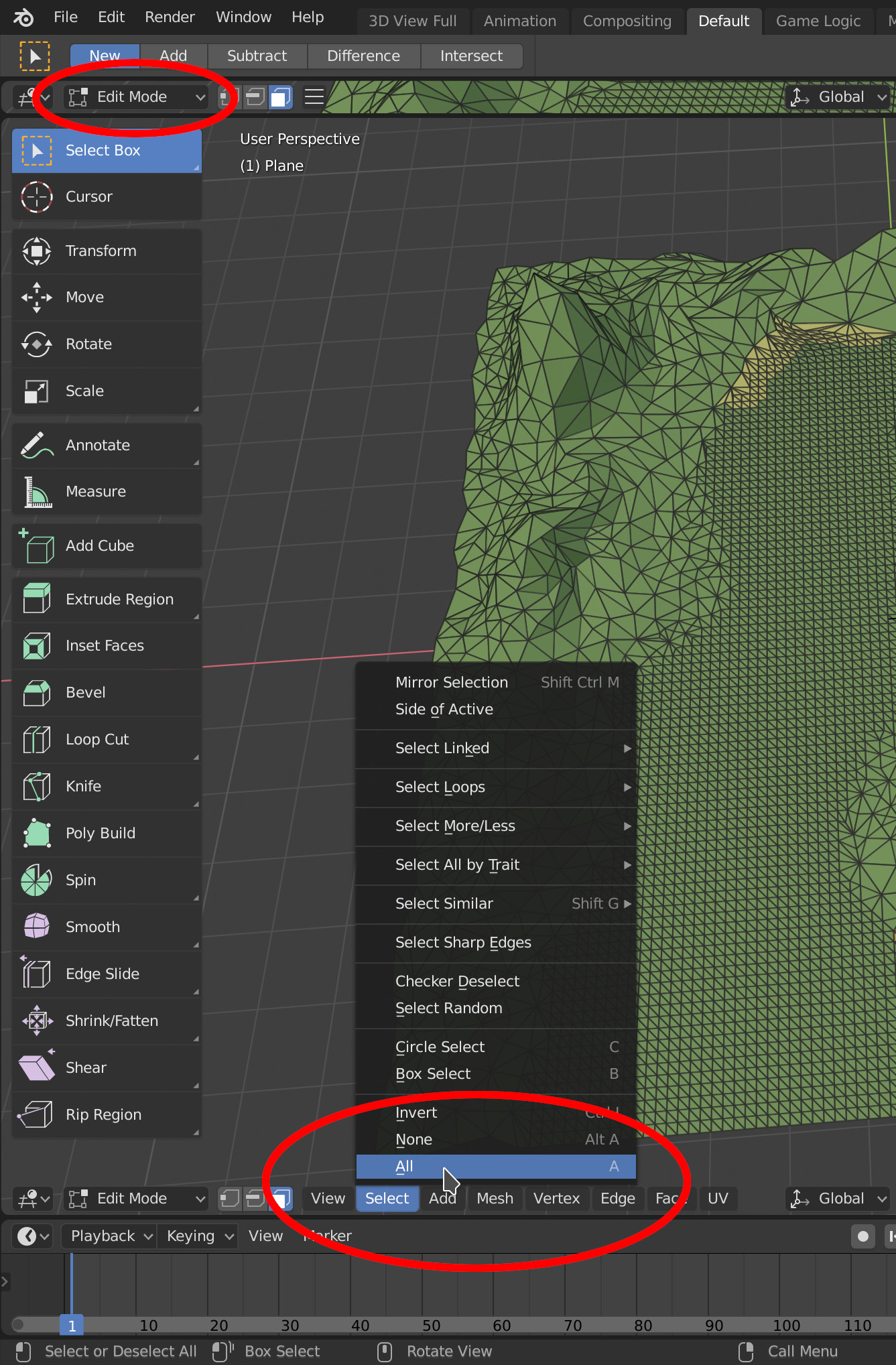
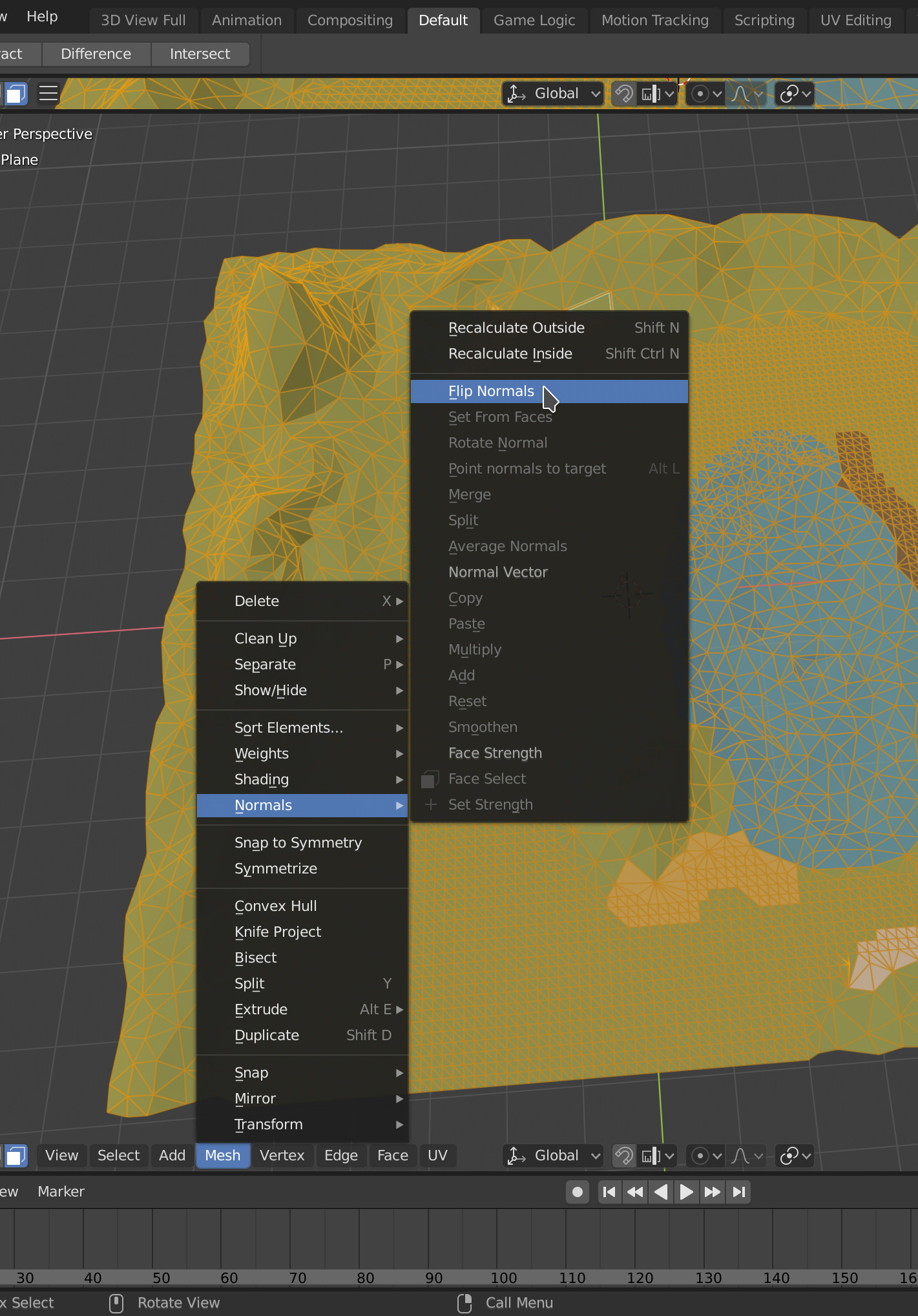
I noticed that your terrain has a negative scale on all axes – this also means that your normals are flipped so the first thing I did was flip them back. Also, I set the roughness of all materials from 0 to 1 because a material with no roughness should look polished. Below the result, I documented the normal flipping since you mentioned that you are unfamiliar with Blender (2.80).
Result (rendered with Don McCurdy's viewer):
How to check the normals (red is the back of a face):
How to flip all normals:
ghost
on 30 Jan 2019
Thank you very much. Now the model looks perfect.
dodox87
on 31 Jan 2019
Related issues
 Quinten123
·
4Comments
donmccurdy
·
5Comments
Quinten123
·
4Comments
donmccurdy
·
5Comments
 rainclaws
·
3Comments
rainclaws
·
3Comments
 dsinni
·
3Comments
dsinni
·
3Comments
 UX3D-nopper
·
3Comments
UX3D-nopper
·
3Comments