Git-credential-manager-for-windows: Blank screen on "Sign into your account" prompt
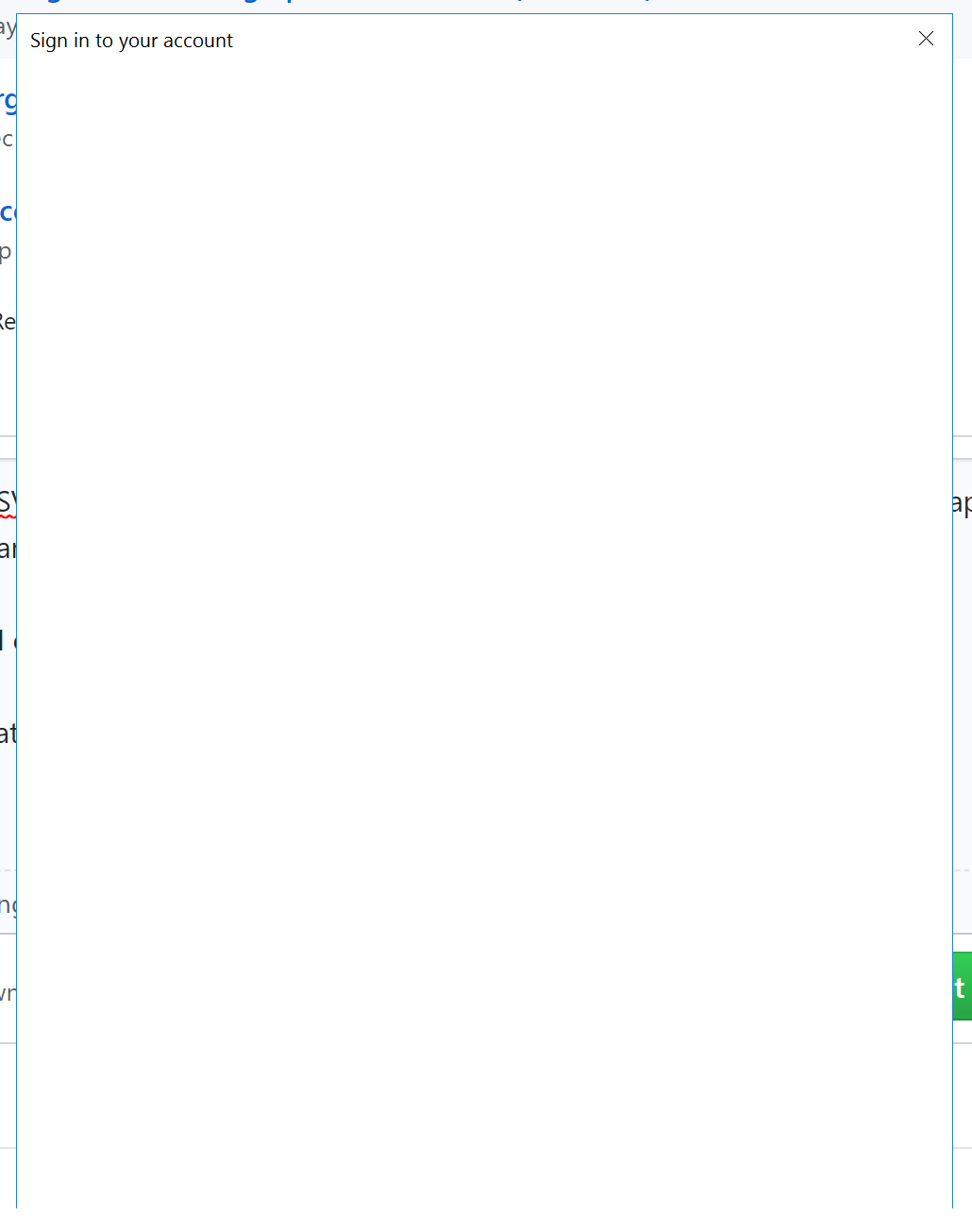
I am on the Azure DSVM and I just get a blank prompt when authenticating with git. Nothing happens, and I have to click the X and get downgraded to the manual authentication workflow every time.
I have no idea what I can do to debug this or understand why it's happening.
I have installed the latest version of git, and GCM and restarted the machine
 ecsplendid
All 2 comments
Figured it out, I needed to open up IE11 security settings and enable "Active Scripting" and ensure cookies are not blocked!
ecsplendid
on 13 Feb 2019
Enable Action Script is the solution in IE.
Complete these steps to enable active scripting:
1.Click Tools > Internet Options on the browser menu bar.
2.Click the Security tab.
3.Click the Internet icon.
4.Click Custom Level.
5.Click the Scripting > Active Scripting list item.
6.Click Enable.
Micrsooft Need no Competitor.
 izharaccel
on 17 Jul 2019
izharaccel
on 17 Jul 2019
Related issues
 acoberlin
·
24Comments
acoberlin
·
24Comments
 fpintos
·
67Comments
fpintos
·
67Comments
 garretwilson
·
35Comments
garretwilson
·
35Comments
 Sean18
·
93Comments
Sean18
·
93Comments
 ddfridley
·
25Comments
ddfridley
·
25Comments
Most helpful comment
Figured it out, I needed to open up IE11 security settings and enable "Active Scripting" and ensure cookies are not blocked!