Gatsby: flickering continuously in development mode(only chrome browser)
Description
flickering continuously in development mode(only chrome browser)
Steps to reproduce
- run
gatsby develop - server runs
localhost:8000successfully - open url
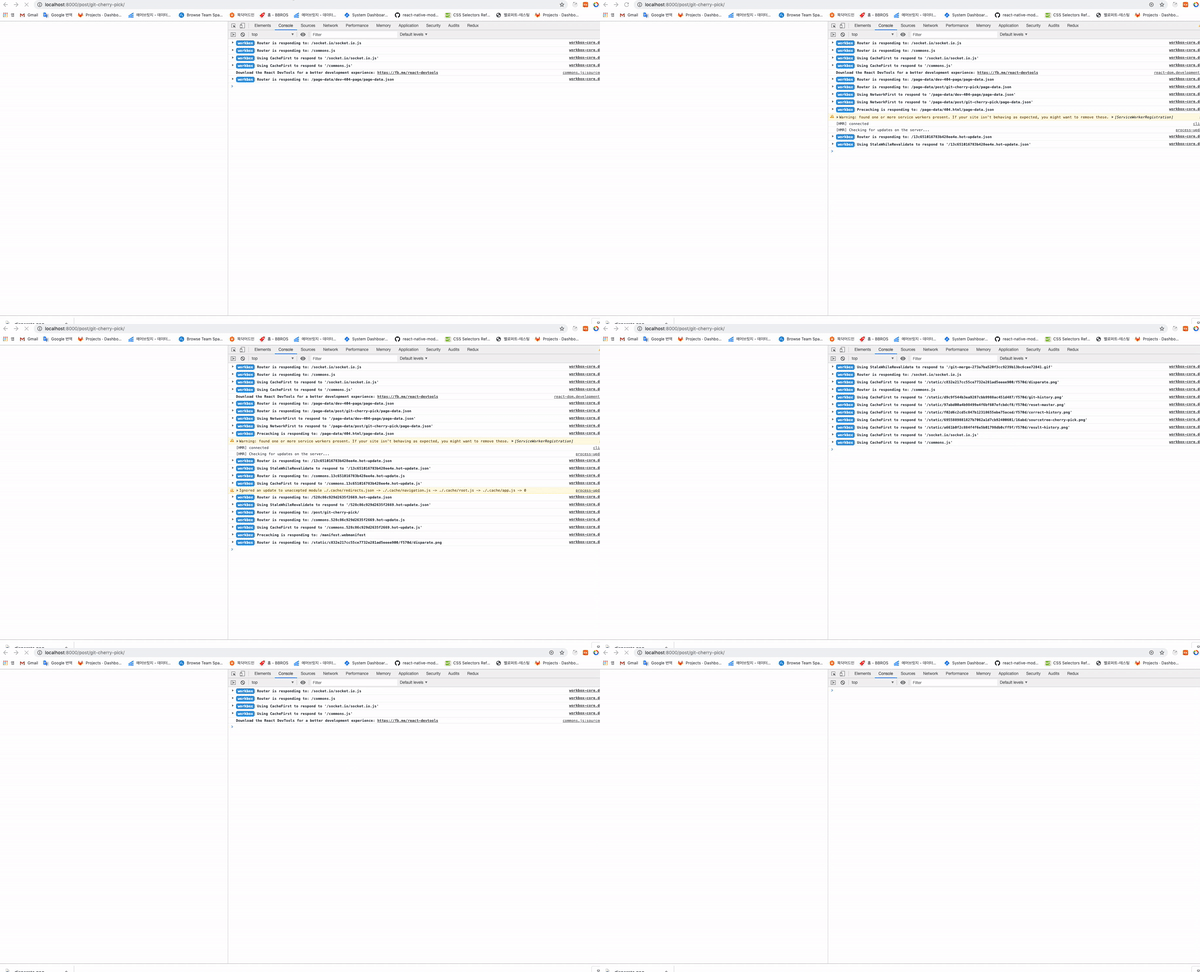
localhost:8000in chrom browser - flickering continuously with some actions
Expected result
What should happen?
The screen should be rendered without repeated actions and flickering
Environment
System:
    OS: macOS 10.14.3
    CPU: (12) x64 Intel(R) Core(TM) i7-8750H CPU @ 2.20GHz
    Shell: 5.7.1 - /usr/local/bin/zsh
  Binaries:
    Node: 10.15.3 - /usr/local/bin/node
    Yarn: 1.15.2 - /usr/local/bin/yarn
    npm: 6.10.0 - /usr/local/bin/npm
  Languages:
    Python: 2.7.10 - /usr/bin/python
  Browsers:
    Chrome: 76.0.3809.100
    Safari: 12.0.3
  npmPackages:
    gatsby: 2.12.00 => 2.12.0
    gatsby-plugin-catch-links: ^2.0.4 => 2.1.2
    gatsby-plugin-feed: ^2.0.8 => 2.3.4
    gatsby-plugin-google-analytics: ^2.0.6 => 2.1.4
    gatsby-plugin-google-fonts: latest => 1.0.1
    gatsby-plugin-manifest: ^2.2.3 => 2.2.3
    gatsby-plugin-offline: ^2.0.6 => 2.2.4
    gatsby-plugin-react-helmet: ^3.0.0 => 3.1.2
    gatsby-plugin-sass: ^2.0.1 => 2.1.3
    gatsby-plugin-sharp: ^2.2.7 => 2.2.7
    gatsby-plugin-sitemap: ^2.0.1 => 2.2.3
    gatsby-remark-copy-linked-files: ^2.0.5 => 2.1.3
    gatsby-remark-images: ^2.0.4 => 2.0.6
    gatsby-remark-images-contentful: ^2.1.4 => 2.1.4
    gatsby-remark-prismjs: ^3.0.2 => 3.3.3
    gatsby-remark-responsive-iframe: ^2.0.5 => 2.2.4
    gatsby-remark-smartypants: ^2.0.5 => 2.1.2
    gatsby-source-contentful: ^2.1.13 => 2.1.13
    gatsby-source-filesystem: ^2.0.3 => 2.1.5
    gatsby-transformer-remark: ^2.1.7 => 2.6.6
    gatsby-transformer-sharp: ^2.2.3 => 2.2.3
    gatsby-transformer-sqip: ^2.1.9 => 2.1.9
  npmGlobalPackages:
    gatsby-cli: 2.5.12
 heyman333
All 4 comments
@heyman333 can you create a reproduction following these steps so that it can be looked at in more detail?
 jonniebigodes
on 19 Aug 2019
jonniebigodes
on 19 Aug 2019
I'm facing the same issue on chrome. The only way for me to develop gatsby on chrome is to use a different port e.g. gatsby develop -p 8080.
(Restarting chrome, recloning gatsby has not fixed the issue). I'm not sure how to reproduce this issue though.
 OskarAhl
on 28 Aug 2019
OskarAhl
on 28 Aug 2019
@OskarAhl Thanks fot your tip
I don't understand, sometimes this problem happens and sometimes doesn't happen ...
heyman333
on 31 Aug 2019
I'm facing the same issue. Mostly because of "Loading(StaticQuery)" keep renew. I believe something wrong with Chrome cache... but don't know what exactly happened. The way as @OskarAhl mentioned, to change develop -port does help to my case. Thank you @OskarAhl
 Damaotimlin
on 27 Dec 2019
Damaotimlin
on 27 Dec 2019
Related issues
 dustinhorton
·
3Comments
dustinhorton
·
3Comments
 3CordGuy
·
3Comments
3CordGuy
·
3Comments
 hobochild
·
3Comments
hobochild
·
3Comments
 ghost
·
3Comments
ghost
·
3Comments
 rossPatton
·
3Comments
rossPatton
·
3Comments