Gatsby: ValidationError "siteMetadata" is not allowed
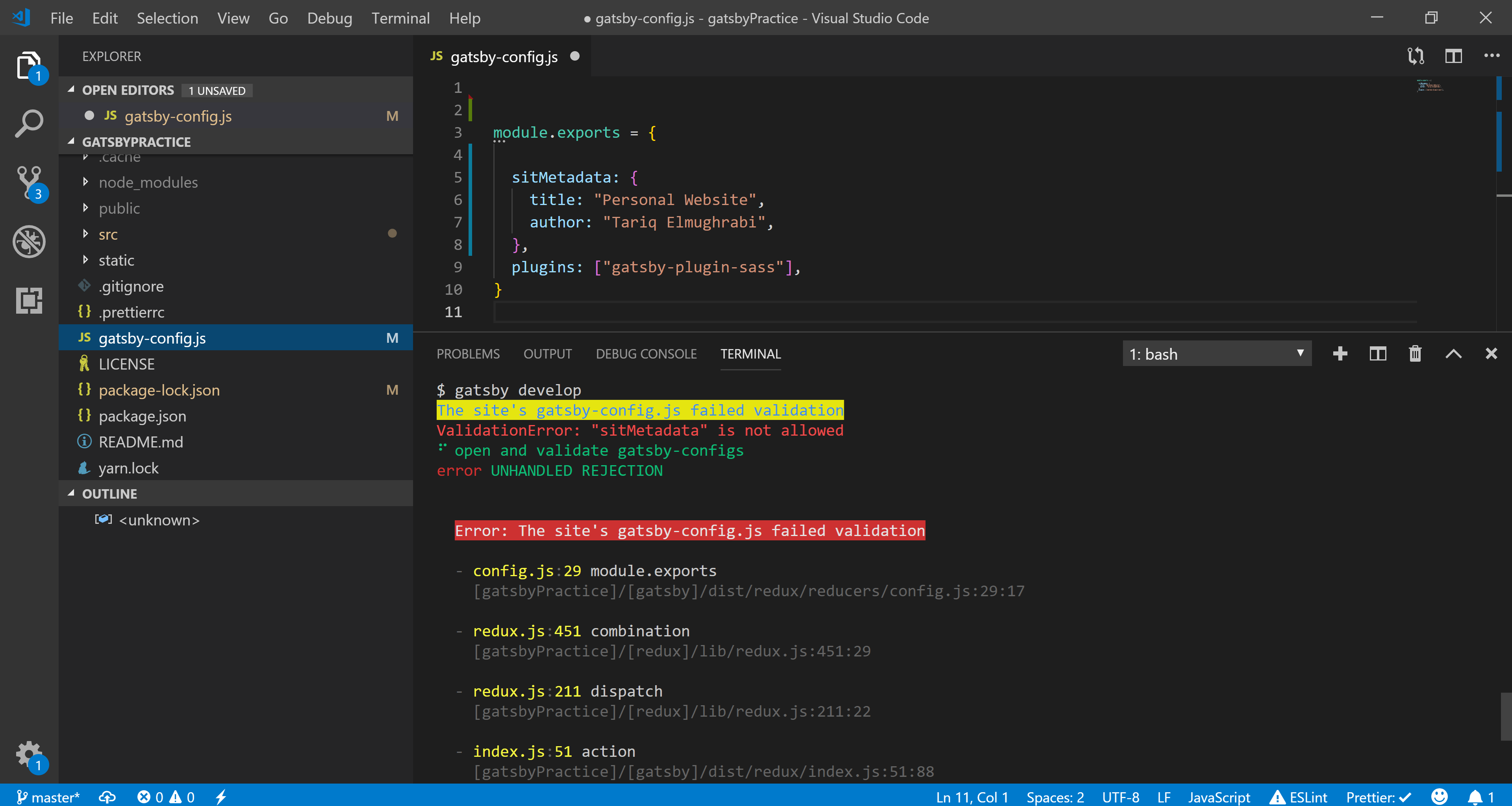
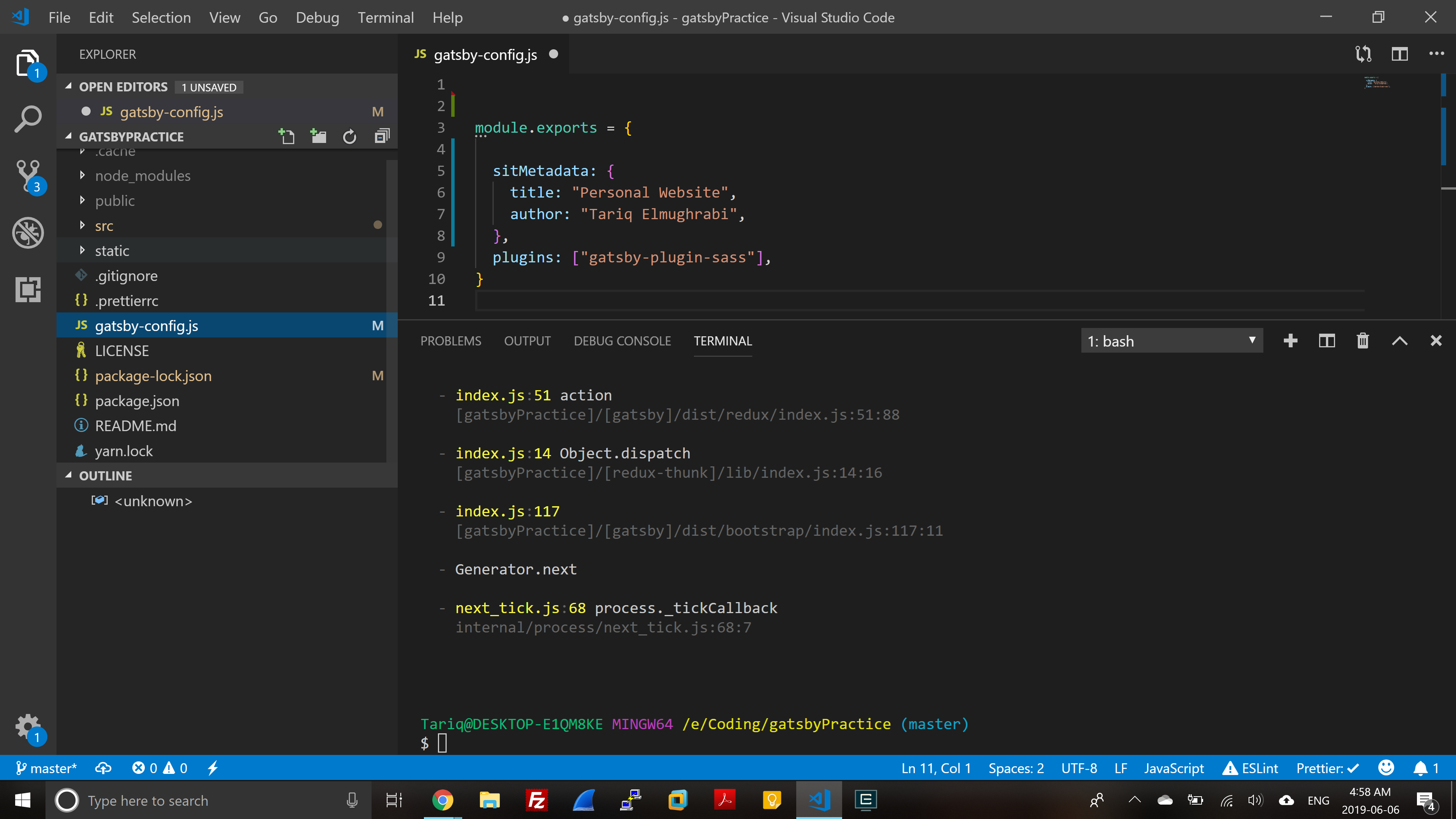
as shown in the pictures, i was following this tutorial on Youtube to a teeth, and everything was going fine untill https://youtu.be/8t0vNu2fCCM?t=5633 when he adds siteMetadata to the gatsby-config.js .. i Have read other threads and tried to find solutions, i made sure that my packages are all up to date, npm v 6.4.1, node v 10.15.3 & my file is name properly and located at the root of the project. any help would be much appreciated
 TuBl
TuBl
All 4 comments
Hey, it seems like there is typo - it should be siteMetadata (not sitMetadata)
 pieh
on 6 Jun 2019
pieh
on 6 Jun 2019
My bad, i was trying to reproduce the error on my laptop quickly before i went to bed.. but still here is a screenshot from my desktop.
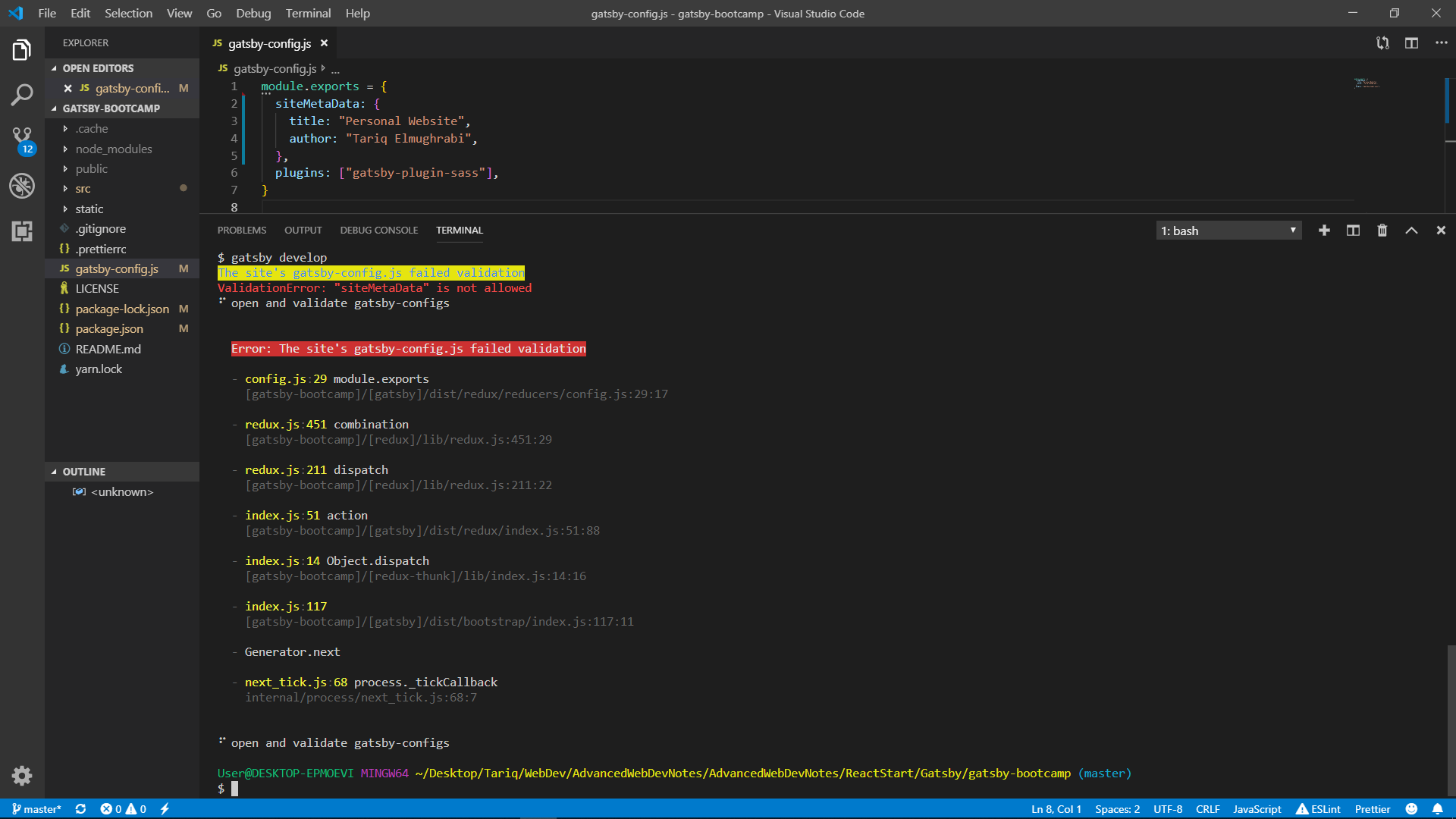
Please do note that it actually worked on my laptop after i fixed the typo... but the version of the project on my laptop is just a bit older, that should NOT make a difference though as it is just some styling that i added from the last time.
TuBl
on 6 Jun 2019
Field name is case sensitive - so siteMetaData (notice capital D) is still not allowed and we are looking for exactly siteMetadata field
pieh
on 6 Jun 2019
Thanks a lot. i guess the solution is not to learn new things at 5am and just go to bed xD
TuBl
on 6 Jun 2019
Related issues
 3CordGuy
·
3Comments
3CordGuy
·
3Comments
 brandonmp
·
3Comments
brandonmp
·
3Comments
 dustinhorton
·
3Comments
dustinhorton
·
3Comments
 hobochild
·
3Comments
hobochild
·
3Comments
 ferMartz
·
3Comments
ferMartz
·
3Comments
Most helpful comment
Field name is case sensitive - so
siteMetaData(notice capitalD) is still not allowed and we are looking for exactlysiteMetadatafield