Gatsby: VSCode goto Definition navigation not working
Summary
I have created 3 different projects with Gatsby, and i used VSCode as an editor, and in all of them I cannot get "go to Definition" feature working.
That means for example hovering over a js import and doing Ctrl + click does not navigate to the imported file, something that slows down my development.
Anyone else facing the same issue?
 chatzipan
All 8 comments
Seems to work here:
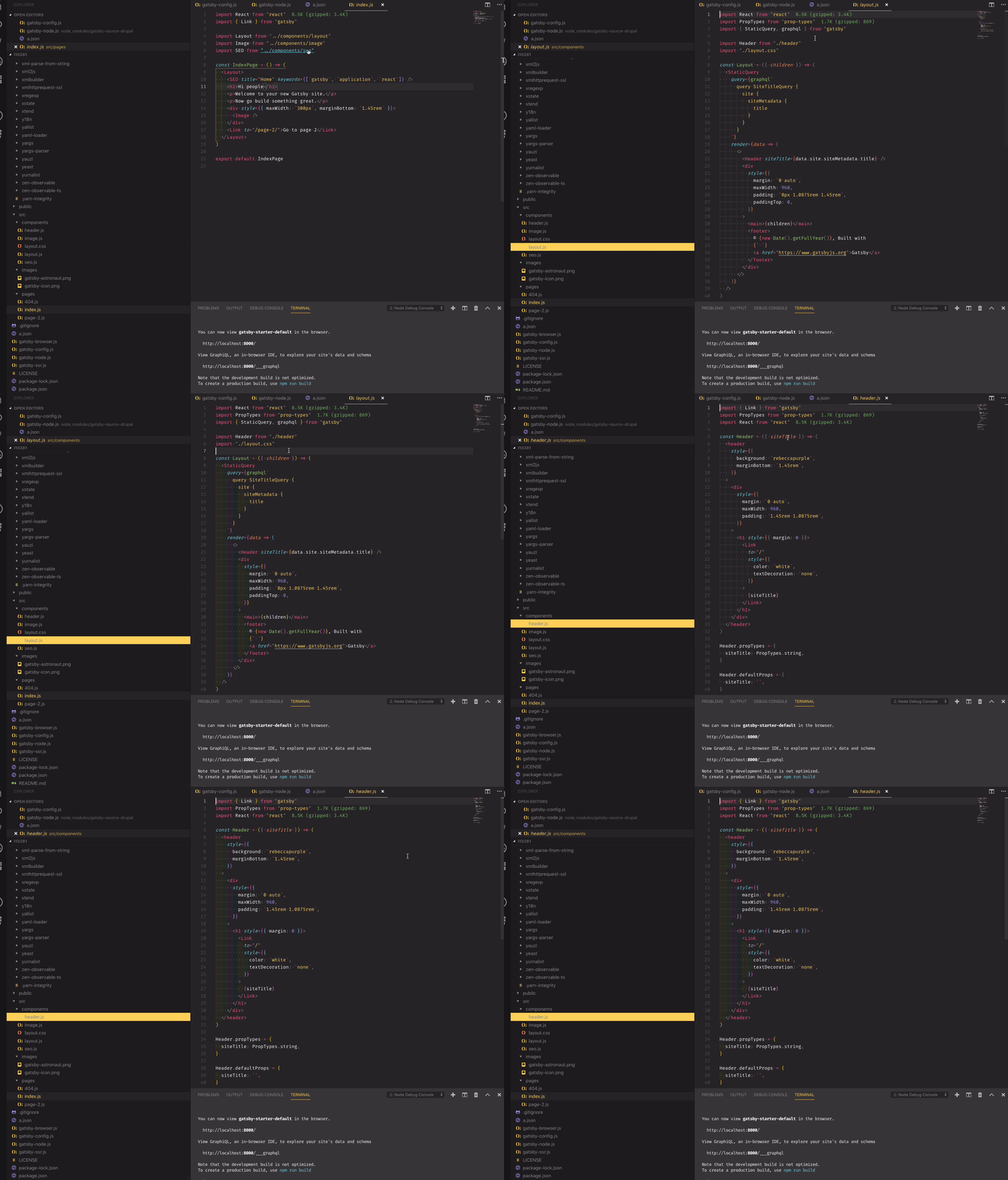
I'm no expert in vs code tho, so I don't know why it doesn't work for You :(
 pieh
on 12 Feb 2019
pieh
on 12 Feb 2019
Hmm.. its really weird, I use VScode as my standard editor, and its just my Gatsby projects where this doesn't work.. i guess i need to search it more
chatzipan
on 12 Feb 2019
I don't have any issues either 😛 Does peek definition work?
 wardpeet
on 19 Feb 2019
wardpeet
on 19 Feb 2019
Hiya!
This issue has gone quiet. Spooky quiet. 👻
We get a lot of issues, so we currently close issues after 30 days of inactivity. It’s been at least 20 days since the last update here.
If we missed this issue or if you want to keep it open, please reply here. You can also add the label "not stale" to keep this issue open!
Thanks for being a part of the Gatsby community! 💪💜
![gatsbot[bot] picture](https://avatars2.githubusercontent.com/in/12849?v=4&s=40) gatsbot[bot]
on 12 Mar 2019
gatsbot[bot]
on 12 Mar 2019
Hey again!
It’s been 30 days since anything happened on this issue, so our friendly neighborhood robot (that’s me!) is going to close it.
Please keep in mind that I’m only a robot, so if I’ve closed this issue in error, I’m HUMAN_EMOTION_SORRY. Please feel free to reopen this issue or create a new one if you need anything else.
Thanks again for being part of the Gatsby community!
gatsbot[bot]
on 23 Mar 2019
I'm also seeing this issue, though it works for installed modules located in node_modules folder, but no user created files...
I believe this is because I am using the gatsby-plugin-root-import plugin:
_gatsby-config.js_
{
plugins: [
resolve: "gatsby-plugin-root-import",
options: {
components: path.join(__dirname, "src/components"),
hooks: path.join(__dirname, "src/hooks"),
images: path.join(__dirname, "src/images"),
utils: path.join(__dirname, "src/utils"),
},
},
]
}
To test this, I created a new gatsby site using npx gatsby-cli new testing. On loading the Layout component, I successfully clicked through to the Header component.
@wardpeet @pieh @chatzipan
 christian-schulze
on 6 Jun 2019
christian-schulze
on 6 Jun 2019
I've got a solution...specify a jsconfig.json:
{
  "compilerOptions": {
    "baseUrl": ".",
    "paths": {
      "*": ["src/*"]
    },
    "jsx": "react"
  }
}
@wardpeet @pieh @chatzipan
christian-schulze
on 6 Jun 2019
jsconfig.json
Doesn't work. After 1-5 seconds with loaded gatsby project, "Go to definition", path suggestions on import. and other Intellisence stuff of VSCode stopped working. Very annoying.
"Typescritp Restart TS Server" from command palette can help temporarily.
 dmandreev
on 8 Jan 2020
dmandreev
on 8 Jan 2020
Related issues
 magicly
·
3Comments
magicly
·
3Comments
 3CordGuy
·
3Comments
3CordGuy
·
3Comments
 ghost
·
3Comments
ghost
·
3Comments
 dustinhorton
·
3Comments
dustinhorton
·
3Comments
 benstr
·
3Comments
benstr
·
3Comments
Most helpful comment
I've got a solution...specify a
jsconfig.json:@wardpeet @pieh @chatzipan