Gatsby-theme-novela: Only JavaScript Syntax is getting highlighted
Version of Novela you are using
0.2.0
Number of posts you have and which data source
8 and local
Describe the bug
A clear and concise description of what the bug is.
I use bash scripts and dart language, but only javascript code blocks get syntax highlighting
To Reproduce
Steps to reproduce the behavior:
- Use any language other than javascript
Expected behavior
Should highlight code blocks of any language
Screenshots
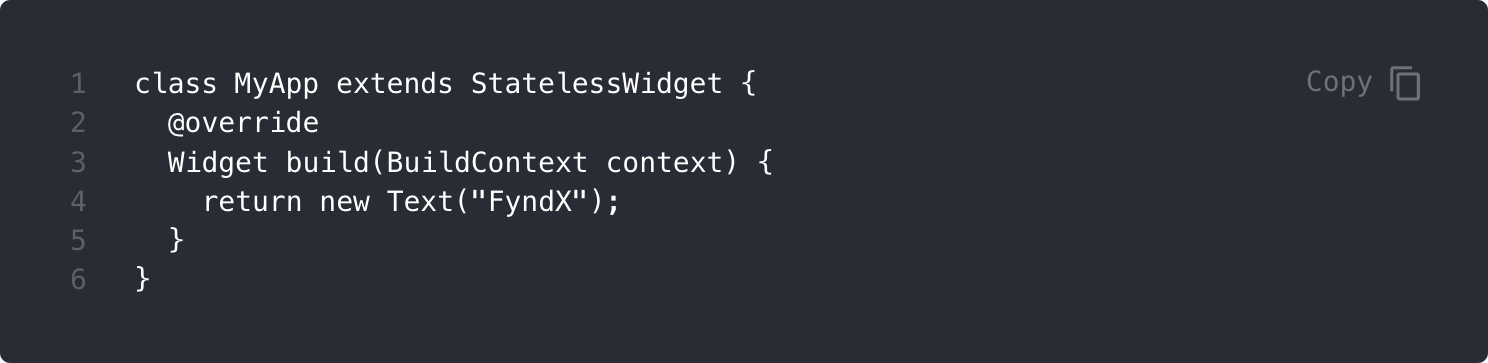
 chakrihacker
All 12 comments
Thanks for creating the issue. Sounds like we should switch from prism
https://github.com/narative/gatsby-theme-novela/issues/51
Will bump the priority of that.
 brotzky
on 15 Aug 2019
brotzky
on 15 Aug 2019
Feel free to follow along on the PR: https://github.com/narative/gatsby-theme-novela/pull/66
Right now ran into an external bug that's blocking progress. Hopefully we'll be able to solve it soon and get this feature shipped in Novela.
brotzky
on 15 Aug 2019
Sure thanks for the quick update
chakrihacker
on 15 Aug 2019
@chakrihacker You need to specify the language after the three backticks. Using your example:
```java
class MyApp extends StatelessWidget {
  @override
  Widget build(BuildContext context) {
    return new Text("Example")
  }
}
``` // this comment needed to force GitHub to render these backticks properly
you'll get:
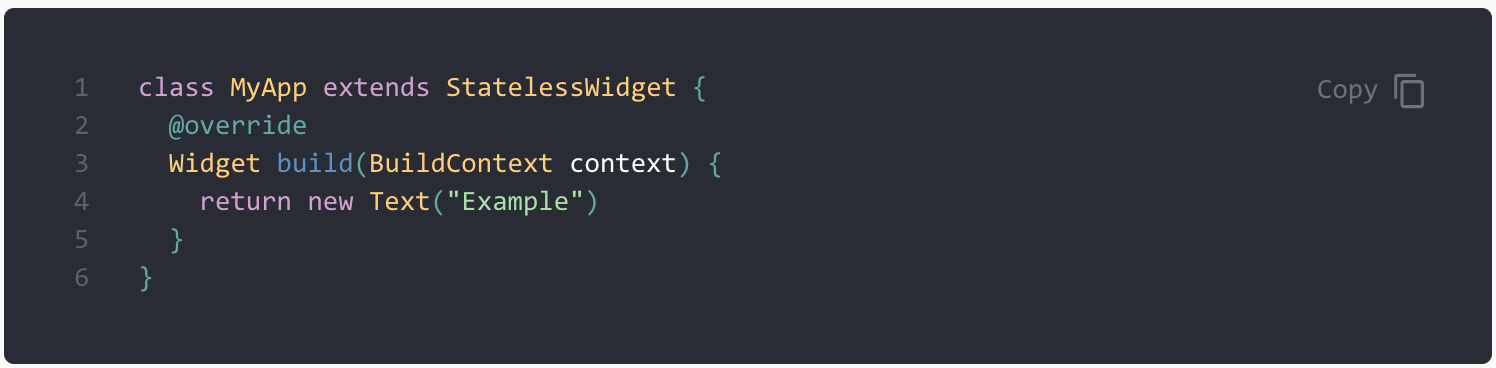
Hope that helps!
 AryanJ-NYC
on 17 Aug 2019
AryanJ-NYC
on 17 Aug 2019
Ah, yes. I assumed he was specifying the language in his post.
Thanks so much for clarifying @AryanJ-NYC :)
brotzky
on 18 Aug 2019
Hey, I am specifying language with backticks
chakrihacker
on 20 Aug 2019
@chakrihacker could you share the code you're writing? It looks like Aryan was able to get it done.
brotzky
on 20 Aug 2019
Just confirming that I'd love to take a look and help out where possible.
AryanJ-NYC
on 20 Aug 2019
I have the same issue with Kotlin. Presumably this is because dart and Kotlin are not specified as default language in prism-react-renderer? See includeLangs.js
https://github.com/FormidableLabs/prism-react-renderer/blob/master/src/vendor/prism/includeLangs.js
Although Java works, I think that's included in Prisms default set of languages? I'm trying to figure out how I can enable Kotlin.
```kotlin
override fun onCreateView(
    inflater: LayoutInflater,
    container: ViewGroup?,
    savedInstanceState: Bundle?
): View? {
    return inflater.inflate(R.layout.fragment_new_blog_post, container, false)
}
``` //
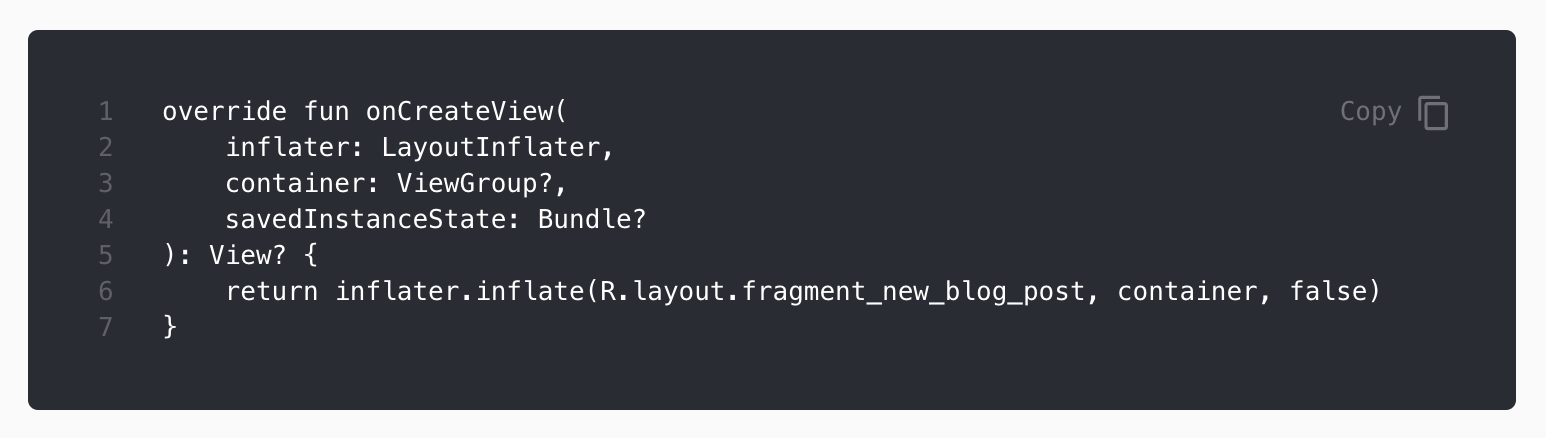
Now, I've seen this Issue in prism-react-renderer where someone is including an extra language. I've tried adding kotlin as extra language by shadowing Code.Prims.tsx or Code.Pre.tsx but both say they can't find the kotlin-prism file.
Do you have any idea or pointers how I can add Kotlin support?
 DanielMartinus
on 28 Mar 2020
DanielMartinus
on 28 Mar 2020
Nevermind! I just got it working.
I first had to run yarn add prismjs and then shadow Code.Prism.tsx. In this file you add the lines from the issue here https://github.com/FormidableLabs/prism-react-renderer/issues/53
import Prism from "prism-react-renderer/prism";
(typeof global !== "undefined" ? global : window).Prism = Prism;
require("prismjs/components/prism-kotlin");
And then it works 🙂
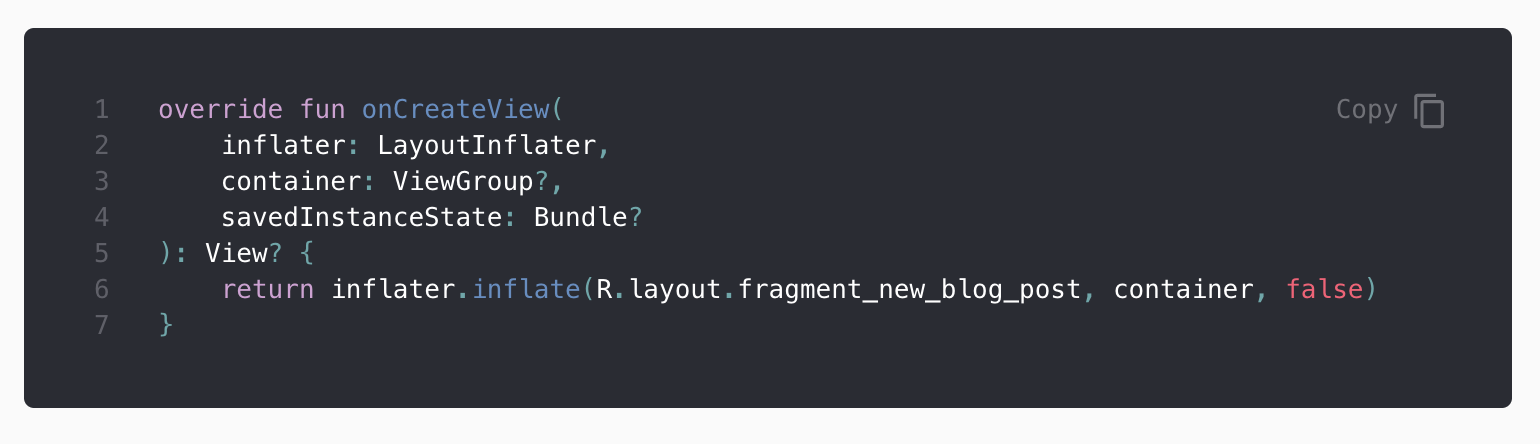
DanielMartinus
on 28 Mar 2020
Nevermind! I just got it working.
I first had to run
yarn add prismjsand then shadowCode.Prism.tsx. In this file you add the lines from the issue here FormidableLabs/prism-react-renderer#53import Prism from "prism-react-renderer/prism"; (typeof global !== "undefined" ? global : window).Prism = Prism; require("prismjs/components/prism-kotlin");And then it works 🙂
do we need to add the code inside @narative/gatsby-theme-novela/components/Code.Prisme.tsx like this ?
 naoufalelh
on 8 Jun 2020
naoufalelh
on 8 Jun 2020
I did put the following inside @narative/gatsby-theme-novela/components/Code/Code.Prisme.tsx
import Prism from "prism-react-renderer/prism";
(typeof global !== "undefined" ? global : window).Prism = Prism;
require("prismjs/components/prism-ruby");
I get this error in the page of the post:
TypeError: Cannot read property 'getElementsByTagName' of null
I get this warnings:
warn "export 'default' (imported as 'CodeBlock') was not found in './Code.Prism'
warn "export 'default' (imported as 'Prism') was not found in './Code.Prism'
Related issues
 jorgeorejas
·
3Comments
jorgeorejas
·
3Comments
 devanSAGA
·
4Comments
devanSAGA
·
4Comments
 MartinRosenberg
·
3Comments
MartinRosenberg
·
3Comments
 alfieqashwa
·
4Comments
alfieqashwa
·
4Comments
 mwood23
·
4Comments
mwood23
·
4Comments
Most helpful comment
Just confirming that I'd love to take a look and help out where possible.