Game-compatibility: Indiana Jones and the Emperor's Tomb [LA-007] [1.01]
Description
The game loads and goes ingame, however, with massive graphic errors. In addition, there is always a message that you should report. There are no problems with the sound.

Dumps
Indiana Jones and the Emporor's Tomb-be0400c2.zip
Status
Previous behavior:
None reported
Current behavior:
state-partially-working
Screenshots

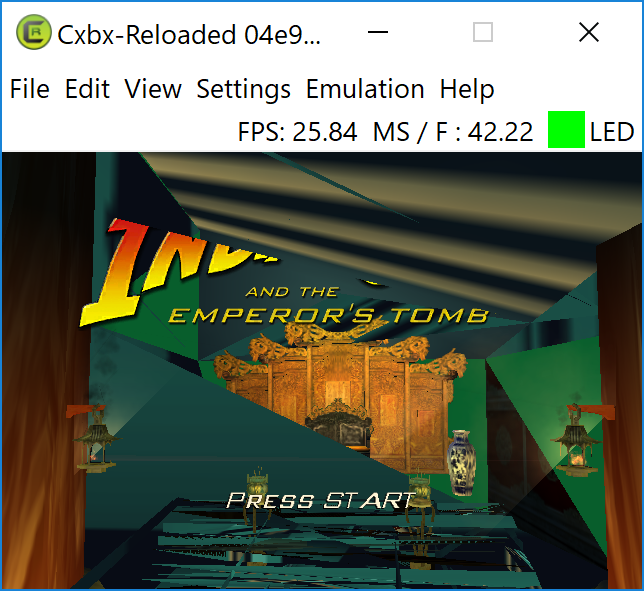
 frankyfife
All 4 comments
Thanks for creating this issue promptly. Adding an old video over a month ago LOL. The first status report above is a little bit better than what transpired in this video below (But it used LLE-GPU).
- INDIANA JONES AND THE EMPEROR TOMB- CXBX-R -LLE NV2A (Esppiral V. Published on Apr 1, 2018. Build: 131cc9fc [Apr 1 2018].)
 ObiKKa
on 5 May 2018
ObiKKa
on 5 May 2018
Description
Great progress in a few days (using build e1d87339). Nothing of the recently displayed graphic errors can be seen anymore. The graphic display corresponds to that of a real XBOX.
The behavior of the emulator, however, has changed. If you load the xbe file, you can start the game, first you have to confirm the message "Not enough free memory" (no savegame can be created).
Shortly after the intro videos (which are also played back perfectly) the message see below (Please Report etc.) appears, immediately after that the FPS counter has disappeared. The emulation cannot be stopped by menue anymore (see linked video at 2:00 and 4:09). You can play until the next loading screen, then the emulation is terminated automatically.
*Update 18-05-18, 07:35 pm:
i also re-dumped the game to get a valid xbe signature. Then I played the game to the point where the emulator just ended the game
- a savegame could be created by deleting %appdata%\Cxbx-Reloaded (the creation of a new savegame only works once)
- a kill/continue condition (while ingame) ends the emulation (this is certainly due to the fact that the emulator is already in the status "stop" as mentioned above)
- the game saves, so it is possible to load and continue playing the savegame after restarting cxbx
- the kernel dump file renews itself again and again, so seems unusable.
- if you end the gui window of cxbx, another cxbx process remains, which seizes some cpu time, i created 2 dumpiles (via taskmanager) and linked them here https://goo.gl/c9vuzJ (google drive)
Dumps
Status
Previous behavior:
state-partially-working
Current behavior:
state-working
Screenshots
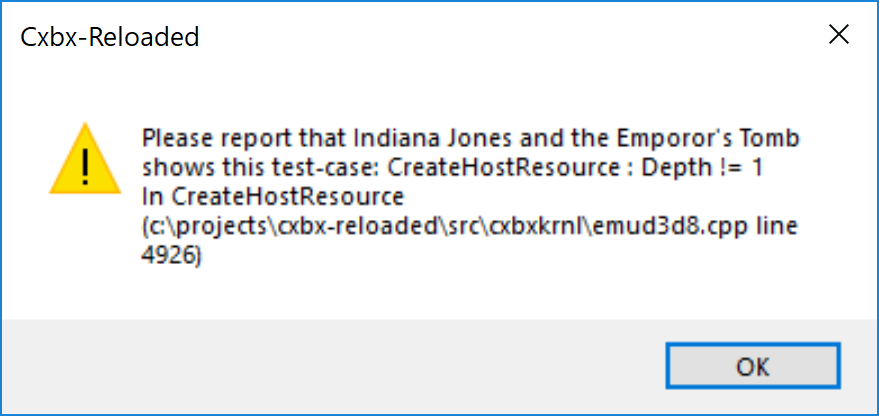
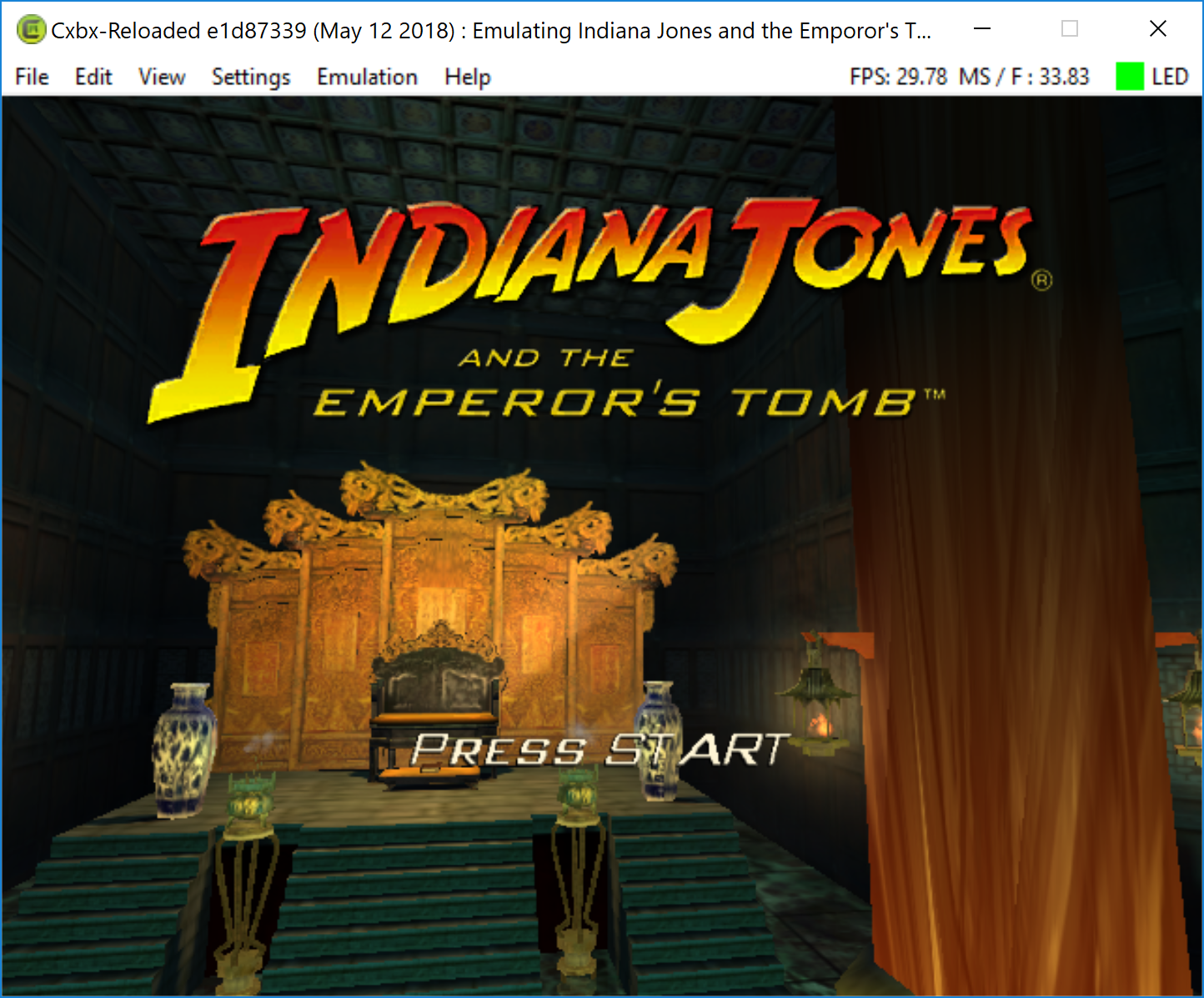
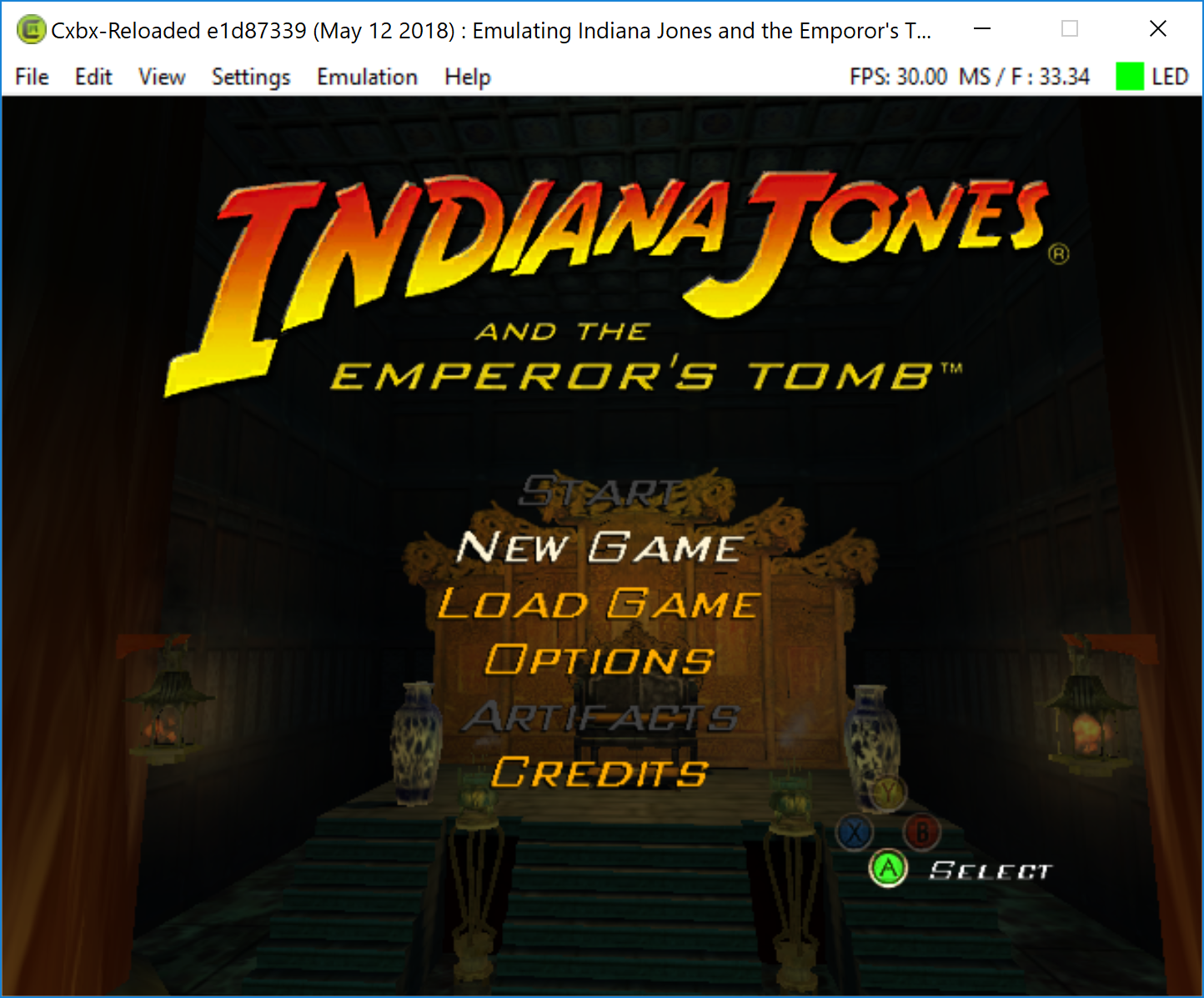


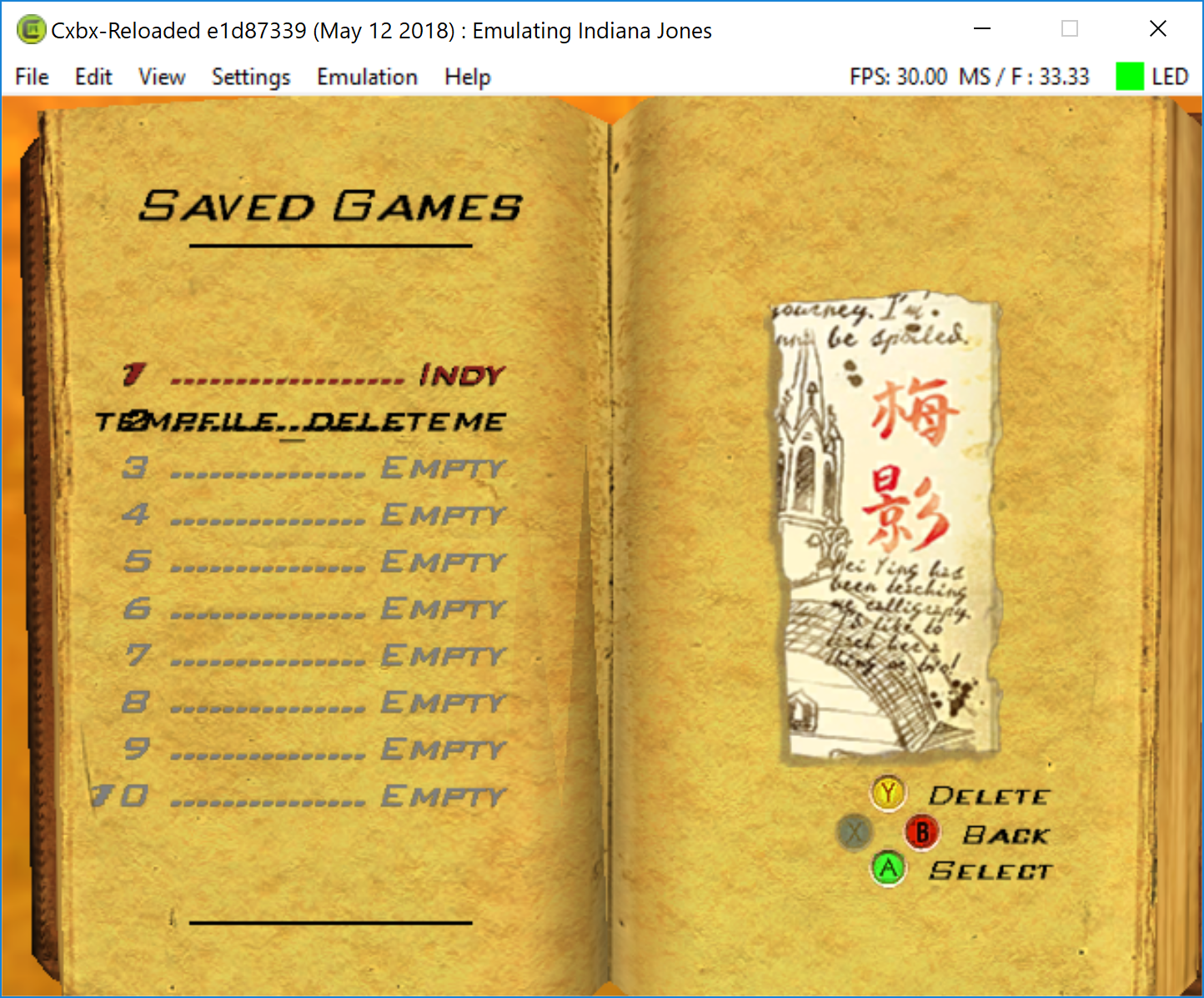
Gameplay Video
https://youtu.be/5rXeomKSi0Q
Additional Information
Otherwise PCSX2 is not able to render the game correctly in hardware mode ;)
frankyfife
on 13 May 2018
If indeed the commit to master right after f8593e6 breaks this case, then it would be this one : https://github.com/Cxbx-Reloaded/Cxbx-Reloaded/commit/337946db2546074202269de39ff3087f91e05746
Since that's mostly a simplification that was long overdue (no longer mapping constant register indices, as after the port to Direct3D 9 we have plenty of constant registers available), I suspect the removal of the patch on D3DDevice_SetPixelShaderConstant_4 would be the culprit, then.
BTW : @NZJenkins : not having this patch may actually be the reason for some of the flickering we have nowadays, as without this patch, without many realizing it, we now rely on push-buffer commands being processed before a draw takes place; If constant-setting commands aren't processed yet by that time, we will be using outdated pixel constant values, which could cause all kinds of glitches!
 PatrickvL
on 19 Nov 2020
PatrickvL
on 19 Nov 2020
ummm confused, game works fine, it suffers from the having to delete the emudisk contents every now and then or it errors and it has the black screen on menus at the start but otherwise it even runs a little faster on latest master

ummm the krndebg posted above is incorrect for this game AND if you look at the screenshot, the games title is simply (indiana jones), which is incorrect
[0x3310] INFO : INIT ------------------------- END OF CONFIG LOG ------------------------
[0x3310] DEBUG: INIT Creating default symbolic links.
[0x3310] INFO : INIT XeImageFileName = D:\DOA2.xbe
[0x3310] INFO : INIT Title : DEAD OR ALIVE ULTIMATE
[0x3310] INFO : INIT XBE TitleID : TC-006
[0x3310] INFO : INIT XBE TitleID (Hex) : 0x54430006
[0x3310] INFO : INIT XBE Version : 1.06
[0x3310] INFO : INIT XBE TitleName : DEAD OR ALIVE ULTIMATE
[0x3310] INFO : INIT XBE Region : NTSC+JAP
 medievil1
on 19 Nov 2020
medievil1
on 19 Nov 2020
Related issues
PatrickvL
·
3Comments
 kennethedmonds
·
3Comments
kennethedmonds
·
3Comments
 gandalfthewhite19890404
·
3Comments
gandalfthewhite19890404
·
3Comments
 equipeXomega117
·
3Comments
equipeXomega117
·
3Comments
 Shideravan
·
3Comments
Shideravan
·
3Comments
Most helpful comment
Description
Great progress in a few days (using build e1d87339). Nothing of the recently displayed graphic errors can be seen anymore. The graphic display corresponds to that of a real XBOX.
The behavior of the emulator, however, has changed. If you load the xbe file, you can start the game, first you have to confirm the message "Not enough free memory" (no savegame can be created).
Shortly after the intro videos (which are also played back perfectly) the message see below (Please Report etc.) appears, immediately after that the FPS counter has disappeared. The emulation cannot be stopped by menue anymore (see linked video at 2:00 and 4:09). You can play until the next loading screen, then the emulation is terminated automatically.
*Update 18-05-18, 07:35 pm:
i also re-dumped the game to get a valid xbe signature. Then I played the game to the point where the emulator just ended the game
Dumps
KrnlDebug.txt
Xbe.txt
Status
Previous behavior:
state-partially-working
Current behavior:
state-working
Screenshots
Gameplay Video
https://youtu.be/5rXeomKSi0Q
Additional Information
Otherwise PCSX2 is not able to render the game correctly in hardware mode ;)