Game-compatibility: Worms 3D Special Edition [SE-042] [1.05]
Description
No graphics. A short bit of audio can be heard right before crash with error.
Cxbx-Reloaded
---------------------------
Received Exception Code 0xC0000005 @ EIP := 0x0028FB11(=unknown+0x0)

  Press "OK" to terminate emulation.
  Press "Cancel" to debug.
---------------------------
OK   Cancel
---------------------------
Dumps
Xbe.txt
KrnlDebug.txt
Worms 3D Special Edition-28478fc7.txt
Status
Previous behavior:
None reported
Current behavior:
Plays a bit of audio then crashes with error.
Additional Information
Tested on 9be315d8 (Feb 8 2018)
 kennethedmonds
All 3 comments
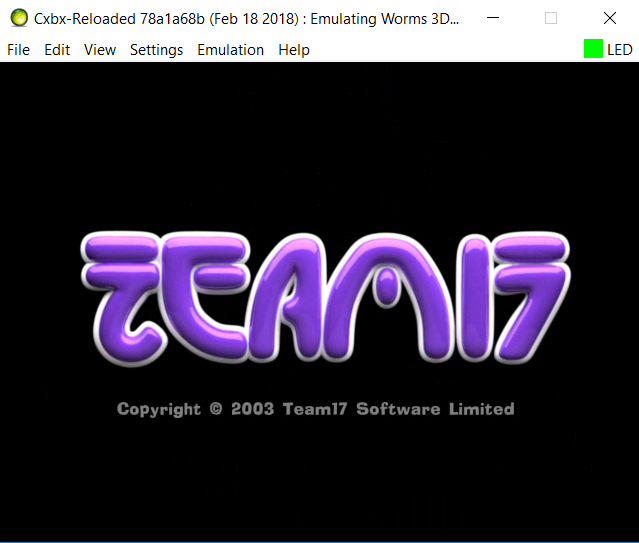
Now boots with visible intro graphics. Still crashes with same error at same place.
 Voxel9
on 18 Feb 2018
Voxel9
on 18 Feb 2018
HLE:
The above XMVs no longer show up or play any audio in the latest builds. All there is now is nothing but a black screen. If you wait a little while though, there will be a solid blue screen with an error immediately after it; I'm assuming the game tries to go into demo mode:

By the way, during the black screen, it's worth noting the player can press A or Start which will trigger the crash sooner. I'm assuming at this point the game is actually able to get up to the title screen, but refuses to show any video or audio for whatever reason still...
LLE:
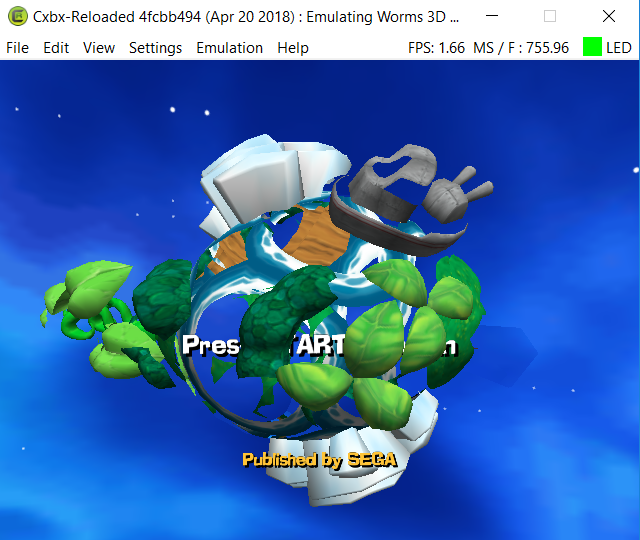
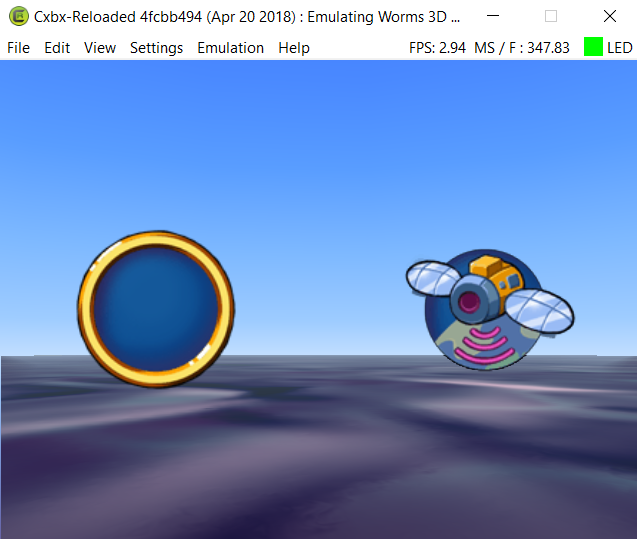
Slightly different story with LLE; the game still won't show any of the XMVs at first, however the game actually renders the title screen, menus, and even gets in-game although it's pretty much unplayable due to the sheer slowness of LLE at the moment, even with the cores/threads hack turned on:
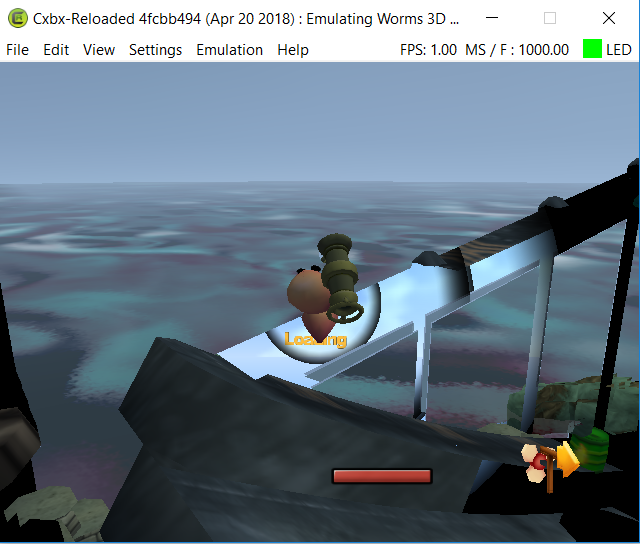
Voxel9
on 22 Apr 2018
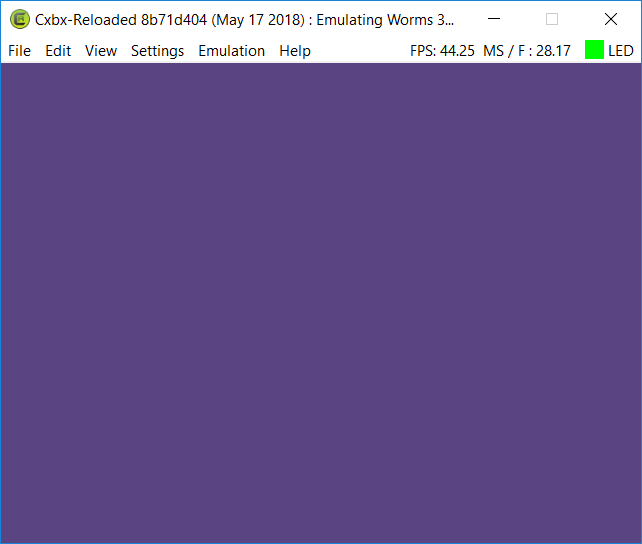
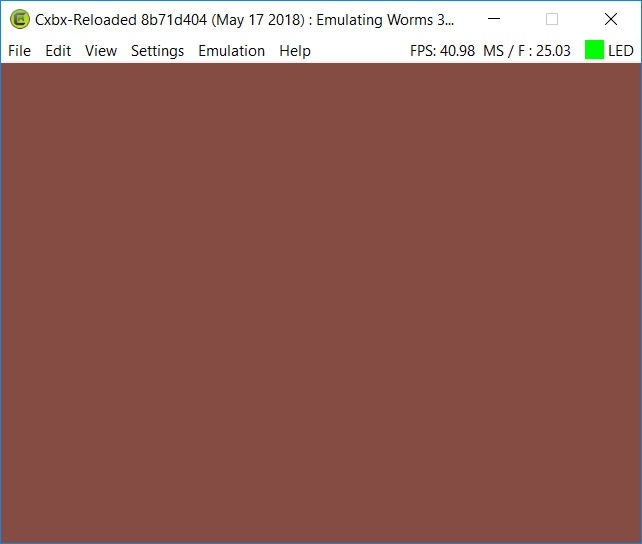
Update; the XMV videos work again, and HLE now gets in-game and in-menus, however nothing is drawn on-screen at all except for a specific colour completely filling the screen, so you're completely blind navigating menus and gameplay.
Also, audio is more-or-less working fine now after RadWolfie's DSound fixes, so I'll remove the issue-audio tag.
Test case (triggered just before the title screen):
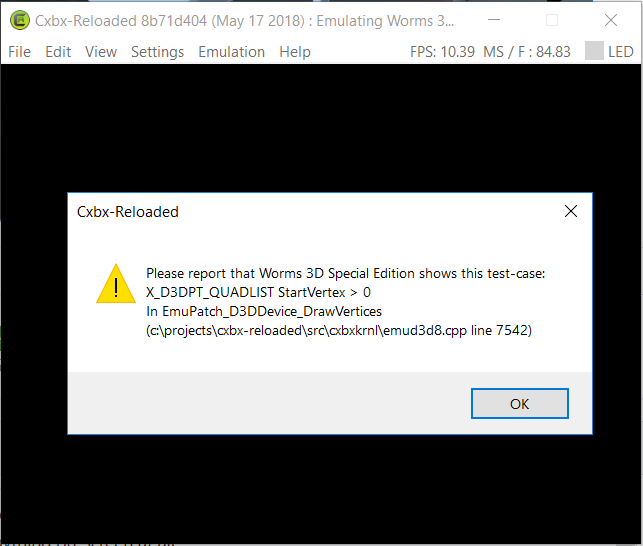
In-menus:
In-Game:
Voxel9
on 17 May 2018
Related issues
 heavycube4u
·
3Comments
heavycube4u
·
3Comments
 Shideravan
·
3Comments
Shideravan
·
3Comments
 PatrickvL
·
3Comments
PatrickvL
·
3Comments
 equipeXomega117
·
3Comments
equipeXomega117
·
3Comments
 fatjohnny118
·
3Comments
fatjohnny118
·
3Comments