Game-compatibility: MetalDungeon [Metal Dungeon] [TQ-019] [1.01]
Description
Title crashes with this error:
Received Exception (Code := 0xC0000094)

 EIP := 0x0407551F
 EFL := 0x00010206
 EAX := 0x00000000 EBX := 0x00000045 ECX := 0x00000001 EDX := 0x00000000
 ESI := 0x17E8EF58 EDI := 0x00000000 ESP := 0x17E8EED4 EBP := 0x17E8EF10
 CR2 := 0x00000000
Before the crash, there are this warnings in the log:
[0x06DC] WARN: 0x0000002F is not a supported format!

[0x06DC] WARN: CreateImageSurface Failed

Error: D3DERR_INVALIDCALL
Desc: Invalid call
Dumps
Xbe.txt
KrnlDebug_97b7a2e9.txt
MetalDungeon-hlecache.txt
Status
Previous behavior:
- 0x0000002F is not a supported format!
KrnlDebug.txt
Current behavior:
- crashes
Screenshots
None
Additional Information
tested build 97b7a2e9
 hotzenplotz3000
All 6 comments
Now this goes through the intro movie (slowly) and through the new game/load game menu and shows the below slightly incorrect drawing:
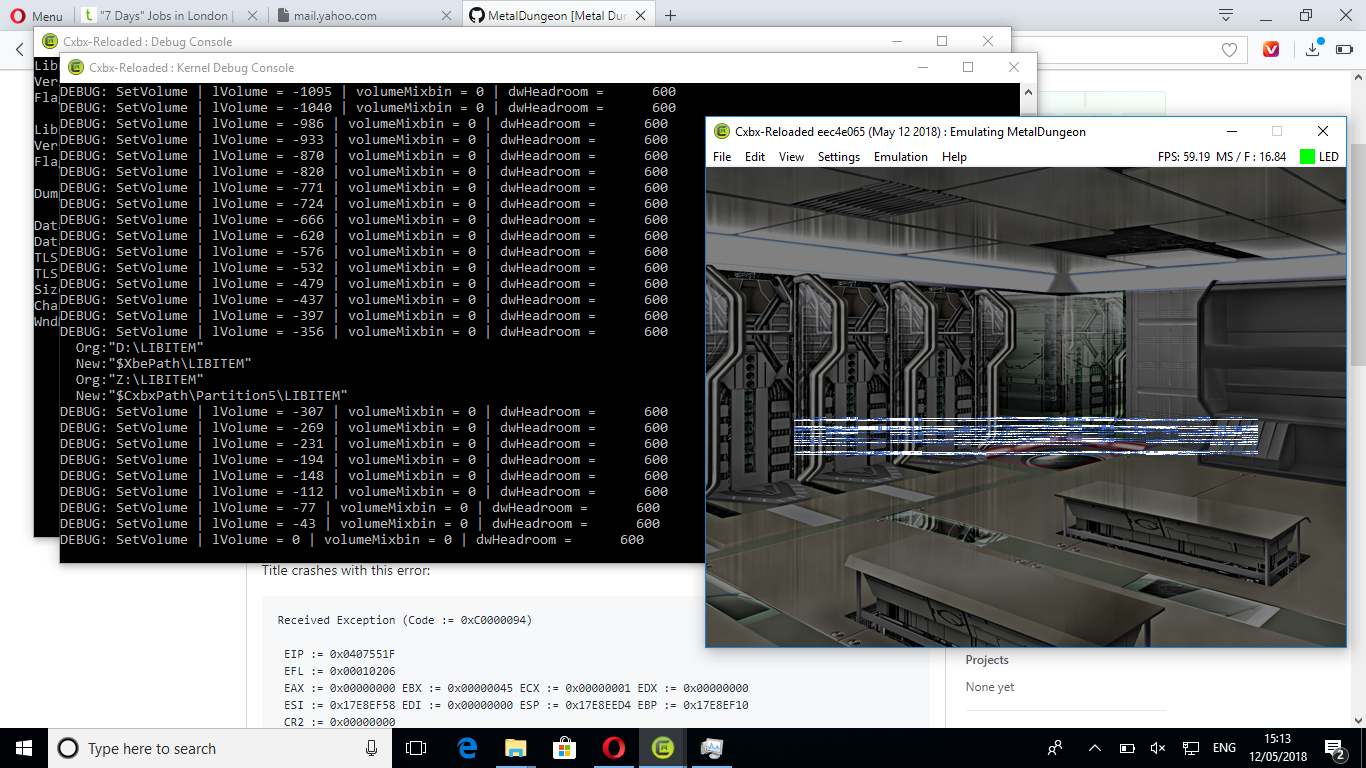
and
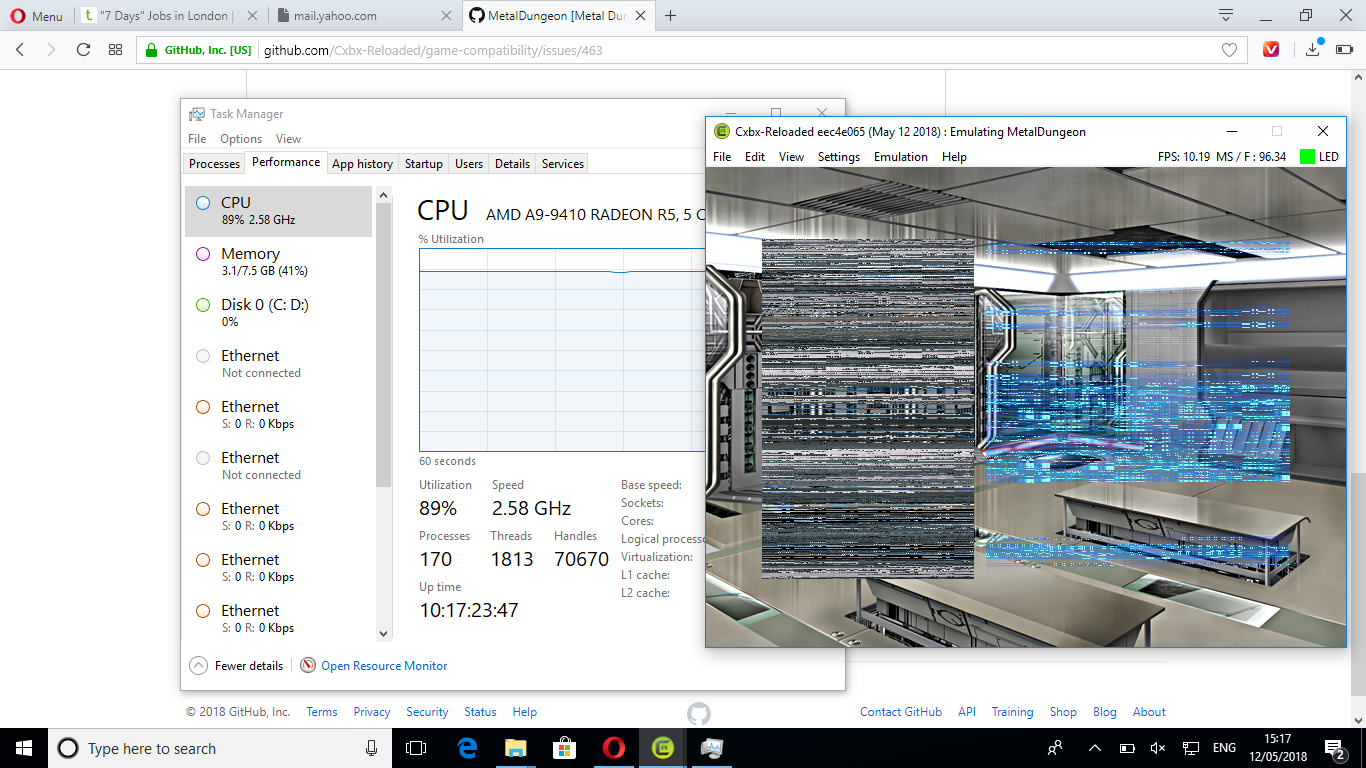
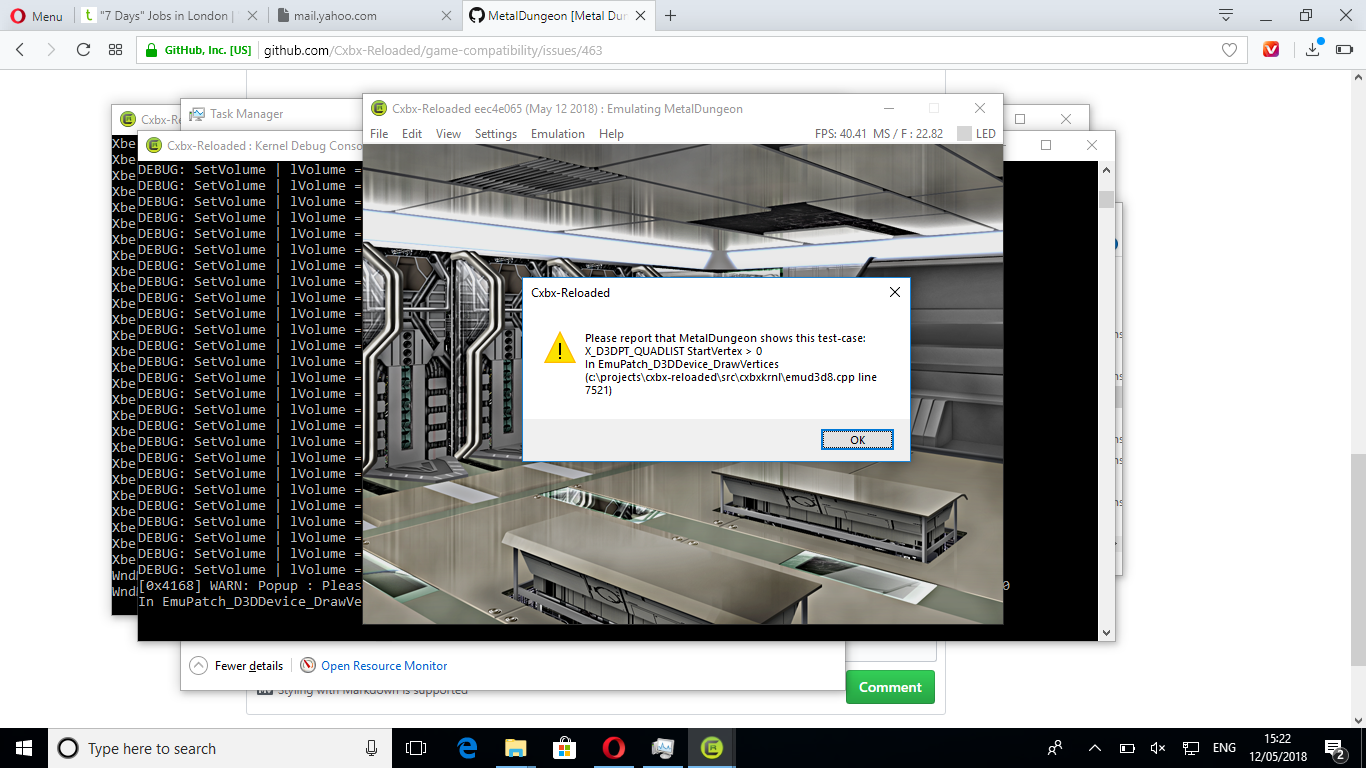
and pops up this test case warning:
 chipsugar
on 12 May 2018
chipsugar
on 12 May 2018
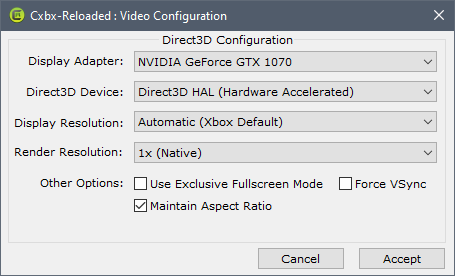
This was with the latest version at the time of posting (CI-7767250), using the zipped VS2019 build. Emulator settings are as follows (eeprom key fields cleared for screenshot):
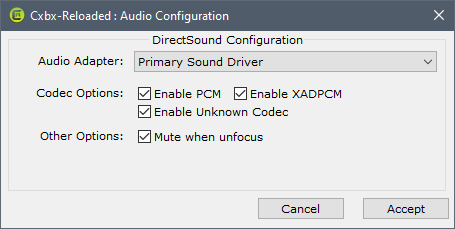
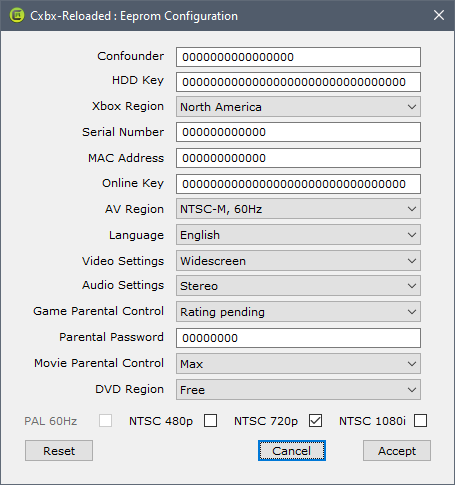
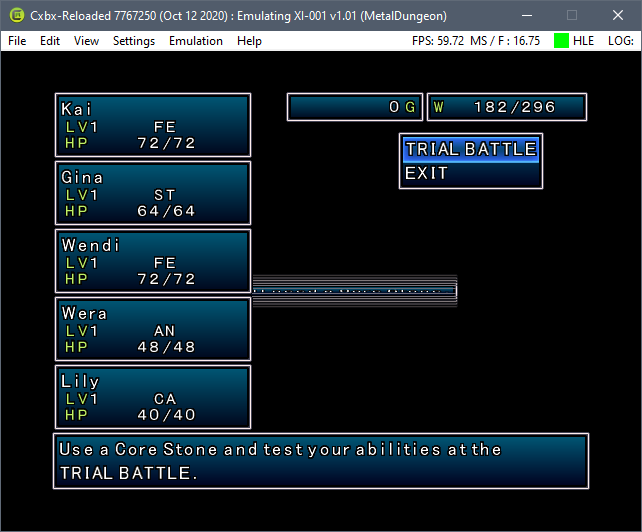
Though the game runs fairly well overall, I wouldn't call it playable. The intro videos and title screen are fine, sound effects and music play accurately, the menus display correctly, and everything can be interacted with as expected. Save and load work just fine. The main menu backgrounds, however, do not display, nor do the character models. There are also a couple of graphical errors: the Registry menus as shown, and while the notification that you need Core Stones for Trial Battles displays correctly, upon dismissal it glitches the view as shown. The Trial Battle screen does not retain this visual error when revisiting from the main menu.
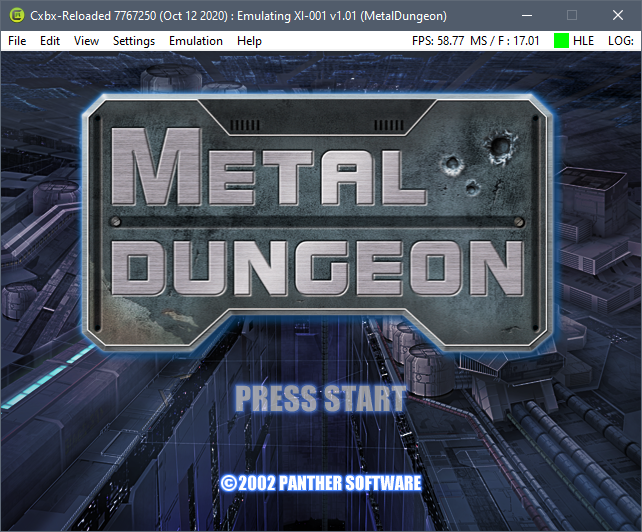
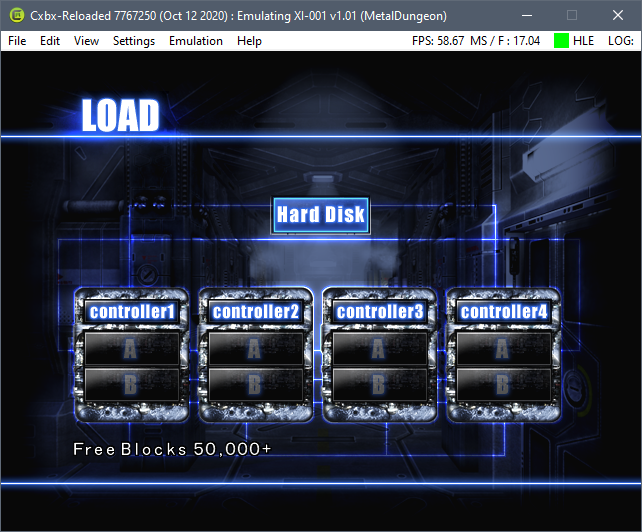
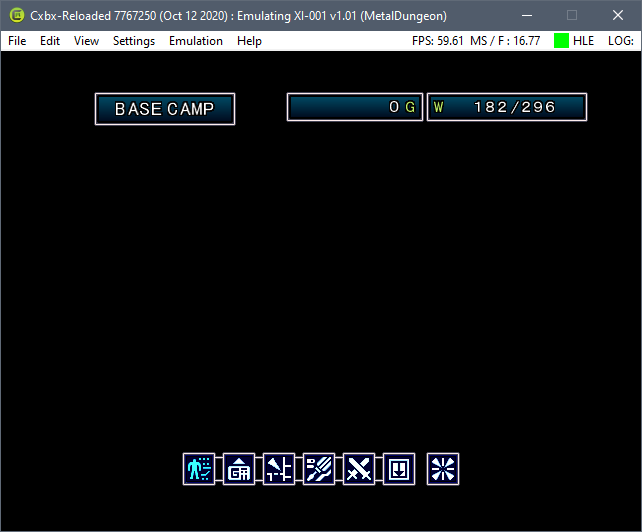
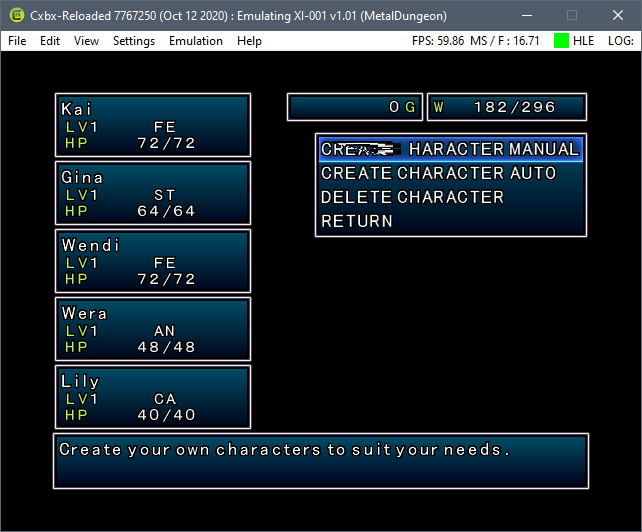
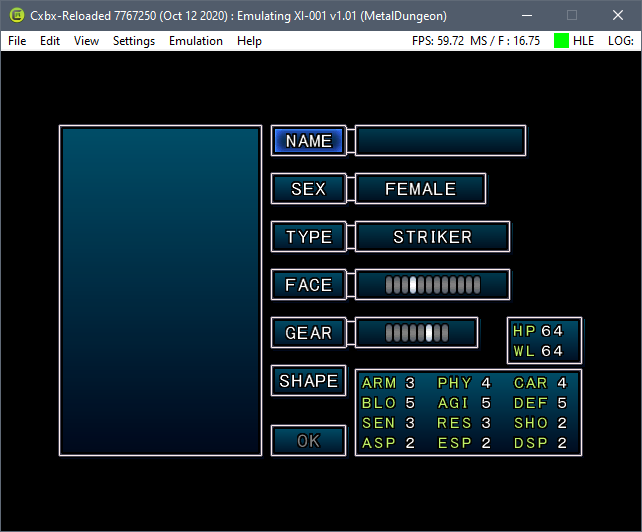
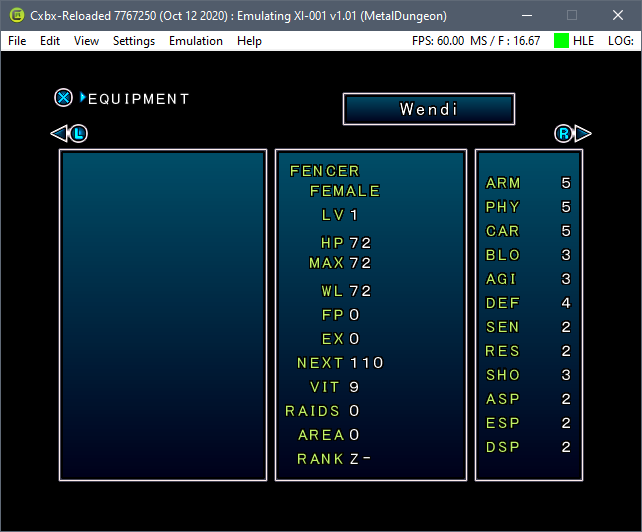
Technically speaking, exploration and combat work correctly, though again none of the 3D models are rendered. Visual effects in combat still work, as do the tutorial messages. The voiced intro to the area and the accompanying subtitles also appear accurately.
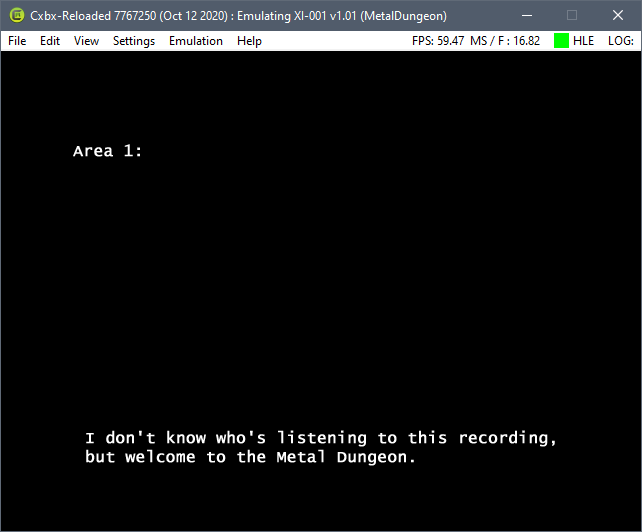
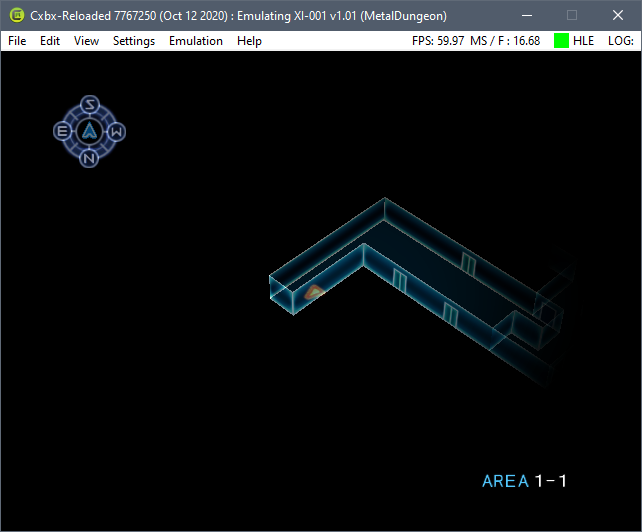
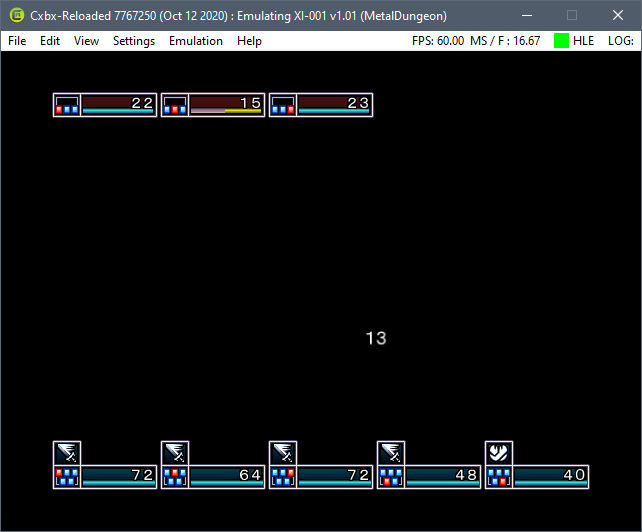
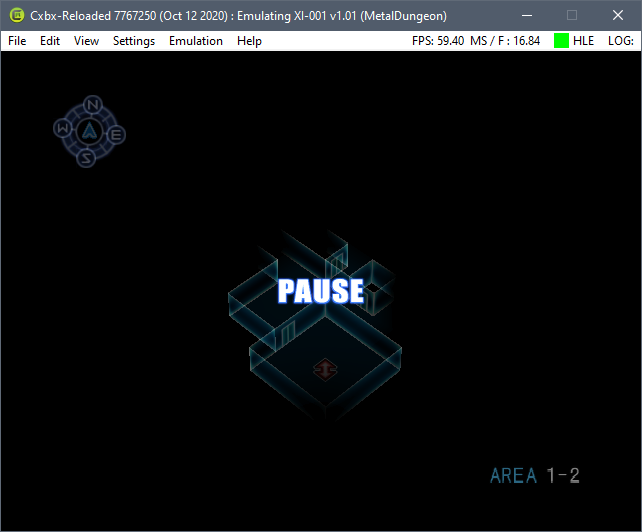
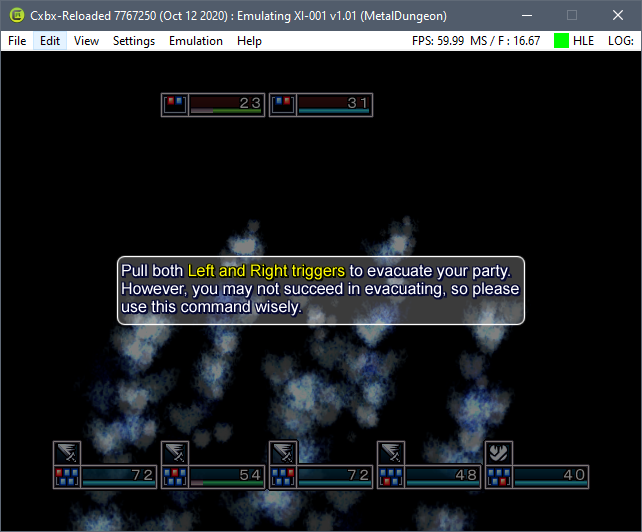
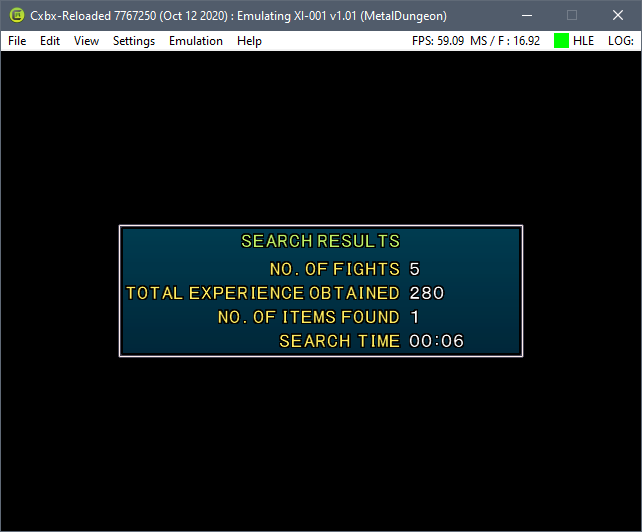
I did run into a disc read error once while taking these screenshots, but upon restarting the game this did not occur again.
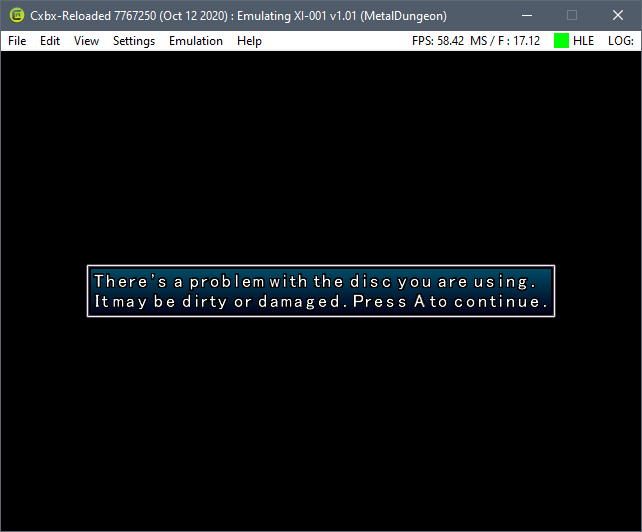
After returning from exploring the first area, the menu backgrounds appeared, though character models still were not rendered. Many of the backgrounds were rendered incorrectly, with the main menu and Trial Battle screen appearing correctly. The save menu did not have a background, however.
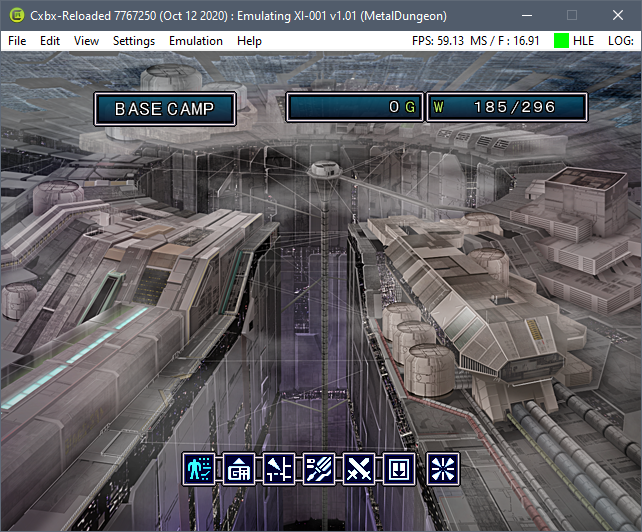
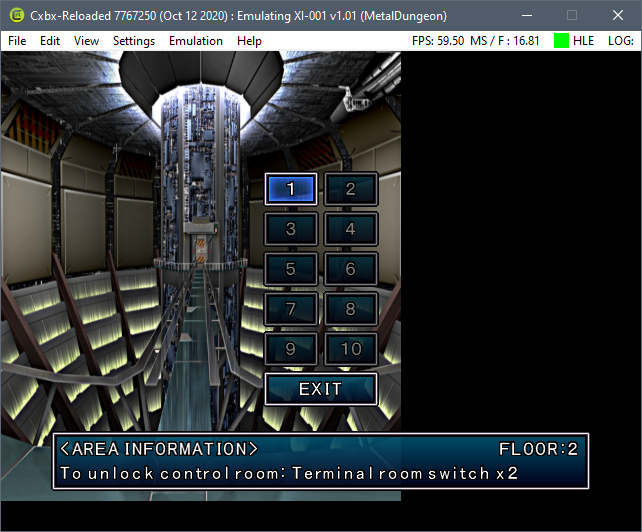
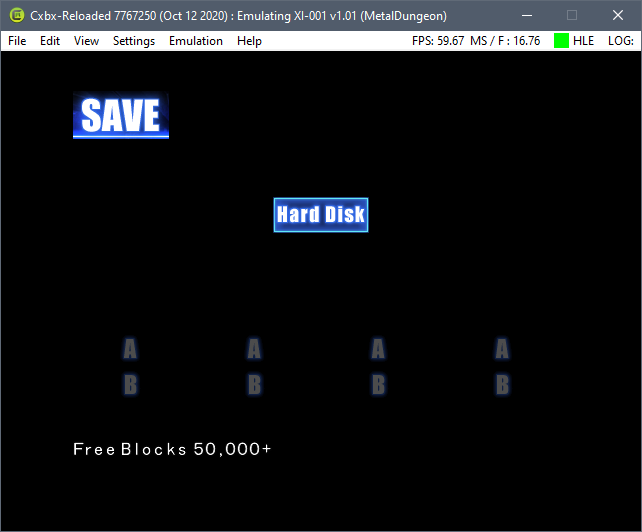
I tried the game yesterday with CI-216b5c2, again using the zipped VS2019 build and the same settings, but did not see the menu background issues except for the save and load screens, though there was an additional graphical error in the character creation (manual and auto) in the stat block at the bottom-right corner of those screens.
 CodeGordon
on 13 Oct 2020
CodeGordon
on 13 Oct 2020
The above screenshots and gameplay notes were from the US version [XI-001], not the European version [TQ-019] as noted in the issue title. I'm not sure if this information is better left here or moved to its own issue.
CodeGordon
on 13 Oct 2020
Using the zipped VS2019 build of CI-6a70a08 with the US version as noted above. I turned on debug settings as shown. I didn't see a log file, but it did cause messages to pop up during play.
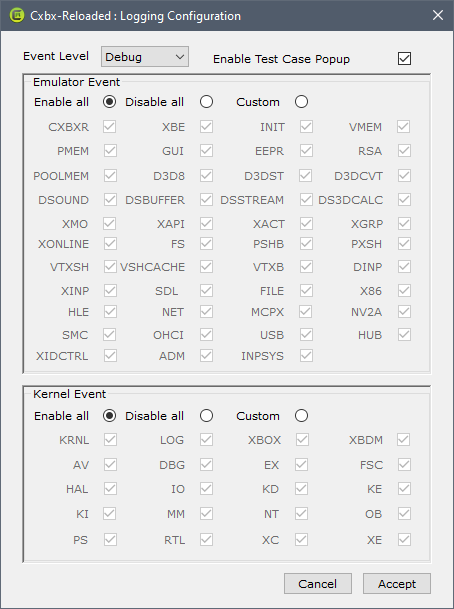
When I entered the Base Camp from the main menu, I got the first one, followed by the other two when accessing the kobold entry in the Archive, and when using the right trigger to advance to the next monster, respectively. After this, the game became non-responsive (for clarity, the application itself was not in a crashed state, only the emulated game) and I had to stop and restart emulation to continue.
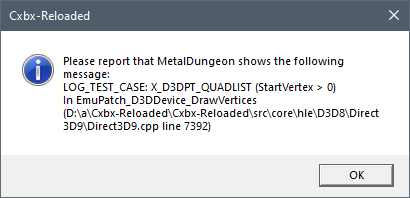
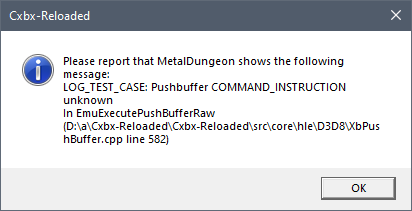
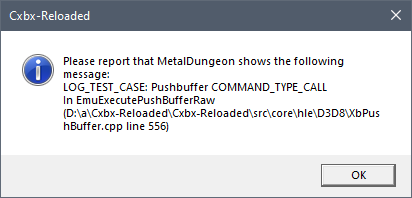
I then checked the Status view in the Base Camp, and I got these two messages, in order, back-to-back.
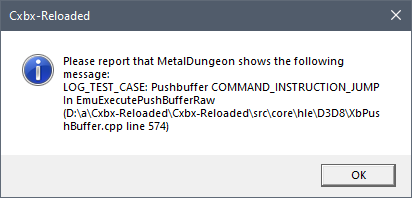
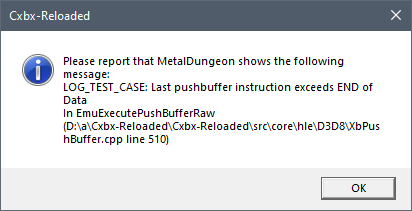
I was curious if the visual glitch I saw in the Trial Hall would display a message as well, so I checked that out. The only message that popped up was upon exiting the Trial Hall. The visual error that is shown in the other post did not generate a message. I tried loading the Trade Booth, but even though the same visual error happens when navigating those menus, no message appeared upon entry, during use, or when exiting to the main menu.
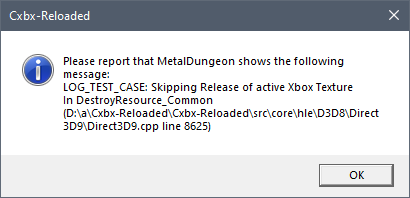
Upon entering the dungeon, these three messages displayed, in order, back-to-back.
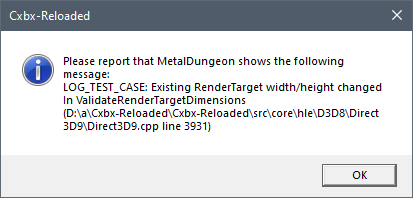
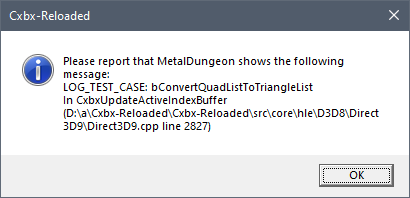
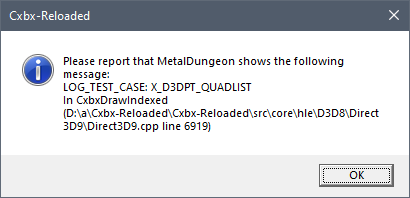
I did not try combat, and neither character movement nor returning to the surface generated messages. The Save screen appeared with the appropriate background both before and after exploration, as did the Load Game screen as before. The main menu and other areas of the surface still did not have their backgrounds rendered.
CodeGordon
on 17 Oct 2020
Using the zipped VS2019 build of CI-97bf1d9 with US version as noted above.
The opening movie file lagged a couple of seconds in, during the opening part of the Xicat logo animation, which had not happened previously. No backgrounds in the main menu or any related screen, as before. Artifacting issues persist in the Trial Hall and Trade Booth. No 3D models are rendered, but 2D assets and menus render, as previously shown. Load and Save functions work, and those screens' backgrounds render as expected.
CodeGordon
on 3 Nov 2020
Using the zipped VS2019 build of CI-2f74af1 with US version as noted above. I tried using more recent builds, but Windows reported a trojan attached to the SDL2 DLL and/or the debugger with CI-2d3977b and CI-357948a.
The lag in the opening movie file is no longer occurring, and the backgrounds appear as expected on all screens. Artifacting issues in Trial Hall and Trade Booth have been fixed. 3D models still do not render, both in the Base Camp menus and when exploring the dungeon.
CodeGordon
on 14 Dec 2020
Related issues
 ghost
·
3Comments
ghost
·
3Comments
 NNX3x
·
3Comments
NNX3x
·
3Comments
 fatjohnny118
·
3Comments
fatjohnny118
·
3Comments
 jeltaqq
·
3Comments
jeltaqq
·
3Comments
 PatrickvL
·
4Comments
PatrickvL
·
4Comments