Fsnotes: Note list appears blank until escape is pressed
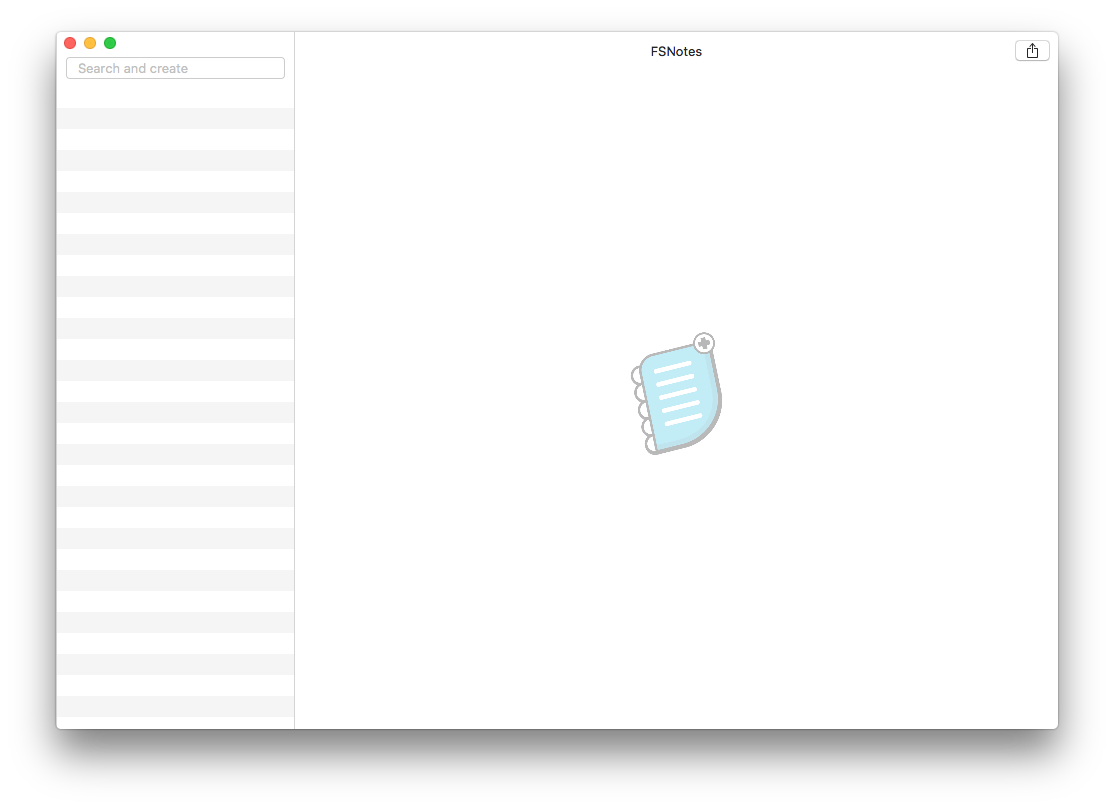
When opening FSNotes, the note list will initially be empty. If I escape, the notes appear again.
 edwardloveall
All 8 comments
If you have selected an empty folder in the sidebar, then no notes will be shown in the notes list. Typing the escape key shows every note in every folder in the current storage area. There could be other reasons for what you're seeing, but this is most likely.
If this doesn't help, you may want to provide some additional information as to the default storage area set in FSNotes preferences and the notes folder structure you use with FSNotes.
 peavine
on 4 Aug 2018
peavine
on 4 Aug 2018
Thanks for the response @peavine 😄 I have it currently set to a folder with lots of notes inside of it, so I don't _think_ that's it. Happy to try other things, send videos, or share a screen.
edwardloveall
on 4 Aug 2018
a screenshot of your initial FSN window would help :)
 gingerbeardman
on 4 Aug 2018
gingerbeardman
on 4 Aug 2018
Absolutely! I resized it a little, but otherwise this is what it looks like:
edwardloveall
on 4 Aug 2018
A screenshot with the sidebar visible would be better. From the top menu bar select:
View > Hide/show sidebar
peavine
on 4 Aug 2018
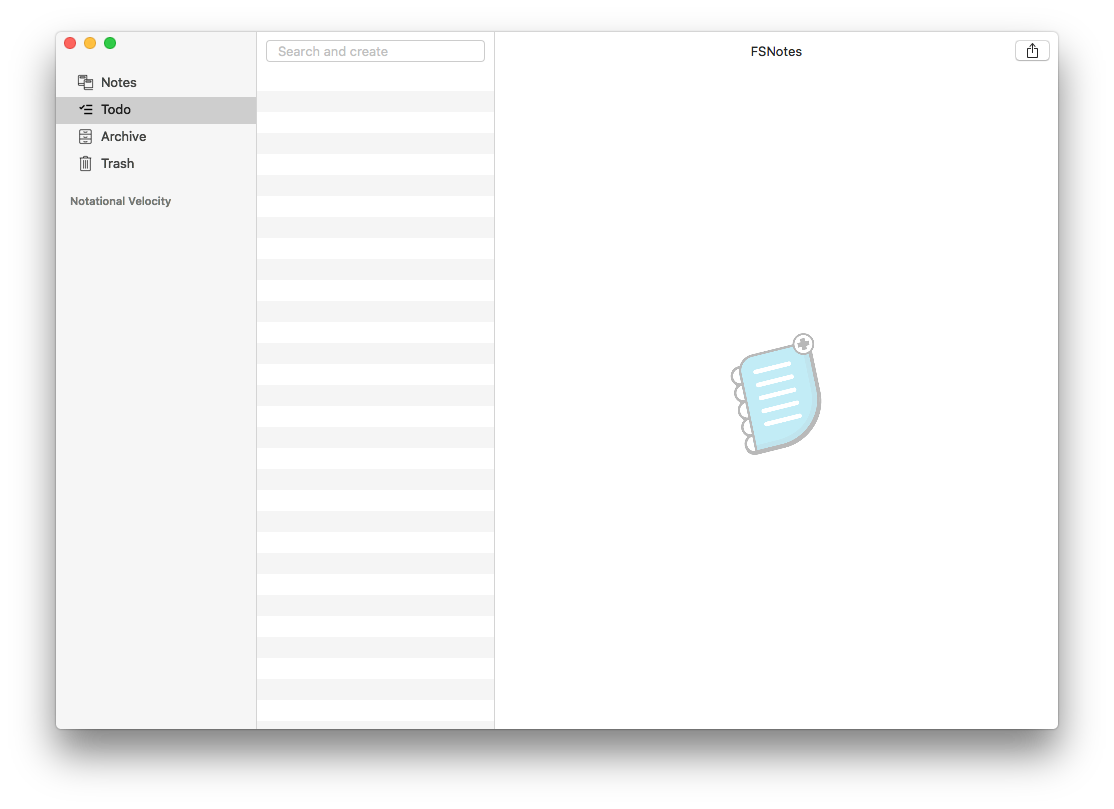
Ah ha! I believe I just figured it out. Apologies @peavine you were right all along. I had ToDo selected in the sidebar and I didn't know it. I thought you meant Folder like a directory in the path that I store all my notes. Not sure how I got here. Thanks for the assist.
edwardloveall
on 4 Aug 2018
Screenshot with sidebar for posterity
edwardloveall
on 4 Aug 2018
I reckon it could be cool to have the sidebar folders listed in a dropdown at the top of the notes column when you hide the sidebar.
 jeff-h
on 4 Aug 2018
jeff-h
on 4 Aug 2018
Related issues
 shurain
·
3Comments
shurain
·
3Comments
 pvinis
·
4Comments
pvinis
·
4Comments
 iandol
·
4Comments
iandol
·
4Comments
 yene
·
3Comments
yene
·
3Comments
 erikrose
·
4Comments
erikrose
·
4Comments
Most helpful comment
I reckon it could be cool to have the sidebar folders listed in a dropdown at the top of the notes column when you hide the sidebar.