Frontend: Template section doesn't show results correctly
Checklist
- [x] I have updated to the latest available Home Assistant version.
- [x] I have cleared the cache of my browser.
- [x] I have tried a different browser to see if it is related to my browser.
The problem
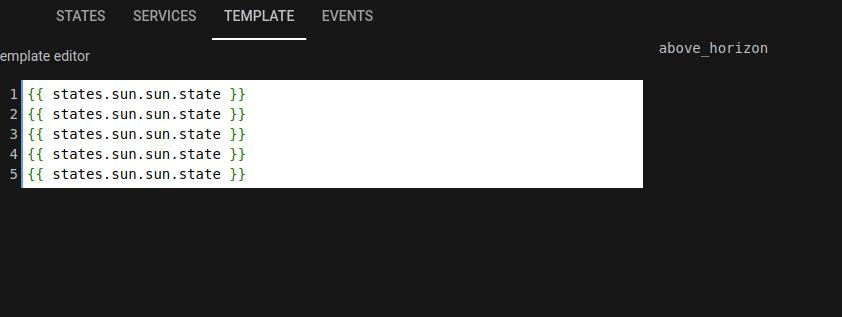
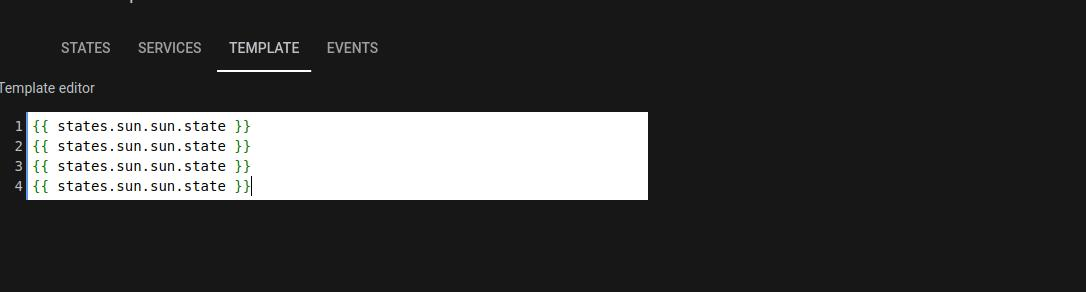
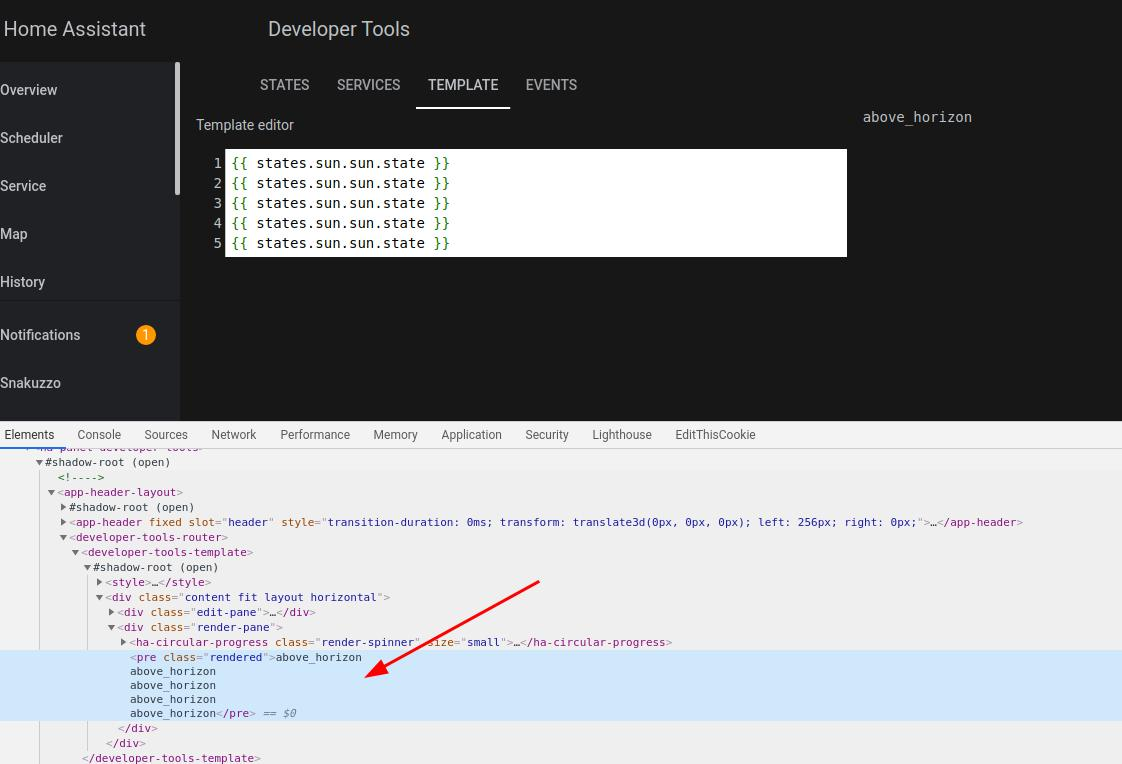
On template testing I noticed a stange behaviour. If I put a correct code in upper position (first 5 rows) nothing is showed
Expected behavior
If I put correct code in every position I expect to view something
Steps to reproduce
Clear template code and write something in first 5 rows
Environment
- Home Assistant release with the issue: 0.112.0
- Last working Home Assistant release (if known): 0.111.4
- Browser and browser version: Chrome Version 83.0.4103.116 (Official Build) (64-bit) and Firefox 77.0.1 (64-bit)
- Operating system client: Ubuntu 20.x
- Operating system server: Raspbian Buster
State of relevant entities
Problem-relevant configuration
Javascript errors shown in your browser console/inspector
No javascript errors
Additional information
bug
 snakuzzo
👍5
All 4 comments
Same for me. It seems that first 4 rows are under header
 Scialla
on 2 Jul 2020
Scialla
on 2 Jul 2020
It seems that first 4 rows are under header...
 cobradodo
on 2 Jul 2020
cobradodo
on 2 Jul 2020
both panes are under the header
 maxcanna
on 2 Jul 2020
maxcanna
on 2 Jul 2020
see #6297
 Guyohms
on 2 Jul 2020
Guyohms
on 2 Jul 2020
👍2
Was this page helpful?
0 / 5 - 0 ratings
Related issues
 eliseomartelli
·
26Comments
eliseomartelli
·
26Comments
 mrsnyds
·
42Comments
mrsnyds
·
42Comments
![move[bot] picture](https://avatars1.githubusercontent.com/in/6673?v=4&s=40) move[bot]
·
25Comments
move[bot]
·
25Comments
 emlove
·
30Comments
emlove
·
30Comments
 deluxestyle
·
25Comments
deluxestyle
·
25Comments
Most helpful comment
see #6297