Flutter_local_notifications: App Crashes when build for release with .periodicallyShow(...)
So here's the thing. For the past 2 weeks I'm been trying to narrow down an issue with showing notifications.
Today, I narrowed it down to this: .periodicallyShow(...) function. The .show(...) works fine. Big problem is, when using flutter run with phone (Android 8.1 LineageOS) tethered to laptop, periodicallyShow(...) works fine. No errors whatsoever.
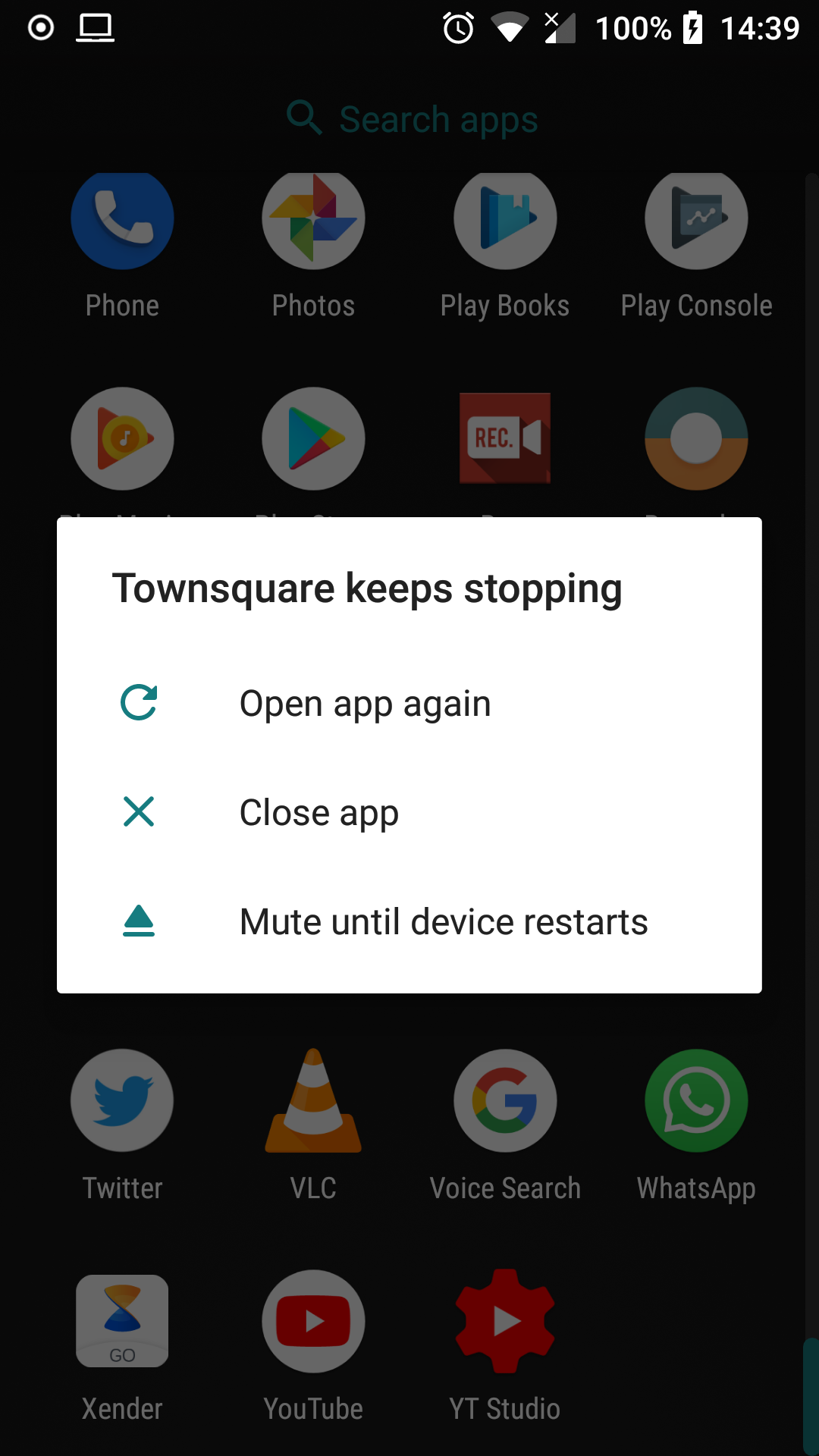
However, when flutter build apk --release builds the apk, and installed onto device via flutter install or I share APK other phones, immediately the periodicallyShow(...) function is hit, the application crashes. No error in app, nothing, the application just stops running.
Here's my flutter doctor
Doctor summary (to see all details, run flutter doctor -v):
[✓] Flutter (Channel master, v0.7.3-pre.16, on Linux, locale en_US.UTF-8)
[✓] Android toolchain - develop for Android devices (Android SDK 27.0.3)
[✗] Android Studio (not installed)
[✓] VS Code (version 1.26.1)
[✓] Connected devices (1 available)
Even using this example fails: https://github.com/MaikuB/flutter_local_notifications/blob/master/example/lib/main.dart#L404
I am also not able to figure out any error messages, because:
1) In debug mode, everything works fine
2) In release mode, the app throws no errors except to exit and close the entire application.
Here's basically the run down of what I've done:
   // this being initialized in initState()
    var initializationSettingsAndroid =
        new AndroidInitializationSettings('app_icon');
    var initializationSettings =
        new InitializationSettings(initializationSettingsAndroid, null);
    flutterLocalNotificationsPlugin = new FlutterLocalNotificationsPlugin();
    flutterLocalNotificationsPlugin.initialize(initializationSettings,
        selectNotification: onSelectNotification);
In a ListBuilder I call the _repeatNotification() like so:
                 ListView.builder(
                      physics: const AlwaysScrollableScrollPhysics(),
                      itemCount: snapshot.data['deals'].length,
                      itemBuilder: (context, index) {
                        final Map deal = snapshot.data['deals'][index];
                        if (index == 0) {
                          _repeatNotification();
                        }
                        return _getDealItem(deal, context);
                      },
                    ),
And the _repeatNotification() is this:
  Future _repeatNotification() async {
    var androidPlatformChannelSpecifics = new AndroidNotificationDetails(
        'repeating channel id',
        'repeating channel name',
        'repeating description');
    var iOSPlatformChannelSpecifics = new IOSNotificationDetails();
    var platformChannelSpecifics = new NotificationDetails(
        androidPlatformChannelSpecifics, iOSPlatformChannelSpecifics);
    await flutterLocalNotificationsPlugin.periodicallyShow(0, 'repeating title',
        'repeating body', RepeatInterval.EveryMinute, platformChannelSpecifics);
  }
What might I be doing wrong?
 seanmavley
All 5 comments
I'll see if I can reproduce this on my phone later and will let you know how it goes
 MaikuB
on 30 Aug 2018
MaikuB
on 30 Aug 2018
Hmm strange, I've tried the example app using the dev (0.7.3) and master (0.7.4-pre.21) and didn't run into issues on my Pixel 2 XL on Android 9/P so I'm afraid I don't know what's going on. I'd suggest looking at getting logcat or similar running on your device with the release build to see if it's spits out an error (e.g. see https://stackoverflow.com/questions/25610936/enable-logcat-on-release-build-in-android-studio). It may also be worth trying to run a sample Android Java application that also schedules notifications to see if you run into the same issue in case there's something off with your Android SDK installation
MaikuB
on 30 Aug 2018
Thanks for giving it a try. Obviously, it might be something wrong on my end.
I would say the lineageos nightly was the culprit, but the same thing happens in stock ROMs too.
I'll try your suggestions and get back to you.
seanmavley
on 30 Aug 2018
Closing to due a lack of response but something that was raised in #100 is that enabling minification causes problems unless changes are made to the ProGuard configuration so it knows which code to keep (see https://developer.android.com/studio/build/shrink-code#keep-resources for more information). Take a look at the what was mentioned in #100 and see if that helps you. Otherwise re-open the ticket if you happen to find more details
MaikuB
on 20 Sep 2018
@MaikuB The solution in your link above fixed it also for me. Thanks.
seanmavley
on 22 Sep 2018
Related issues
 dyhwang
·
5Comments
dyhwang
·
5Comments
 iampawan
·
8Comments
iampawan
·
8Comments
 dhaval0122
·
4Comments
dhaval0122
·
4Comments
 carlleeswanson
·
8Comments
carlleeswanson
·
8Comments
 IsaacKB
·
5Comments
IsaacKB
·
5Comments
Most helpful comment
@MaikuB The solution in your link above fixed it also for me. Thanks.