Filament: BoxAnimated.gltf animation is different from the expected
Describe the bug
I tried to display BoxAnimated.gltf with the latest version of Filament.
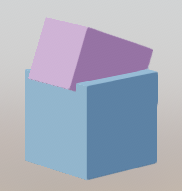
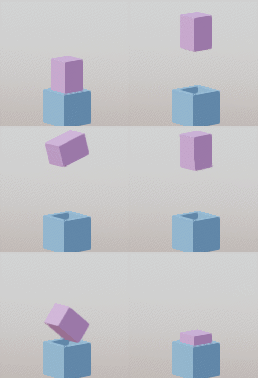
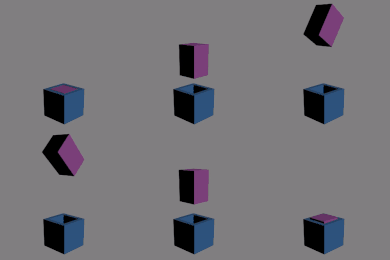
However, the box rotation seems a little different from the expected result.
To Reproduce
glTF/BoxAnimated.gltf + Filament result:
Expected behavior
Desktop (please complete the following information):
- OS: Windows 10 + Chrome 77
- GPU: Intel HD Graphics 520
- Backend: WebGL/ANGLE (Intel(R) HD Graphics 520 Direct3D11 vs_5_0 ps_5_0)
 cx20
cx20
All 13 comments
@cx20 A fix for rotations went in yesterday, have you been able to try with a recent build from the master branch?
 romainguy
on 2 Oct 2019
romainguy
on 2 Oct 2019
@romainguy I used the following linked modules for testing.

https://filament-build.storage.googleapis.com/badges/build_link_web.html
cx20
on 2 Oct 2019
Since the rotation of AnimatedTriangle.gltf is displayed correctly in the latest version of Filament, there seems to be another problem with the display of BoxAnimated.gltf.
cx20
on 2 Oct 2019
It is unclear whether this is related to this problem, but the animation of InterpolationTest.gltf is also incorrect.
glTF/InterpolationTest.gltf + Filament result:
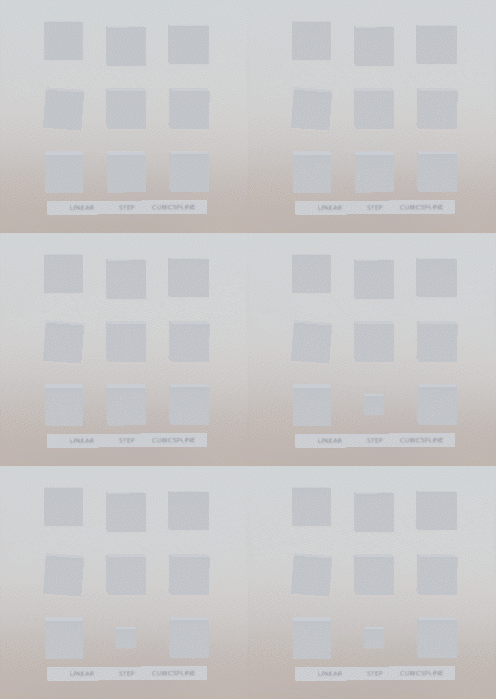
Expected result:
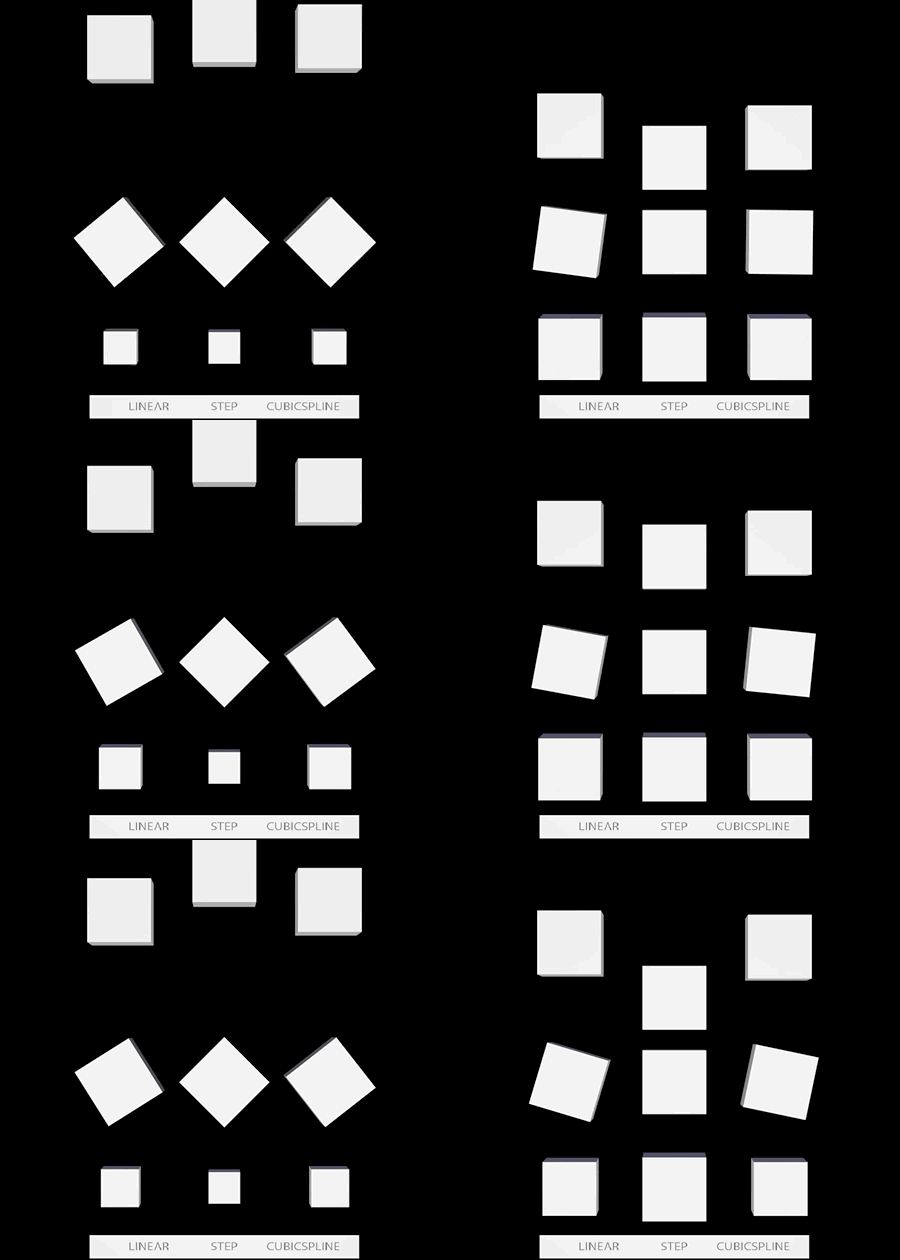
cx20
on 2 Oct 2019
It is unclear whether this is related to this problem, but the animation of InterpolationTest.gltf is also incorrect.
glTF/InterpolationTest.gltf + Filament result:
Expected result:
It looks like only the first animation is running. You have to activate all of them to see the expected result.
 rawnsley
on 3 Oct 2019
rawnsley
on 3 Oct 2019
It looks like only the first animation is running. You have to activate all of them to see the expected result.
@rawnsley Thanks. I confirmed that there are multiple animations in InterpolationTest.gltf in Babylon.js Inspector.
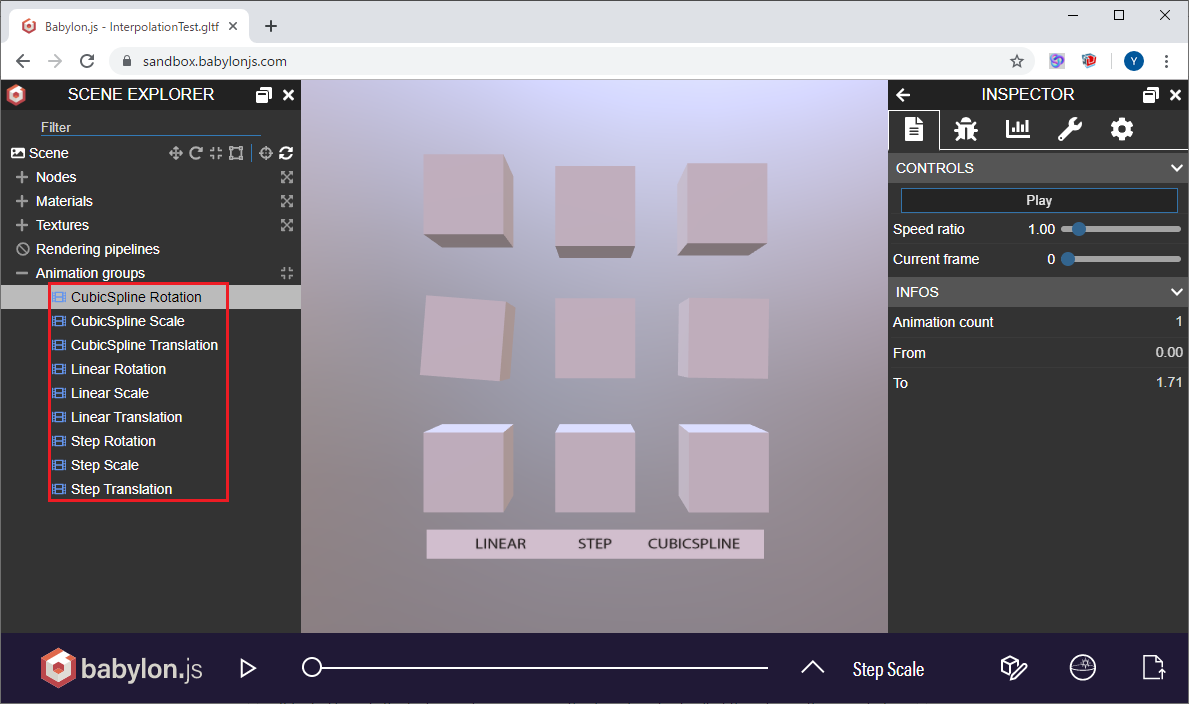
I want to find out how to activate multiple animations in Filament.
cx20
on 3 Oct 2019
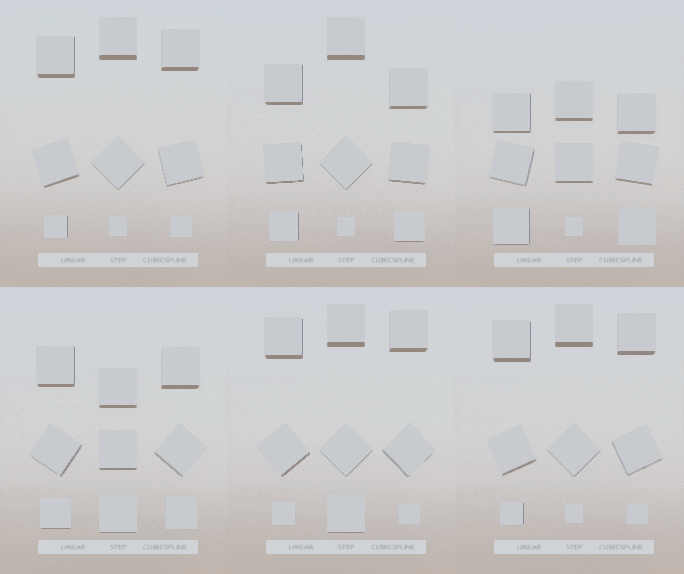
There was no problem with the display of InterpolationTest.gltf. My usage was wrong.
glTF/InterpolationTest.gltf + Filament result:
cx20
on 3 Oct 2019
I want to find out how to activate multiple animations in Filament.
The SimpleViewer demo uses radio buttons instead of checkboxes, but any client app can apply multiple animations by calling gltfio::Animator::applyAnimation multiple times, once for each animation.
 prideout
on 3 Oct 2019
prideout
on 3 Oct 2019
@prideout Thanks. I found a place using animation in SimpleViewer.
https://github.com/google/filament/blob/master/libs/gltfio/include/gltfio/SimpleViewer.h#L317-L319
BTW, I want to run SimpleViewer. Can I download EXE? Do I have to build it myself?
cx20
on 3 Oct 2019
To play with SimpleViewer, you'll need to perform a native build by following the instructions in our root-level README. The actual generated executable is out/cmake-release/samples/gltf_viewer.
prideout
on 3 Oct 2019
I tried checking the data structure of BoxAnimated.gltf.
It seems that the rotation is correct between 1.25 seconds and 2.5 seconds.
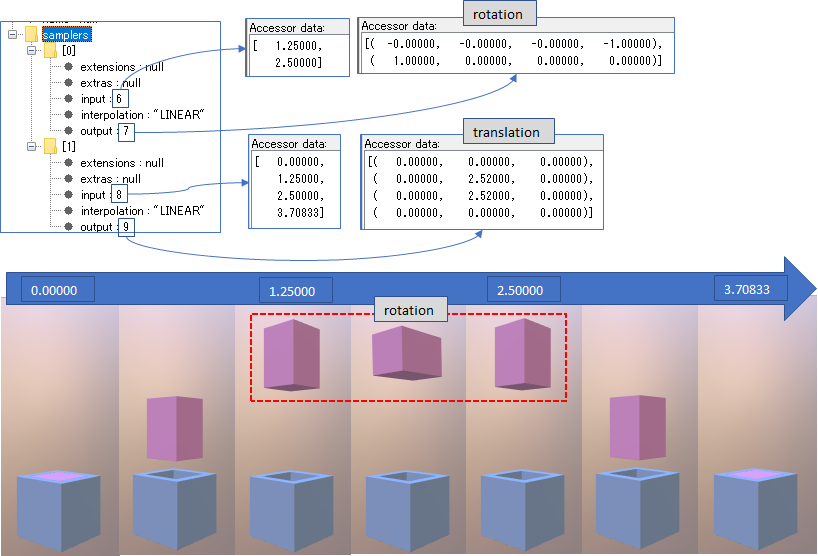
I think that Filament is not correct because it continues to rotate after 2.5 seconds.
cx20
on 3 Oct 2019
Nice catch, thanks for another excellent bug report!
It's true that Animator currently assumes that all samplers are looping, I'll fix this.
prideout
on 3 Oct 2019
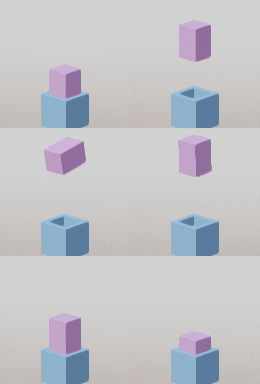
I have confirmed that the latest version of Filament has solved the problem of model rotation.
BoxAnimated.gltf + Filament result:
cx20
on 5 Oct 2019
Related issues
 NathanBWaters
·
6Comments
NathanBWaters
·
6Comments
 MHDante
·
4Comments
MHDante
·
4Comments
 vivasvan1
·
8Comments
vivasvan1
·
8Comments
 but0n
·
8Comments
cx20
·
8Comments
but0n
·
8Comments
cx20
·
8Comments