Filament: GLB with base color transparency renders incorrectly
Describe the bug
Incorrect render result when rendering a basic model that uses base color alpha for transparency with the provided GLTF viewer sample in the repo.
Specifically: opaque objects are rendered on top of a partially transparent container object. And, it seems as though we see the backface or back side of the transparent object.
To Reproduce
- Build Filament's GLTF sample viewer
- View the test GLB file
Some notes for reproduction purposes
- I have lightly adapted the GLTF viewer for testing purposes, changes can be seen here
- The cmgen IBL has been checked in to my fork in case that is relevant here
- I created the model in Blender 2.8 beta. No maps are used, only metallic roughness configurations and base color.
- Zip archive of the test GLB: litmus.glb.zip
Expected behavior
Opaque objects should be rendered "inside" their semi-transparent container object. The semi-transparent container object should be rendered from the front-side. See screenshots for comparison.
Screenshots
The left-side screenshot is the test model rendered with Three.js via <model-viewer>. The right-side screenshot is the test model rendered with the Filament GLTF sample viewer.
<model-viewer> | Filament
--------------|---------
 |
|
Desktop (please complete the following information):
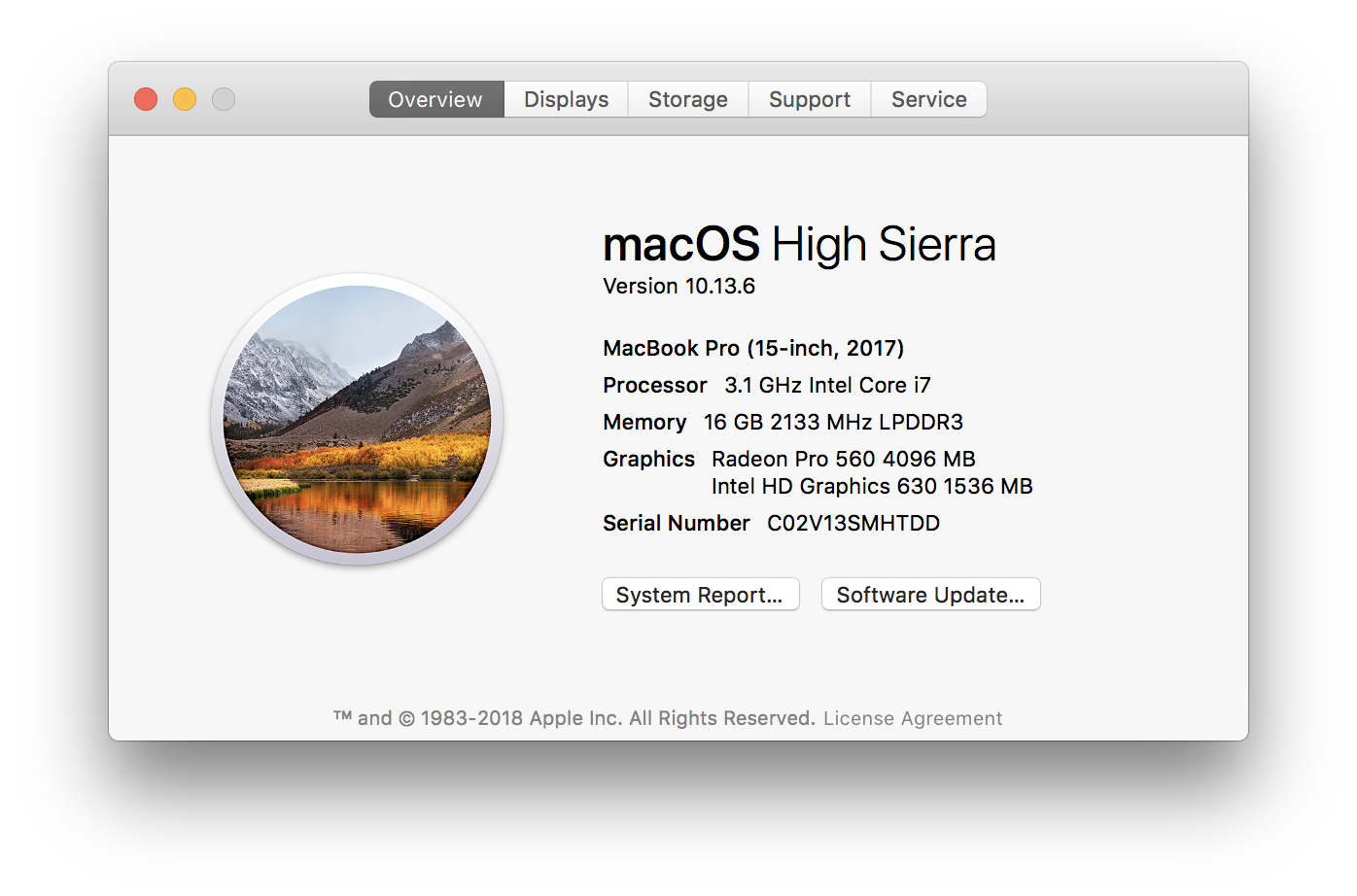
 cdata
cdata
All 12 comments
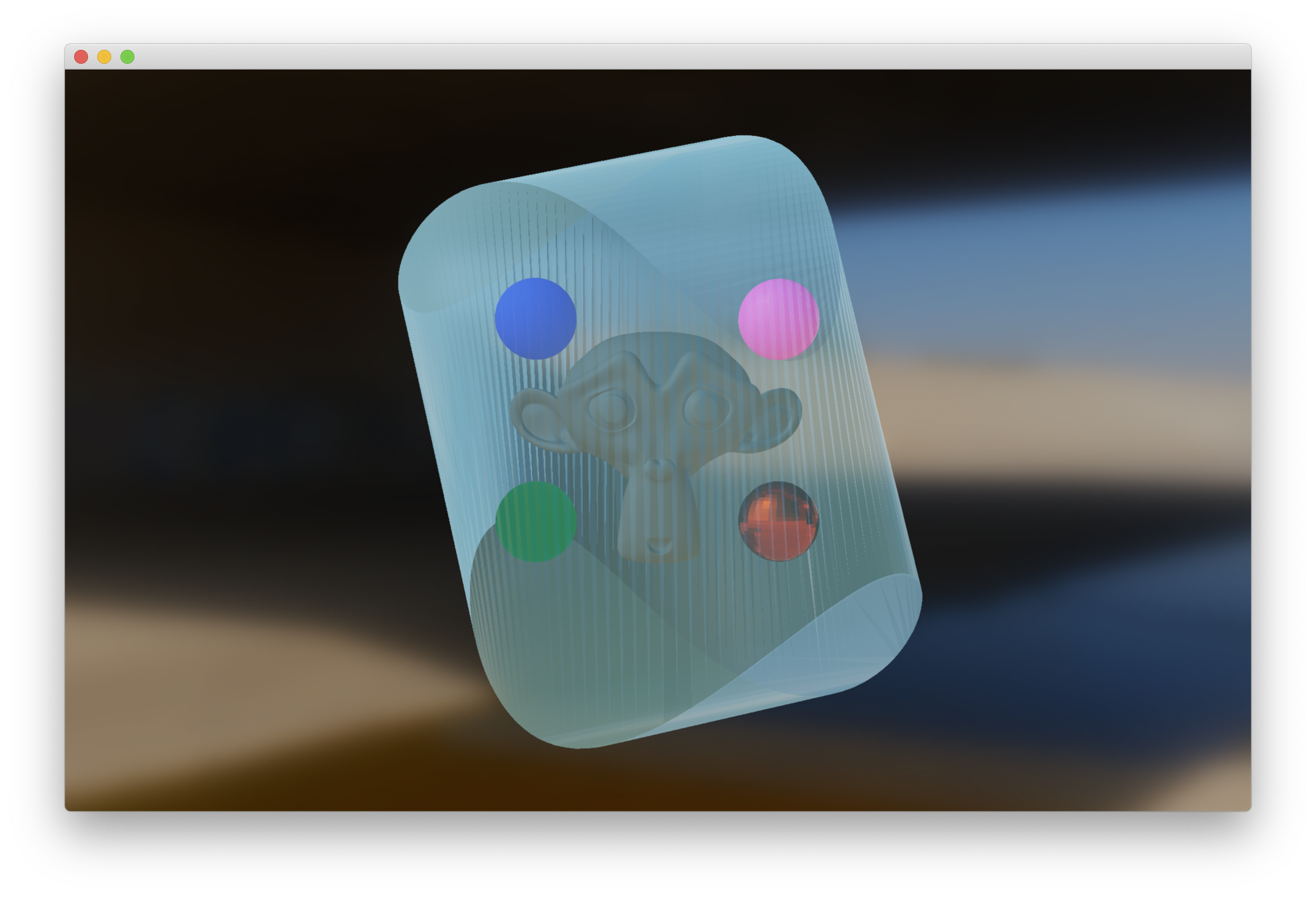
The problem is that we don't take the alpha channel of the baseColorFactor into account. We can fix this easily. The reason why the transparent object seems inside out is because the loader we use apparently doesn't properly report the value of the doubleSided property. I'll dig deeper to see how we can fix this.
 romainguy
on 15 Jan 2019
romainguy
on 15 Jan 2019
So the actual problem is that your glTF file does not specify twoSided: true and we honor this. I assume three.js just always turns on twoSidedness when an object is marked transparent.
With both fixes:
romainguy
on 15 Jan 2019
Fixed in PR #706
romainguy
on 15 Jan 2019
Wonderful, thanks for the insight. This gives me some things to check for when exporting models in the future. Cheers.
cdata
on 15 Jan 2019
In case it's interesting, I checked what Three.js is doing re: sidedness, and it appears to be configuring the material with front-sidedness.
Here is what <model-viewer> looks like when I manually change it to two-sidedness:

cdata
on 15 Jan 2019
What do you mean by front-sidedness? Filament renders front faces by default and culls back faces. Not sure why the faces are flipped (I checked in Blender and the normals seem to properly face outward).
romainguy
on 15 Jan 2019
Sorry, let me try to be more specific:
Three.js's Materials have a side property, that can be configured for "front" side, "back" side or both sides. On paper, it sounds like the default assumption was the same for both Three.js and Filament in this case. I checked the material after rendering to see if what you said is correct about Three.js's assumptions and it in fact it configured material.side as 0, or "front" side, for the partially transparent container's material.
cdata
on 15 Jan 2019
So it looks like the problem we are experiencing is not double-sidedness but the fact that somehow the model is rendered with in-facing normals or the wrong kind of culling. I'll investigate again.
romainguy
on 15 Jan 2019
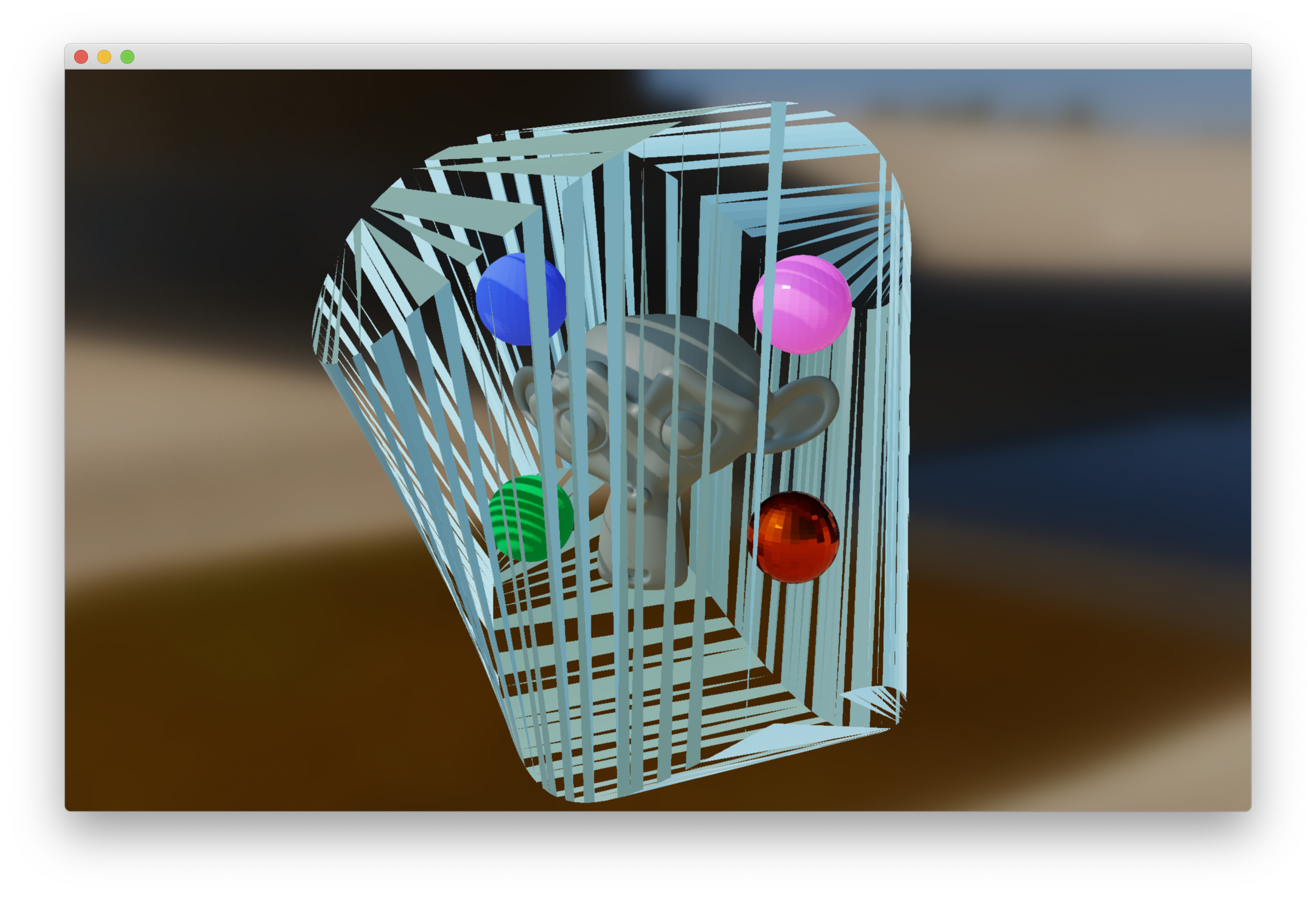
I can confirm that for some reason the transparent object is flipped when loaded in Filament. So it's not a double-sided problem.
romainguy
on 15 Jan 2019
As far as I can tell it seems to be a problem with how libassimp imports the model. If I open the glb in Blender and ask Blender to recalculate the normals to be outward facing, I get this:
romainguy
on 15 Jan 2019
Note the problem is fixed if I export the model to .obj from Blender. Sounds like a bug in Assimp that we can't do much about, or an issue in the original .glb file.
romainguy
on 15 Jan 2019
Thanks for looking further into that 👍 I'll probably massage the model a bit in that case
cdata
on 15 Jan 2019
Related issues
 luca-90
·
9Comments
luca-90
·
9Comments
 rfebbo
·
8Comments
rfebbo
·
8Comments
 hemantkadamata
·
3Comments
hemantkadamata
·
3Comments
 yongtang
·
5Comments
yongtang
·
5Comments
 Y0hy0h
·
5Comments
Y0hy0h
·
5Comments
Most helpful comment
Fixed in PR #706