Fightpandemics: GTM ID need fixes
Please make sure the id attributes are updated for the mobile version as well!!
Please assign the following elements with the listed JSX 'id' attributes.
Please also note, when assigning id attribute, to assign it to the area that encompasses the entire button or element (including any _clickable_ WHITE SPACE around text).
Example: not just the text "Next", but the entire button (including Next and arrow symbol)

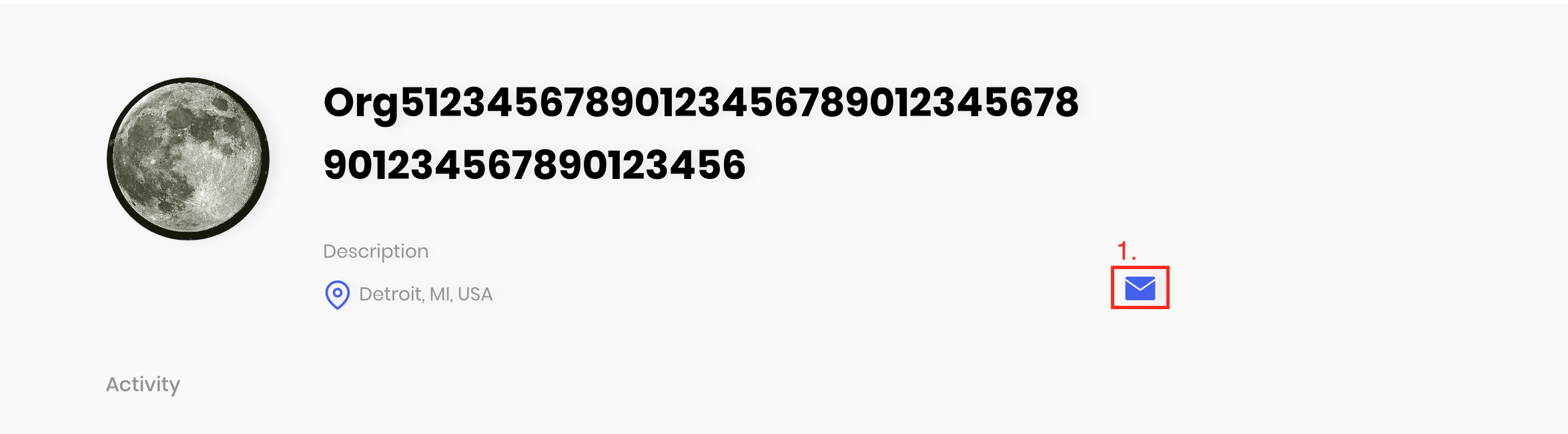
1. Organisation Profile Page -- Add ID for Email Icon
Path: /organisation/##### (where ### indicates org ID number)
| # | Element on page | JSX 'id' attribute |
| --- | --- | --- |
| 1. | Email Icon | ORG_EM |
2. Profile page (both individual and org) -- ID not firing in GTM
Path: /profile/##### and /organisation/
| # | Element on page | JSX 'id' attribute |
| --- | --- | --- |
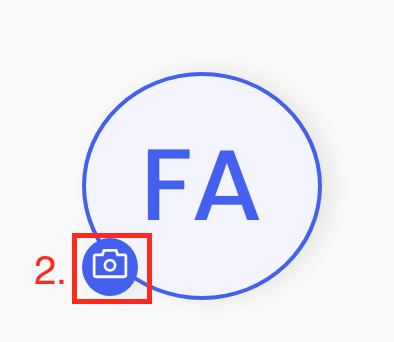
| 2. | Upload Avatar Icon (Camera) - Individual Profile | PR_UA |
| 3. | Upload Avatar Icon (Camera) - Org Profile | ORG_UA |
For ID not firing in GTM, please refer to this set of instructions on how to debug GTM tags in your local environment.
 doheekim93
All 8 comments
Closing this manually as I verified them locally. Feel free to reopen them after testing on staging if the problem persists. It works locally.
 idjevm
on 13 Oct 2020
idjevm
on 13 Oct 2020
@idjevm @Zaydme @joshmorel @doheekim93
STG:
I have following observation, please note these might not be an issue but still wanna highlight as a observation. Hence, kindly confirm, if this expected behavior if the GTM tag is not fired on the click, Also please note that for location filter, GTM tags are being fired as being shown in screenshots attached in PR# 1644
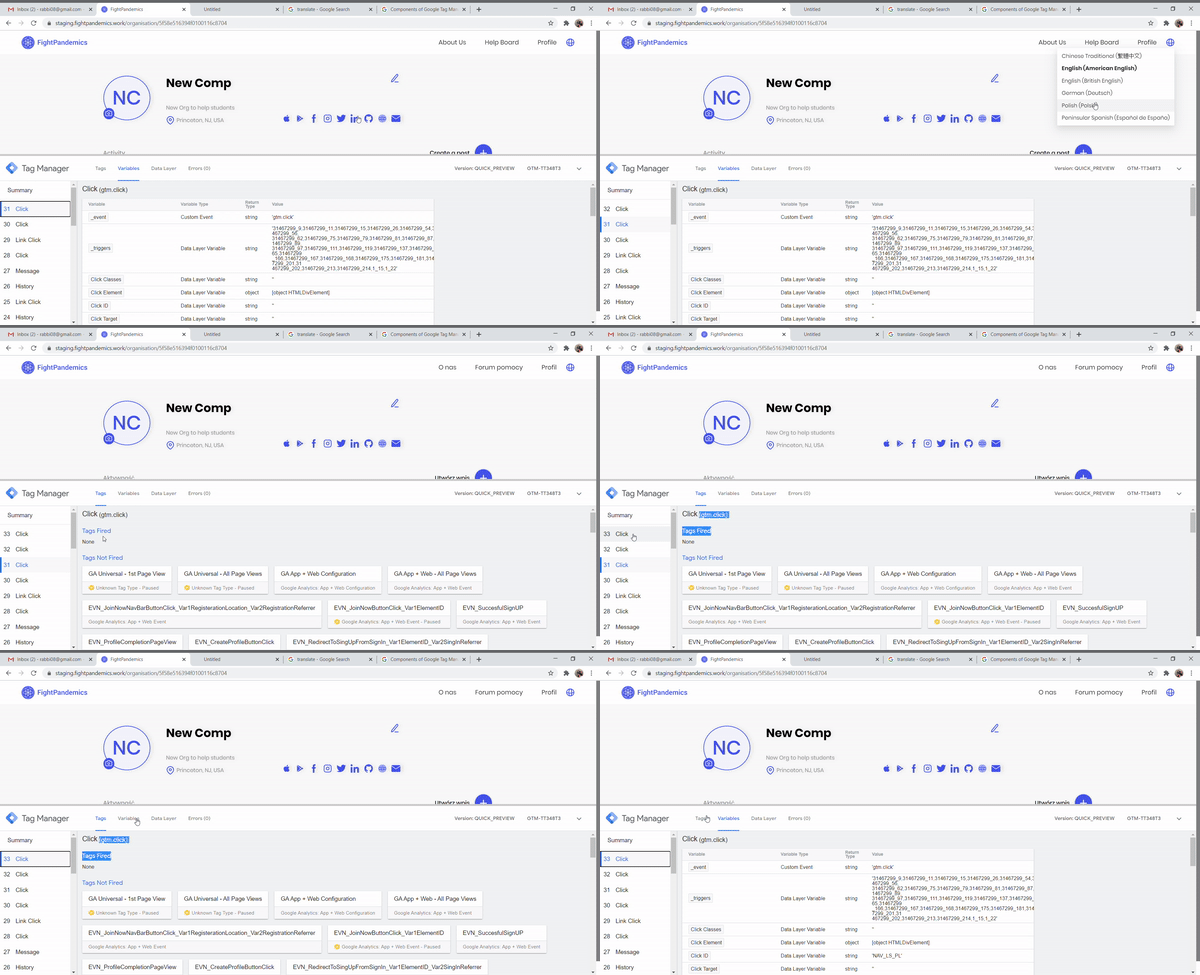
GTM tag is not FIRED while switching language or uploading profile or email icon is clicked. Refer below screen recording
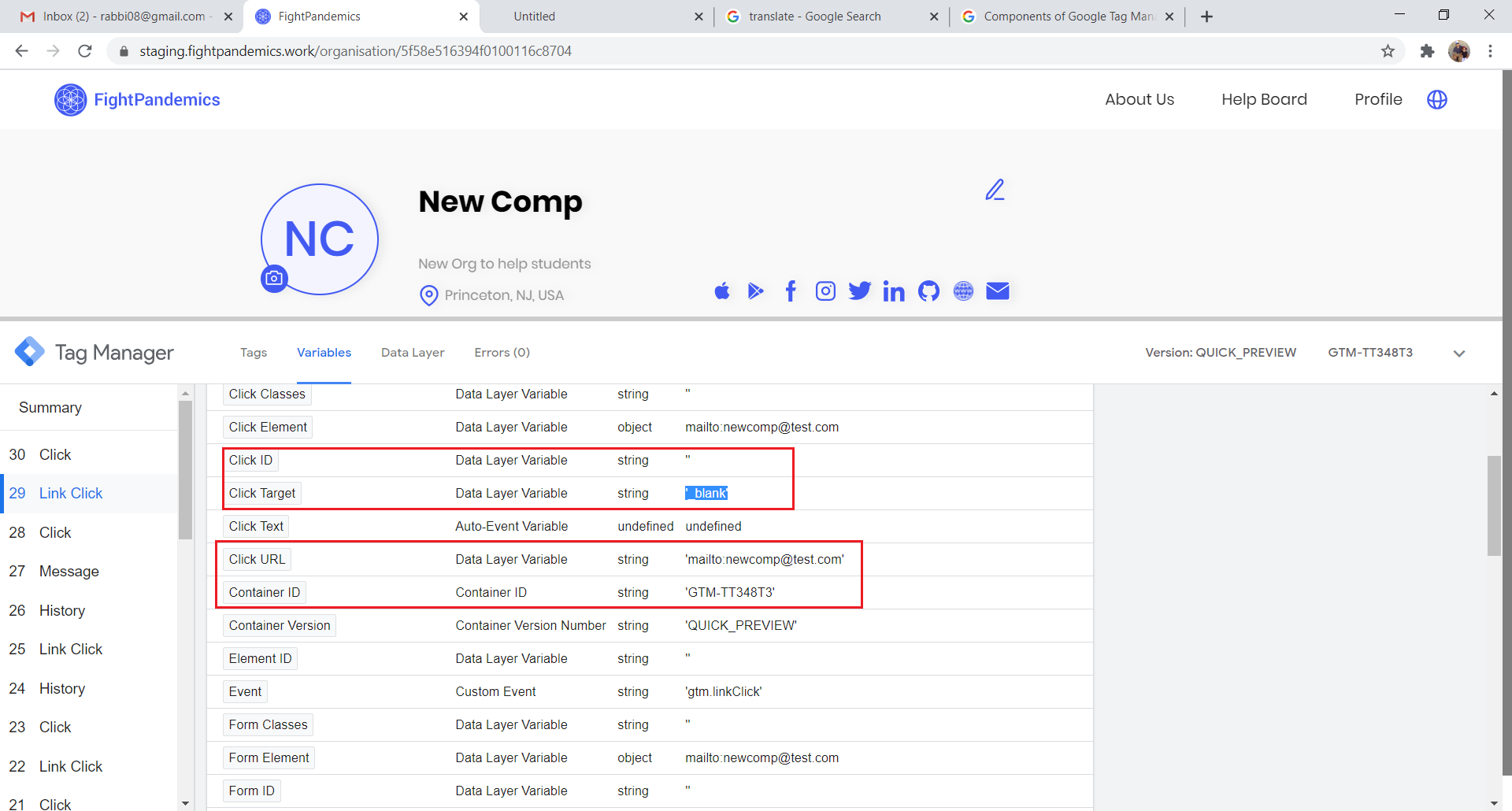
While clicking on EMAIL icon for Org no ID, the Click ID is blank and GTM is not fired. refer below screenshot.
After user upload image/avatar, the page is reloaded and the GTM summary all reset. Refer below GIF
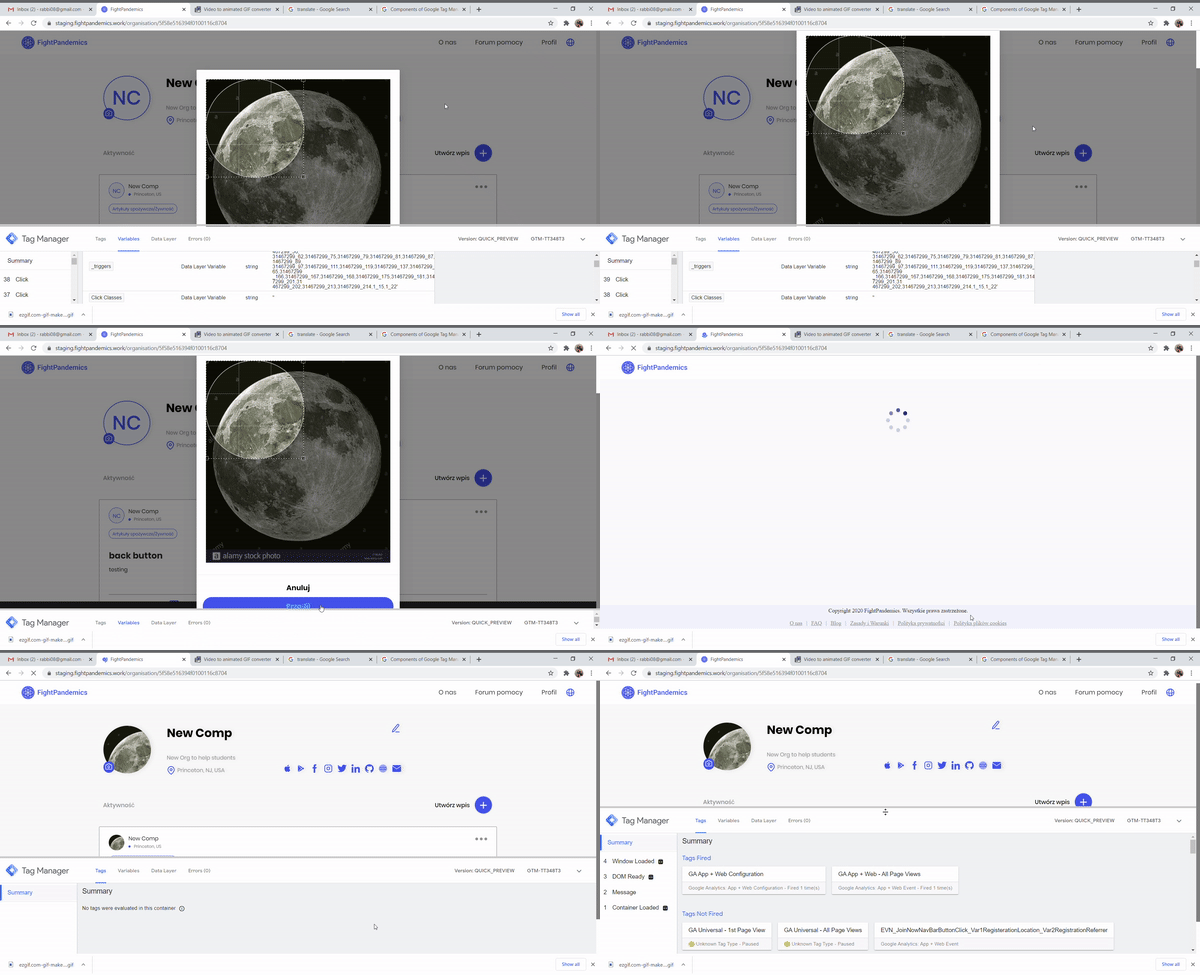
Also, still to find the ID for upload icon ID for Org:
Click on camera icon -> and click 'Cancel' to cancel the upload process to avoid refresh. the Org ID is displayed. Refer below screenshot.
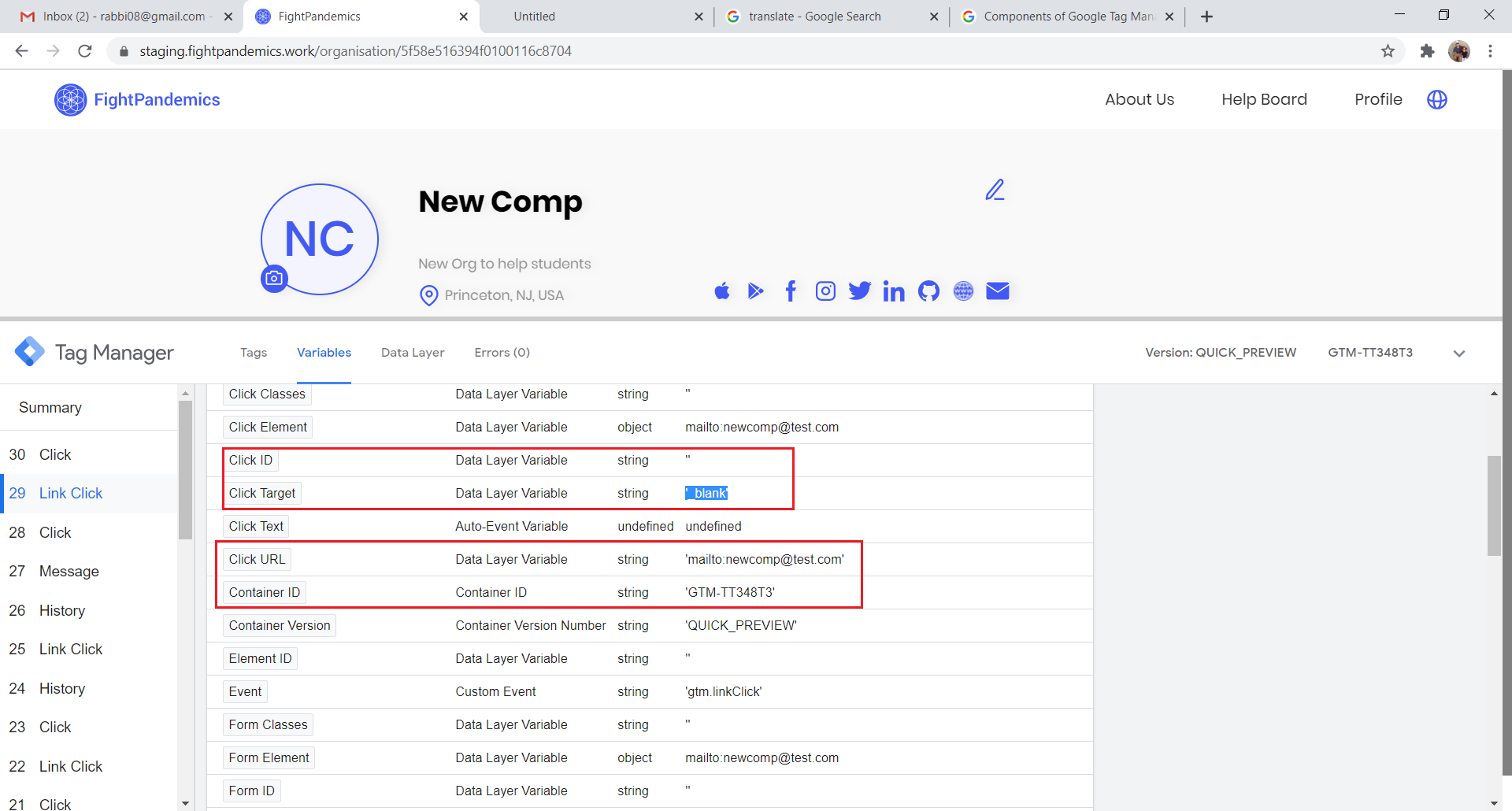
Thanks
 rabbi08
on 14 Oct 2020
rabbi08
on 14 Oct 2020
@rabbi08 please note the "Link click" is not the one that usually fires the GTM tag and the click id will be ""
Please check the "Click" that appears just after/before the "Link click".
Also some GTM tags might not show on the "Fired" section because they have not been added yet, to test just make sure you can see the "Click id"
 Zaydme
on 14 Oct 2020
Zaydme
on 14 Oct 2020
@Zaydme
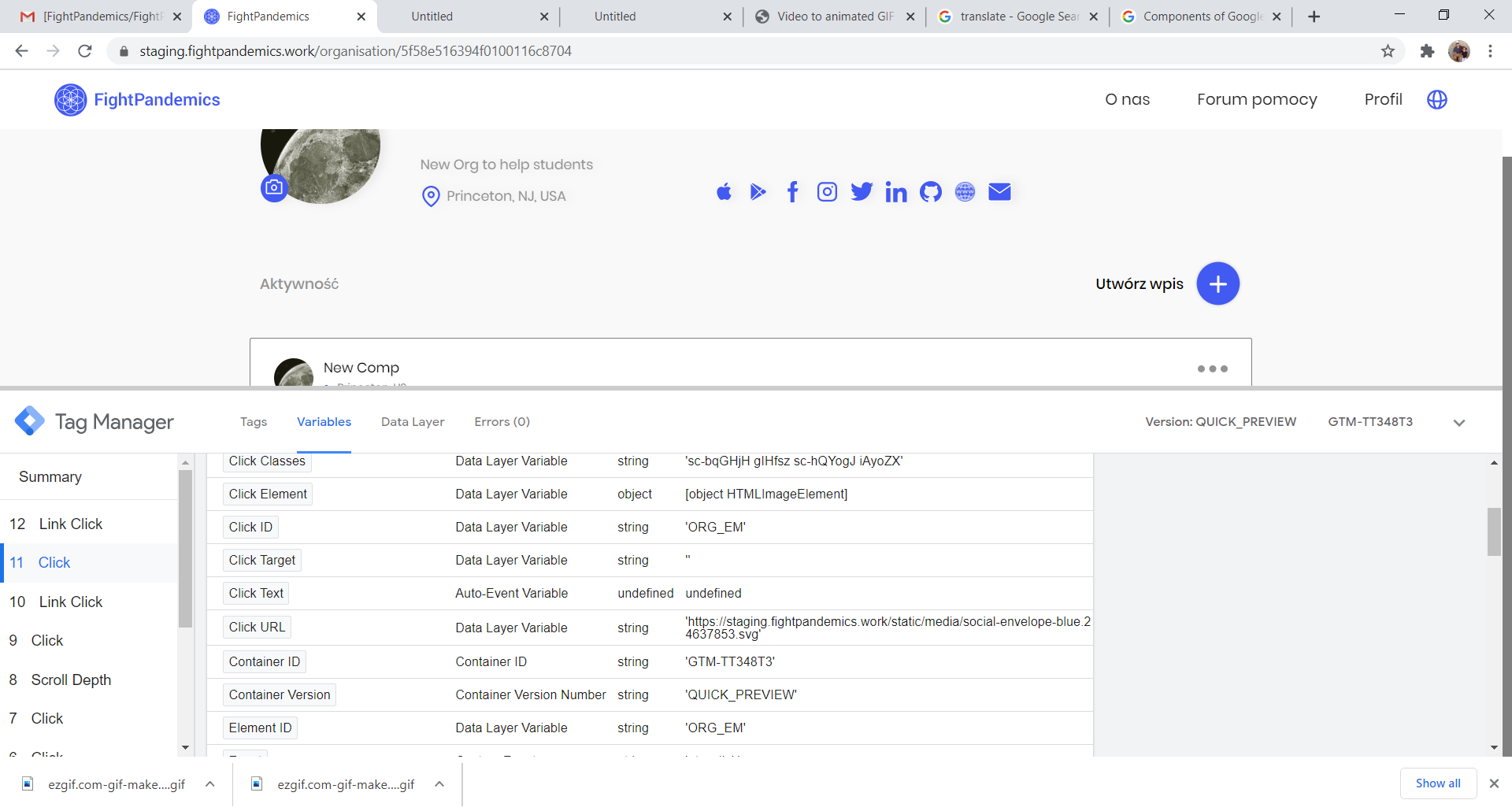
Oh, Agree, that was by mistake, I was referring CLICK only. Refer below screenshot
Ok and So as of now only the GTM tags fired are for location and Filter.
rabbi08
on 14 Oct 2020
Yes, but it doesn't mean other tags aren't working, the ID is being detected, they are just not added on google tags manager yet.
Zaydme
on 14 Oct 2020
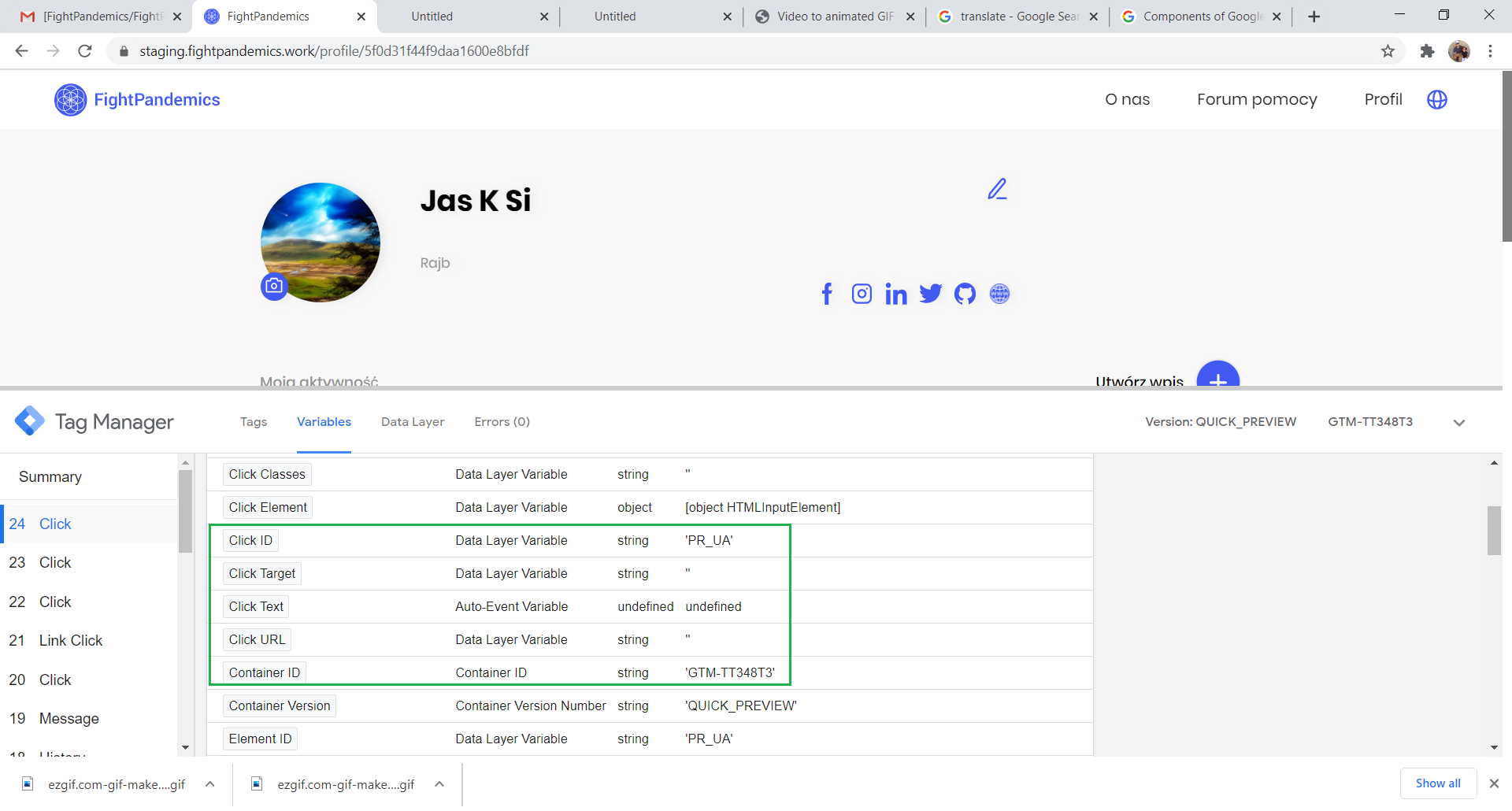
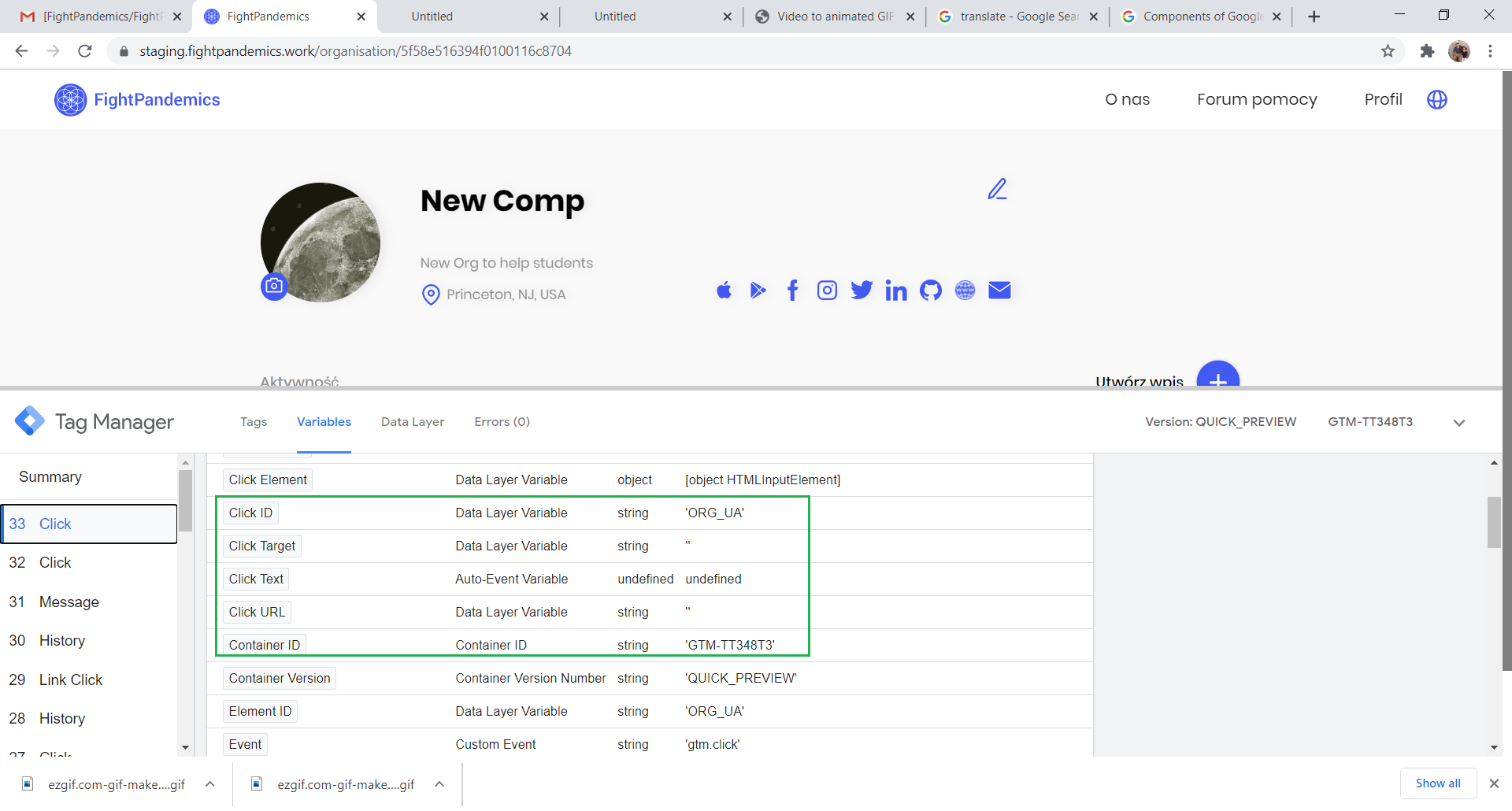
Verified the IDs for Individual & Org profile avatar but please note that the GTM summary resets after user upload an avatar as shown in the GIF as page refresh. Kindly confirm that the behavior is expected.
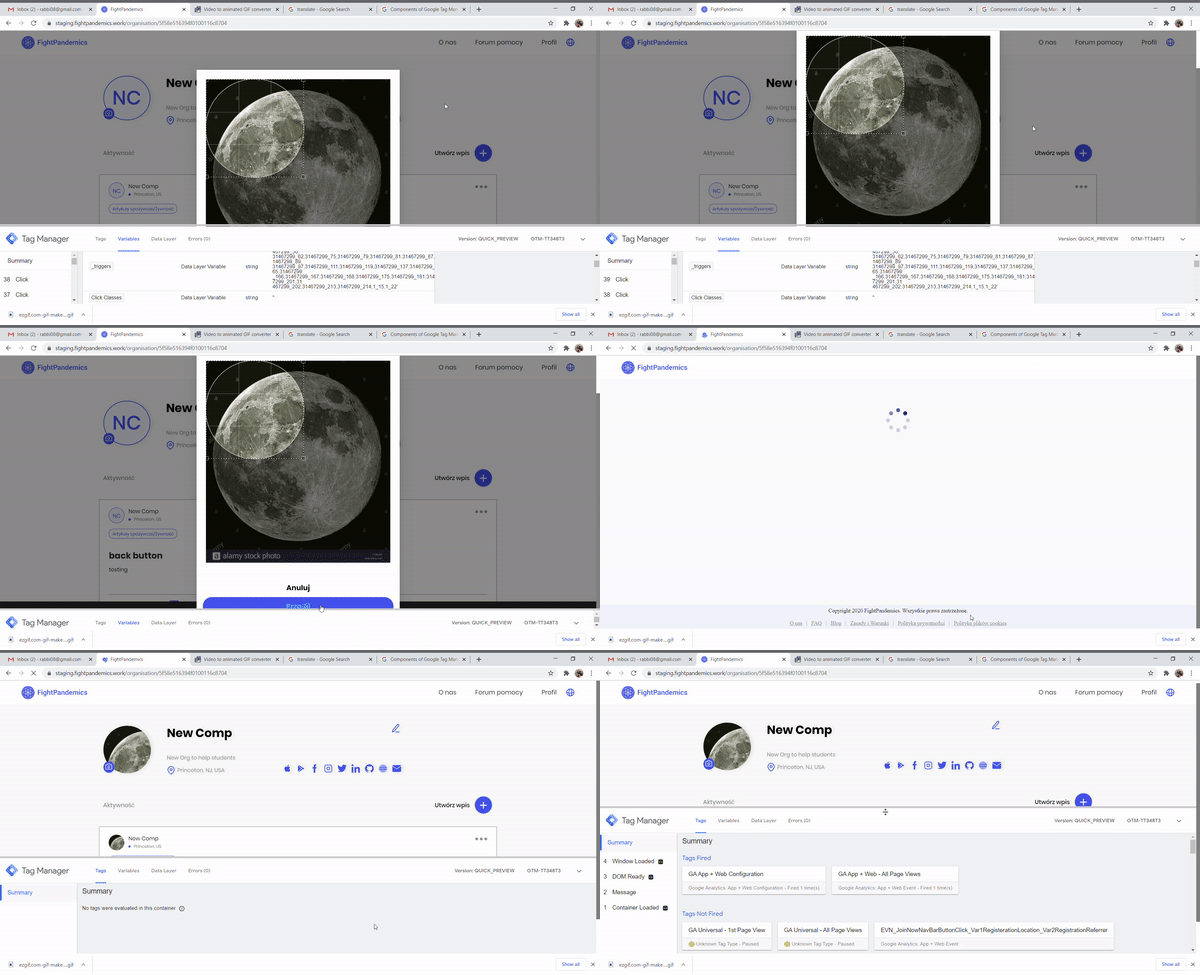
Below are the screenshots of the IDs detected for the avatars:
Individual profile Avatar ID:
Org Profile avatar ID:
rabbi08
on 14 Oct 2020
@rabbi08 Yes, that's not a problem, because the event is sent to google once it's fired, and that will happen before the user selects, crops, and submits the avatar, and before the page refreshes.
Zaydme
on 14 Oct 2020
Hi @rabbi08, I just wanted to confirm what @Zaydme has said. The actual tags haven't been set up yet in GTM, which is why you won't see anything "firing up" in the Tags tab. However, the Click ID's under the Variables tab are displaying the correct IDs, so we should be good. Also as @Zaydme mentioned, the information should be recorded on the button click event, so the page refresh and GTM resetting should be fine (but I can verify this with BI team as well).
doheekim93
on 14 Oct 2020
Related issues
 ppagarawal
·
7Comments
idjevm
·
5Comments
rabbi08
·
10Comments
ppagarawal
·
4Comments
ppagarawal
·
7Comments
idjevm
·
5Comments
rabbi08
·
10Comments
ppagarawal
·
4Comments
 sheeba1
·
6Comments
sheeba1
·
6Comments
Most helpful comment
@rabbi08 Yes, that's not a problem, because the event is sent to google once it's fired, and that will happen before the user selects, crops, and submits the avatar, and before the page refreshes.