Fga: Just spam clicks the same spot over and over. <GPlay Version>
MAKE SURE YOU TESTED THE LATEST RELEASE.
Did you look at other issues and the Troubleshooting Guide?
Yes the issue was not listed in there.
Describe the bug
I'm using a Samsung Note 9. I've used to github releases in the past and i know i've set up everything for a battle. I've extracted support images, set up skills, np, auto refils all the normal stuff, however, when i press the play button it spam clicks the same spot on the screen over and over. It doesn't matter what screen i'm on, battle, level select, support select ect. I have also selected the samsung option to ignore not calculations but that didn't change how it was behaving. In order to grab screenshots i connected my phone to Samsung flow app. I normally don't use this program. Also after activating the app it usually takes me a few dozen clicks to stop the app with the button. Anyways those 2 screenshots you'll get the idea. It just rapidly spams the same spot on the screen as if it has no idea what it's suppose to be doing on any given screen. Not really sure what's wrong like i said i've used the app in the past to great success.
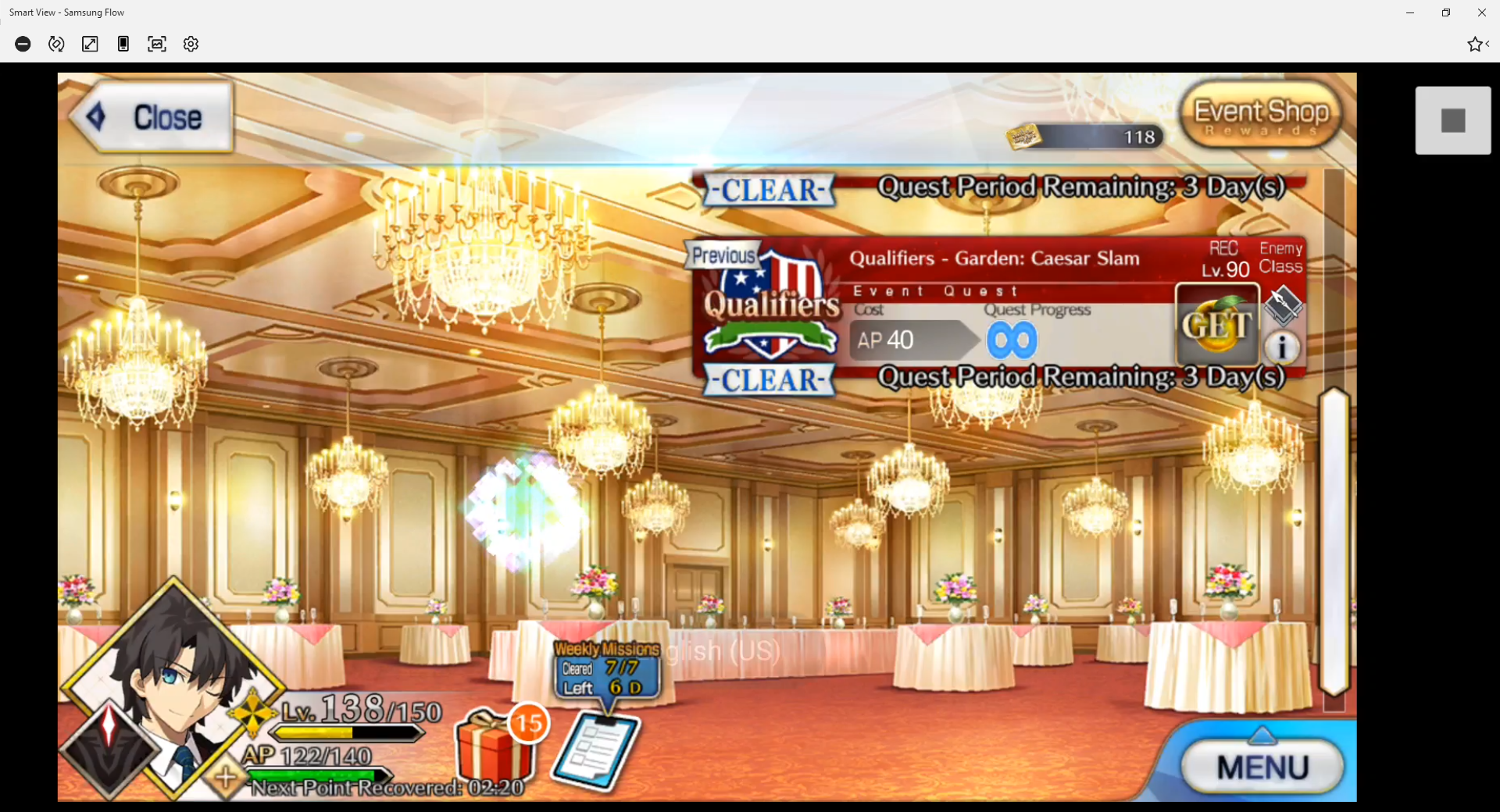
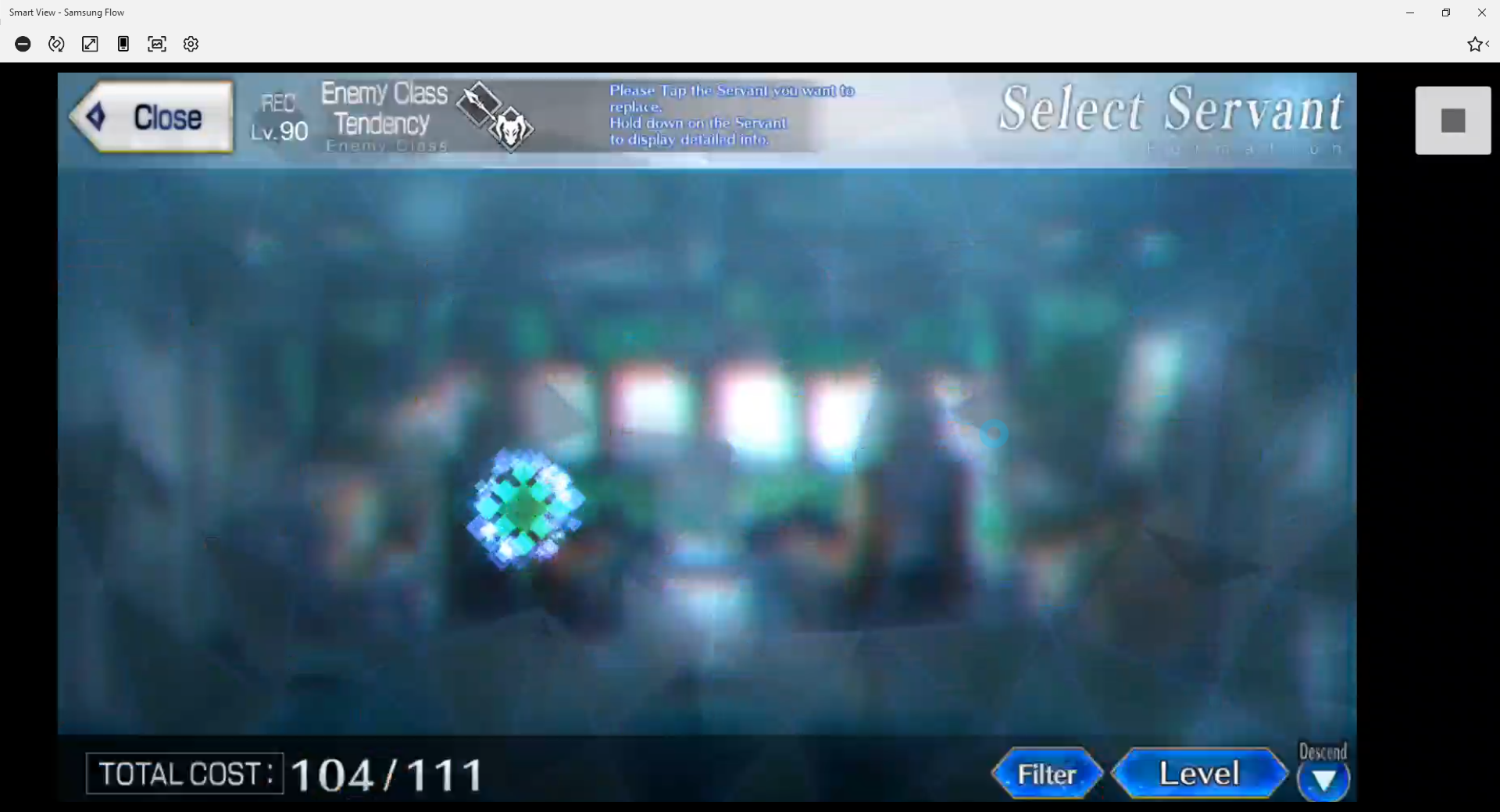
Screenshots
If applicable, add screenshots to help explain your problem.
It is recommended that you atleast add one screenshot of FGO running on your device.
Video
If relevant, include a video of the script running on your device with Debug mode ON
Recording functionality is available within the app in More options.
Device Info (please fill atleast 'Device model'):
- Device model: [e.g. Samsung Note 9]
- Screen size: 1440 x 2960
- Android Version: latest release
- RAM: 6GB
 Volc85
All 11 comments
Which script mode is selected in the main screen of FGA? Is it Battle or Lottery?
 reconman
on 14 Sep 2020
reconman
on 14 Sep 2020
Currently lottery
Volc85
on 14 Sep 2020
That's the problem, lottery is for opening lottery boxes.
reconman
on 14 Sep 2020
let me switch modes and i'll see if it continues to do the same thing
Volc85
on 14 Sep 2020
Also why don't you take screenshots using the Lock button + Volume Down?
reconman
on 14 Sep 2020
Because i'm on my computer to write the report?
Volc85
on 14 Sep 2020
Screenshots taken from a screen mirror program won't help us much in most cases, that's why I'm suggesting taking them on the device itself and then transferring the files to the computer. You can also go to this page on the device and then upload the screenshots that way.
reconman
on 14 Sep 2020
I'll consider that if i need to use a bug report in the future. Swapped to battlemode, selected my "battle script" and this time 0 clicks on any page. I'll dig through the troubleshoot guide for this one.
Volc85
on 14 Sep 2020
You should disable the Ignore Notch option again, it does not have any positive effect for you.
Then you should take a look at the full screen options in Samsung as described in the wiki.
And finally, screen mirroring and 3rd party screenshot software usually mess up FGA image detection, so it could be caused by that. When 2 apps use screen recording at the same time, one of them sees pure black. Restarting the device fixes that.
reconman
on 14 Sep 2020
setting to fullscreen worked and it's going just how it used to go in the past thanks
Volc85
on 14 Sep 2020
also if you're curious as i was, it also works using the flow app on my PC, tested both, just needed samsung fullscreen enabled.
Volc85
on 14 Sep 2020
Related issues
 sleeping-player
·
4Comments
sleeping-player
·
4Comments
 Dwide13
·
6Comments
Dwide13
·
6Comments
 Yandirin
·
7Comments
Yandirin
·
7Comments
 Me1zter
·
9Comments
Me1zter
·
9Comments
 itscakebuffet
·
8Comments
itscakebuffet
·
8Comments