Hi. The app isn't working on my device for some reason. It can detect and select support servants but it does not work during battle. I've downloaded the latest ver of this app from Play Store and tried setting both FGO and FGA in fullscreen mode but the problem still persists. Really need help with this one.
Device: OnePlus 7T
Model: HD1900
OS: Android 10
Resolution: 2400 x 1080
Ram: 8 GB
Screenshot:
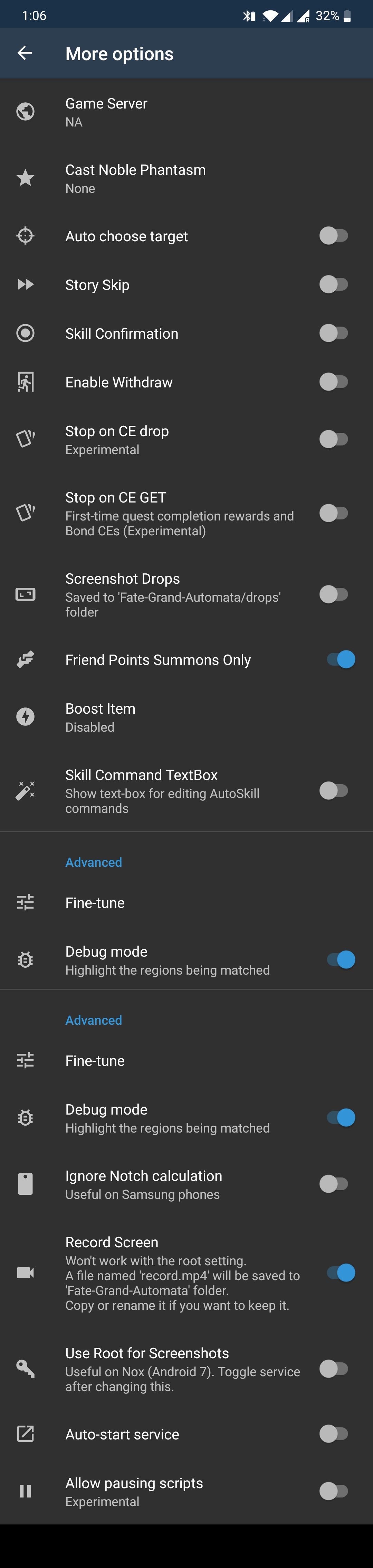
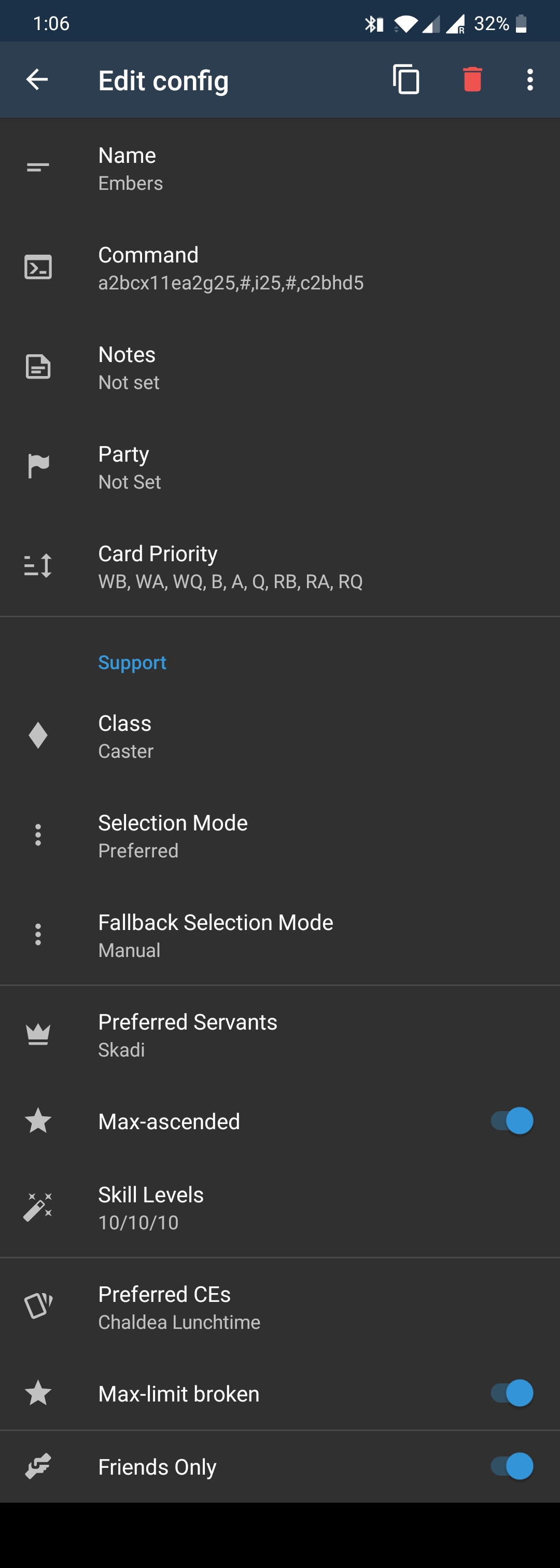
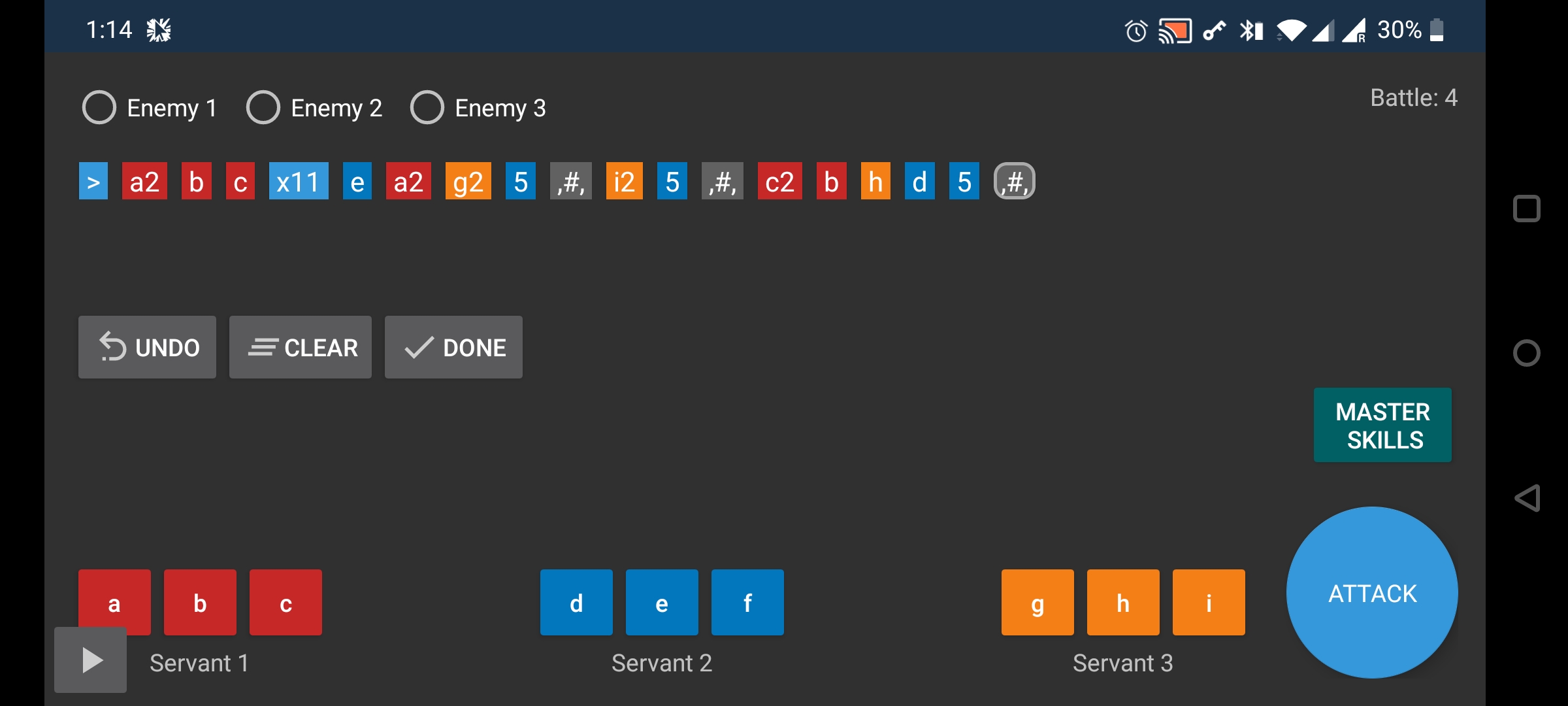
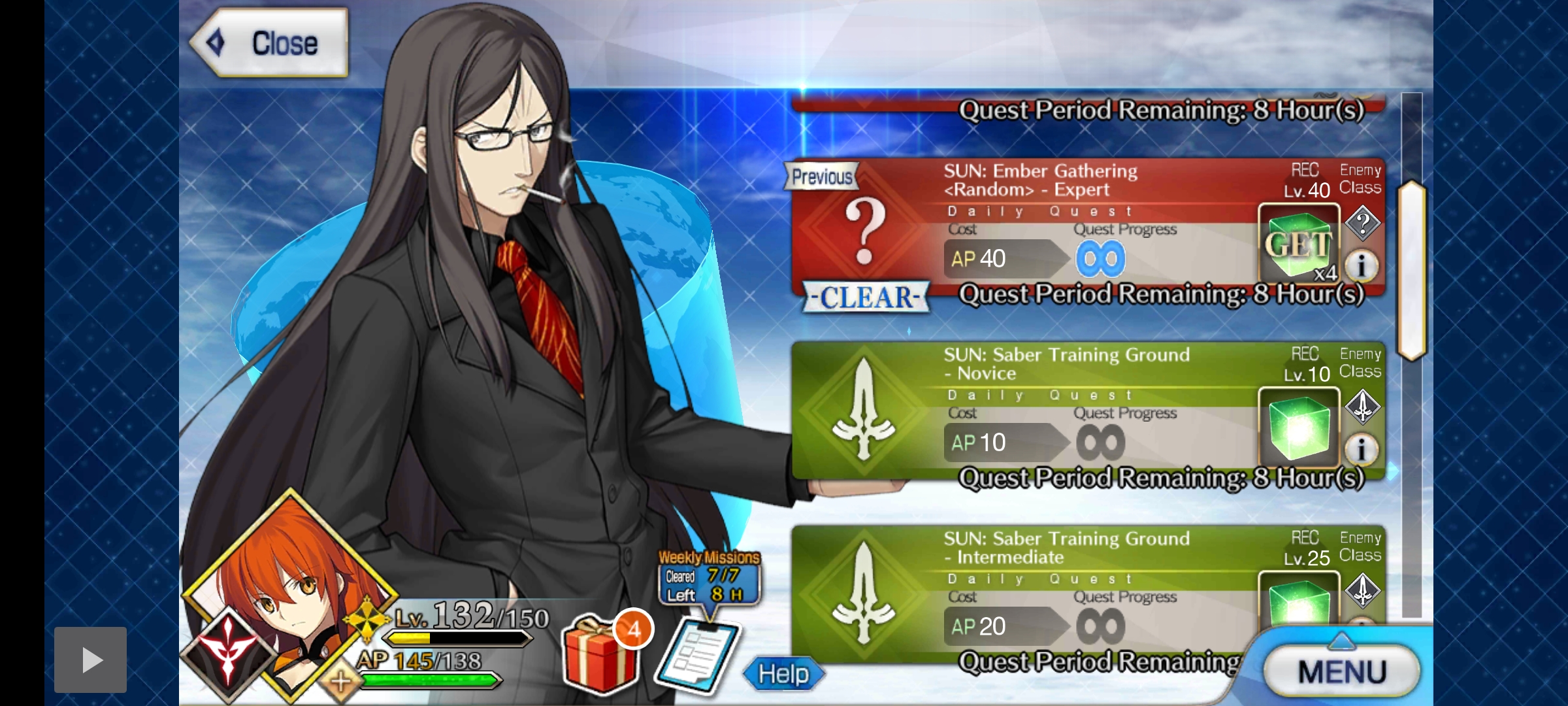
Screen recording:
https://streamable.com/bt91qd
 Me1zter
All 9 comments
Bug reports must use the template.
Please correct your description and then add a comment mentioning (@) the owner of this repository to reopen the issue for you.
This action was performed automatically.
![github-actions[bot] picture](https://avatars.githubusercontent.com/in/15368?v=4&s=40) github-actions[bot]
on 13 Sep 2020
github-actions[bot]
on 13 Sep 2020
Ok, you didn't follow the bug template, but atleast info is there.
 MathewSachin
on 13 Sep 2020
MathewSachin
on 13 Sep 2020
@MathewSachin
Me1zter
on 13 Sep 2020
My apologies, forgot to mention the owner.
Me1zter
on 13 Sep 2020
Yeah, looking at it. Give me a few minutes.
MathewSachin
on 13 Sep 2020
@Me1zter Skill confirmation is turned ON in FGO but OFF in FGA. I would recommend turning off skill confirmation in FGO, it will make your runs faster. Otherwise, turn on Skill Confirmation in the More options settings.
 reconman
on 13 Sep 2020
reconman
on 13 Sep 2020
I'll try that now. Give a couple of minutes.
Me1zter
on 13 Sep 2020
*me
Me1zter
on 13 Sep 2020
Thanks for the help!! It works like a charm now.
Me1zter
on 13 Sep 2020
Related issues
 itscakebuffet
·
8Comments
MathewSachin
·
9Comments
itscakebuffet
·
8Comments
MathewSachin
·
9Comments
 thai-ng
·
5Comments
thai-ng
·
5Comments
 Sinkingstyle
·
3Comments
Sinkingstyle
·
3Comments
 azh97
·
3Comments
azh97
·
3Comments