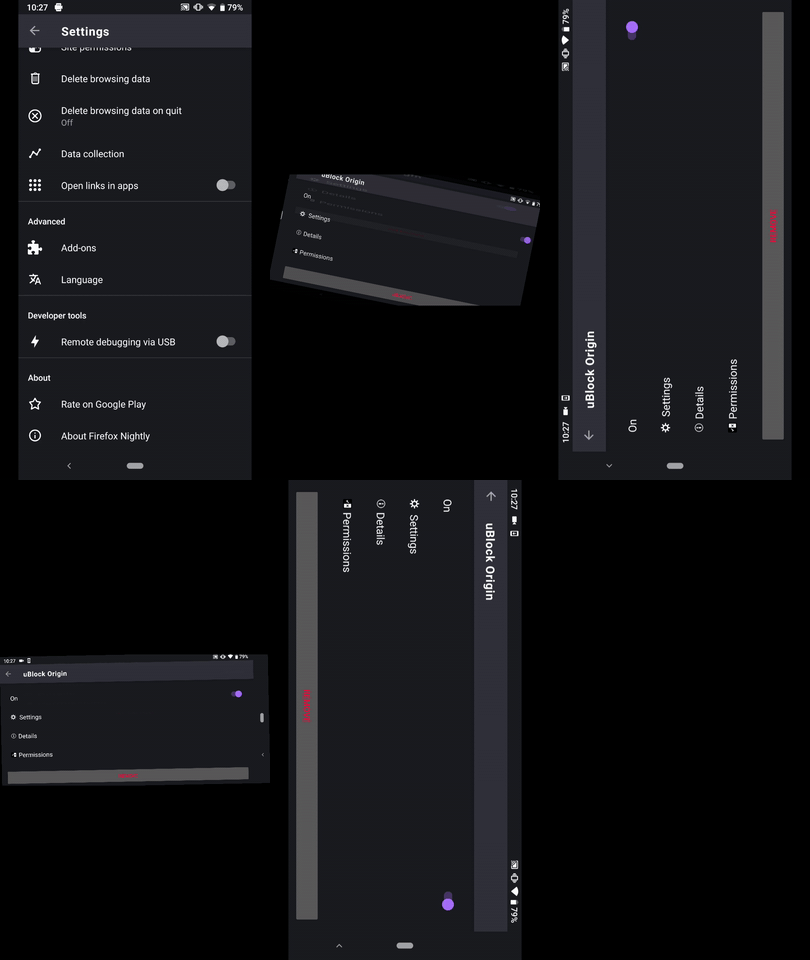
Fenix: [Bug]uBlock Origins Improperly displayed "Remove" button in landscape mode
Prerequisites
Have uBlock Origins installed.
Steps to reproduce
- From the Add-ons manager tap and open uBlock.
- Rotate the device in landscape mode.
- Check the position of the "Remove" button
Expected behavior
The "Remove" button should be properly displayed.
Actual behavior
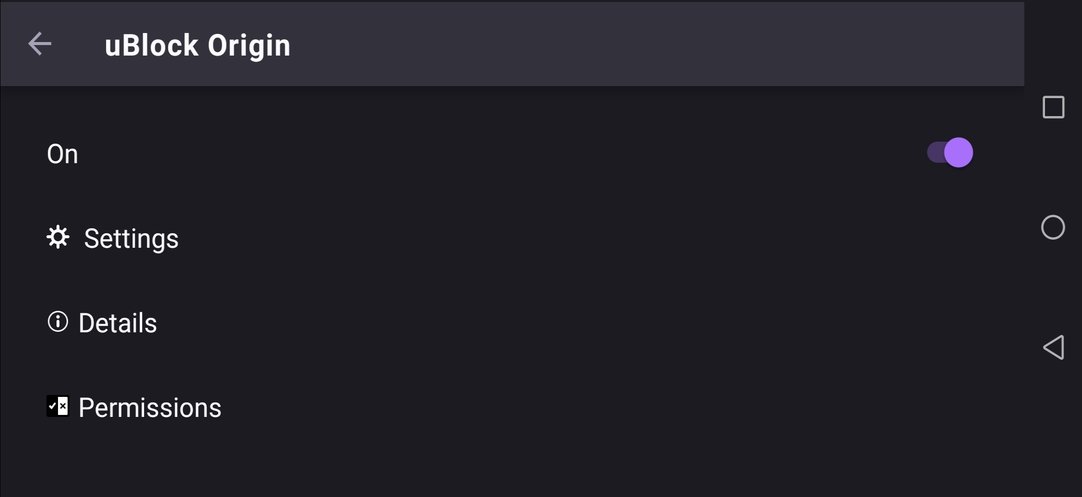
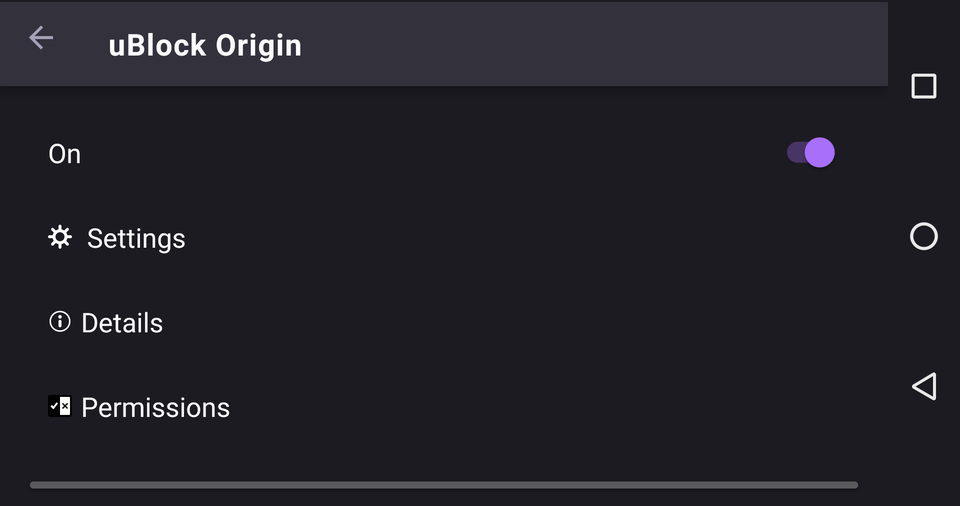
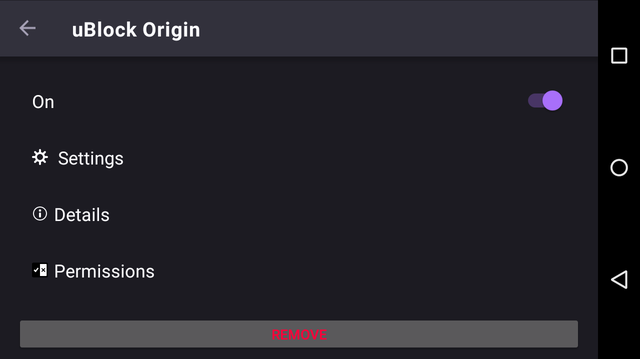
Depending on the device used, the "Remove" button is cut off or isn't displayed at all.
Device information
Android device:
• Google Pixel 3XL (Android 9)
• Google Pixel 3a (Android 9)
• Huawei Mate 20 Lite (Android 8.1.0)
• Sony Xperia Z5 (Android 7.0.0)
• OnePlus A3 (Android 6.0.1)
• LG Nexus 4 (Android 5.1.1)Fenix version: Nightly #20410606 from 2/10
Notes
✔️ Not reproducible on Google Pixel 3a XL (Android 10)
►Screenshot Huawei Mate 20 Lite
►Screenshot OnePlus A3
►Screenshot LG Nexus 4 (Android 5.1.1)
 AndiAJ
All 2 comments
@AndiAJ This is now ready for QA (it's now scrollable).
 psymoon
on 10 Feb 2020
psymoon
on 10 Feb 2020
Hi, verified as fixed on the latest Nightly #20420611 from 2/11 using the following devices:
• Google Pixel 3a XL (Android 10)
• Google Pixel 3a (Android 9)
• Huawei Mate 20 Lite (Android 8.1.0)
• Samsung Galaxy S7 (Android 7.0.0)
• OnePlus A3 (Android 6.0.1)
• LG Nexus 4 (Android 5.1.1)
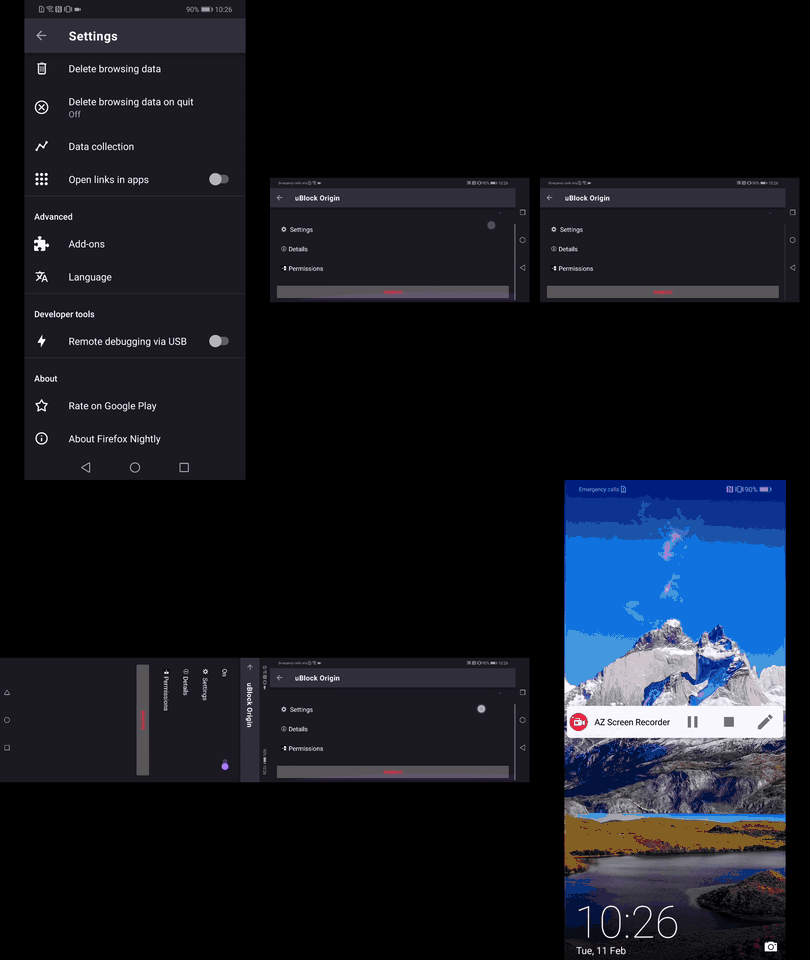
On some devices when switching to landscape view the menu is :
✔️ Scrollable (Huawei Mate 20 Lite, OnePlus A3, LG Nexus 4)
✔️ Fits the screen ( Google Pixel 3a, Samsung Galaxy S7)
► Video from Huawei Mate 20 Lite
► Video from Google Pixel 3a
AndiAJ
on 11 Feb 2020
Related issues
 andreicristianpetcu
·
3Comments
andreicristianpetcu
·
3Comments
 ekager
·
3Comments
ekager
·
3Comments
 topotropic
·
3Comments
topotropic
·
3Comments
 bbinto
·
3Comments
andreicristianpetcu
·
3Comments
bbinto
·
3Comments
andreicristianpetcu
·
3Comments