Fenix: [Bug] "Open In Firefox Preview" from Custom Tab doesn't open page
Steps to reproduce
- Open link in Custom Tab (e.g. from Twitter App)
- Tap "Open in Firefox Preview"
Expected behavior
- Page opens in Fenix
Actual behavior
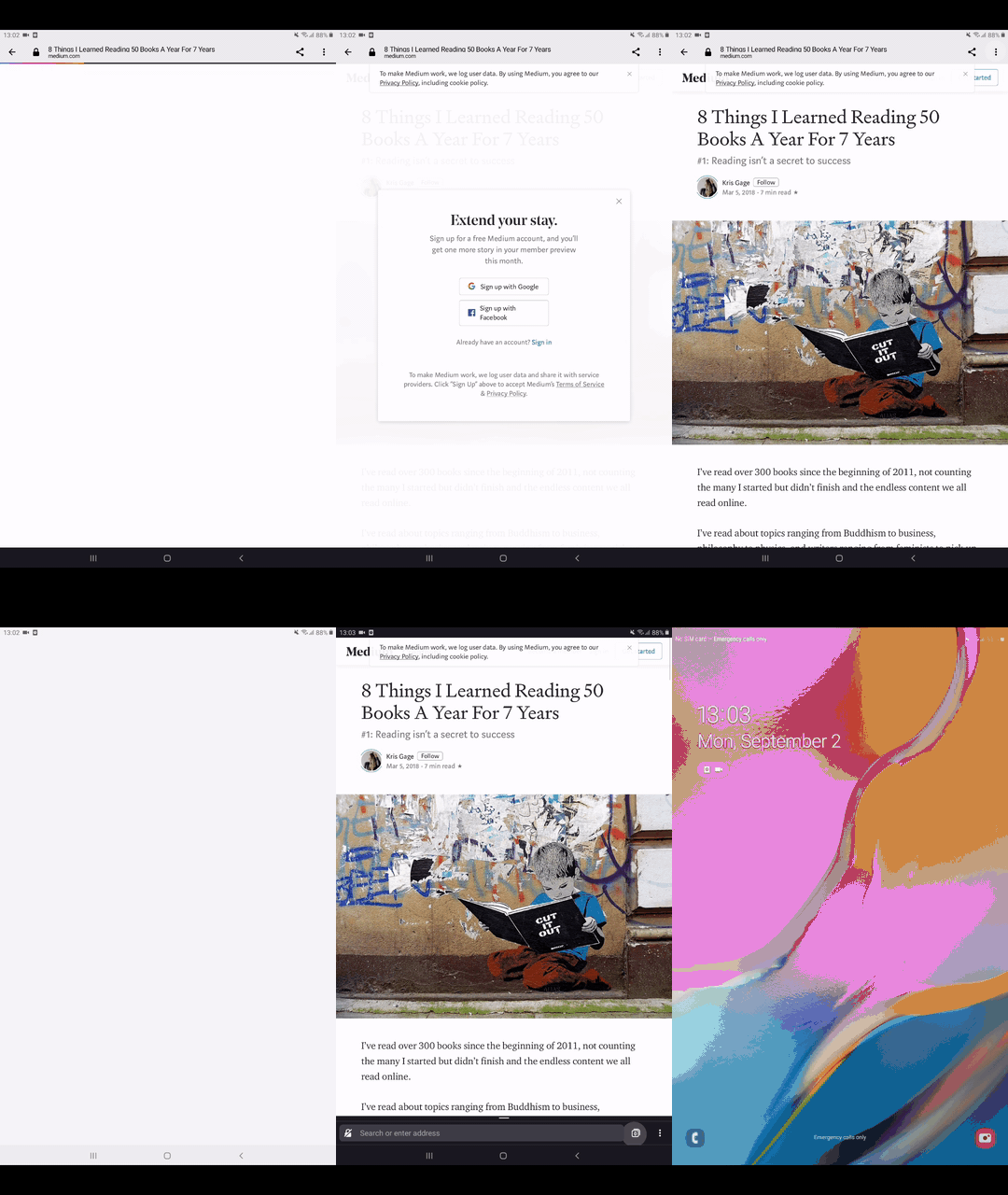
- Page flashes and then previous page opened appears
Device information
- Android device: Samsung S10
- Fenix version: Latest nightly from Play Store
 agi90
agi90
All 6 comments
Just came to report this. This is incredibly annoying, but I have observed that the tab opens and then immediately closes when Fenix is left on the tab overview. Otherwise it just shows a previous tab.
 pwd-github
on 31 Aug 2019
pwd-github
on 31 Aug 2019
Hi, reproducible on:
• 2.0.0-rc.1
• Nightly Build #12441810
Using the following devices:
• Google Pixel 3a (Android 9)
• Samsung Tab A (Android 9)
►Video
 AndiAJ
on 2 Sep 2019
AndiAJ
on 2 Sep 2019
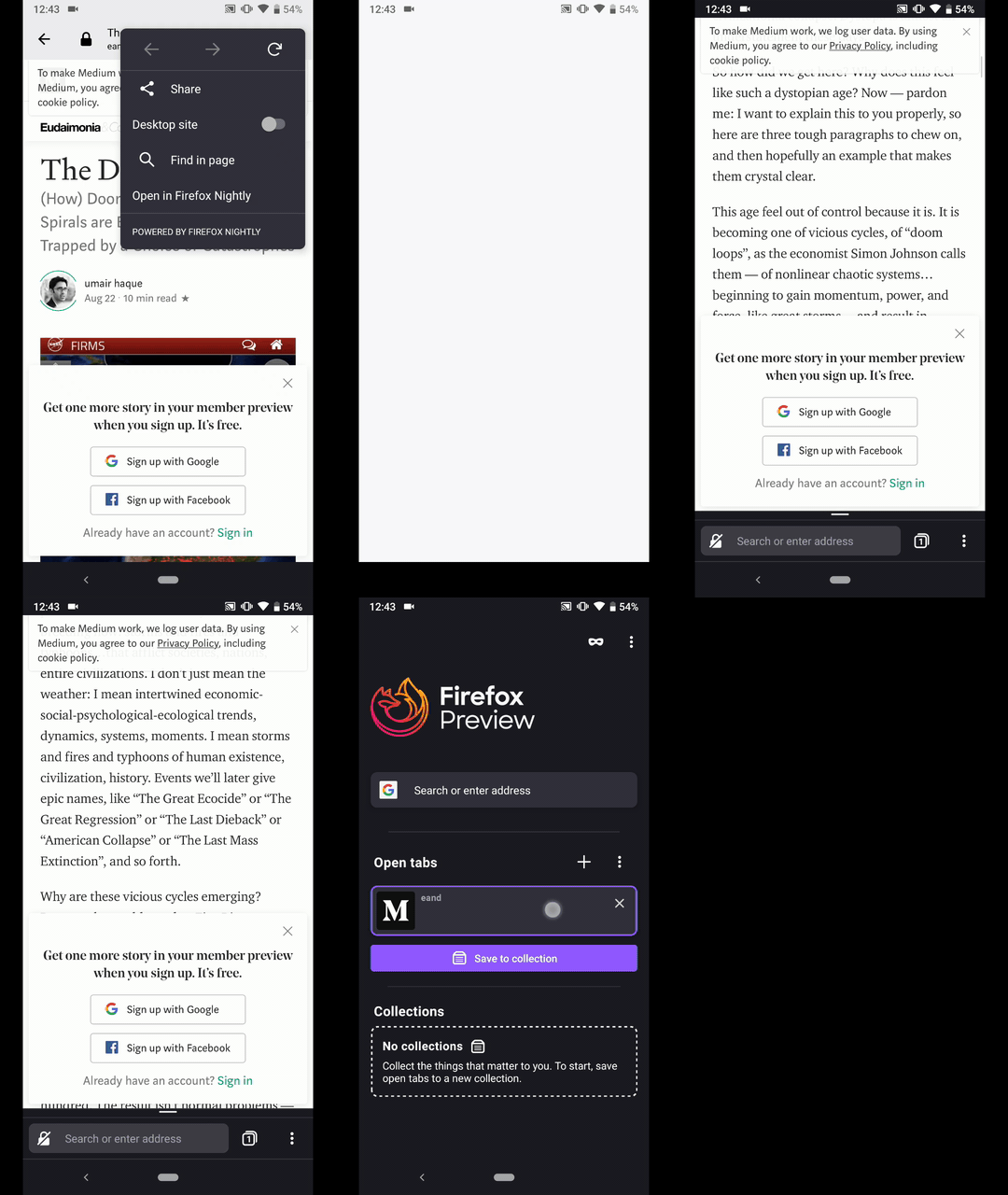
Hi @ekager , I've checked and the webpage is opened in Fenix.
On the other hand, the link from the custom tab doesn't populate the URL bar from Fenix.
I've used the latest Nightly Build #12520610 from 9/9 with the following devices:
• Google Pixel 3a (Android 9)
• Huawei Mate 20 Lite (Andriod 8.1.0)
• Samsung Galaxy S7 (Android 7)
• OnePlus A3 (Android 6.0.1)
►Video
AndiAJ
on 9 Sep 2019
Thank you, @AndiAJ, this looks like an important bug - although I think unrelated to this bug fixed here. I can reproduce this in Reference Browser and assume that this is related to our feature-toolbar refactoring that has happened just recently. I filed the following AC issue to track that:
https://github.com/mozilla-mobile/android-components/issues/4348
 pocmo
on 9 Sep 2019
pocmo
on 9 Sep 2019
Closing this bug because unrelated to #5169
 ekager
on 9 Sep 2019
ekager
on 9 Sep 2019
Verified as fixed on RC 1.4.1
Devices:
Samsung Galaxy J7(Android 6)
Pixel (Android Q)
Samsung Galaxy Tab A (Android 9)
 sv-ohorvath
on 11 Sep 2019
sv-ohorvath
on 11 Sep 2019
Related issues
 phileastv
·
3Comments
phileastv
·
3Comments
 andreicristianpetcu
·
3Comments
AndiAJ
·
3Comments
andreicristianpetcu
·
3Comments
AndiAJ
·
3Comments
 vesta0
·
3Comments
vesta0
·
3Comments
 bbinto
·
3Comments
bbinto
·
3Comments