Hello Team,
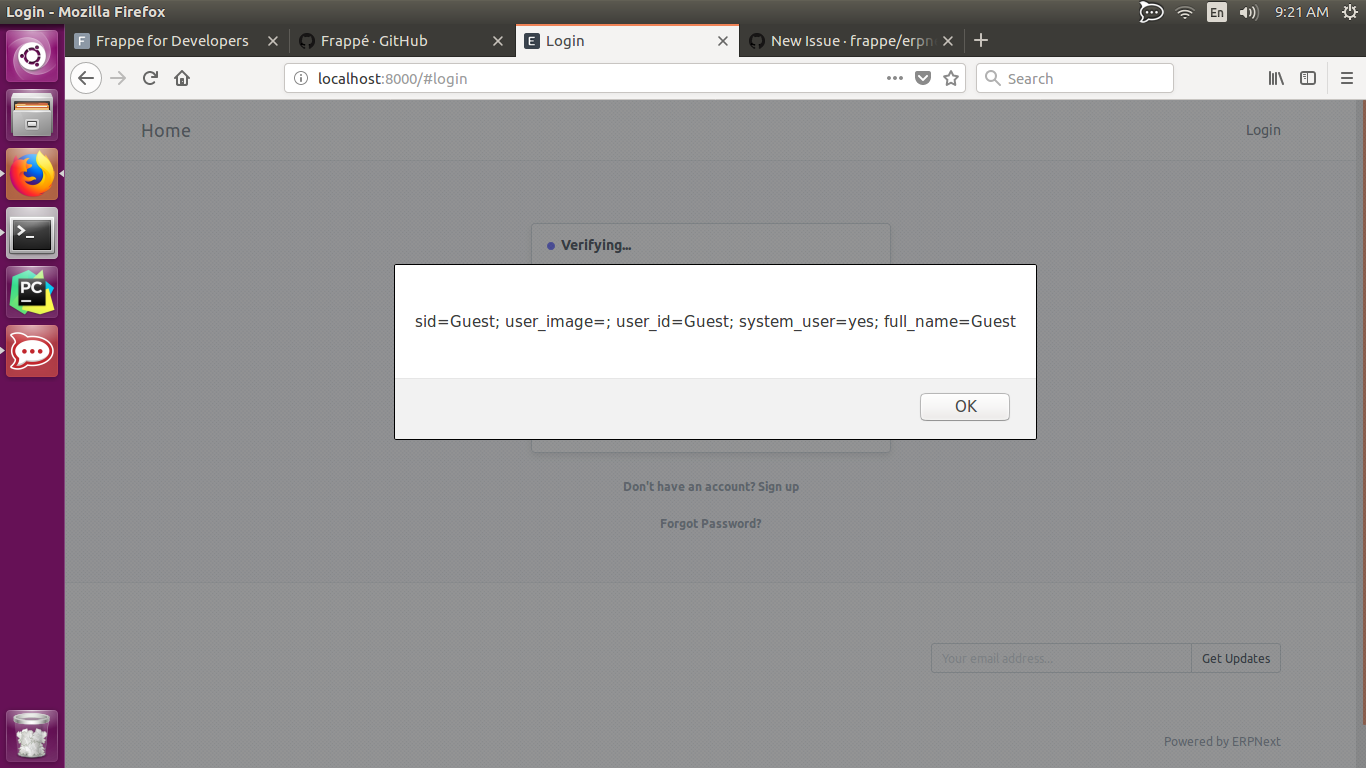
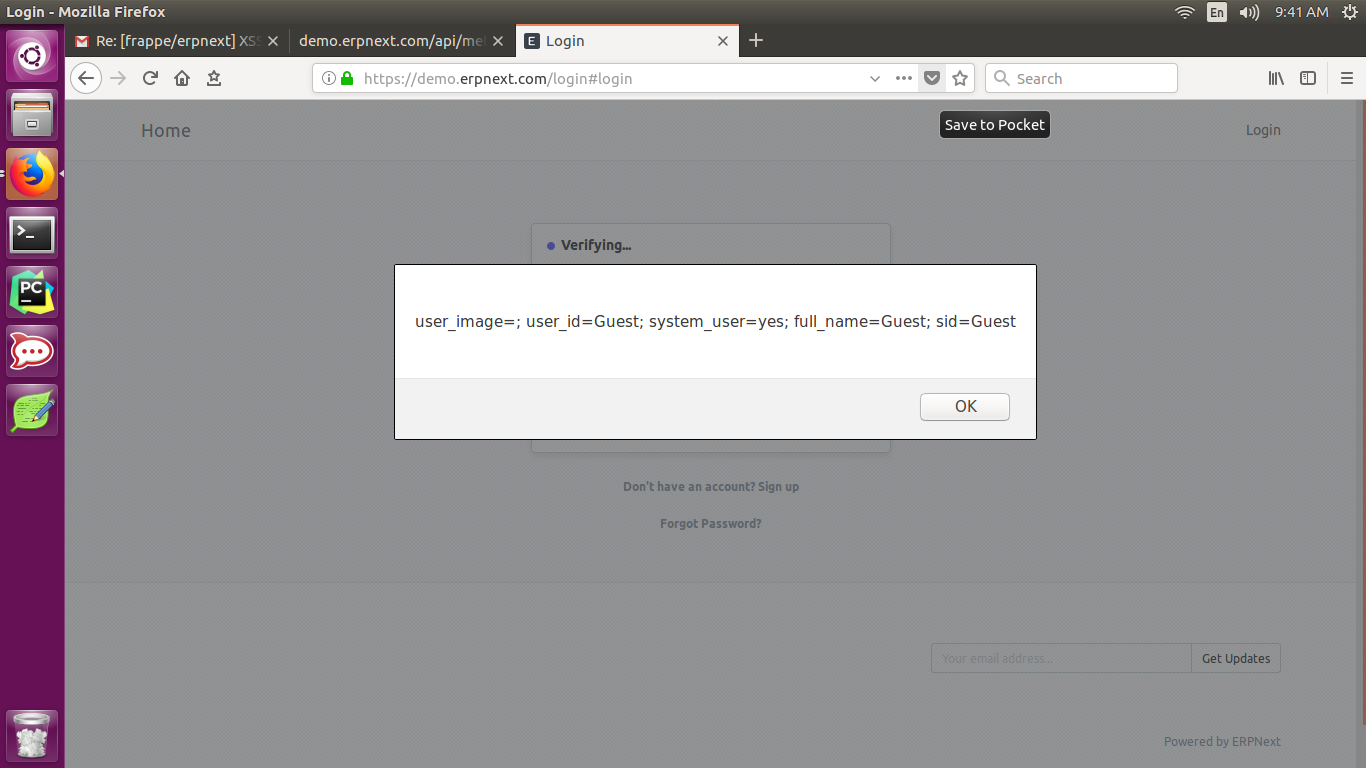
I found a Cross Site Scripting (XSS) Bug in the Login page.
Steps to Reproduce:
- Install Frappe and after installation
- Access the server for me im running (localhost:8000) and Go to Login Page
- Insert this malicious script "> to user field
- and the XSS will trigger.
Remedy:
In general, spending time on input validation and output sanitization and escaping will make your application safe.

 kentbayron
All 16 comments
pinging @revant and @saurabh6790
 felixvarghese
on 28 Nov 2017
felixvarghese
on 28 Nov 2017
I'm not able to replicate this.
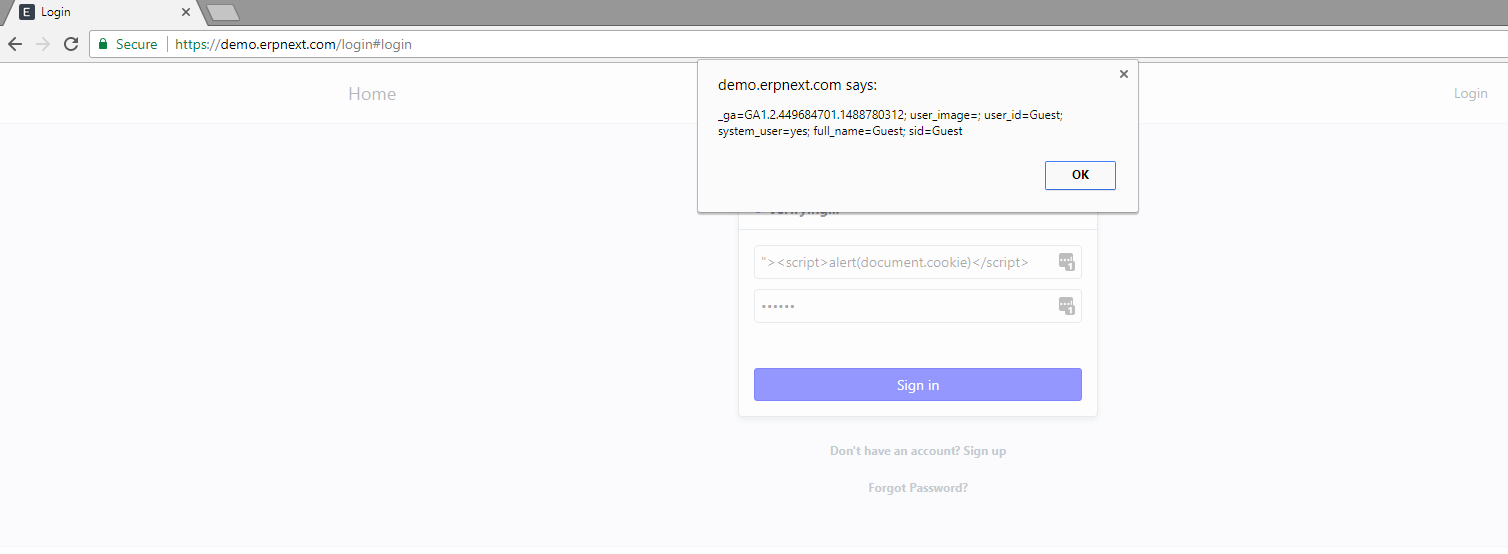
Username "><script>alert(document.cookie)</script> ? with " at the beginning?
 revant
on 28 Nov 2017
revant
on 28 Nov 2017
It's replicable for me on the demo instance
felixvarghese
on 28 Nov 2017
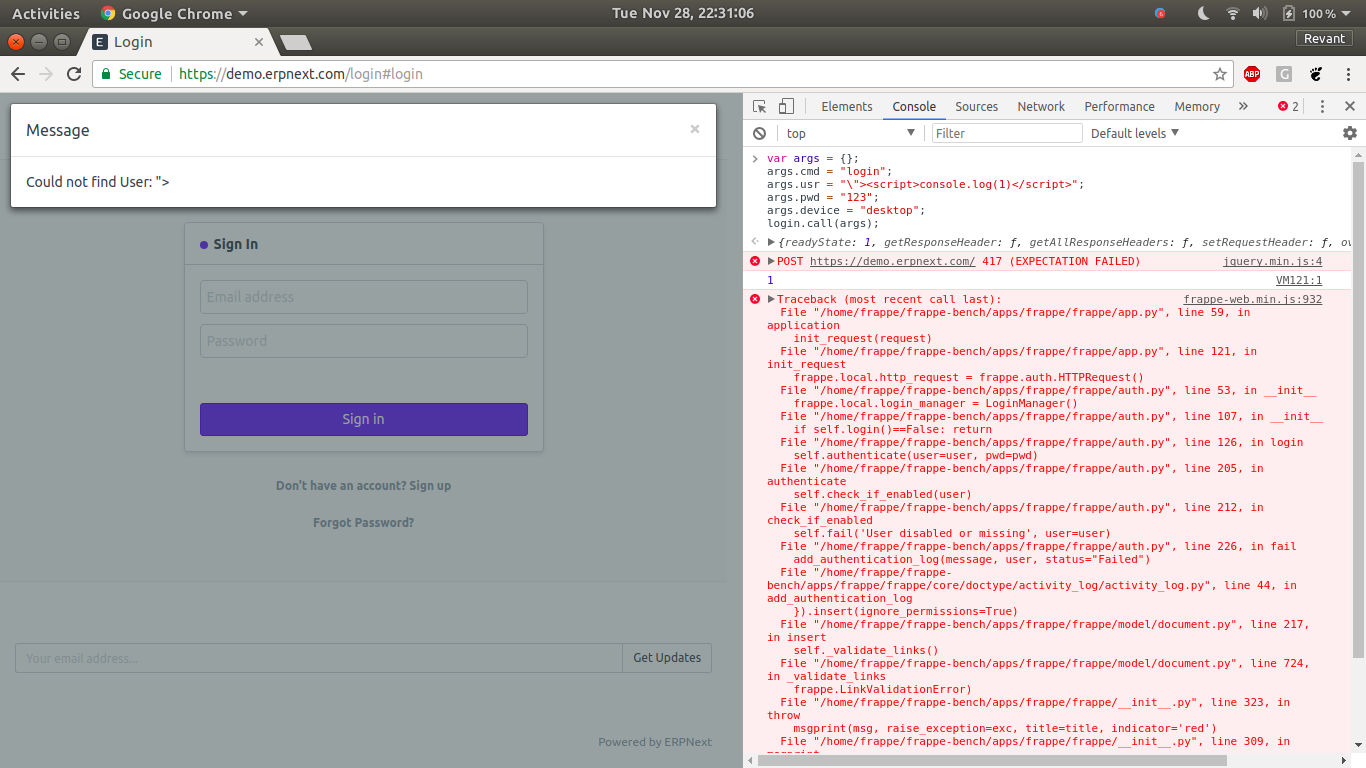
Yes I can replicate it on demo.
Tried this in console
var args = {};
args.cmd = "login";
args.usr = "\"><script>console.log(1)</script>";
args.pwd = "123";
args.device = "desktop";
login.call(args);
on demo.erpnext.com/api/method/version (9.2.15)
@saurabh6790 I think it is related to configuration? I am not able to replicate it on foundation website.
revant
on 28 Nov 2017
Hello There,
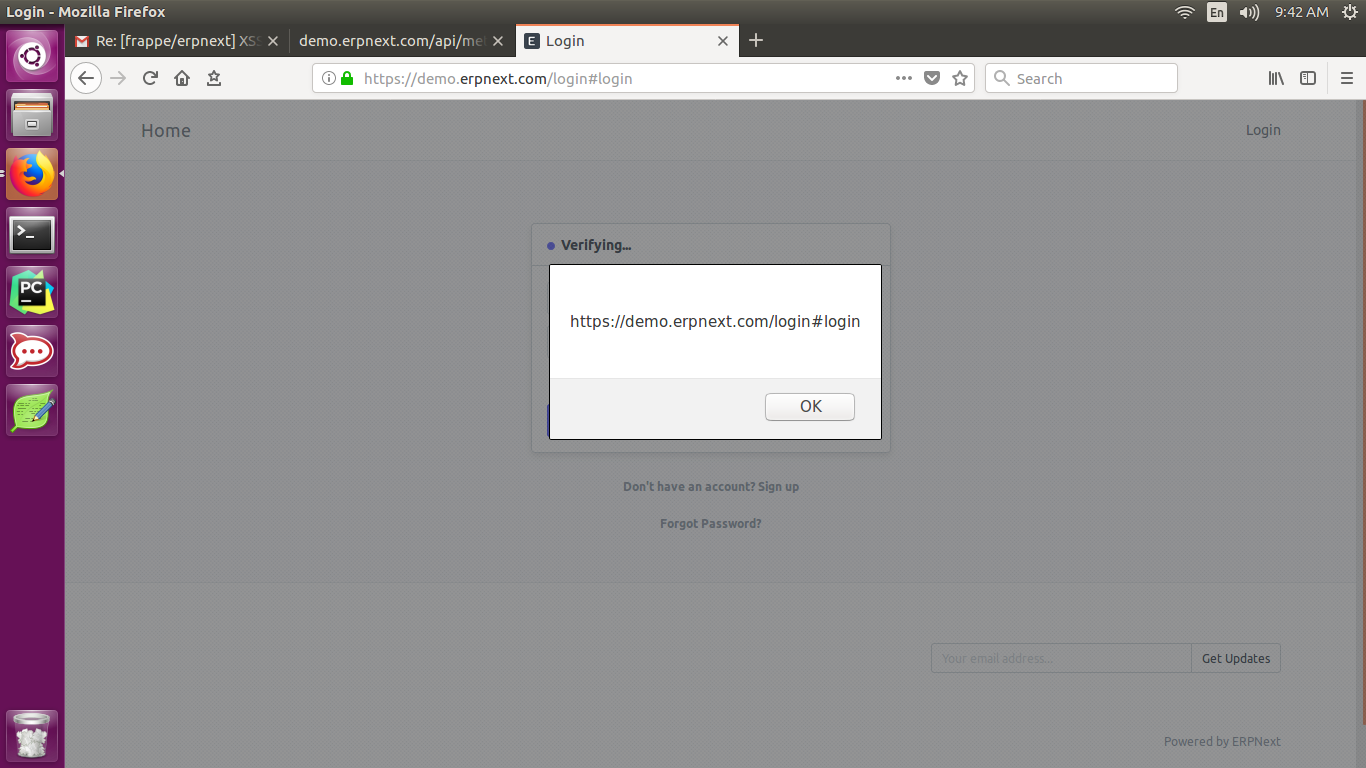
I can replicate it on the demo. No, is not related to the configuration,
its in the handling user input without any validation you must validate the
user input before it goes to the server or try to escape dynamic content
example from " to  .
Let me know if there's i can do.
Best Regards,
Kent Bayron
kentbayron
on 29 Nov 2017
Well spotted @kentbayron as this is a major security flaw. All text fields should be sanitised. Not just the login one. Thanks again @kentbayron
 system19
on 29 Nov 2017
system19
on 29 Nov 2017
This is not replicable on my instance (although it is an older ERPNext version). I did a quick google search for other instances, and only found one instance with this issue (out of 10). Most instances properly return an "Invalid Login" message.
felixvarghese
on 29 Nov 2017
Hello,
I just install latest erpnext version yesterday and also i test it on the
demo.erpnext.com earlier.
and the bug is still there.
On Wed, Nov 29, 2017 at 1:16 PM, felixvarghese notifications@github.com
wrote:
This is not replicable on my instance (although it is an older ERPNext
version). I did a quick google search for other instances, and only found
one instance with this issue (out of 10). Most instances properly return an
"Invalid Login" message.—
You are receiving this because you were mentioned.
Reply to this email directly, view it on GitHub
https://github.com/frappe/erpnext/issues/11750#issuecomment-347755638,
or mute the thread
https://github.com/notifications/unsubscribe-auth/AQJZGEWEcyHWS3vjQ7mJQ9ZOplROhqIAks5s7OiugaJpZM4QsjM_
.
kentbayron
on 29 Nov 2017
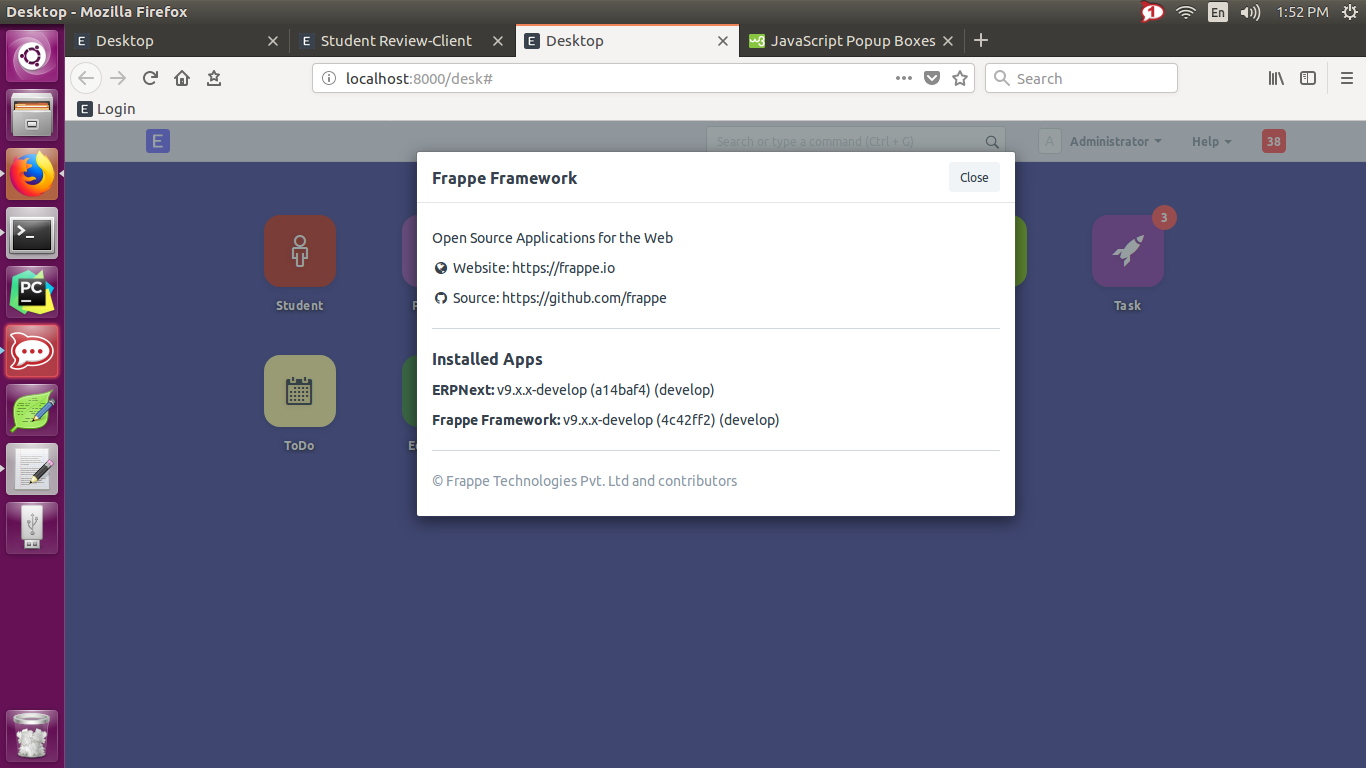
Installed Apps
ERPNext: v9.x.x-develop (a14baf4) (develop)
Frappe Framework: v9.x.x-develop (4c42ff2) (develop)
kentbayron
on 29 Nov 2017
So, this has been fixed for Login as of now. The problem is as follows:
frappe.callstringifies arguments (All good).frappe.throw(depends onfrappe.msgprint), sends back non-sanitised strings. This causes the client side to accept the message as a string which appends to the DOM HTML (Check offrappe.msgprint Client inweb.js`).
My take, this is more than a simple fix.
- Any server-side strings must be sanitized via
jinja2.escape(already a dependency). Let's figure out where exactly this is needed. - The receiver end on the client-side must attach safe sanitised messages received at the other end. This is because, for many cases the body receives direct "unsafe" strings that directly get attached to the DOM (and thereby triggers the same).
 achillesrasquinha
on 29 Nov 2017
achillesrasquinha
on 29 Nov 2017
Hello,
I can confirm that its fix now, i already tested it in my machine and the script is not popping anymore.
Regards,
Kent
kentbayron
on 1 Dec 2017
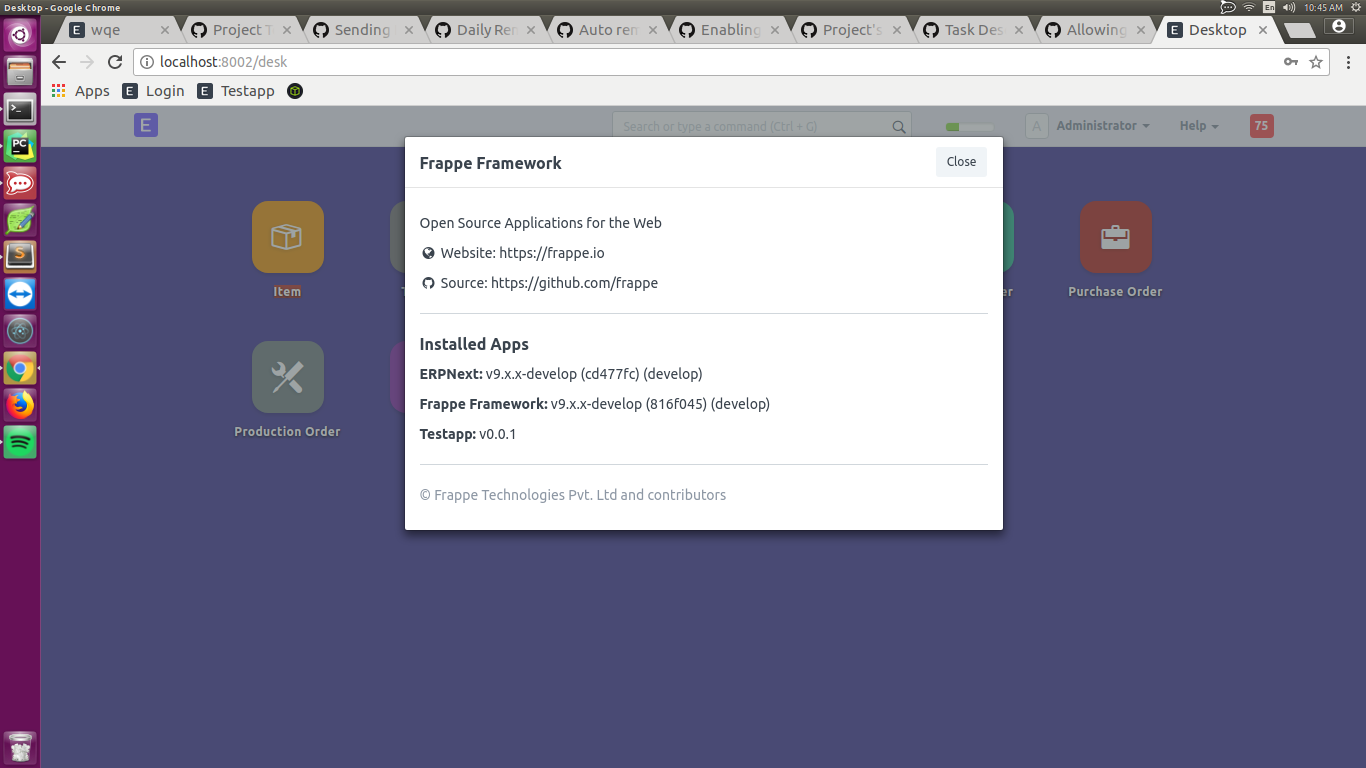
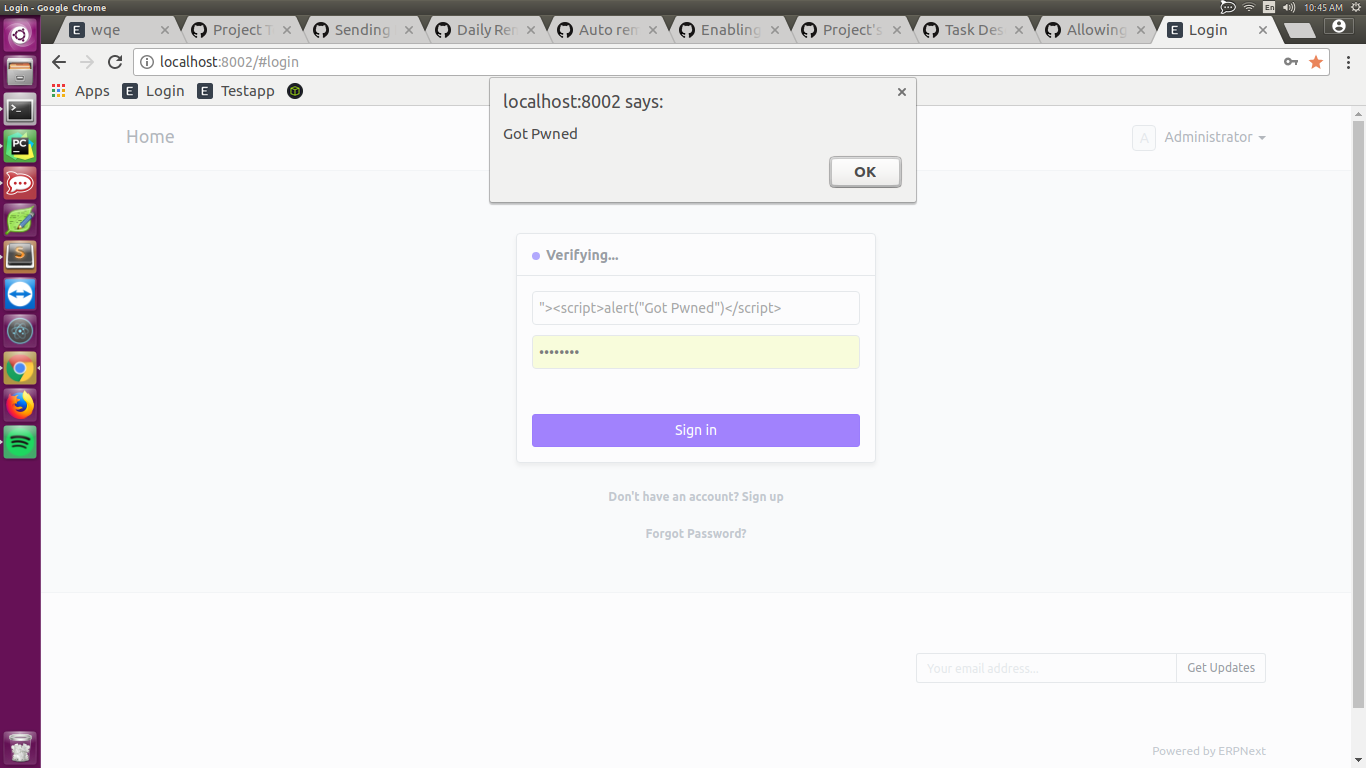
Hello Team,
I tested again the login page but it seems the XSS bug is still there, i can alert a pop up box.
You may take a a look.
kentbayron
on 15 Dec 2017
Hi, the fix was recently patched 2 days ago. Can you confirm on the latest develop branch? You seem to be on a branch that's 10 days old.
Link to Fix - 4560
achillesrasquinha
on 15 Dec 2017
If fixed, please close the issue. Thanks!
achillesrasquinha
on 15 Dec 2017
Please reopen if issue still persists
 tundebabzy
on 27 Dec 2017
tundebabzy
on 27 Dec 2017
Hi! Awesome, its already fixed!
Regards,
Kent Bayron
kentbayron
on 5 Jan 2018
Related issues
 heyakyra
·
4Comments
heyakyra
·
4Comments
 Fredoluka
·
3Comments
Fredoluka
·
3Comments
 jboilesen
·
3Comments
jboilesen
·
3Comments
 mubeenmazhar
·
4Comments
mubeenmazhar
·
4Comments
 ioweb-gr
·
4Comments
ioweb-gr
·
4Comments
Most helpful comment
Well spotted @kentbayron as this is a major security flaw. All text fields should be sanitised. Not just the login one. Thanks again @kentbayron