Enterprise-ng: Lookup: When used in a form array the lookup only works for the last row in the array
Describe the bug
When using an input field with lookup in a reactive form array the lookup only work for the last row in the array.
To Reproduce
Steps to reproduce the behavior:
- I have a reactive form array with one input field with a lookup.
- When adding a new row in the array the lookup only works for the last row but not for the preceding rows.
Expected behavior
The same lookup should be displayed for all lookup fields in the form array regardless if it's the last row or not.
Version
- ids-enterprise: 4.32.0
- ids-enterprise-ng: 7.6.0
Screenshots
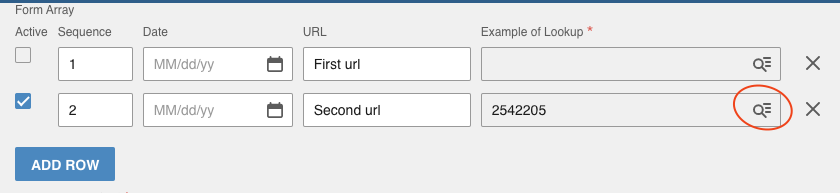
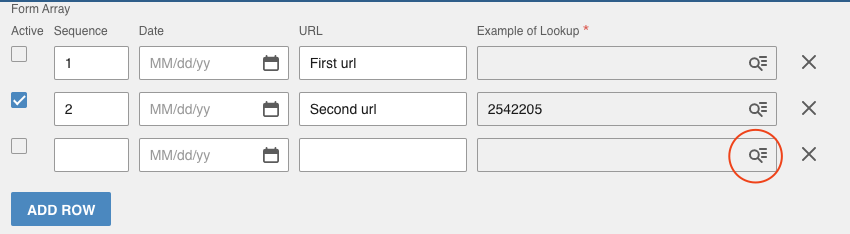
My dynamic form array with a lookup field:
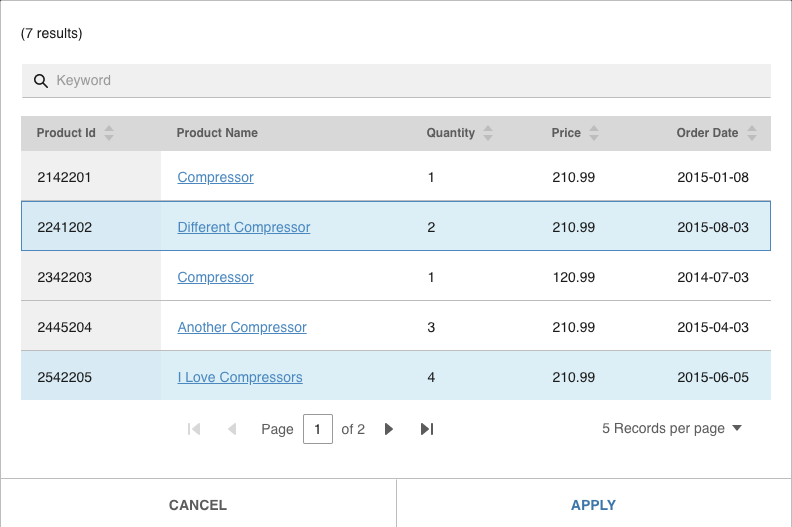
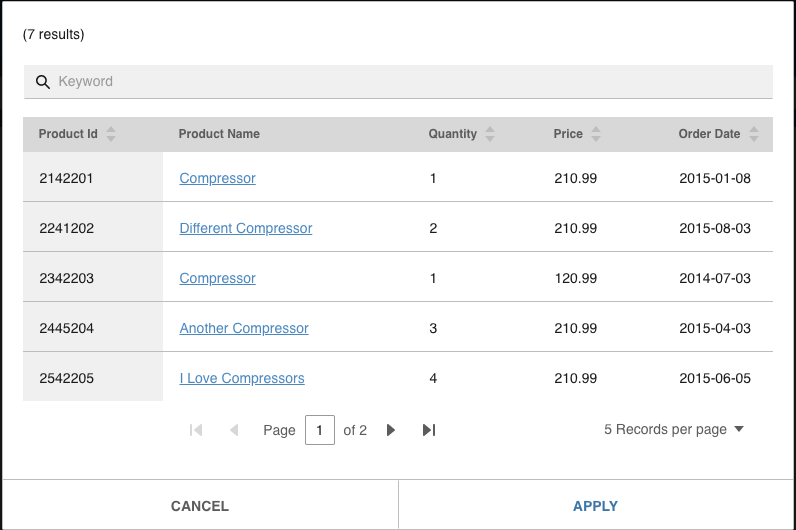
I press the lookup button and the lookup is displayed:
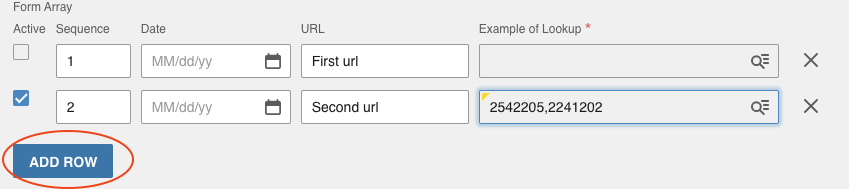
I then add a new row:
After that I press the lookup button on the same row as before:
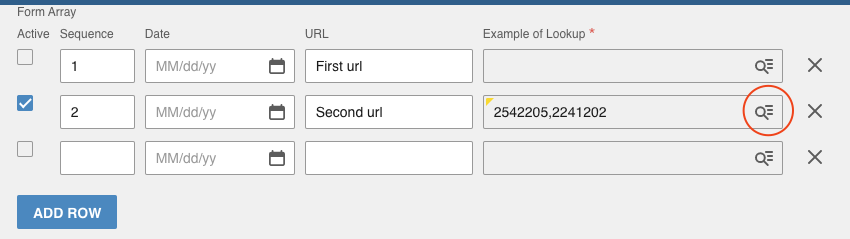
But this time the lookup contains this:
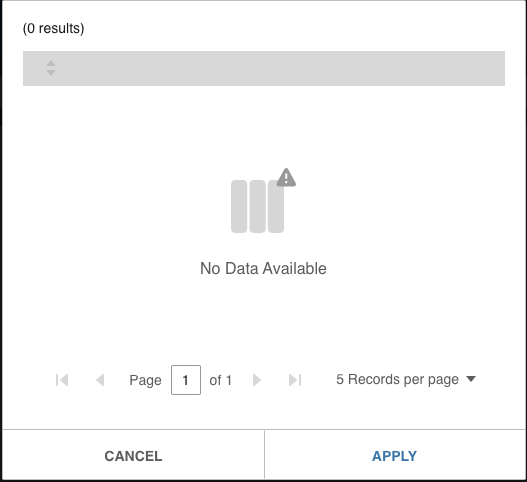
But if I press on the lookup button on the last row in the array it works, but not for the preceding rows:
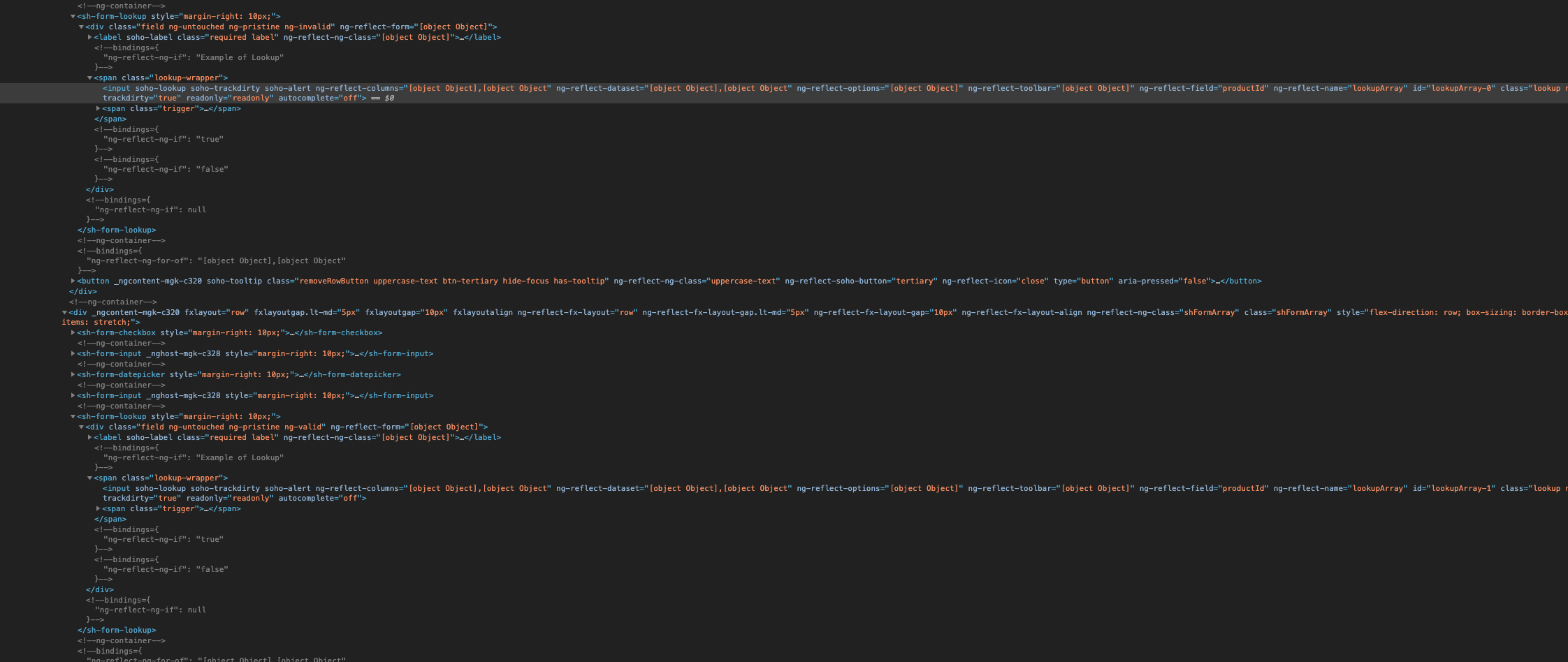
This is how the generated html looks like if that can be to any help:
 ablomq
All 4 comments
Can you make / attach a replication (stackblitz?) as im not sure we would be able to solve this given the current info.
 tmcconechy
on 25 Nov 2020
tmcconechy
on 25 Nov 2020
Do we have an existing stackblitz workspace I can use? Would be nice if we could have i.e. IdsEnterpriseNgQuickstart available on stackblitz to ease the burden of setting up a new project.
ablomq
on 25 Nov 2020
Yes i made one off the quickstart as mentioned you can fork from here https://stackblitz.com/edit/ids-quick-start
tmcconechy
on 25 Nov 2020
The issue was with passing the value to the lookup component. I solved the issue in my code so no further action is required.
ablomq
on 30 Nov 2020
Related issues
 clepore
·
3Comments
clepore
·
3Comments
 hemantg05
·
5Comments
hemantg05
·
5Comments
 ayoayco
·
3Comments
ayoayco
·
3Comments
 ahnpnl
·
7Comments
ahnpnl
·
7Comments
 Fruko
·
4Comments
Fruko
·
4Comments