Elasticsuite: Override Magento\Catalog\Model\Layer doesn't work as expected
Basically, I want to auto-apply a custom attribute filter whenever I navigate to Category listing and search results page. Say, the attribute code is "my_custom_attribute".
Preconditions
Configure 2 products with "my_custom_attribute", set value to "1".
Magento Version : Magento CE 2.1.8
ElasticSuite Version : 2.3.5
Environment : Developer
Steps to reproduce
- Added a plugin in my custom module, below is the snippet:
public function beforePrepareProductCollection(
        \Magento\Catalog\Model\Layer $layer,
        \Magento\Catalog\Model\ResourceModel\Collection\AbstractCollection $collection
    )
{
       $collection->addAttributeToFilter('my_custom_attribute', array('eq' => '1'));
}
- Below is the di.xml:
<type name="Magento\Catalog\Model\Layer">
        <plugin sortOrder="1" name="customCategoryFilter"
                type="Vendor\CustomModule\Plugin\LayerPlugin"/>
    </type>
Expected result
- Navigate to category page.
- We see the 2 products which have "my_custom_attribute" value as "1".
Actual result
- Navigate to category page.
- We see only 1 product having "my_custom_attribute" value as "1". When I change the sort order I get the other product. PFB screenshot:
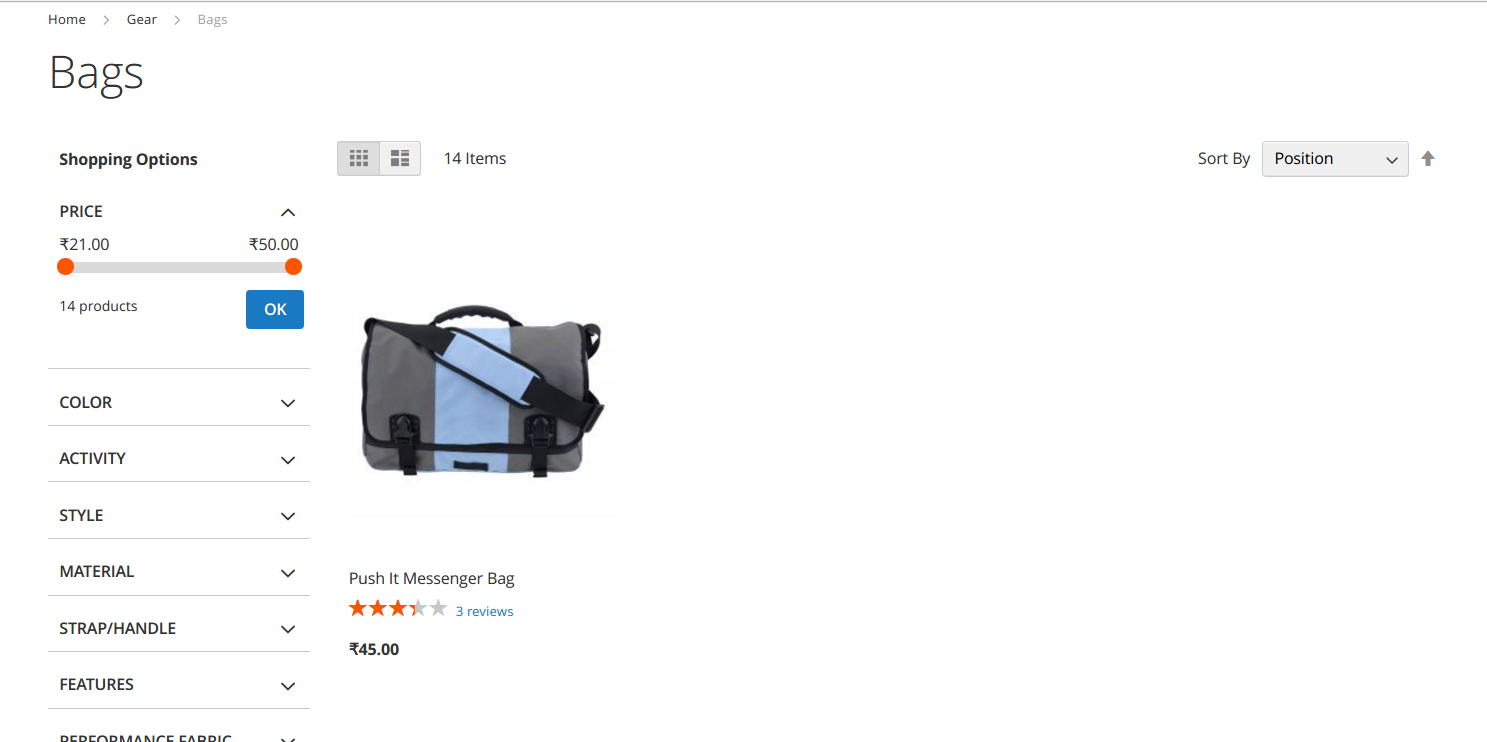
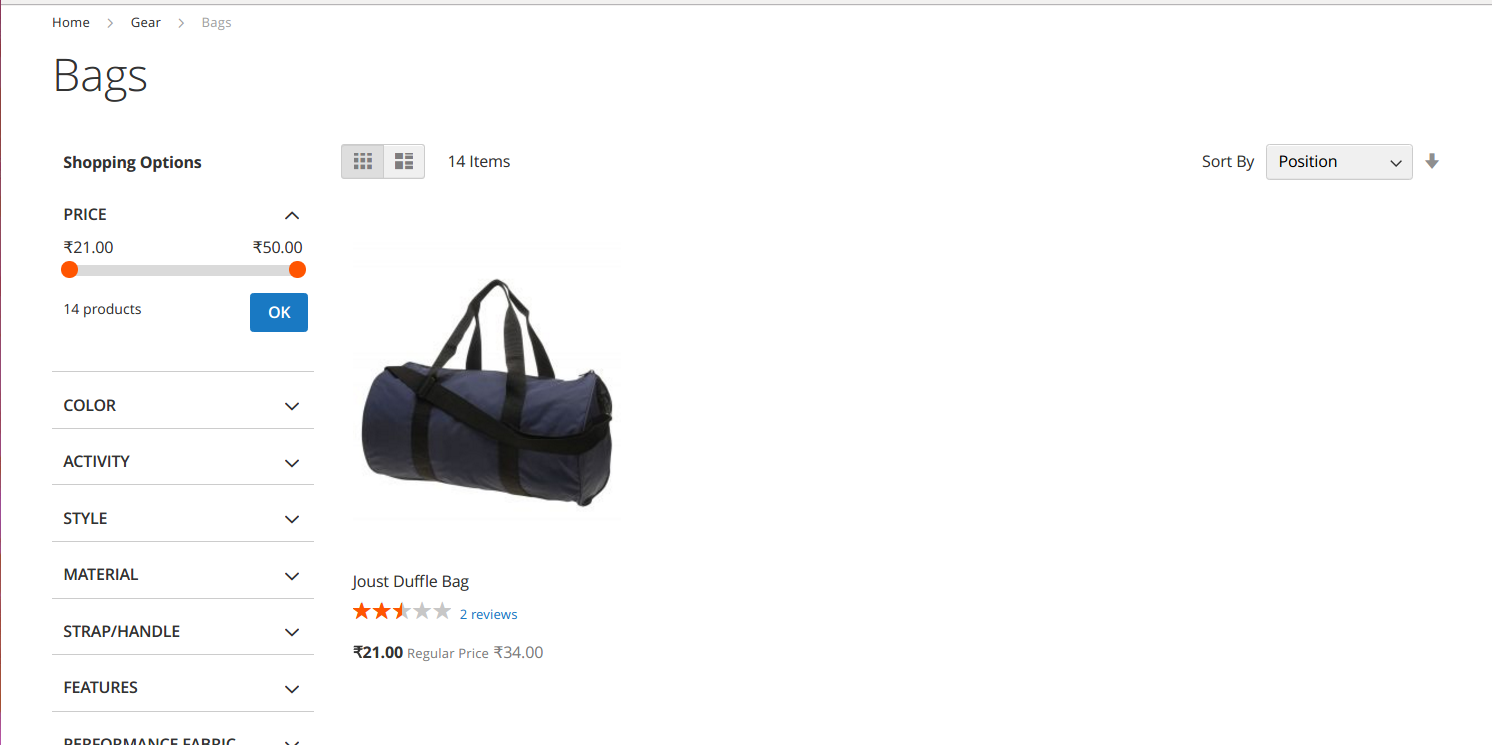
Note: I noticed that Smile\ElasticsuiteCatalog is also overriding Magento\Catalog\Model\Layer. And when I logged the product collection query it looks like there is a product ID filter in the WHERE clause, which is causing this behaviour (correct me if I'm wrong).
Could you please suggest a way to add a custom attribute filter so that I get the results as expected?
 ShirishRam
All 3 comments
Hello @ShirishRam
This is due to the fact that when using a Smile\ElasticsuiteCatalog\Model\ResourceModel\Product\Fulltext\Collection, which is the case of the Layer Collection when Elasticsuite is enabled, you should use addFieldToFilter method instead of addAttributeToFilter.
This is due to the fact that addFieldToFilter will add the field to the Elasticsearch query, whereas addAttributeToFilter will add it to the SQL query.
The workflow here is actually the following :
- 1 : aggregating all fields to filter and the fulltext query string if any
- 2 : compute all these filters into the Elasticsearch query
- 3 : ask Elasticsearch for matching product Ids
- 4 : put these product Ids into the SQL query filter
- 5 : return the collection
If you are using addAttributeToFilter, you are adding a filter on step 4, which cannot work properly. You should ensure that your attribute is set to "filterable" and "filterable_in_search" and add it to step 1 by doing rather this in your plugin : $collection->addFieldToFilter('my_custom_attribute', ['eq' => '1'])
But this points us a thing : maybe we should also override the addAttributeToFilter method of our custom collection, to ensure consistency and prevent our fellow users having trouble to add custom filtering.
@afoucret what do you think about it ? I keep the issue for now as a reminder for us that this point should be demystified.
Best regards,
 romainruaud
on 22 Sep 2017
romainruaud
on 22 Sep 2017
It works like a charm! Thanks a lot @romainruaud!!
Also thanks for the explanation, it cleared my doubts.
ShirishRam
on 22 Sep 2017
Thank you so much @romainruaud, I struggled a lot with filtering product collection and the changes didn't affect Toolbar and Layer, It slipped my mind that Smile Elasticsuite was messing with my collection. Thanks again
 medjabir
on 1 Nov 2020
medjabir
on 1 Nov 2020
Related issues
 ghost
·
4Comments
ghost
·
4Comments
 KholdenSP
·
5Comments
KholdenSP
·
5Comments
 tschirmer
·
4Comments
tschirmer
·
4Comments
 JonathanBBD
·
3Comments
JonathanBBD
·
3Comments
 vahir2016
·
4Comments
vahir2016
·
4Comments
Most helpful comment
Hello @ShirishRam
This is due to the fact that when using a
Smile\ElasticsuiteCatalog\Model\ResourceModel\Product\Fulltext\Collection, which is the case of the Layer Collection when Elasticsuite is enabled, you should useaddFieldToFiltermethod instead ofaddAttributeToFilter.This is due to the fact that
addFieldToFilterwill add the field to the Elasticsearch query, whereasaddAttributeToFilterwill add it to the SQL query.The workflow here is actually the following :
If you are using
addAttributeToFilter, you are adding a filter on step 4, which cannot work properly. You should ensure that your attribute is set to "filterable" and "filterable_in_search" and add it to step 1 by doing rather this in your plugin :$collection->addFieldToFilter('my_custom_attribute', ['eq' => '1'])But this points us a thing : maybe we should also override the addAttributeToFilter method of our custom collection, to ensure consistency and prevent our fellow users having trouble to add custom filtering.
@afoucret what do you think about it ? I keep the issue for now as a reminder for us that this point should be demystified.
Best regards,