Ebiten: fullscreen displaced with fractional scale on linux (Cinnamon)
Hi, when running the full-screen example on Linux with fractional scaling the whole screen is displaced.
I'm using Linux Mint 20 that is base on Ubuntu Focal (20.04 LTS), and I've set the fractional scale to 150%

When I run the example you could see in this screenshot that the screen is displaced, and also it reports that the scaling is 2.0

First, I decide to check if I could fix it, I modify the way that ebiten get the full-screen scale for Linux Mint, so I forked and modify how the scale is calculated for cinnamon
func getCinnamonPrimaryMonitorScale() (scale float64) {
    scale = 0
    // getting current user is cached
    usr, _ := user.Current()
    if xmlFile, err := os.Open(filepath.Join(usr.HomeDir, cinnamonCfg)); err == nil {
        //goland:noinspection GoUnhandledErrorResult
        defer xmlFile.Close()
        if byteValue, err := ioutil.ReadAll(xmlFile); err == nil {
            var monitors cinnamonMonitorsConfig
            if err = xml.Unmarshal(byteValue, &monitors); err == nil {
                // base scale for all monitors
                scale = monitors.Configuration.BaseScale
                // for each monitor, get primary monitor scale
                for _, v := range monitors.Configuration.Output {
                    if v.Primary {
                        // we could not have a scale per monitor
                        if v.Scale != 0.0 {
                            scale = v.Scale
                        }
                        break
                    }
                }
            }
        }
    }

    // retro-compatibility / fallback
    if scale == 0 {
        scale = cinnamonScale()
    }

    return
}
More details here https://github.com/juan-medina/ebiten/blob/36f32f9c096708573760b87a47e7579eb68029aa/internal/devicescale/impl_unix.go
This retrieves correctly the fractional scaling, in my device is 1.5 instead of 2.0 that the previous method reports.
However, the example still not correct.
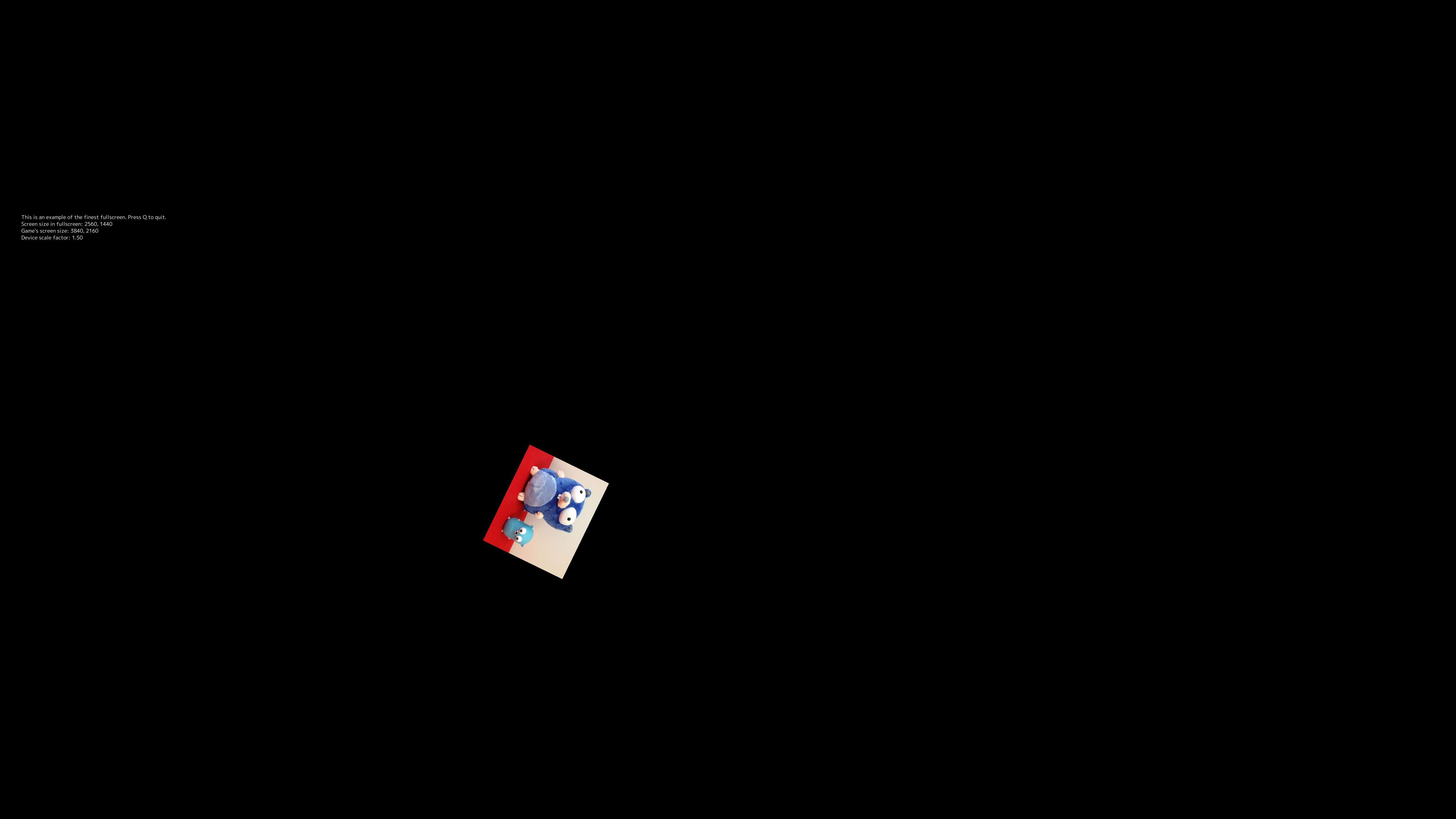
it shows the scale to 1.5, but the screen still displaced.
Any ideas what next to check? It may be related to calculating the full-screen size?
 juan-medina
All 21 comments
Hi, thank you for reporting!
It looks like there are two monitors. Are these fractional scale 1.5?
 hajimehoshi
on 16 Aug 2020
hajimehoshi
on 16 Aug 2020
yes, they are, I going to upload how it show / report on windows with exactly the same setup, give me a sec
juan-medina
on 16 Aug 2020
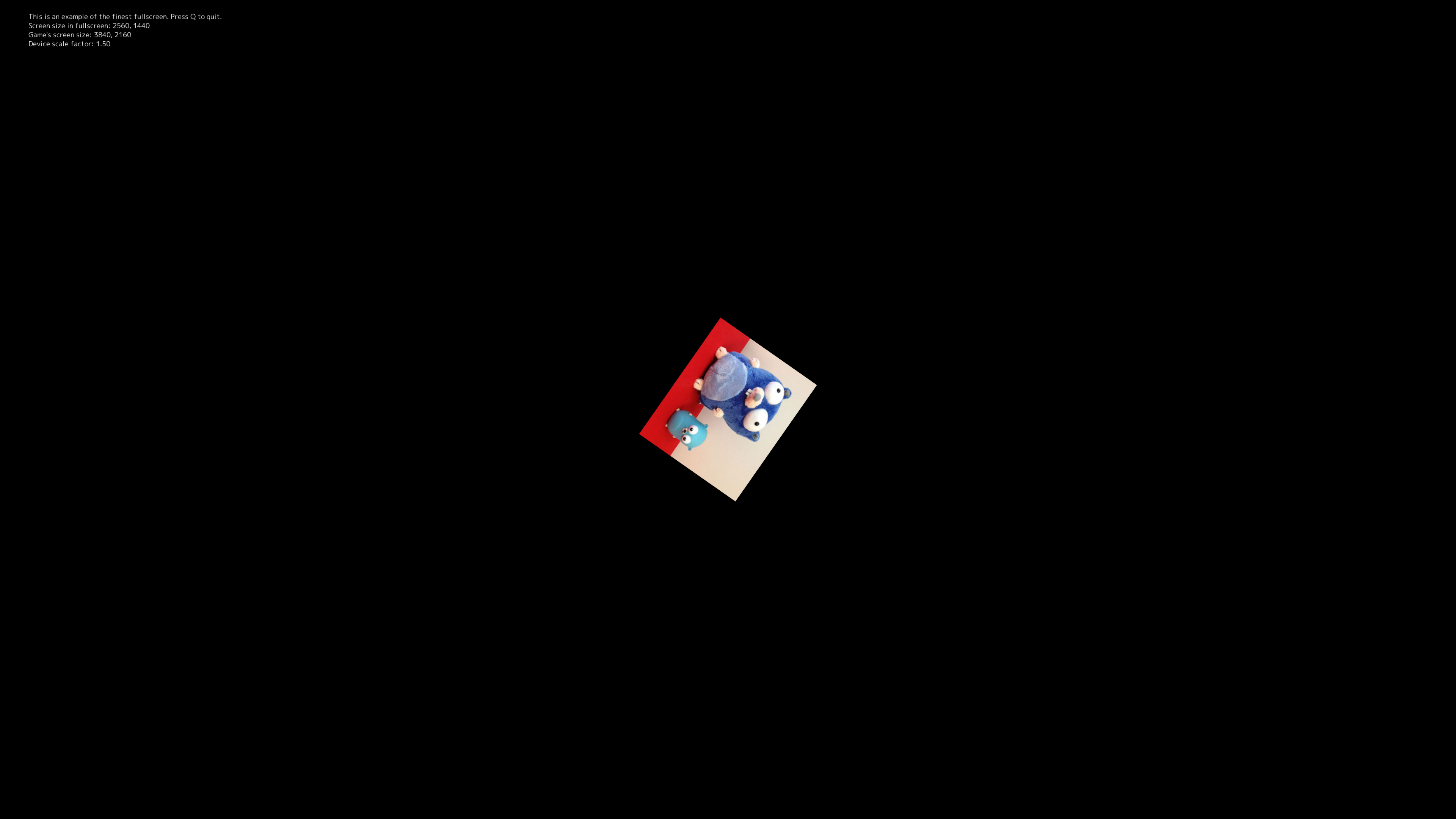
Same setup on Windows.
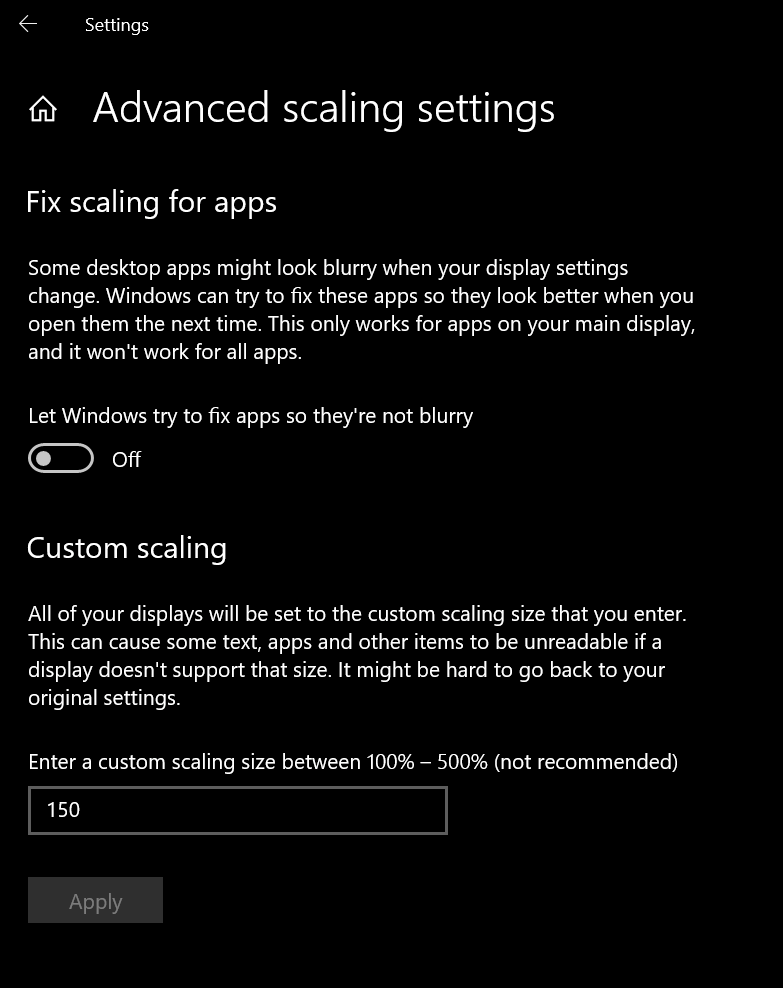
Scale looks the same but is not displaced
juan-medina
on 16 Aug 2020
Thanks. So with your fix, devicescale.GetAt returns 1.5 instead of 2.
Another issue might be that getting a monitor size (glfw.GetMonitors) didn't work correctly on Cinnamon.
I appreciate your feedback. I'll take a look this later...
hajimehoshi
on 16 Aug 2020
I both windows and Linux screen size in full screen and the game screen size are reported with the same values, as you could read on the screenshots so I assume the screen size is calculated correctly.
Is kind of when the framebuffer is drawn on the window is shifted, maybe is related to how the context for drawing is created on that windows that is created, I've searched on the code base and I could not find a place that behaves differently on Linux at runtime.
Maybe is glfw the one messing up the thing, where the context to drawn is created so I could debug it?
juan-medina
on 16 Aug 2020
Thank you for investigating!
Maybe is glfw the one messing up the thing, where the context to drawn is created so I could debug it?
Good point. If we could test a fullscreen application with GLFW in C (or even go-gl/glfw), and find the same issue, we could say that this was an issue in GLFW rather than Ebiten.
hajimehoshi
on 16 Aug 2020
it may be related to this https://github.com/glfw/glfw/issues/1060 I'll try to do a c example next week to verify first if happen in glfw using fractional scaling.
juan-medina
on 16 Aug 2020
I've tested on my Linux setup with fractional scale at 1.5 with modifying the following examples
C examples of glfw in full screen
https://github.com/glfw/glfw/blob/master/examples/boing.c
-   window = glfwCreateWindow( 400, 400, "Boing (classic Amiga demo)", NULL, NULL );
+   GLFWmonitor *monitor = glfwGetPrimaryMonitor();
+   const GLFWvidmode *mode = glfwGetVideoMode(monitor);
+
+   window = glfwCreateWindow(mode->width, mode->height, "Boing (classic Amiga demo)", monitor, NULL);
Go example on go-gl that uses glfw
https://github.com/go-gl/example/blob/master/gl41core-cube/cube.go
-       window, err := glfw.CreateWindow(windowWidth, windowHeight, "Cube", nil, nil)
+
+       monitor := glfw.GetPrimaryMonitor()
+       mode := monitor.GetVideoMode()
+
+       window, err := glfw.CreateWindow(mode.Width, mode.Height, "Cube", monitor, nil)
Finally, just in case I tested on Pixel on go
https://github.com/faiface/pixel-examples/blob/master/platformer/main.go
+       monitor := pixelgl.PrimaryMonitor()
        cfg := pixelgl.WindowConfig{
                Title:  "Platformer",
-               Bounds: pixel.R(0, 0, 1024, 768),
+               Bounds: pixel.R(0, 0, 3840, 2160),
                VSync:  true,
+               Monitor: monitor,
All of them works, so, unfortunately, is an ebiten issue.
juan-medina
on 17 Aug 2020
Thank you for confirming!
So, probably caching the device scale factor or the monitor size might cause the issue, but I am not confident. Hmm
hajimehoshi
on 17 Aug 2020
I'm trying to install Cinnamon 4 (probably 2 didn't have the option for the scales)
hajimehoshi
on 17 Aug 2020
https://www.omgubuntu.co.uk/2020/02/cinnamon-desktop-fractional-scaling-support
OK I need Cinnamon 4.6....
hajimehoshi
on 17 Aug 2020
Looks like the latest Cinnamon version is 4.2.4 by default (Mint 19). Do I have to update /etc/apt/sources.list to get Cinnamon 4.6?
EDIT: Succeeded to update to Mint 20 and Cinnamon, and found the fractional scale option, but it looks like this didn't work with Parallels desktop (ver 15) :-/
EDIT2: The fractional scale didn't work even with Parallels 16 :-/
hajimehoshi
on 17 Aug 2020
yes, sorry I've Cinnamon 4.6.7 and Linux Mint 20
The fractional scale is as well available in ubuntu 20.04 and you could run it easily with multipass, runs on windows and mac.
juan-medina
on 17 Aug 2020
@juan-medina ~I think this doesn't happen on the primary display.~
The root cause is that currentMonitorFromPosition is not implemented on Linux. I'll take a look.
hajimehoshi
on 23 Aug 2020
        theUI.initMonitor = currentMonitorByOS(w)
        v := theUI.initMonitor.GetVideoMode()
        theUI.initFullscreenWidthInDP = int(theUI.toDeviceIndependentPixel(float64(v.Width)))
        theUI.initFullscreenHeightInDP = int(theUI.toDeviceIndependentPixel(float64(v.Height)))
currentMonitorByOS (renamed from currentMonitorFromPosition) is not well implemented on Linux and always returns the primary monitor so far. Then, initFullscreenWidthInDP/HeightInDP are set with wrong numbers.
hajimehoshi
on 23 Aug 2020
nice, you are doing good progress, let me know if there something that I can help
juan-medina
on 23 Aug 2020
@juan-medina I'm not familiar with cinnamon-monitors.xml, but if there are multiple <configuration> elements, which configuration should be adopted?
I've committed the code to read the XML based on your snippet. Thanks!
hajimehoshi
on 12 Sep 2020
@juan-medina I'm not familiar with
cinnamon-monitors.xml, but if there are multiple<configuration>elements, which configuration should be adopted?I've committed the code to read the XML based on your snippet. Thanks!
I think looking at the cinnamon code that it will only the one having scaling configuration
juan-medina
on 17 Sep 2020
OK, I found this is a very tricky situation.
||Which does GLFW's Monitor size scaled or not?|Which does GLFW's function to set the window position accept a scaled value or not?|
|-|-|-|
|Windows|Scaled|Scaled|
|macOS|Not Scaled|Not Scaled|
|Linux/UNIX|Scaled?|Not scaled?|
Linux's scaling is a little complex (X Window has a scale factor, and Cinnamon has its own scale factor, IIUC). Ebiten tries to treat them as one, so probably GLFW doesn't expect such treatment.
Not only in the function to set the window position, there should be some wrong function usages around GLFW functions. I'll fix them asap.
hajimehoshi
on 17 Sep 2020
OK, I think this is fixed!
hajimehoshi
on 18 Sep 2020
There are still issues with Hi-DPI mode, but I'll be working on this as a different issue #1350.
hajimehoshi
on 18 Sep 2020
Related issues
 joaowiciuk
·
5Comments
hajimehoshi
·
5Comments
hajimehoshi
·
7Comments
joaowiciuk
·
5Comments
hajimehoshi
·
5Comments
hajimehoshi
·
7Comments
 cretz
·
4Comments
hajimehoshi
·
6Comments
cretz
·
4Comments
hajimehoshi
·
6Comments