Dxvk: Assassin's Creed III Remastered: no rendering
Hello,
When I launch this game, I only have a black screen. Game seems working since I can hear sounds. If I launch it from Win 10, running fine.
I made apitrace files from Win10 and Wine (without dxvk)
Thanks for your work.
Software information
Assassin's Creed III Remastered
System information
- GPU: GeForce GTX 970
- Driver: 430.40.0
- Wine version: 4.13
- DXVK version: 1.3.2-5-g1999ca9d
Apitrace files
Log files
d3d11.log:
ACIII_d3d11.logdxgi.log:
ACIII_dxgi.log
 d4rkf4b
All 7 comments
I did test this game at some point with DXVK and it was working fine.
Can you please test DXVK 1.2.3 (and maybe 1.1.1) to find out if this is a regression?
 K0bin
on 12 Aug 2019
K0bin
on 12 Aug 2019
The Windows 10 apitrace replays fine, the trace recorded on Wine just doesn't actually draw anything because there are no shaders. This isn't a DXVK bug, you probably just need some d3dcompiler libraries..
Please post the full wine log.
 doitsujin
on 12 Aug 2019
doitsujin
on 12 Aug 2019
@K0bin
since 4 months of testing, I always had a black screen with wine and dxvk. Are You sure you talk about remastered version?
@doitsujin
What log do you want?
Perhaps my Wine apitrace are bad. On Win10, game is very slow when launching with apitrace. With wine and black screen, I perhaps stopped the game too early.
I have a file ACIII.dxvk-cache in directory.
d4rkf4b
on 12 Aug 2019
Still works perfectly fine for me. Yes, that is the remaster.
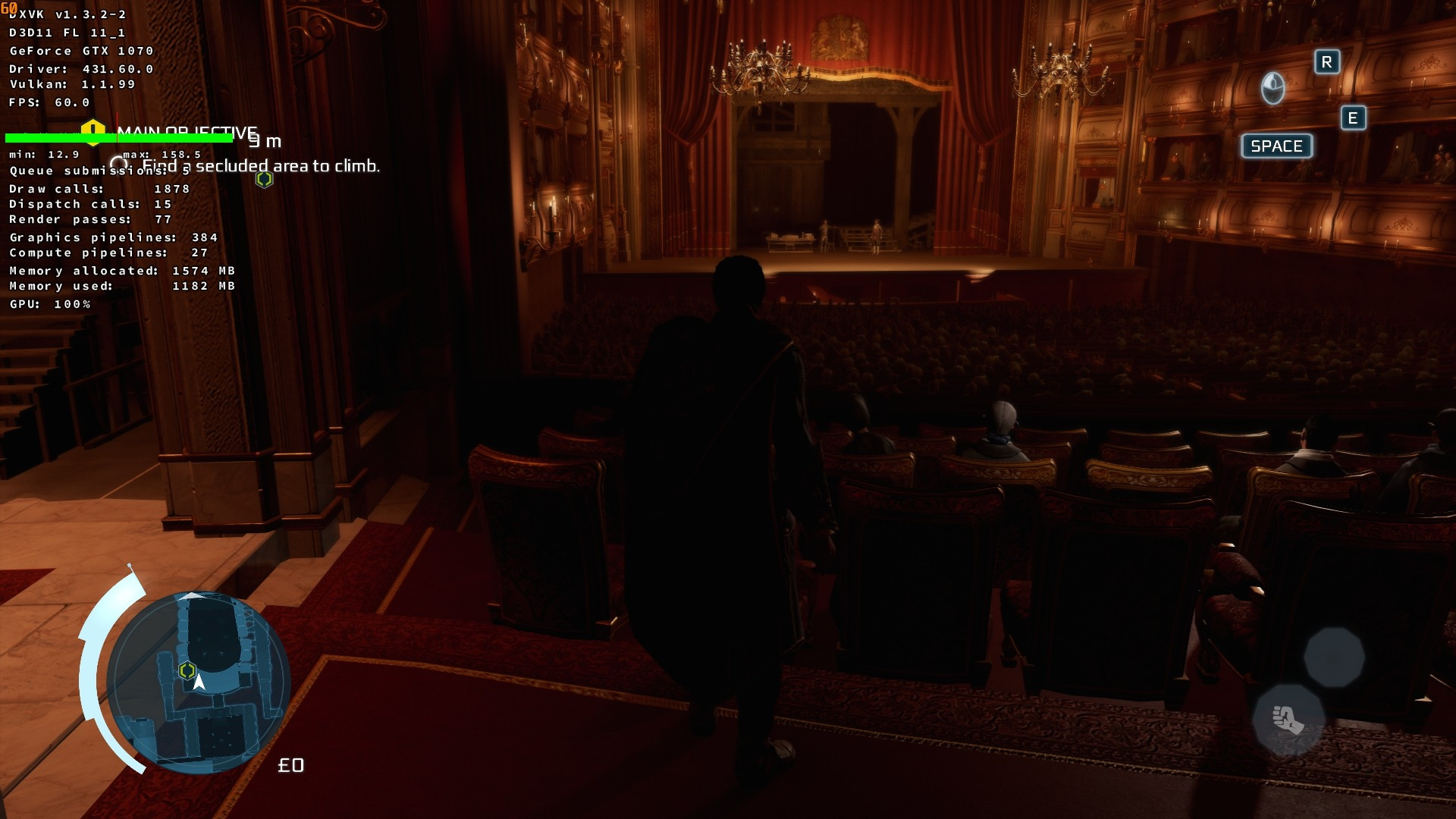
Perhaps my Wine apitrace are bad. On Win10, game is very slow when launching with apitrace. With wine and black screen, I perhaps stopped the game too early.
No, you did that correctly.
I have a file ACIII.dxvk-cache in directory.
That doesn't matter.
What log do you want?
The Wine terminal output from running the game. Ideally with WINEDEUBG=+loaddll or more logging. It should show whether the game needs D3DCompiler (and which version) which is likely the issue here.
K0bin
on 12 Aug 2019
You run it from Windows 10 (driver 431.60). Works fine for me too on it. That confirm this is wine related.
That proves DXVK works perfectly fine with the game and the bug is caused by Wine.
Wine logs are full of d3dcompiler messages. Installing Microsofts d3dcompiler (don't know if 43 or 47, just try both) should fix the issue for you.
K0bin
on 12 Aug 2019
002f:err:d3dcompiler:compile_shader HLSL shader parsing failed.
This confirms that this is a d3dcompiler issue. Running winetricks d3dcompiler_43 and winetricks d3dcompiler_47 on your prefix should fix the issue.
doitsujin
on 12 Aug 2019
Works fine now, Thanks
d4rkf4b
on 12 Aug 2019
Related issues
 yusdacra
·
4Comments
yusdacra
·
4Comments
 ThePiggyBanks
·
5Comments
ThePiggyBanks
·
5Comments
 linuxwrper
·
4Comments
linuxwrper
·
4Comments
 jekstrand
·
5Comments
jekstrand
·
4Comments
jekstrand
·
5Comments
jekstrand
·
4Comments
Most helpful comment
This confirms that this is a d3dcompiler issue. Running
winetricks d3dcompiler_43andwinetricks d3dcompiler_47on your prefix should fix the issue.