Docz: Can not show playground code after 11th line
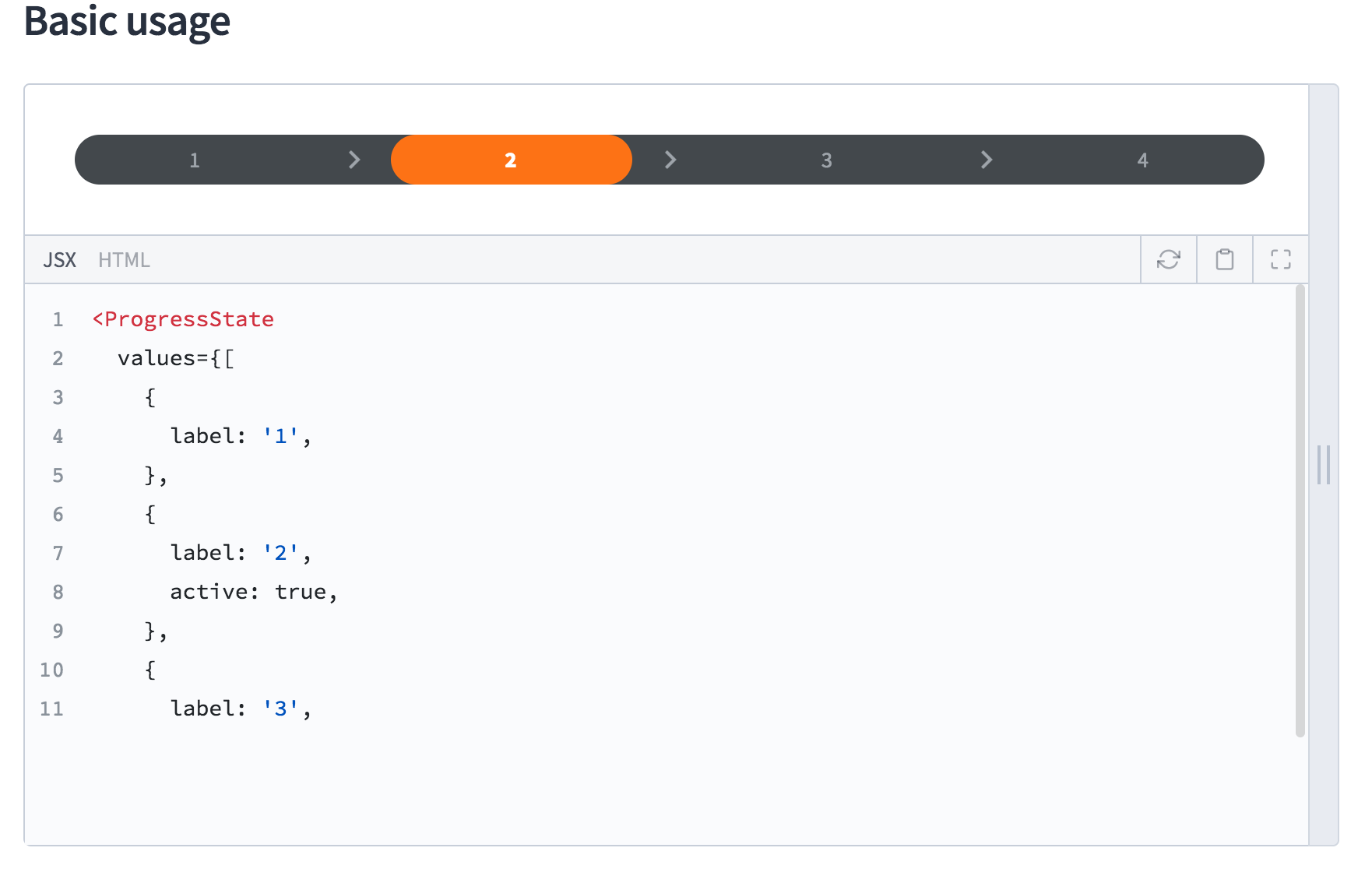
But you can see if you press 12th line
 iseongho
All 16 comments
Can you show the code that you're trying to render inside Playground?
 pedronauck
on 11 Sep 2018
pedronauck
on 11 Sep 2018
Yes all worked, but I can not see code after 11th line.
It is similar to overflow hidden in css.
iseongho
on 11 Sep 2018
Sure, can you show the code that you're using to reproduce this bug?
pedronauck
on 11 Sep 2018
This bug is worked all code of after 11th line.
---
menu: Components
name: Test
route: /components/test
---
import { Playground } from 'docz';
# Test
Test code
## Basic usage
<Playground>
<button>Click me</button>
<button>Click me</button>
<button>Click me</button>
<button>Click me</button>
<button>Click me</button>
<button>Click me</button>
<button>Click me</button>
<button>Click me</button>
<button>Click me</button>
<button>Click me</button>
<button>Click me</button>
<button>Click me</button>
<button>Click me</button>
<button>Click me</button>
</Playground>
My setting is flow, version 0.11.1 and life code is here
iseongho
on 11 Sep 2018
Sorry @iseongho, but I tried to run your code inside our flow example and this bug isn't happening:
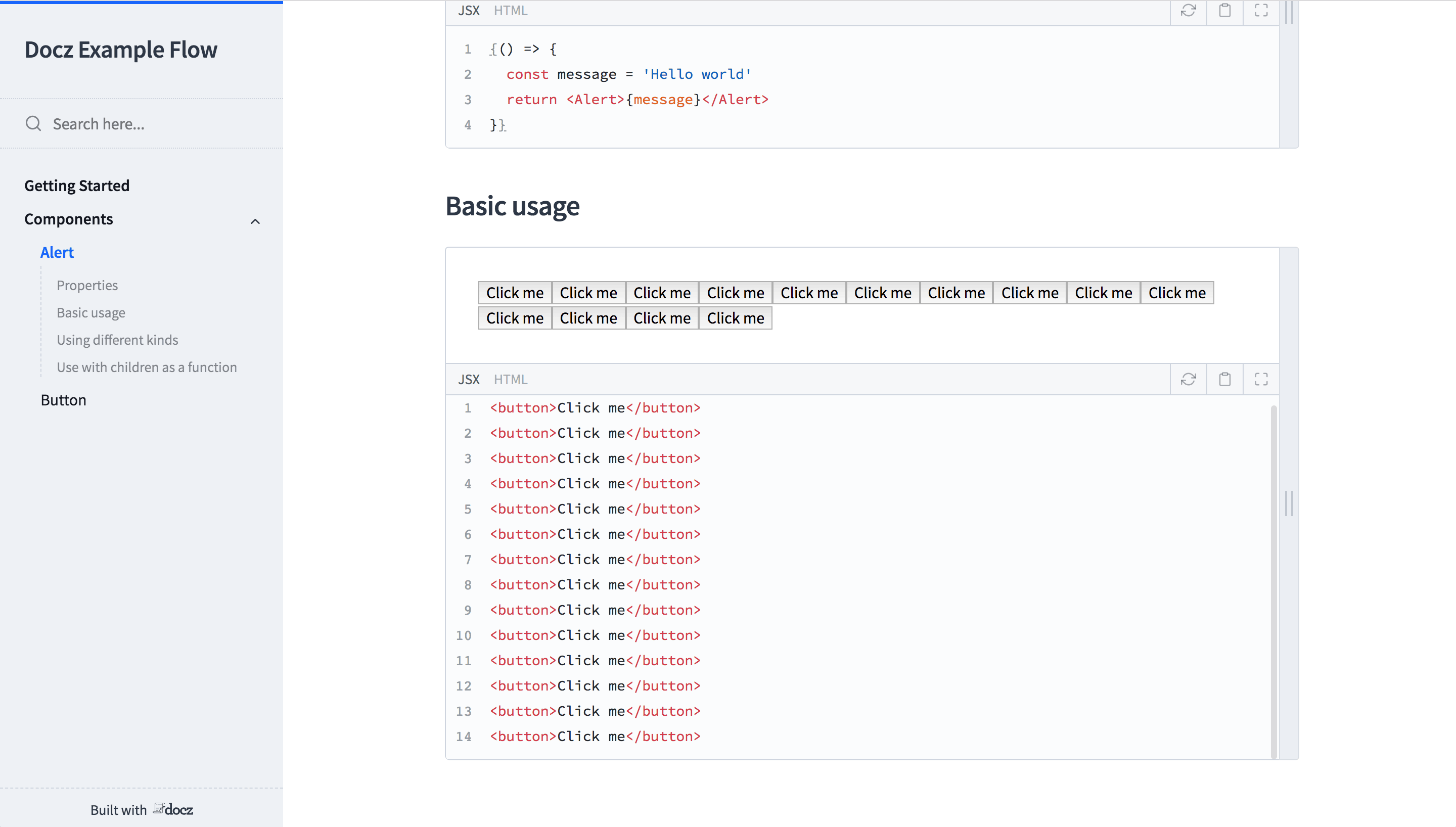
And your link doesn't open too 😕
pedronauck
on 11 Sep 2018
hm...
Are you write in browser?
This bug is worked only reload page after write mdx.
Or i don't know 😭
iseongho
on 11 Sep 2018
Confirmed the same issue with these dependencies:
"dependencies": {
"@material-ui/core": "^3.0.3",
"docz-theme-default": "^0.11.1",
"font-awesome": "^4.7.0",
"jest": "^23.5.0",
"react": "^16.4.2",
"react-dom": "^16.4.2",
"react-fontawesome": "^1.6.1",
"react-test-renderer": "^16.4.2",
"ts-jest": "^23.1.4",
"typeface-open-sans": "^0.0.54"
},
"devDependencies": {
"@babel/core": "^7.0.0-0",
"@types/classnames": "^2.2.6",
"@types/jest": "^23.3.1",
"@types/react": "^16.4.13",
"@types/react-dom": "^16.0.7",
"@types/react-test-renderer": "^16.0.2",
"babel-core": "^7.0.0-bridge.0",
"babel-loader": "^8.0.0",
"cpx": "^1.5.0",
"docz": "^0.11.1",
"docz-core": "^0.11.1",
"docz-plugin-css": "^0.11.0",
"ts-loader": "^4.5.0",
"tslint": "^5.11.0",
"tslint-eslint-rules": "^5.4.0",
"tslint-react": "^3.6.0",
"typescript": "^2.8.3",
"webpack": "^4.17.1"
},
and
node -v
v8.11.3
yarn -v
1.3.2
npm -v
6.4.1
I will try reproducing this in your TypeScript example.
 goldins
on 11 Sep 2018
goldins
on 11 Sep 2018
Confirmed in the TS example from v0.11.1, but I believe it's an issue in 0.11.2 as well.
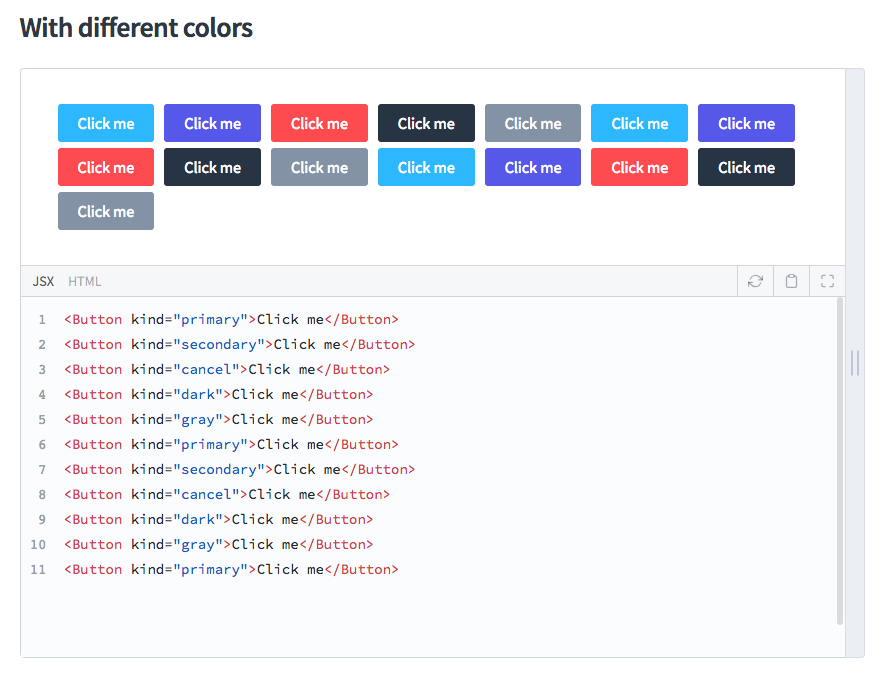
node -v
v9.11.2
yarn -v
1.3.2
npm -v
5.6.0
I had to add TypeScript to the package.json: "typescript": "^2.8.3"
goldins
on 11 Sep 2018
I can confirm this behavior for me as well.
You can test it here if you need.
This is the source code
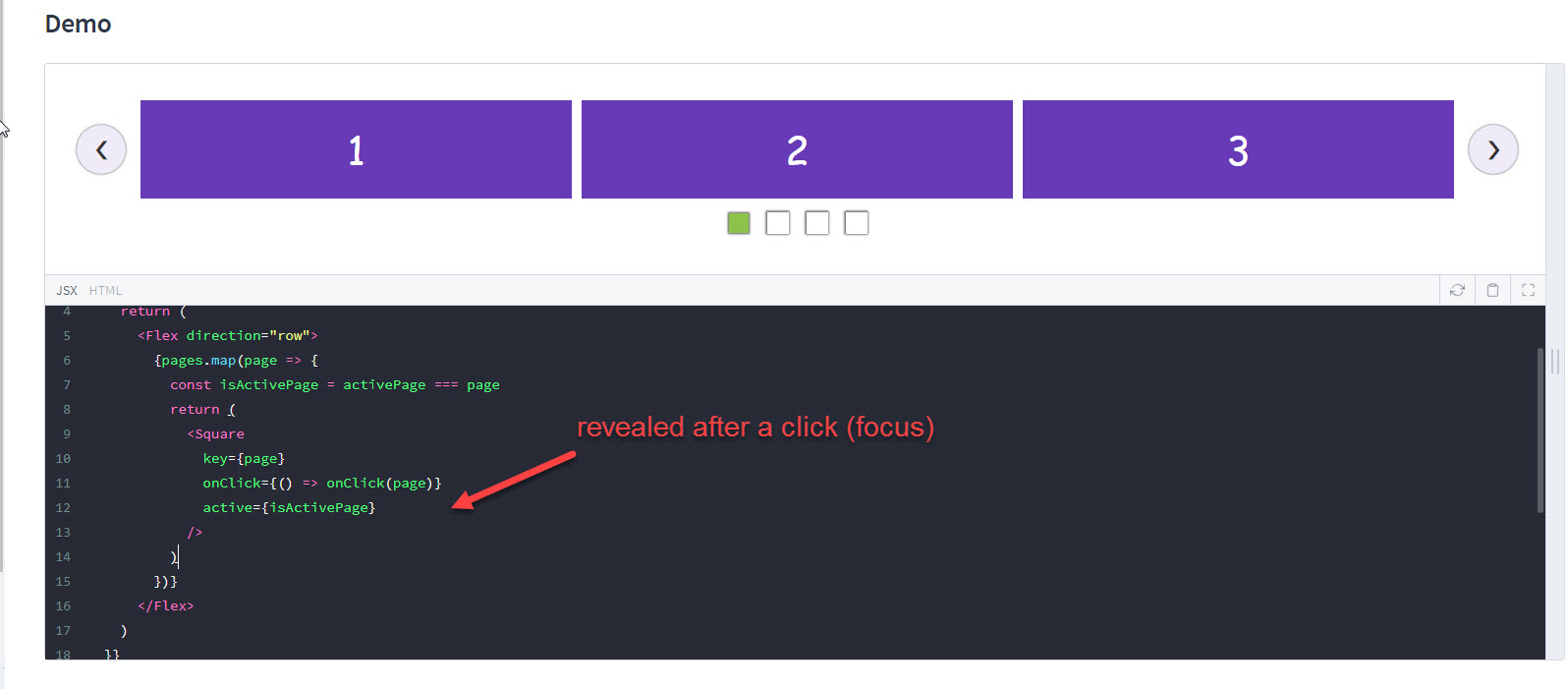
Screenshots:
- Before i focus the playground:
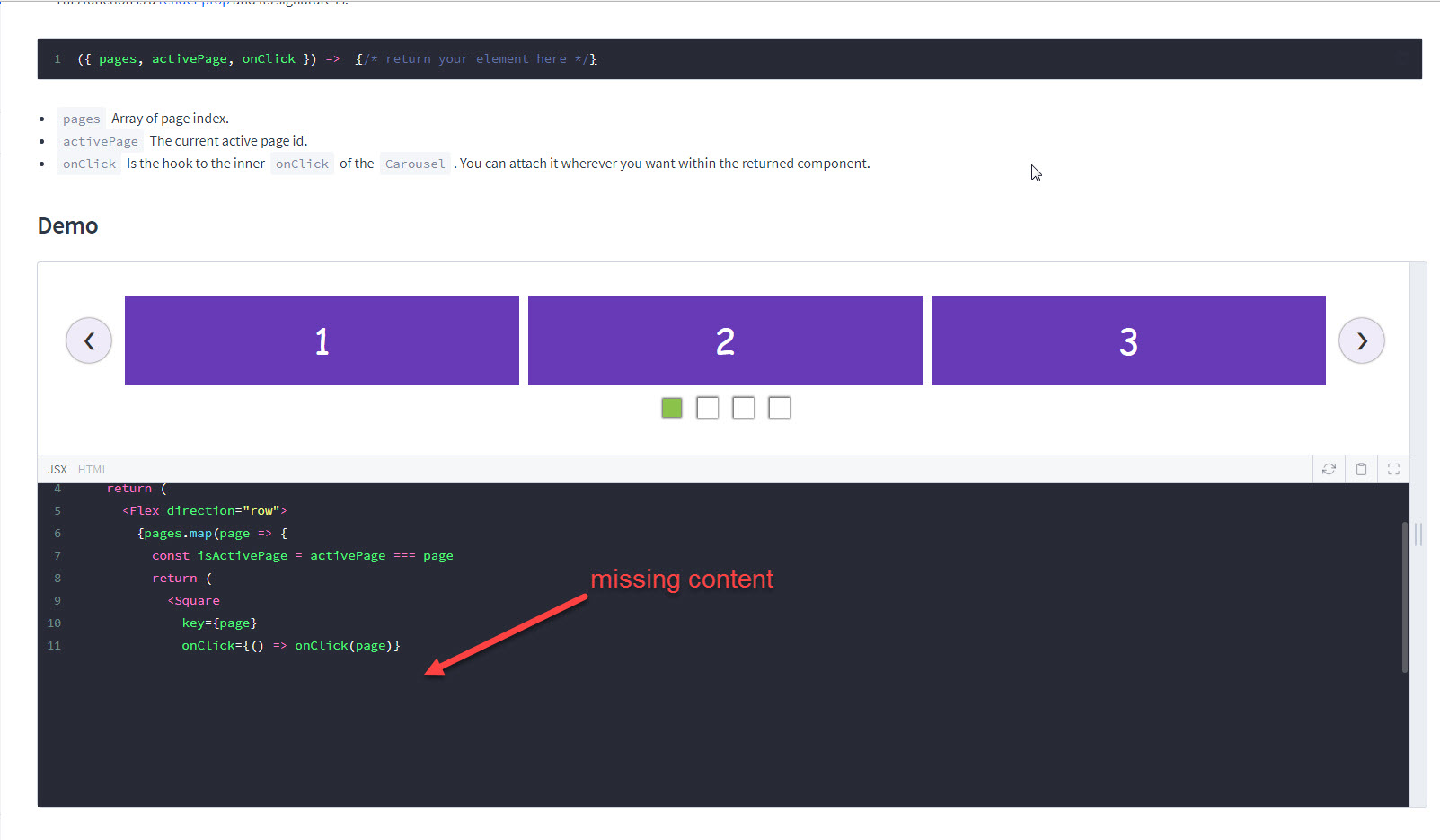
- After i focus the playground:
 sag1v
on 15 Sep 2018
sag1v
on 15 Sep 2018
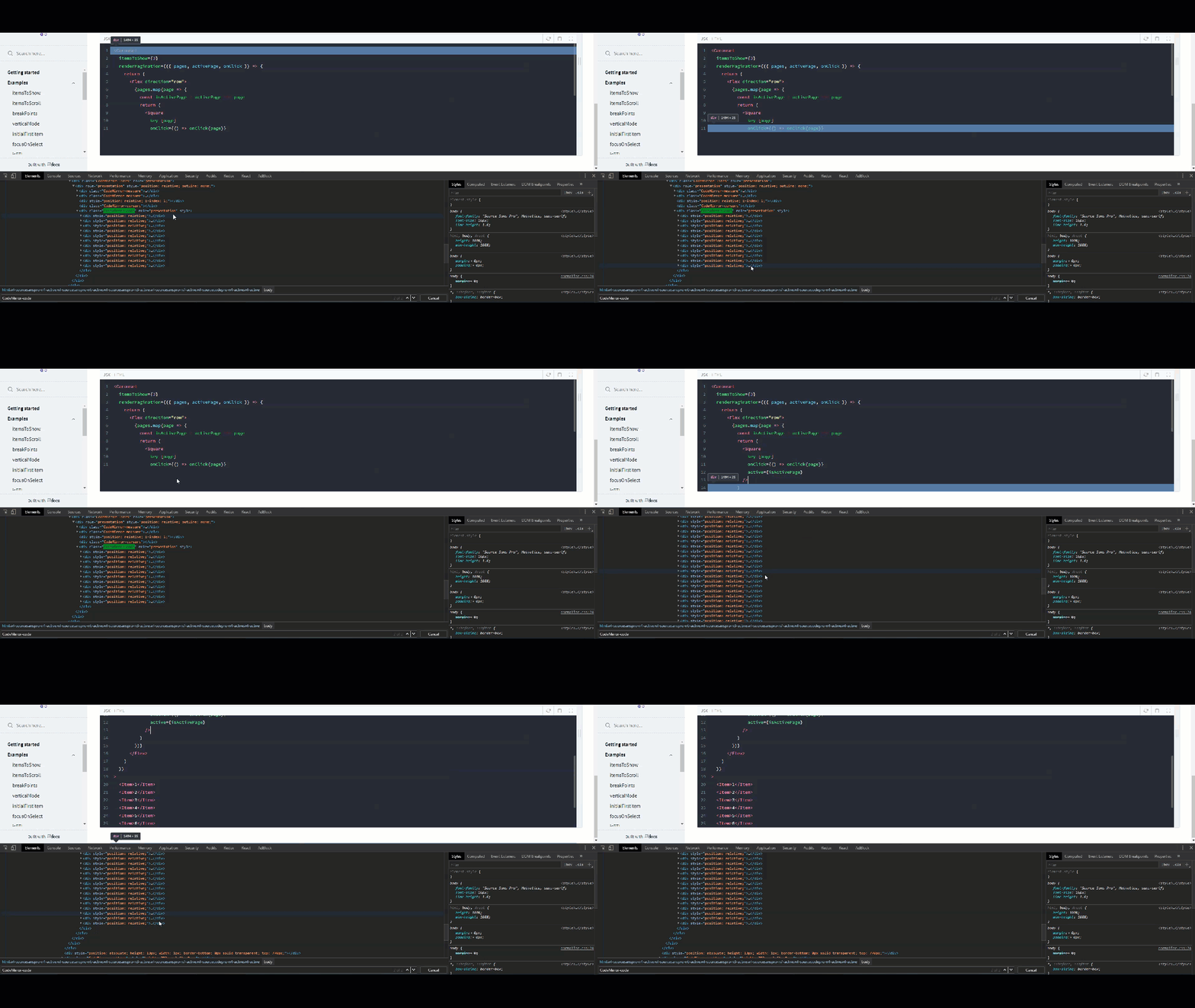
Another thing i found, is that code_mirror only fetches 11 lines of code, then it fetches the whole code after the focus.
Here is a video to demonstrate:
sag1v
on 15 Sep 2018
Bump - i've noticed the same issue @sag1v 11 lines of code load on Playground untill i focus on it then it loads the rest..
 NathanGostelow
on 17 Sep 2018
NathanGostelow
on 17 Sep 2018
Confirmed the same issue. I don't know why.
I figure it out by using the following component.
// ./component/PlaygroundPatched.js

import {Playground} from 'docz';
import CodeMirror from 'codemirror';

CodeMirror.defaults.viewportMargin = Infinity;

export default Playground;
Usage:
---
menu: Components
name: Test
route: /components/test
---

import Playground from './component/PlaygroundPatched'

# Test

Test code

## Basic usage

<Playground>
  <button>Click me</button>
  <button>Click me</button>
  <button>Click me</button>
  <button>Click me</button>
  <button>Click me</button>
  <button>Click me</button>
  <button>Click me</button>
  <button>Click me</button>
  <button>Click me</button>
  <button>Click me</button>
  <button>Click me</button>
  <button>Click me</button>
  <button>Click me</button>
  <button>Click me</button>
</Playground>
 akira-cn
on 19 Sep 2018
akira-cn
on 19 Sep 2018
Can confirm having same issue @pedronauck
 pantharshit00
on 19 Sep 2018
pantharshit00
on 19 Sep 2018
Having this issue, 11th line code clips, unless I click after
 rkhayat
on 3 Nov 2018
rkhayat
on 3 Nov 2018
Can confirm this is happening with my project too.
 therebelrobot
on 5 Dec 2018
therebelrobot
on 5 Dec 2018
This is fixed in the last versions.
pedronauck
on 17 Dec 2018
Related issues
 albinekb
·
3Comments
albinekb
·
3Comments
 mariusespejo
·
3Comments
mariusespejo
·
3Comments
 kachkaev
·
3Comments
kachkaev
·
3Comments
 hayk94
·
3Comments
hayk94
·
3Comments
 ssylvia
·
3Comments
ssylvia
·
3Comments
Most helpful comment
Confirmed the same issue. I don't know why.
I figure it out by using the following component.
Usage: