Docsify: how to hide the sidebar on small screen
Hi, i want to hide the sidebar.
below is what i do?
  <style>
    aside {
      display: none;
    }
    .sidebar-toggle {
      display: none;
    }
  </style>
</head>
<body class="close">
it works ok on big screen?
on a little screen
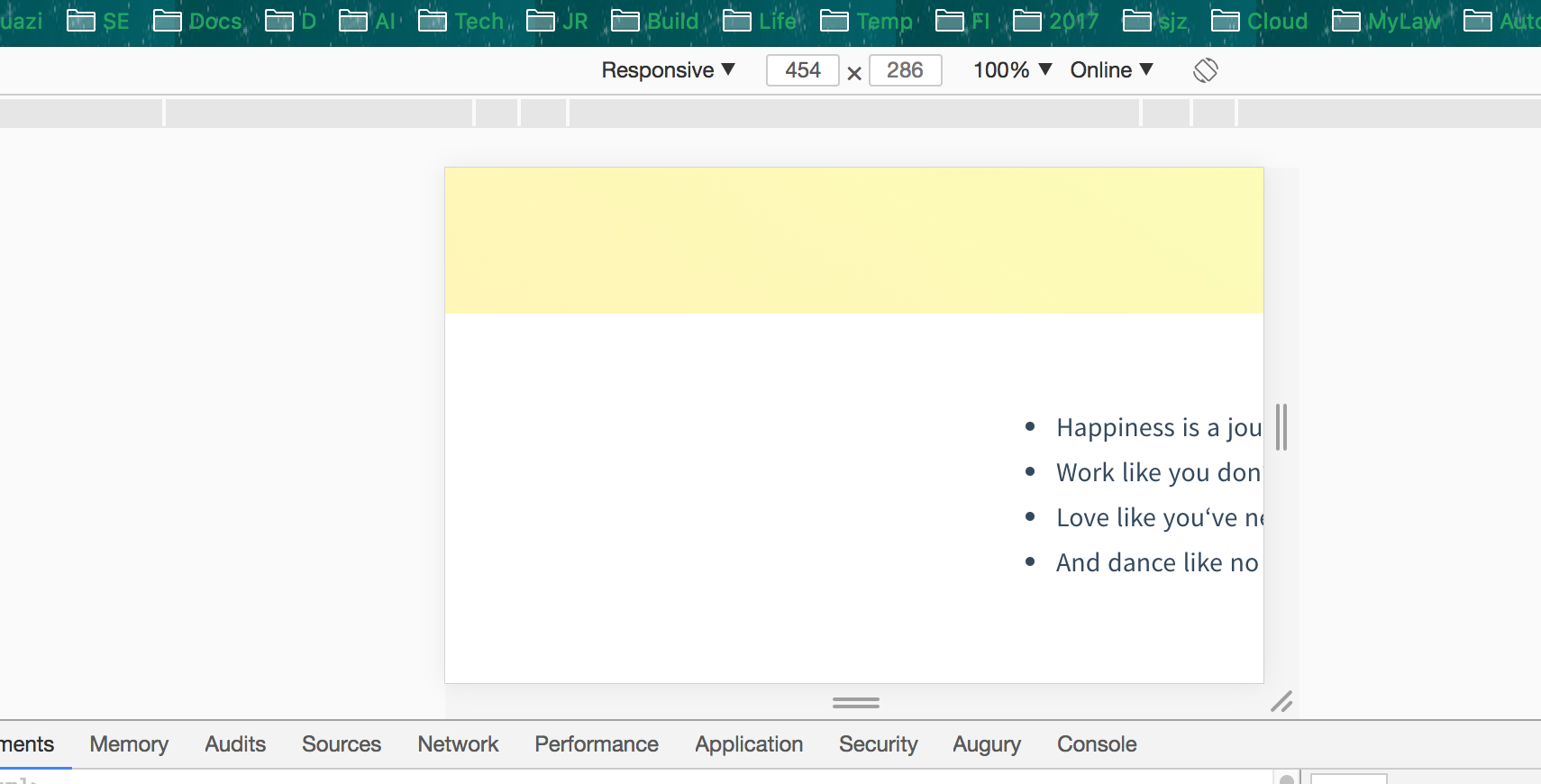
look the picture above, there is some space on the left.
Can we hava a option to specify if there sidebar should be renderred?
 xcorpio
All 8 comments
the white space is not sidebar
xcorpio
on 17 May 2018
@Xcorpio can you share with us your repo's URL ?
 SidVal
on 17 May 2018
SidVal
on 17 May 2018
http://ojlm.tech
https://github.com/ojlm/ojlm
https://github.com/ojlm/ojlm/blob/master/docs/index.html
@SidVal
xcorpio
on 18 May 2018
First of all, fix the "readme" error on your root., I mean https://github.com/ojlm/ojlm/tree/master/docs does not have a "readme.md" and that file is required.
SidVal
on 18 May 2018
@SidVal as you asked. You can hava a look at http://ojlm.tech/#/2018/01-01

This is on mobile chrome.
xcorpio
on 19 May 2018
I found the CSS to hide and show the sidebar to be backwards for desktop and mobile
I couldn't find a good solution to keep the sidebar closed and open it with JS
index.html
<body class="no-sidebar">
CSS
body.no-sidebar .sidebar,
body.no-sidebar .sidebar-toggle {
    display: none !important;
}

body.no-sidebar .content {
    left: 0px !important;
}
JS
// As a docsify plugin
  hook.doneEach(() => {
    const file = vm.route.file;
    if (!file.match(/^[^/]*\.md$/)) {
      dom.classList.remove('no-sidebar');
    } else {
      dom.classList.add('no-sidebar');
    }
  });
I only wanted the sidebar for routes in a directory
- No sidebar: https://libocca.org/#/gallery
- Sidebar: https://libocca.org/#/guide/user-guide/introduction
 dmed256
on 19 May 2018
dmed256
on 19 May 2018
thanks, no-sidebar works.
xcorpio
on 20 May 2018
@dmed256's answer is awesome. If only to hide sidebar in homepage, just css is enough.
body[data-page="main.md"] .sidebar,
body[data-page="main.md"] .sidebar-toggle {
  display: none !important;
}
body[data-page="main.md"] .content {
  left: 0px !important;
}
 tkkcc
on 3 Mar 2019
tkkcc
on 3 Mar 2019
Related issues
 jhildenbiddle
·
4Comments
jhildenbiddle
·
4Comments
 petrdvorak
·
3Comments
petrdvorak
·
3Comments
 randName
·
4Comments
randName
·
4Comments
 smlbiobot
·
5Comments
smlbiobot
·
5Comments
 Jadyli
·
3Comments
Jadyli
·
3Comments
Most helpful comment
I found the CSS to hide and show the sidebar to be backwards for desktop and mobile
I couldn't find a good solution to keep the sidebar closed and open it with JS
index.htmlCSS
JS
I only wanted the sidebar for routes in a directory