Directus: Translations field does not show related values
Postgres 13.1,
Docker version 20.10.0, docker-compose version 1.27.4
Directus v9.0.0-rc.23
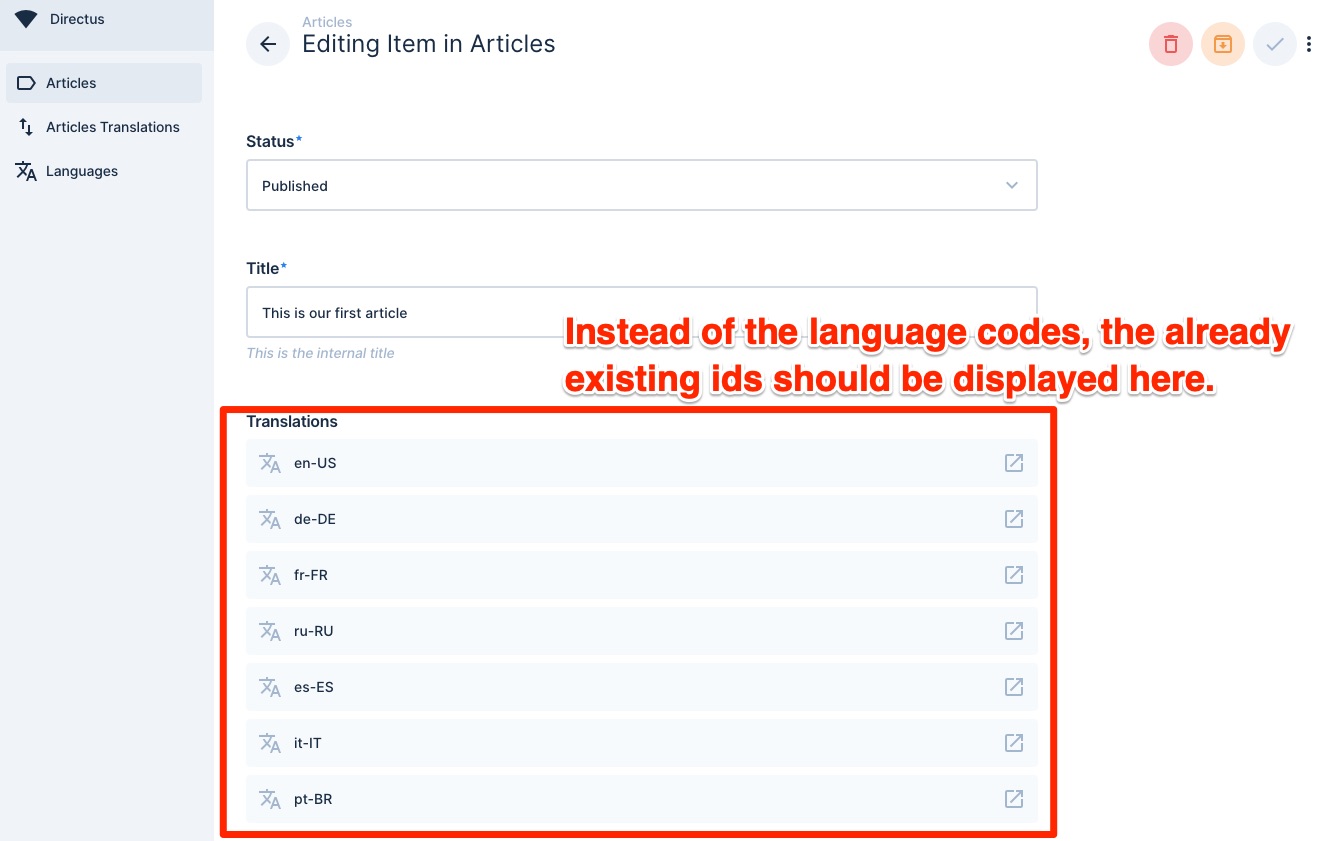
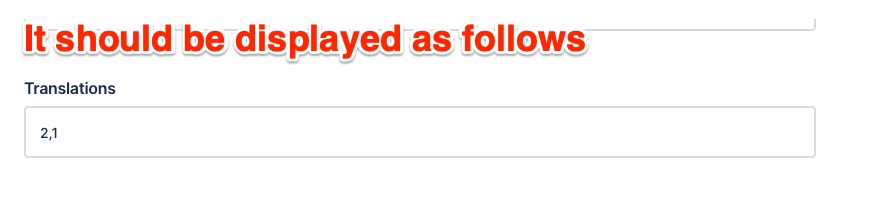
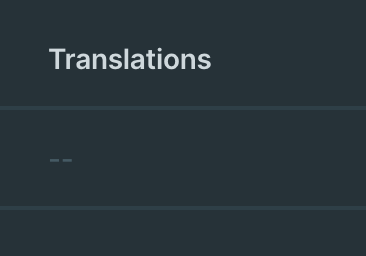
After creating the translation field (and setting it up) the interface does only show the related values and not the actual related entries.
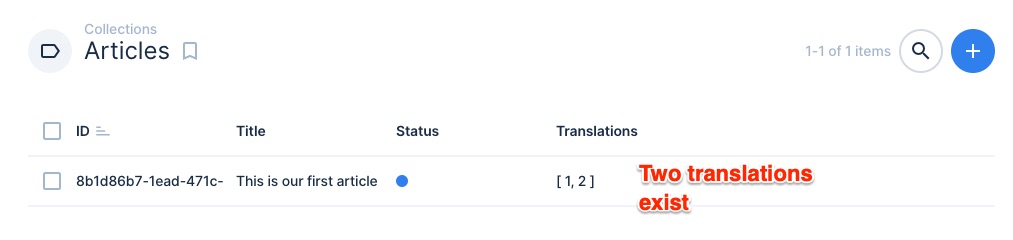
Translation do exist
But it does display only the list of languages codes
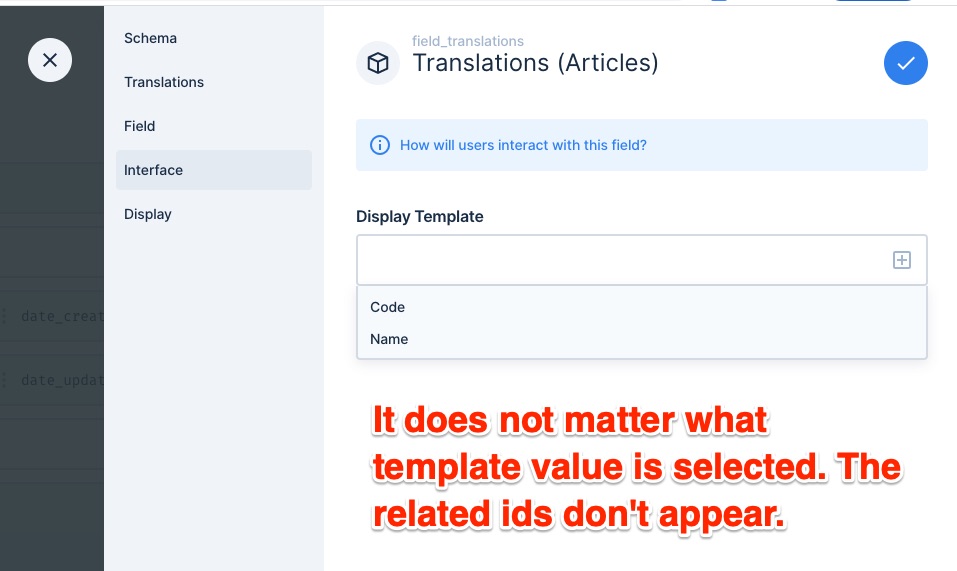
Changing the interface setting does not help. Also selecting no value does only display the list of lang code
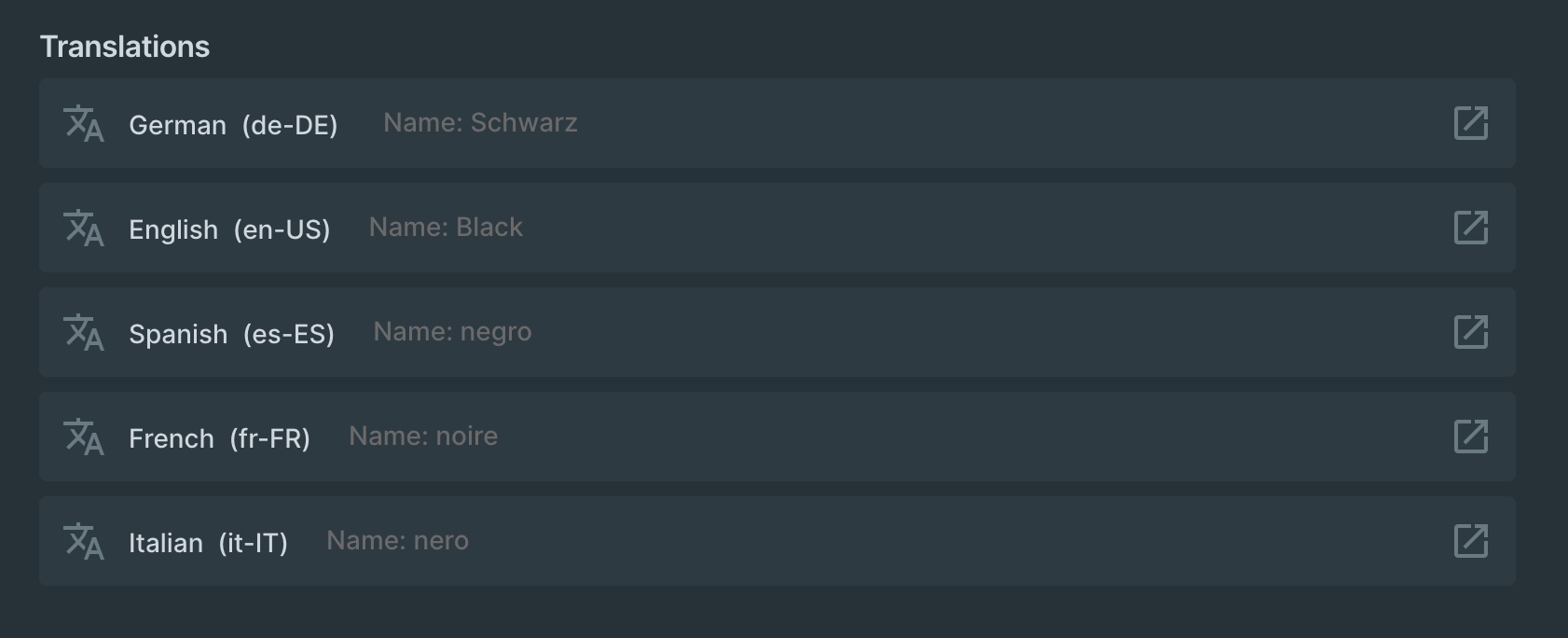
It should look like this❗️
SQL DUMP
http://www.dlds.de/pub/lang/dump.sql
UPDATE:
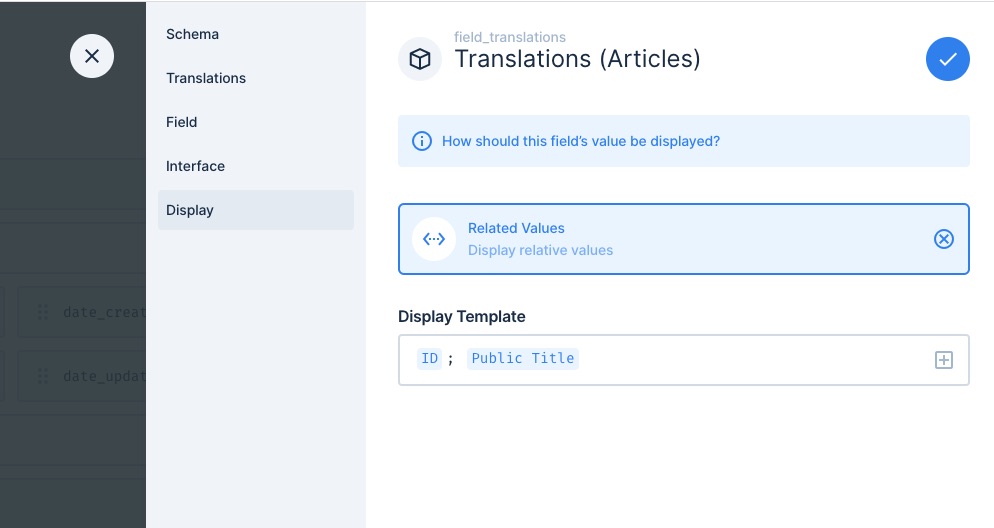
If I set the displayed value to "id". They also disappear from the list view. Only by setting the "raw value" the ids reoccur on the list view. Maybe this phenomenon is related to the interface problem.
 shi-rudo
All 2 comments
workaround: by setting the database interface value to null in can force the desired interface:

shi-rudo
on 16 Dec 2020
I have the same problem.
The display template in the section "Interface" does work.
The configuration below
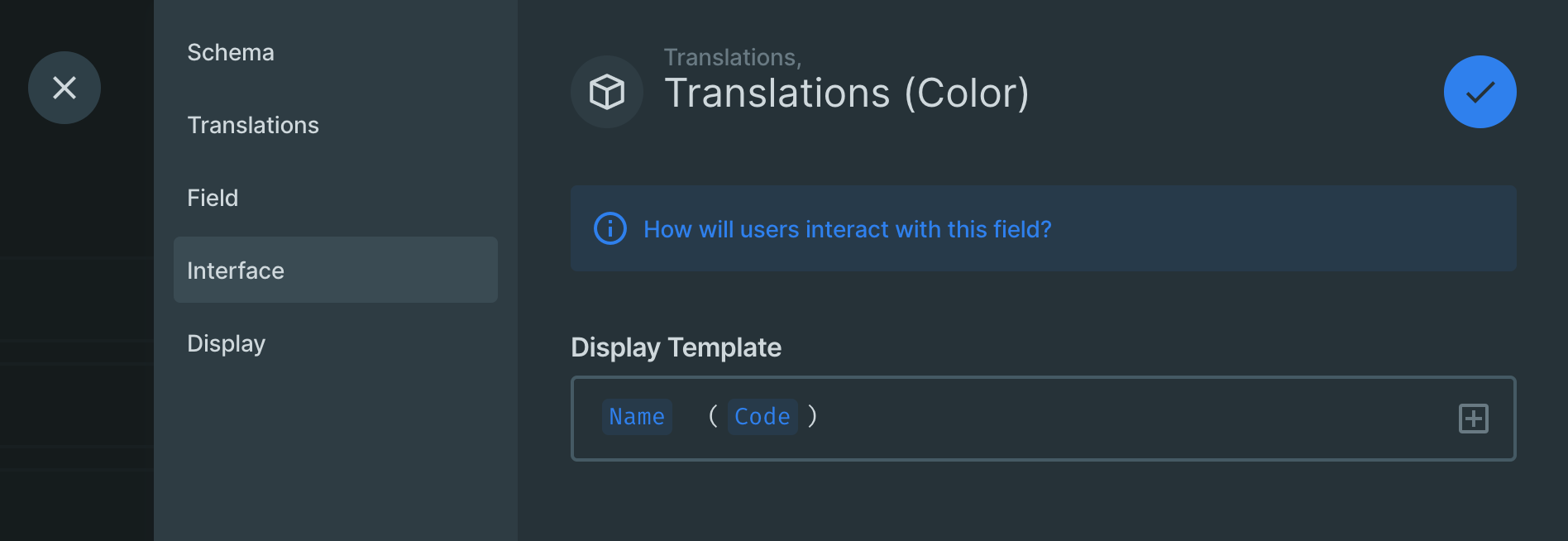
changes the interface as follows:
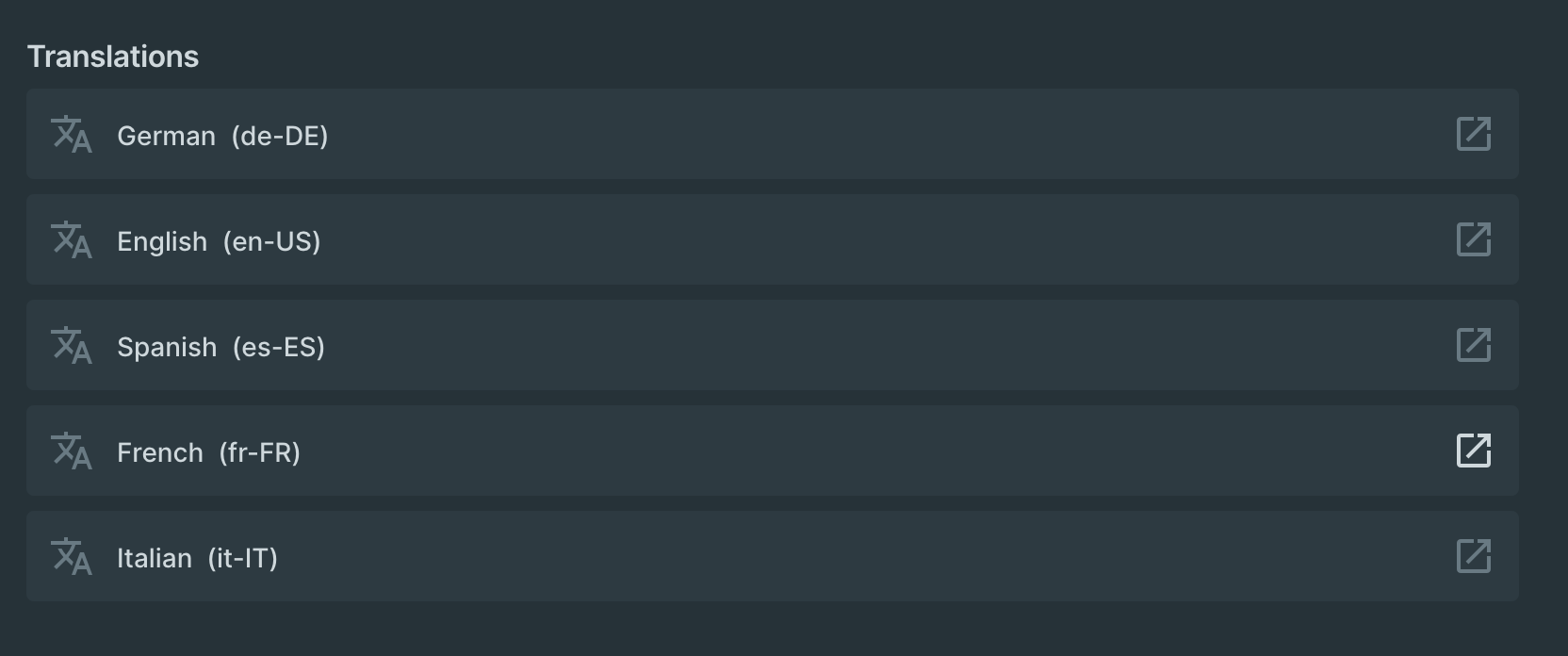
BUT
I want to see a summary of the translated values in the interface. It seems this is not supported so far? I played around a bit and it seemed that configuring the "Display" section only affects the value being displayed in the table view, but this does not work either. The configuration below
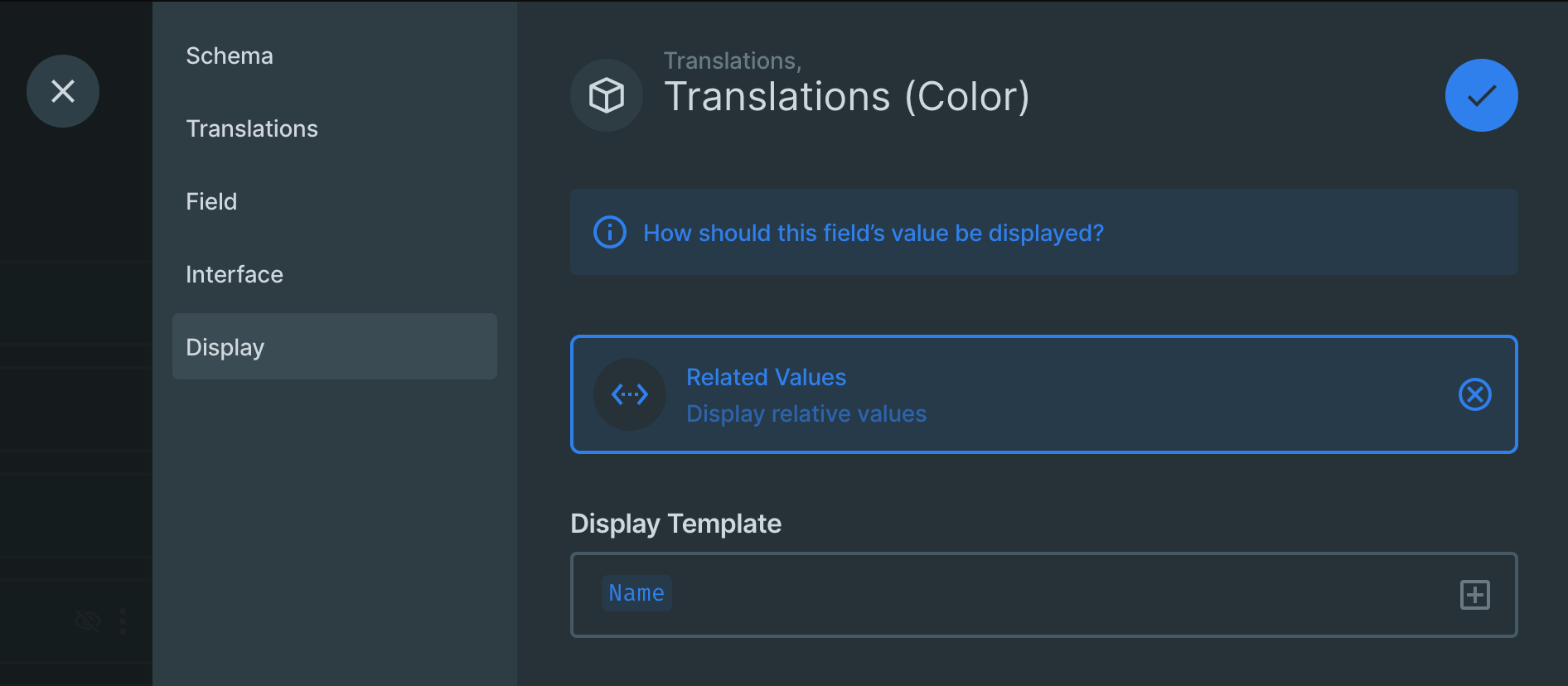
leads to this (in the table view)
AWESOME would be:
To configure a display template for the interface, to see a summary of the translated fields for each language. I modified the screenshot from above to show what I mean. This would make the most sense and would simplify work for editors, when changing their model translations. Should I open an extra feature request for this?
What do you think about this?
 benwalch
on 3 Jan 2021
benwalch
on 3 Jan 2021
Related issues
 adamkobor
·
3Comments
adamkobor
·
3Comments
 andriusign
·
3Comments
andriusign
·
3Comments
 Varulv1997
·
4Comments
Varulv1997
·
4Comments
 forcemagic
·
4Comments
forcemagic
·
4Comments
 dimitrov-adrian
·
3Comments
dimitrov-adrian
·
3Comments
Most helpful comment
I have the same problem.


The display template in the section "Interface" does work.
The configuration below
changes the interface as follows:
BUT


I want to see a summary of the translated values in the interface. It seems this is not supported so far? I played around a bit and it seemed that configuring the "Display" section only affects the value being displayed in the table view, but this does not work either. The configuration below
leads to this (in the table view)
AWESOME would be:

To configure a display template for the interface, to see a summary of the translated fields for each language. I modified the screenshot from above to show what I mean. This would make the most sense and would simplify work for editors, when changing their model translations. Should I open an extra feature request for this?
What do you think about this?